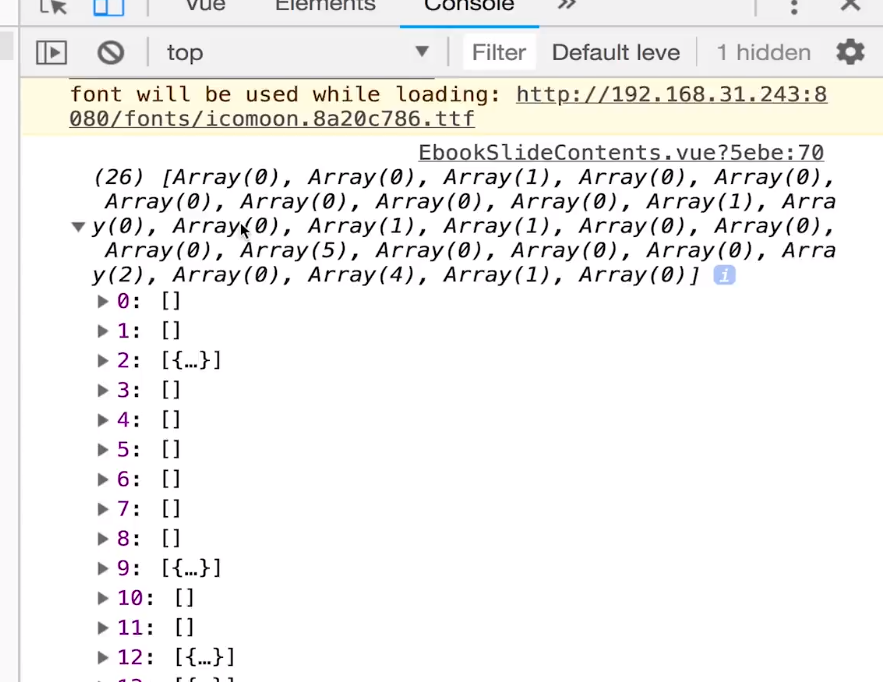
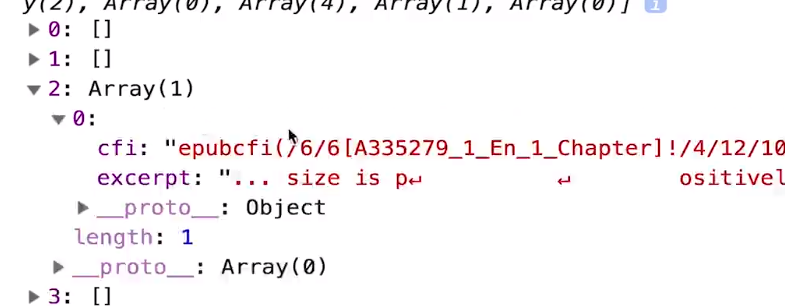
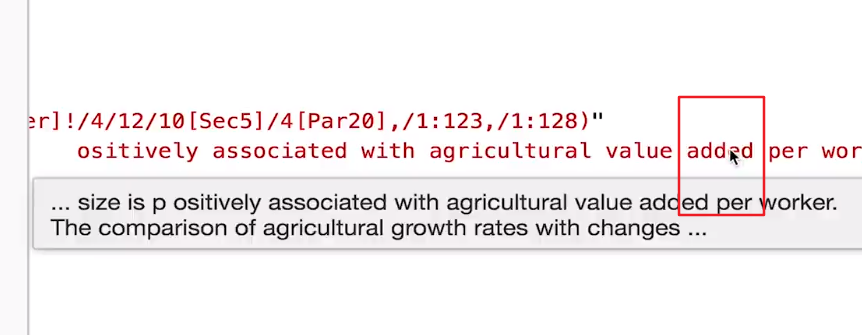
计算属性获得doSearch的返回结果先看一下
    this.currentBoo.read.then(() => {
            this.doSearch('added').then(results => {
            })
          })
返回结果如下
先看一个例子
  const c = [[1, 2, 3], [4, 5, 6]]
  console.log([].concat.apply(1,c))
输出结果
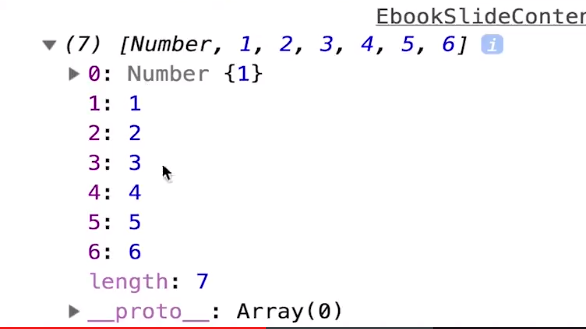
实现降维效果。 1.使用unshift把1给剔除 const c = [[1, 2, 3], [4, 5, 6]] console.log([].concat.apply(1,c)).unshift()
2.将apply中参数1改为空数组就可以实现完美降维效果。
  const c = [[1, 2, 3], [4, 5, 6]]
  console.log([].concat.apply([], c))

我们可以看到官方使用的方法就是这个降维方式
     doSearch(q) {
            return Promise.all(
              this.currentBook.spine.spineItems.map(section => section.load(this.currentBook.load
                .bind(this.currentBook))
                .then(section.find.bind(section, q))
                .finally(section.unload.bind(section)))
               ).then(results => Promise.resolve([].concat.apply([], results))) // apply通过参数传递results中的值,达到降低维度的效果,一定要用空数组
          }