

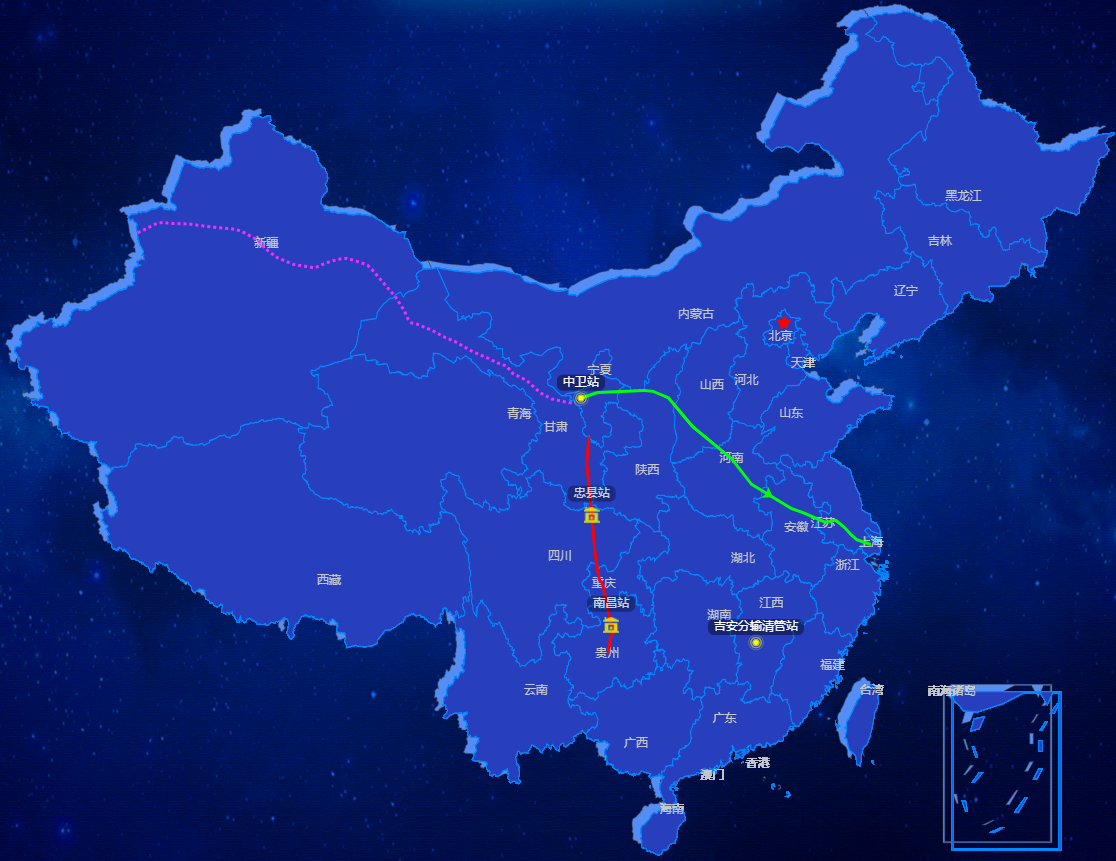
效果图
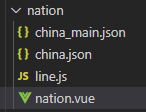
目录结构
import echarts from "echarts";
import china from "@/views/business/nation/china";
3.注册全国地图
this.$echarts.registerMap("china", china);
4.进行echarts绘制
let nationMap = this.$echarts.init(this.$refs.national);
      var option = {
        geo: {
          show: true,
          map: "china",
          label: {
            show: true,
            color: "#c5c8ce",
            emphasis: {
              color: "#c5c8ce",
              show: false
            }
          },
          //是否允许缩放
          //roam: true,
          top: 100,
          zoom: 1.2, //默认显示级别
          center:[103.559098279, 35.0777998978],
          scaleLimit: {
            min: 0.5,
            max: 6.5
          }, //缩放级别
          itemStyle: {
            normal: {
              borderColor: "#0089FF",
              areaColor: "#273EBD",
              borderWidth: 1,
              shadowColor: "rgba(255, 255, 255, 0)",
              shadowOffsetX: -2,
              shadowOffsetY: 2,
              shadowBlur: 10
            },
            emphasis: {
              areaColor: "#003B94",
              borderWidth: 0
            }
          },
          silent: false
        },
        series: [
            {
                type: "map",
                map: "china",
                zoom: 1.2,
                center:[104.059098279, 35.2777998978],
                itemStyle: {
                normal: {
                  areaColor: "#558DF6",
                },
                emphasis: {
                  areaColor: false,
                  borderWidth: 0
                }
          },
          aspectScale: 0.75,
          zlevel:-1
        }
        ],
        zlevel: 2
      };
      nationMap.setOption(option, true, true);
