- 错误截图

-
出错原因
应该是网速太慢,所以push超时。
-
操作
-
(pull的命令行格式是:git pull [remote] [branch])
在终端Terminal里输入git pull origin master --allow-unrelated-histories (注意前面是两个‘-’,后面是一个‘-’)
该命令表示从远程仓库的origin分支拉取到本地的master分支
--allow-unrelated-histories的意思是允许合并不相关的历史,所以会进行强行合并
pull成功之后会显示Already up to date.

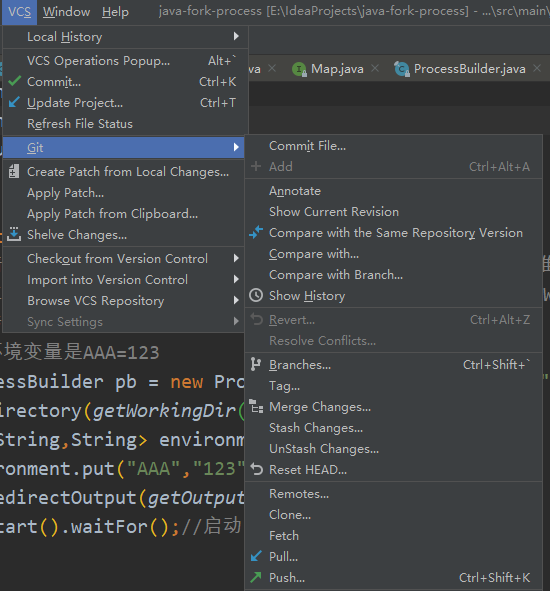
- 之后再次push即可,可以使用VCS->Git->Push进行push