Chrome的 DevTools可以说是最强大的浏览器开发调试工具了,它的Console模块又是最高频使用的模块之一,Console模块提供了很多Command Line API方便我们的开发调试。例如:
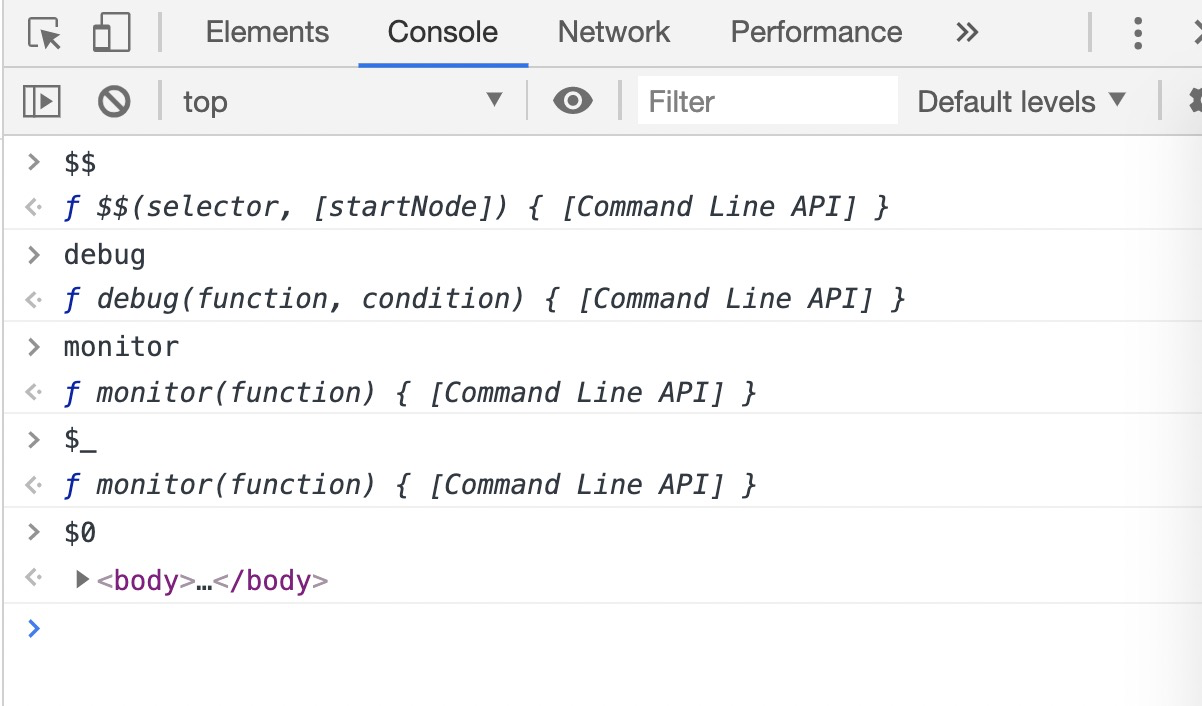
需要注意的是上例API区别于consoleAPI
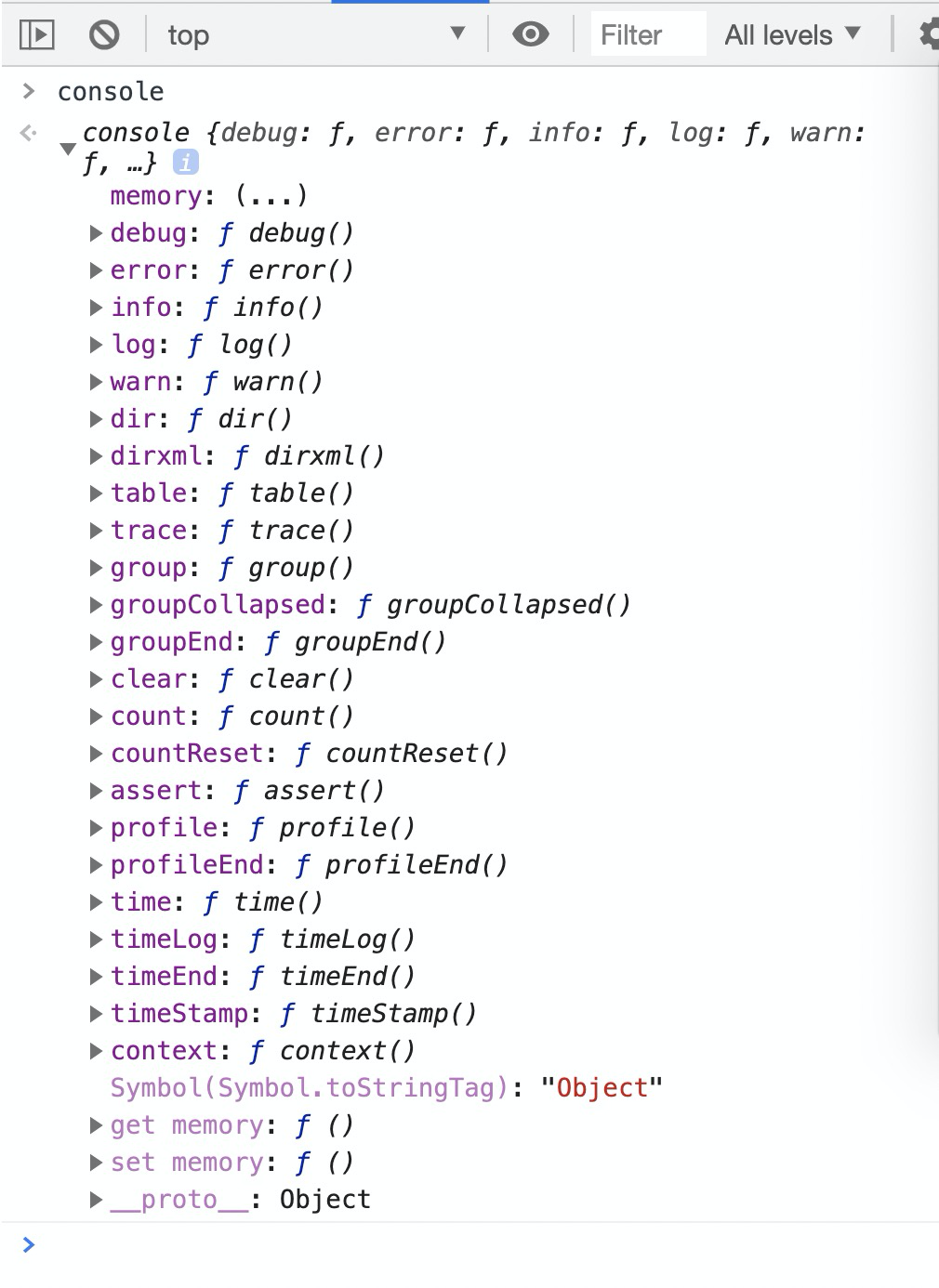
Command Line API仅能在Chrome DevTools Console中使用。如果尝试在脚本中调用它们,它们将无法工作。
那有没有什么办法知道Chrome目前提供了哪些Command Line API呢。
<!DOCTYPE html>
<html lang="en">

<head>
  <meta charset="UTF-8">
  <meta name="viewport" content="width=device-width, initial-scale=1.0">
  <title>Document</title>
</head>

<body>
  <script>
    var keyList = Reflect.ownKeys(window);
  </script>
  <script>
  </script>
</body>

</html>
- 使用Chrome打开该HTML文件。
- 然后在DevTools的
Console中执行
var keyList2 = Reflect.ownKeys(window);
keyList2.filter(key=>!keyList.includes(key));
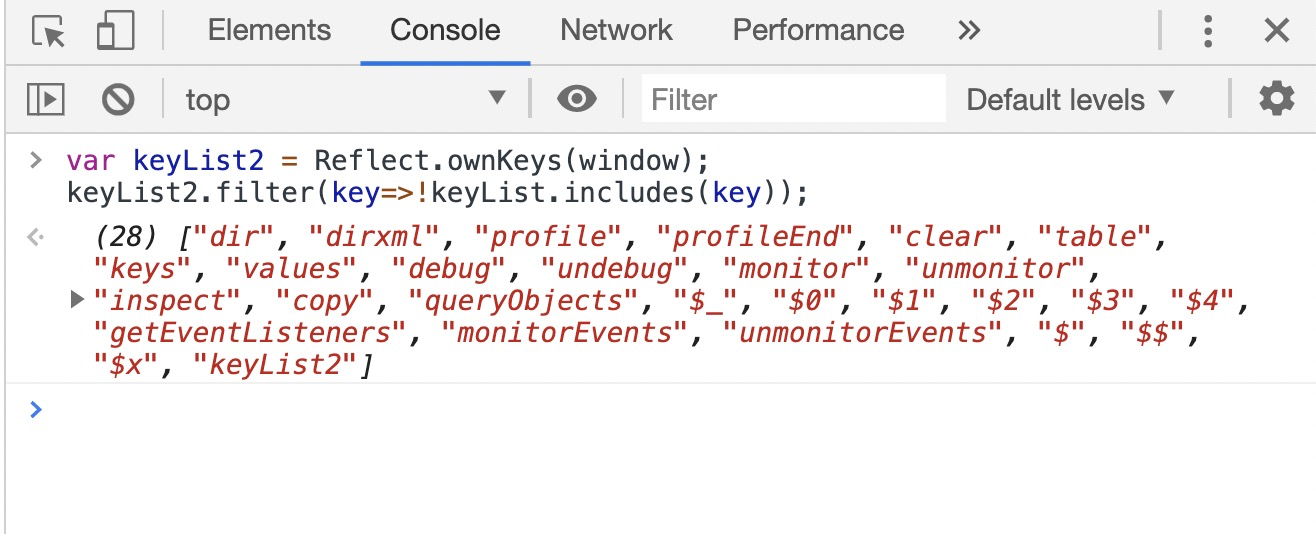
- 可以知道在Chrome 80版本中提供了以下27个
Command Line API。
["dir", "dirxml", "profile", "profileEnd", "clear", "table", "keys", "values", "debug", "undebug", "monitor", "unmonitor", "inspect", "copy", "queryObjects", "$_", "$0", "$1", "$2", "$3", "$4", "getEventListeners", "monitorEvents", "unmonitorEvents", "$", "?", "$x"]