一、打开Login.vue
加入登陆按钮
<el-button type="primary" @click="login()">登陆</el-button>
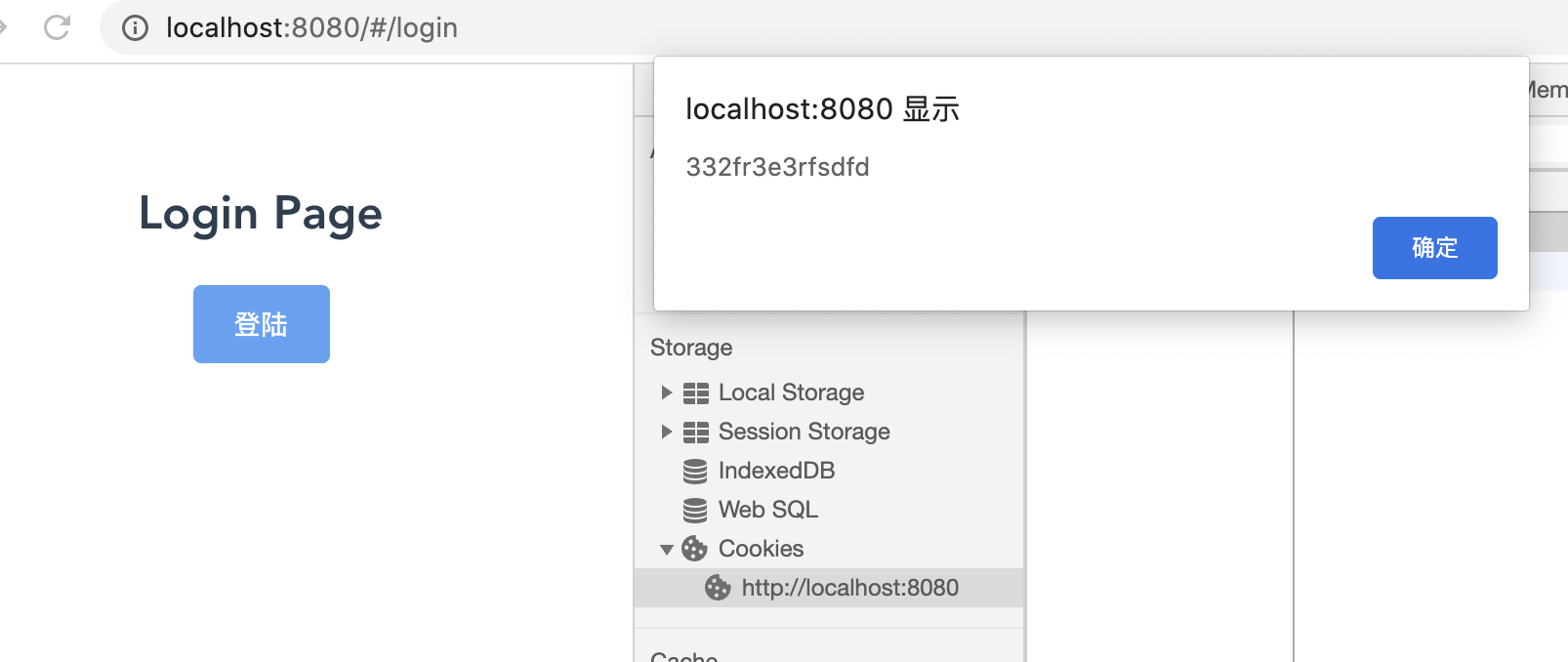
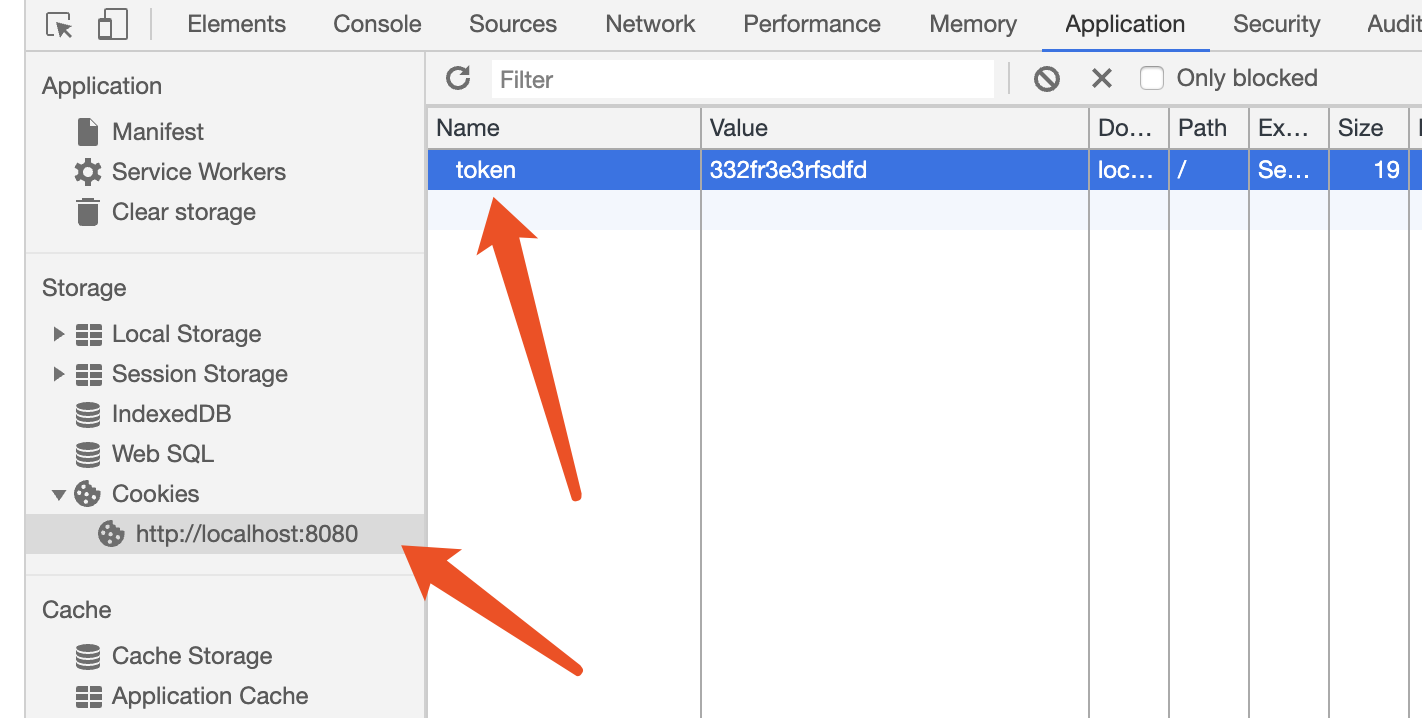
点击登陆按钮,如果返回token信息,将token存入cookie并跳转到首页
methods:{
        login(){
           this.$api.login.login().then(function(res){
                alert(res.token)
                Cookies.set('token',res.token)
                router.push('/')
           }).catch(function(res){
               alert(res);
           })
        }
    }
二、打开mock/mock.js
Mock.mock('http://localhost:8080/login',{
    'token':'332fr3e3rfsdfd' //令牌
})
三、打开http/modules/login.js
import axios from '../axios'

/*登陆模块 */
export const login = (data) =>{
    return axios({url:'/login',method:'post',data})
}
四、打开src/utils/global.js,根据自己的服务写端口
/**
 * 全局常量、方法封装模块
 * 通过原型挂载Vue属性
 * 通过this.global调用
 */

 //后台管理系统服务器地址
 export const baseUrl = "http://localhost:8080"
 //系统数据备份还原服务器地址
 export const backupBaseUrl = "http://localhost:8080"

export default{
    baseUrl,backupBaseUrl
}
五、效果展示
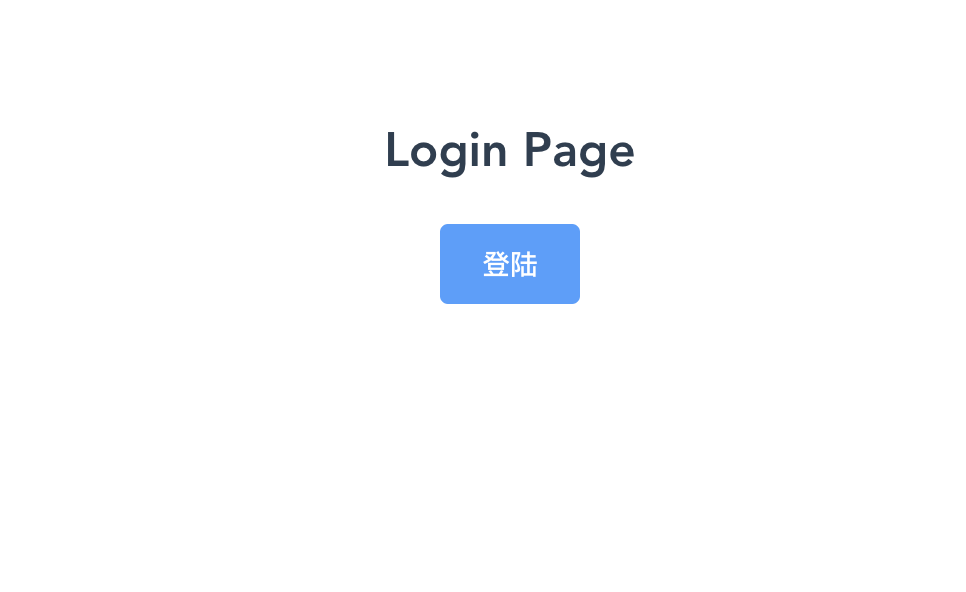
点击以后会弹出token,并且跳转到首页