需求
上一篇介绍了如何全局配置服务的URL地址,那么还有另一个常见的配置,如下:
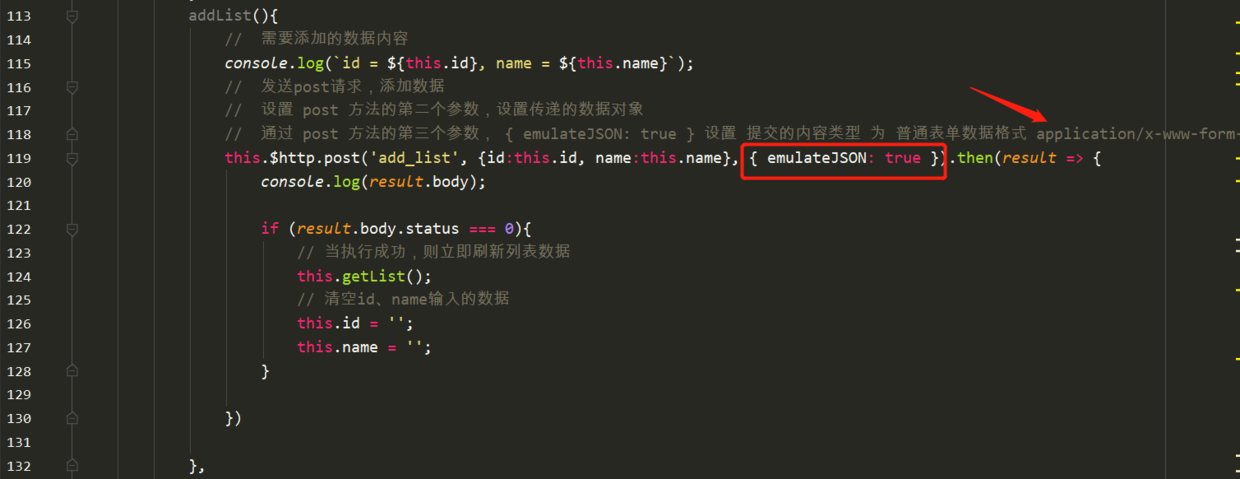
在post请求中,如果要设置post的请求体格式,一般就使用emulateJSON: true 设置 提交的内容类型 为 普通表单数据格式 application/x-www-form-urlencoded 。
那么如果要给每个post请求都写上这个配置,或者想要修改post请求的格式,如果不进行统一设置的话,那就会非常麻烦。
所以最好就是可以进行全局配置,需要一个地方即可。
Vue-resource的配置文档说明
Github地址
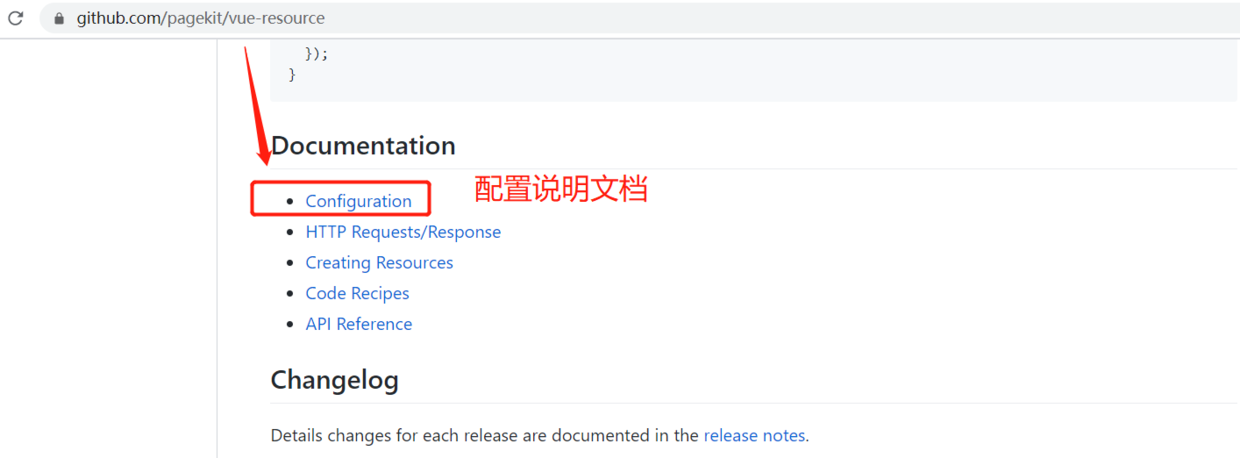
配置说明文档
Legacy web servers
If your web server can't handle requests encoded as application/json, you can enable the emulateJSON option. This will send the request as application/x-www-form-urlencoded MIME type, as if from an normal HTML form.
如果你的web服务不能处理application/json格式的post请求,那么可以全局设置emulateJSON参数,如下:
Vue.http.options.emulateJSON = true;
设置emulateJSON全局配置
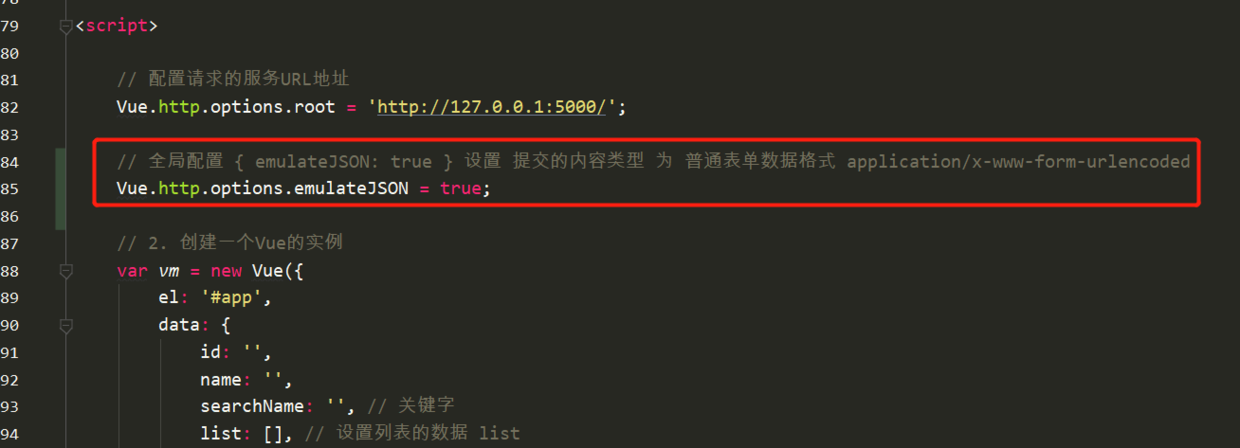
// 全局配置 { emulateJSON: true } 设置 提交的内容类型 为 普通表单数据格式 application/x-www-form-urlencoded
Vue.http.options.emulateJSON = true;