

1、可以通过绑定longpress事件
2、使用uni.previewImage方法预览图片
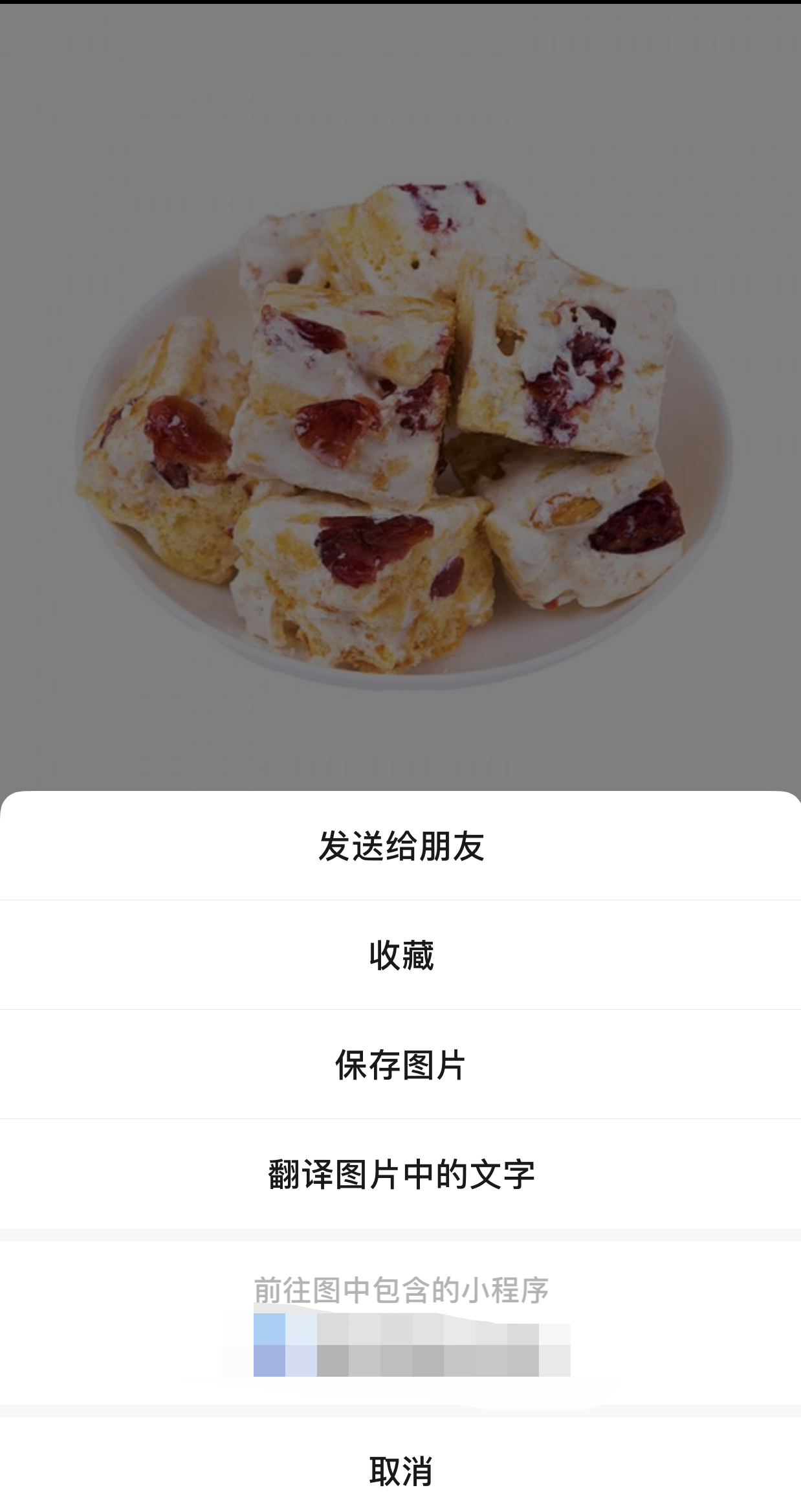
二者的区别在于:longpress实现图片长按保存,previewImage长按则是实现保存、收藏、发送给好友等功能,其中通过‘保存图片’可以实现图片的保存
// 海报分享请求接口
	getGoodsShare() {
	    uni.showLoading({
			title: '分享海报生成中',
			icon: 'loading'
		})
		<!--请求接口 获取海报-->
		let price = this.goodsInfo.goods_price || this.goodsInfo.shop_price
		this.$store.dispatch('setGoodsShare', {
			goods_id: this.goods_id,
			price: price,
			share_type: this.goodsInfo.is_distribution,
			platform: uni.getStorageSync('platform'),
			shop_id: uni.getStorageSync('shop_id')
		}).then(res => {
			if (res.status == 'success') {
				this.shareImg = res.data,
				this.ready_share = false,
				uni.hideLoading()
				let url = res.data
				uni.previewImage({
					urls:[url],
					fail: (res)=> {
					    uni.showToast({
						    title: "预览图片失败,请重试",
							icon: "none"
						}), console.log(res);
					}
				})
			}
		})
	},
