Hugo是什么?
Hugo是最受欢迎的开源静态站点生成器之一,GO语言生成的博客生成器。
搭建博客
准备工作
- 在
https://github.com/gohugoio/hugo/releases中下载hugo_0.69.0_Windows-64bit.zip - 解压文件至D:\Software\hugo\huogo.exe
- 把D:\Software\hugo\加到环境变量PATH中
- 重启CMDER
开始搭建
- 进入hugo官网https://gohugo.io/,点击Quick Startk开始
- 进入cmder输入:
-
查看版本号
brew install hugohugo version -
创建文件,XXX代表的是GitHub的用户名
hugo new site XXX.github.io-creator -
进入创建的文件中,在文件中中创建本地目录
cd XXX.github.io-creator git init git submodule add https://github.com/budparr/gohugo-theme-ananke.git themes/ananke echo 'theme = "ananke"' >> config.toml -
my-first-post可以改成你想要的博客名字并设置博客里面的内容
hugo new posts/my-first-post.md修改:--- title: "我的博客" date: 2019-03-26T08:47:11+01:00 draft: false -
启动hugo服务器,可以在
http:// localhost:1313 /的新站点,浏览你的博客
hugo server -D -
config.toml在文本编辑器中打开,替换为个人设置修改:baseURL = "https://example.org/" languageCode = "zh-Hans" title = "My New Hugo Site" theme = "ananke" -
建立静态页面,形成新的目录
public
hugo -D -
在
XXX.github.io-creator文件中建立.gitignore,把public设为不提交
在Github中上传代码
-
在GitHub中创建远程仓库
用户名.github.io -
进入
public中,输入:git init git add. git commit -v -
开始关联远程仓库,输入:
git remote add origin git@github.com:XXXX/XXX.git git push -u origin master -
在下面的页面打开博客
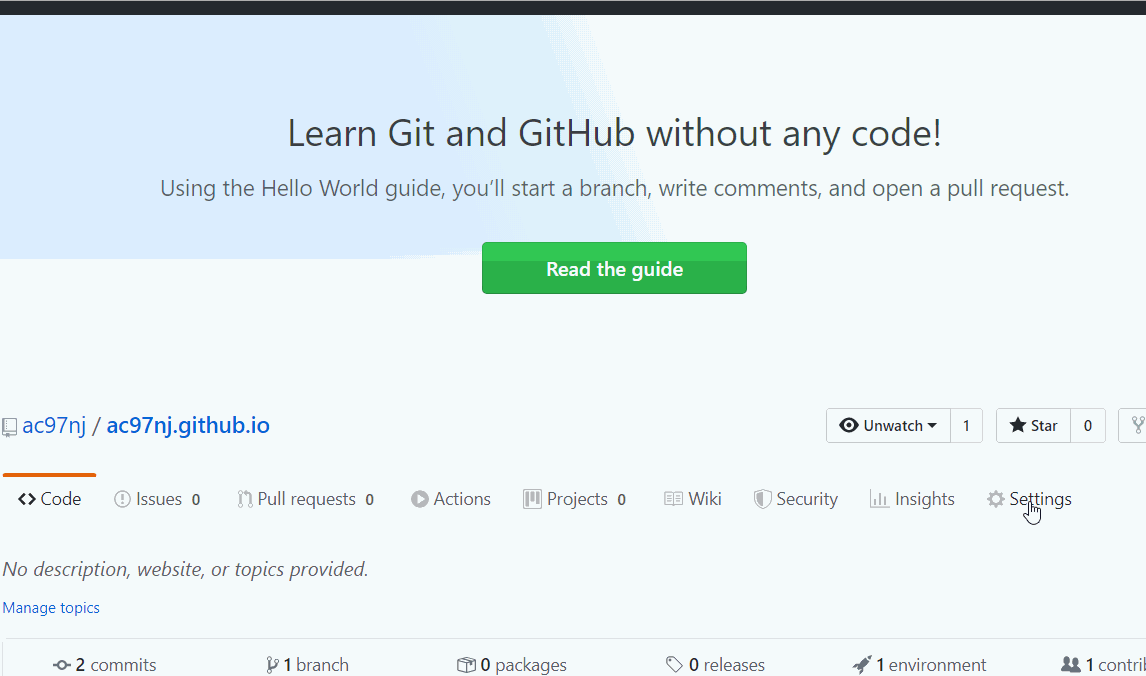
-
博客创建成功
资料引用:
饥人谷方方老师