玩转 CSS 选择器, 我之前录制的免费课程, 用玩游戏的方式学习 CSS, 结合视频, 更容易理解
CSS 选择器的作用
- 快速找到 CSS 元素, 为它添加样式
- 给墙刷漆, 你得先找到墙, 不能连窗户一块刷了...
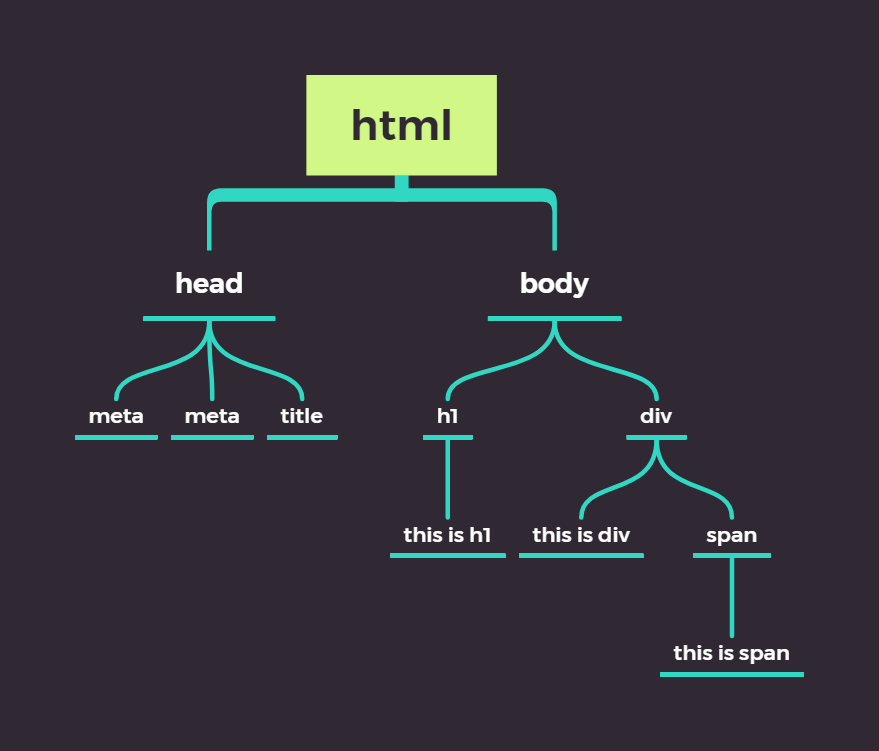
HTML 标签是树状结构
以此段代码为例, HTML 代码的结构是这个样子的...
<html lang="en">
    <head>
        <meta charset="UTF-8" />
        <meta name="viewport" content="width=device-width, initial-scale=1.0" />
        <title>Document</title>
    </head>
    <body>
        <h1>this is h1</h1>
        <div>
            this is div
            <span>this is span</span>
        </div>
    </body>
</html>
CSS 选择器都有哪些?
CSS 选择器, 看起来复杂, 其实很简单, 以下是 CSS 选择器中, 用到的所有符号
# > . , * + ~ : { } ( ) [ ]
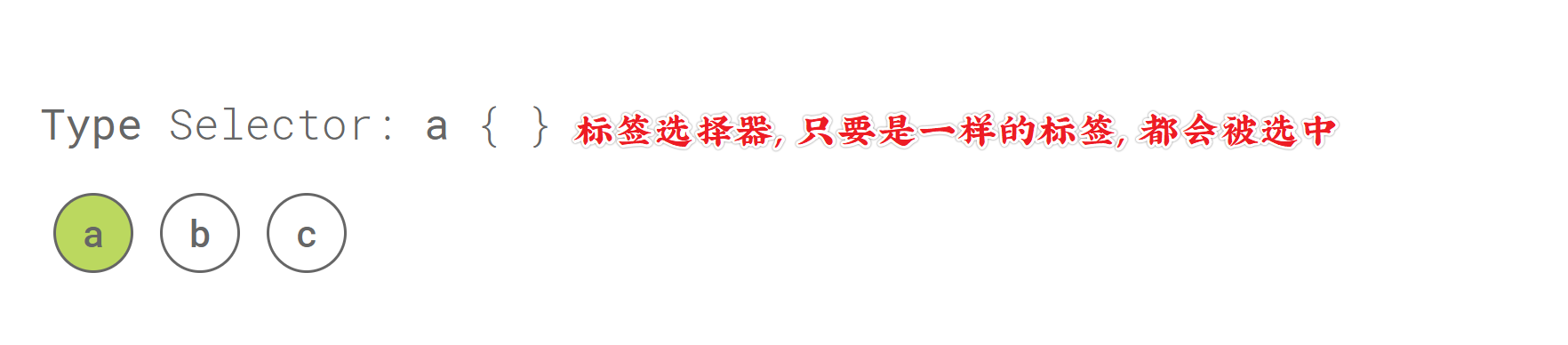
Type Selector
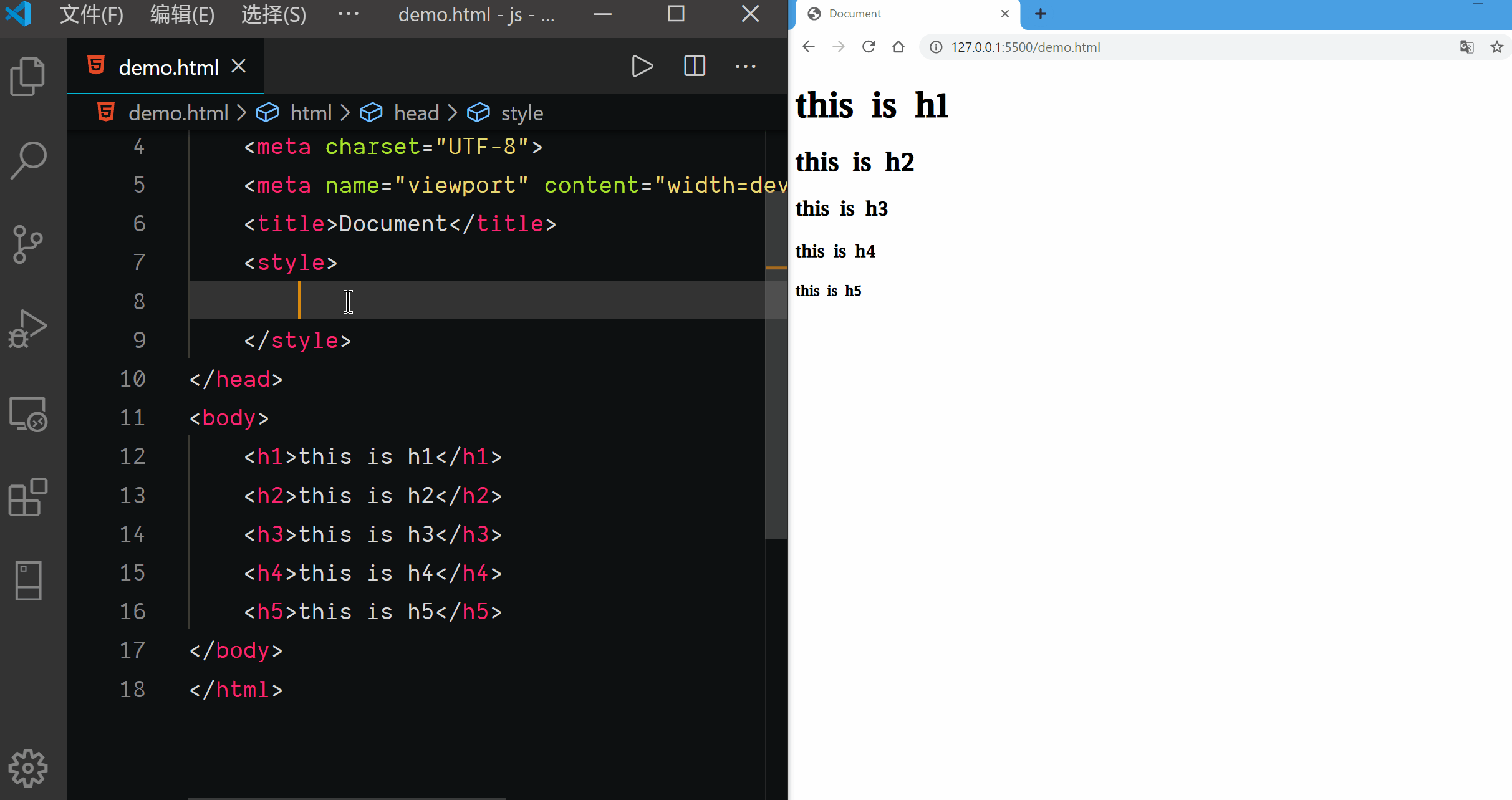
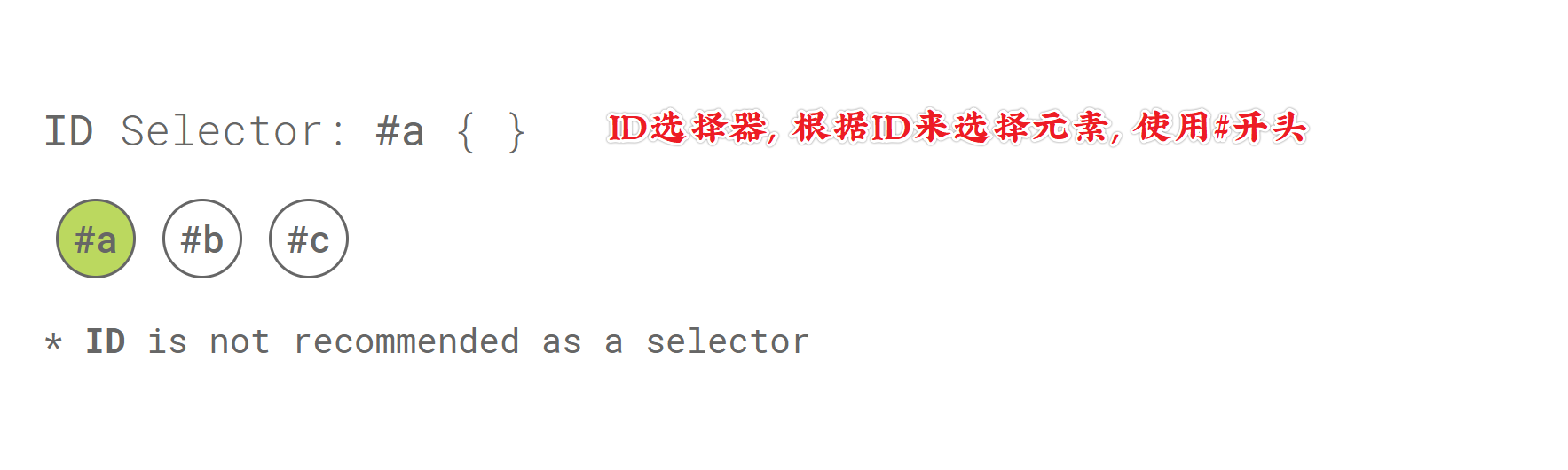
ID Selector
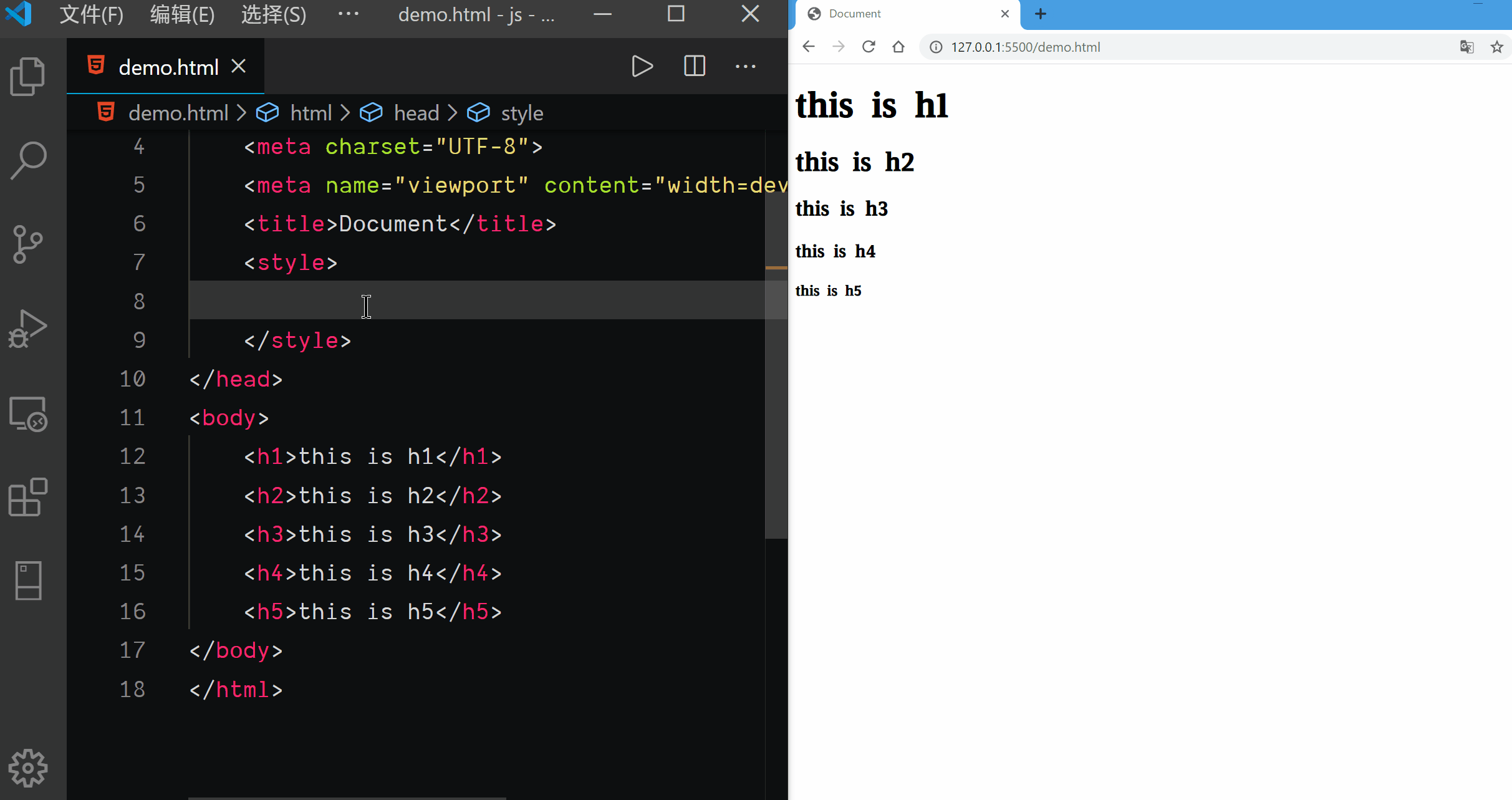
Child Selector
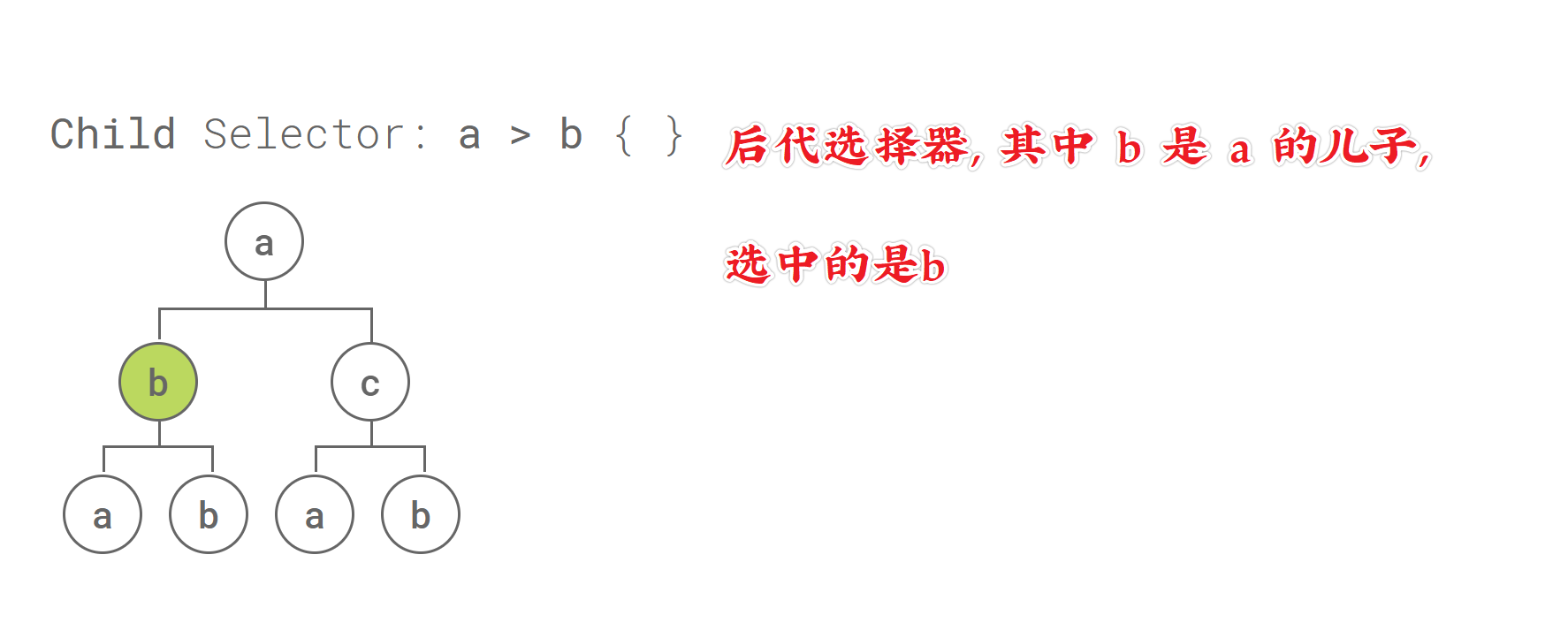
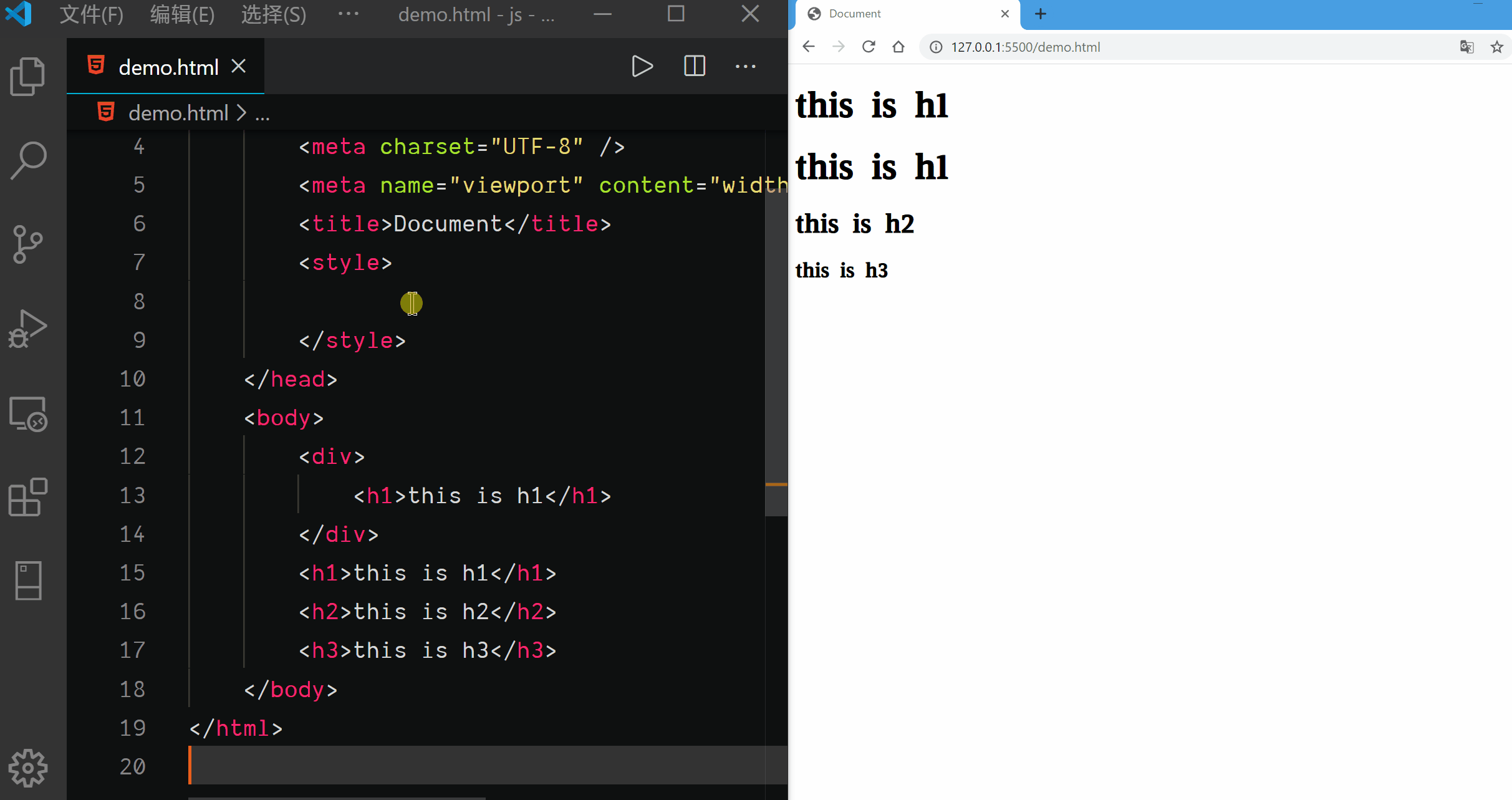
Descendant Selector
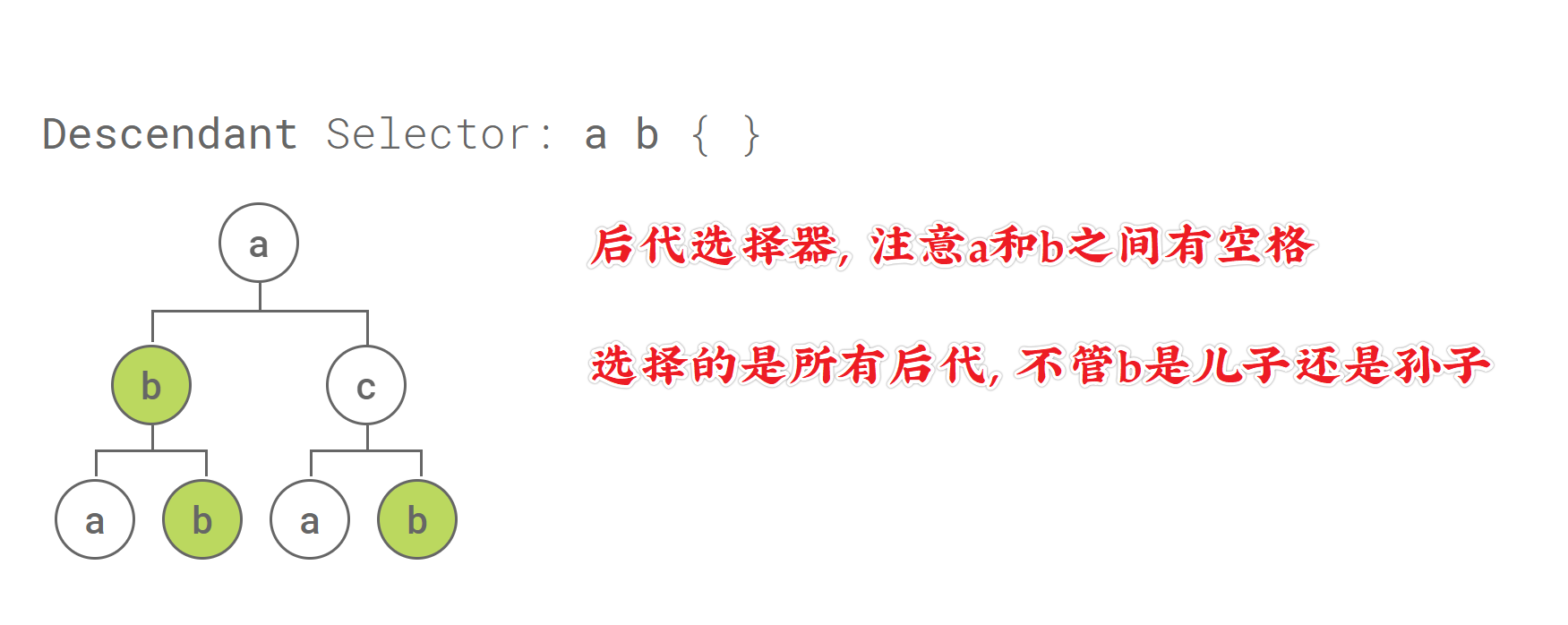
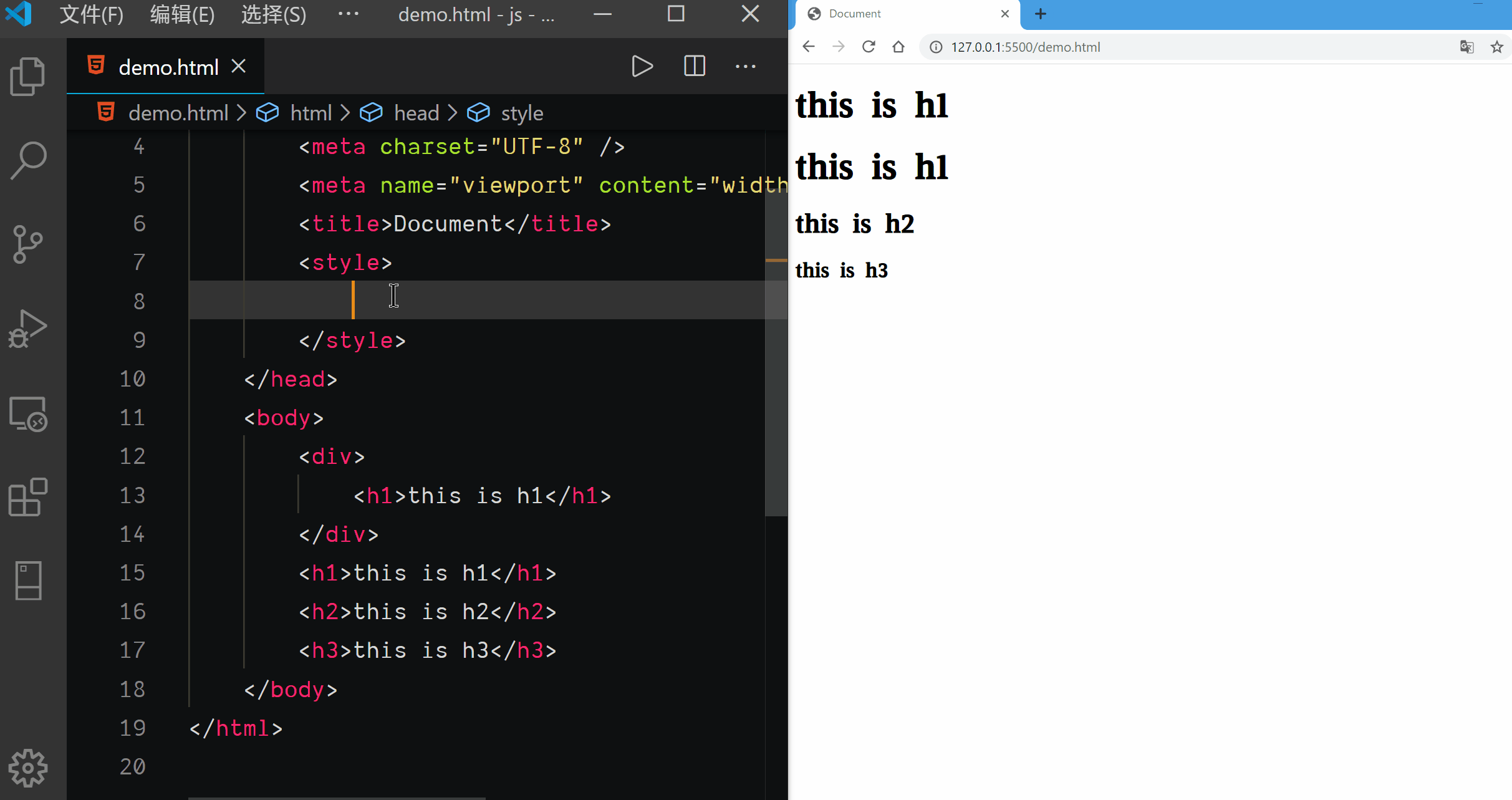
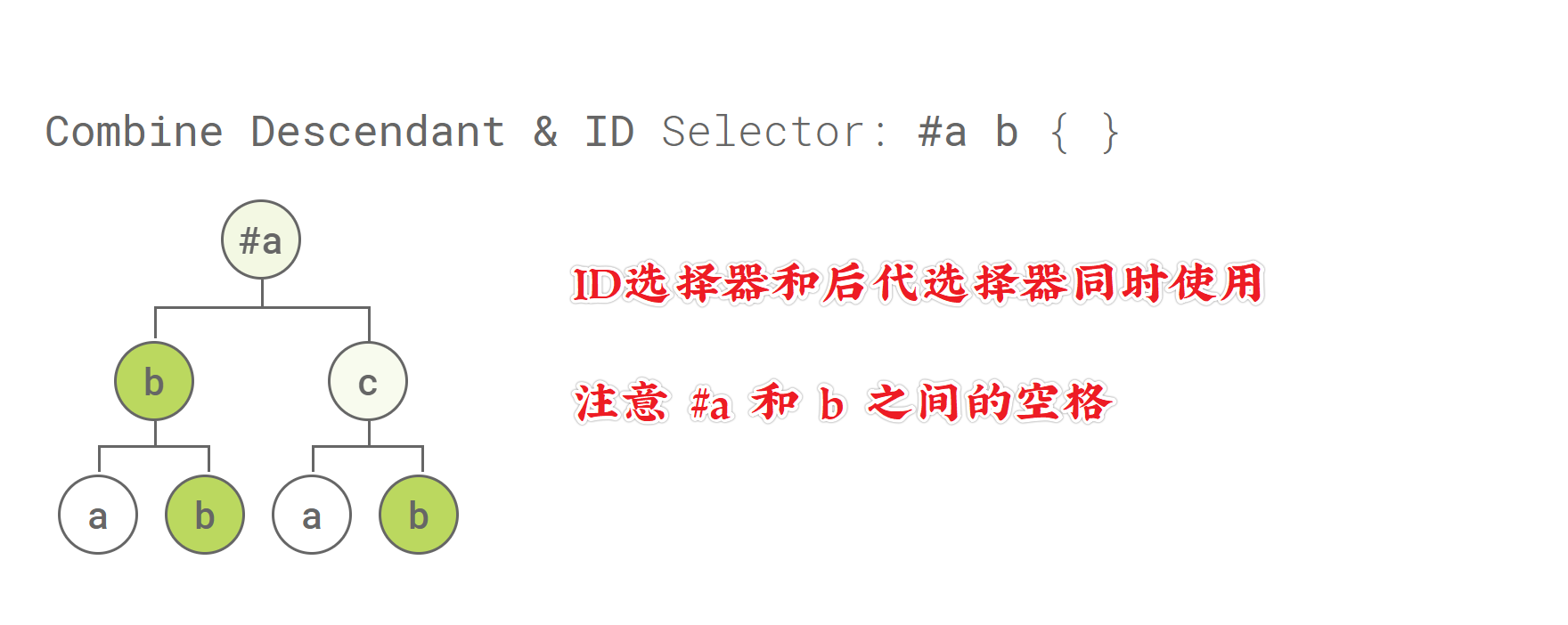
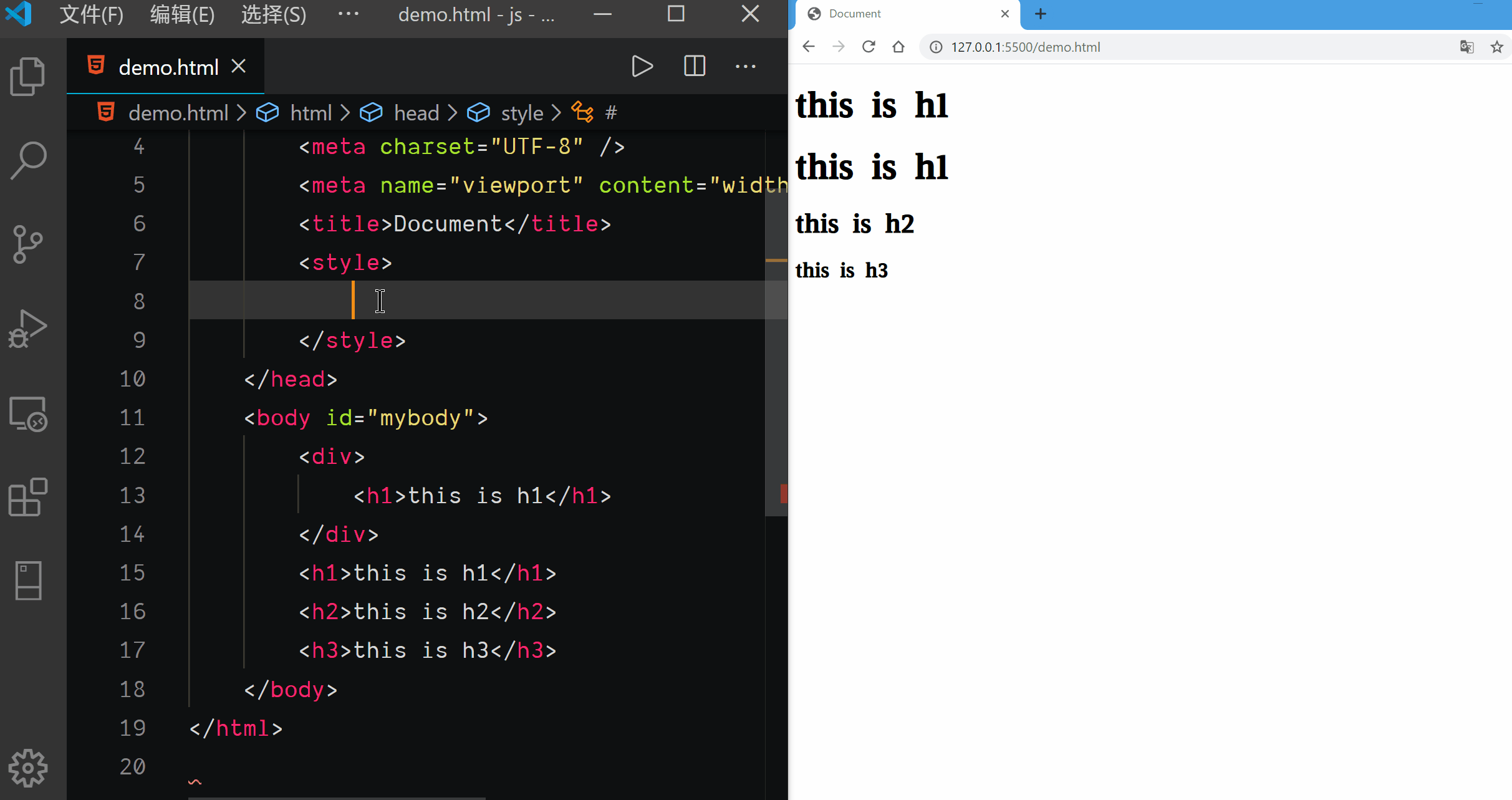
Combine Descendant & ID Selector
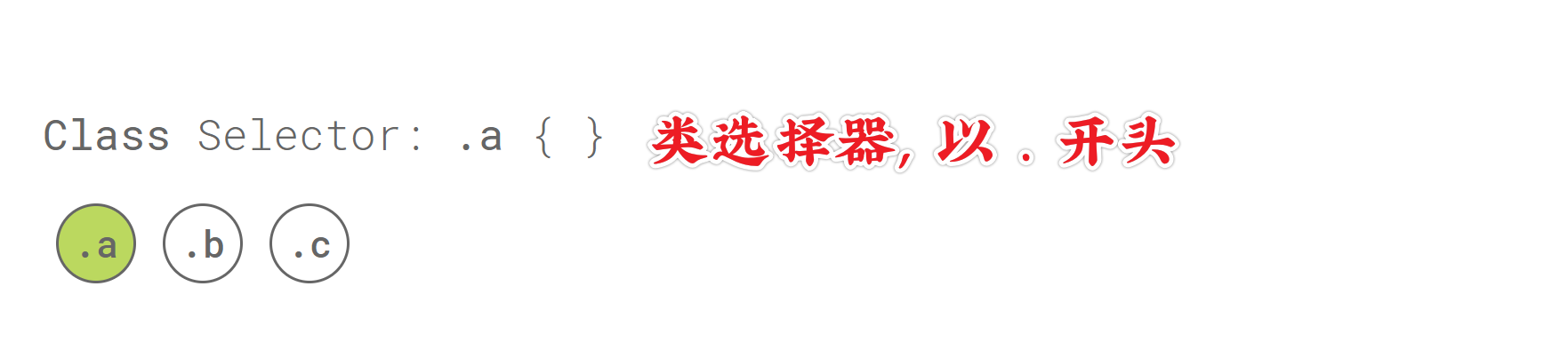
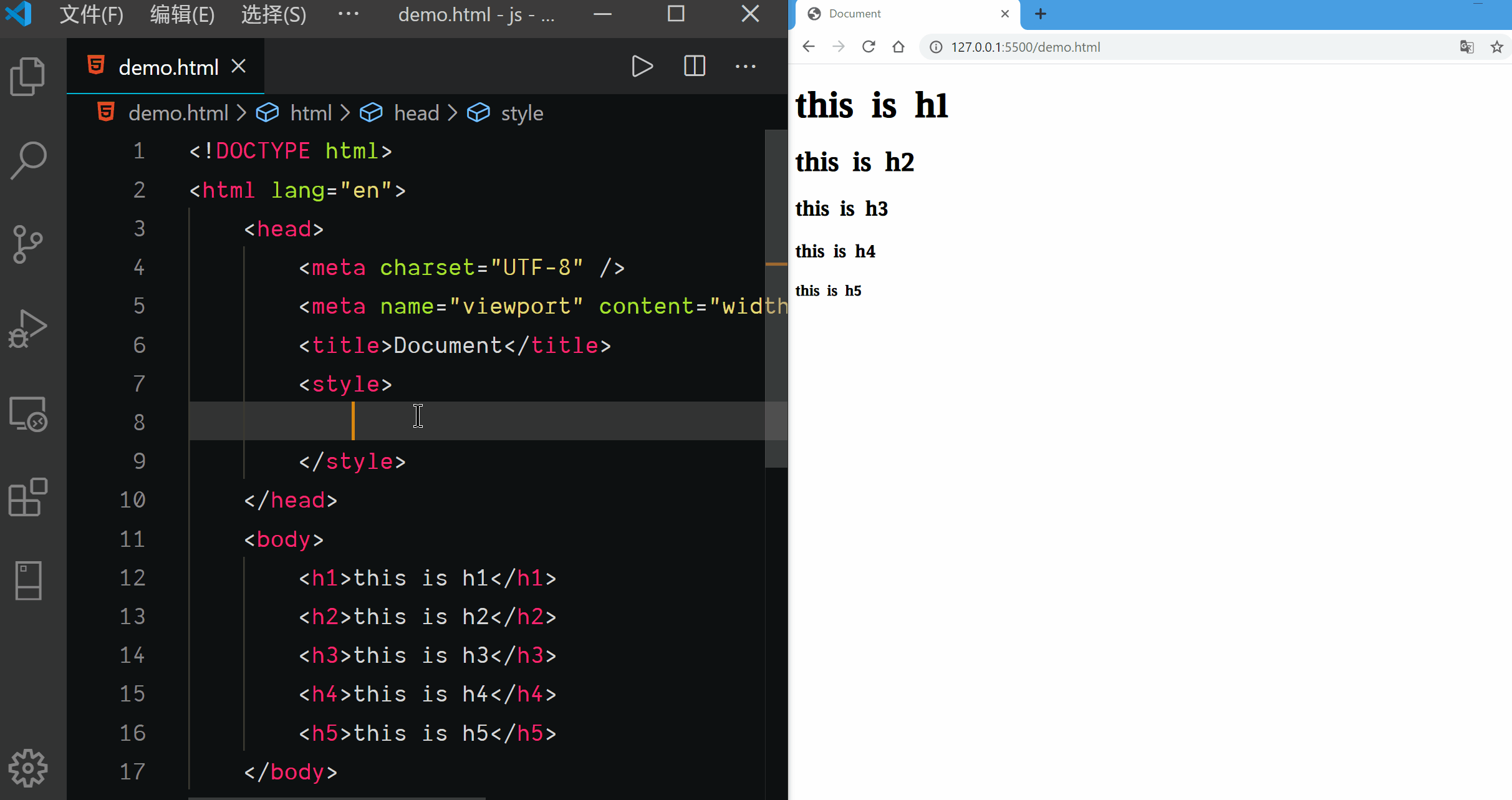
Class Selector
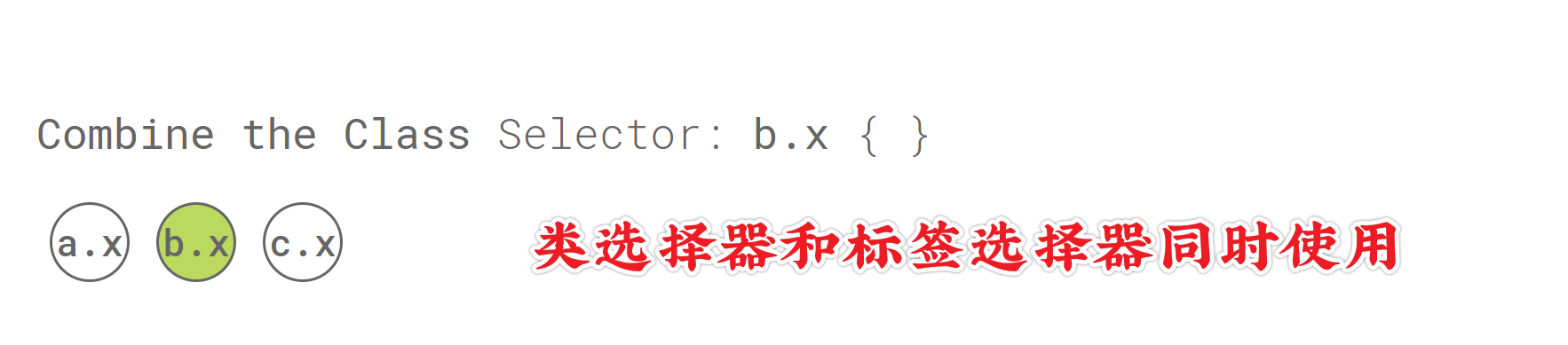
Combine the Class Selector
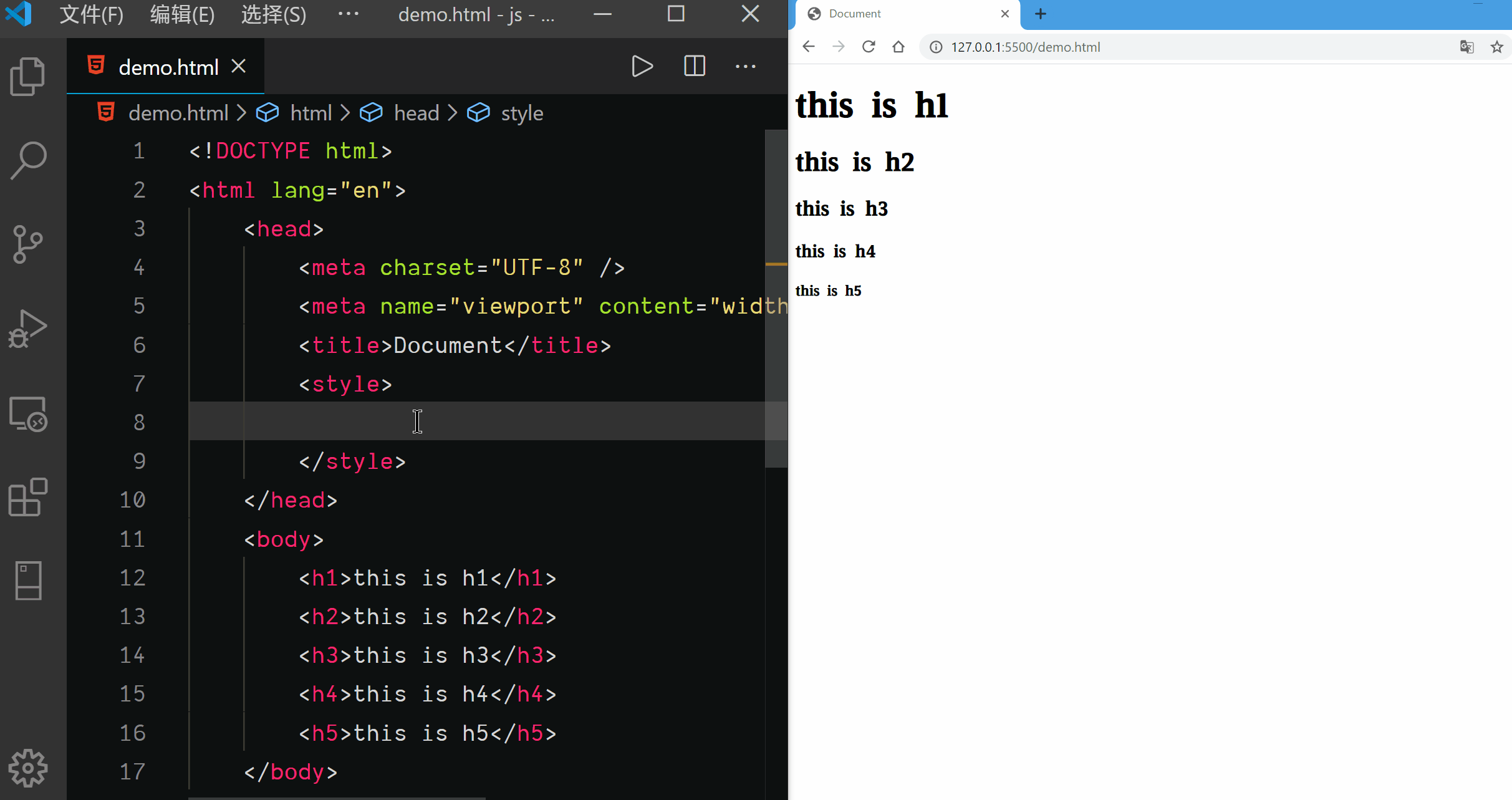
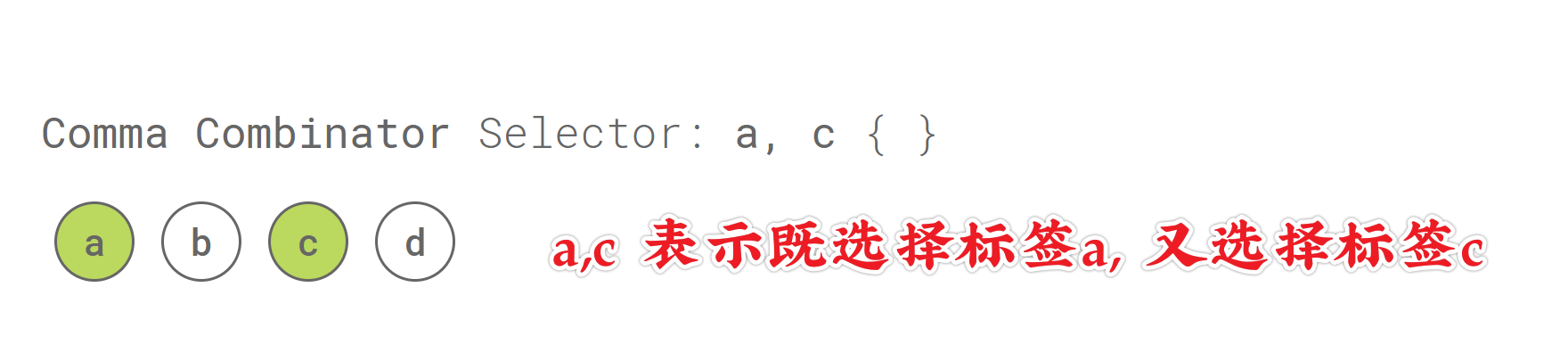
Comma Combinator Selector
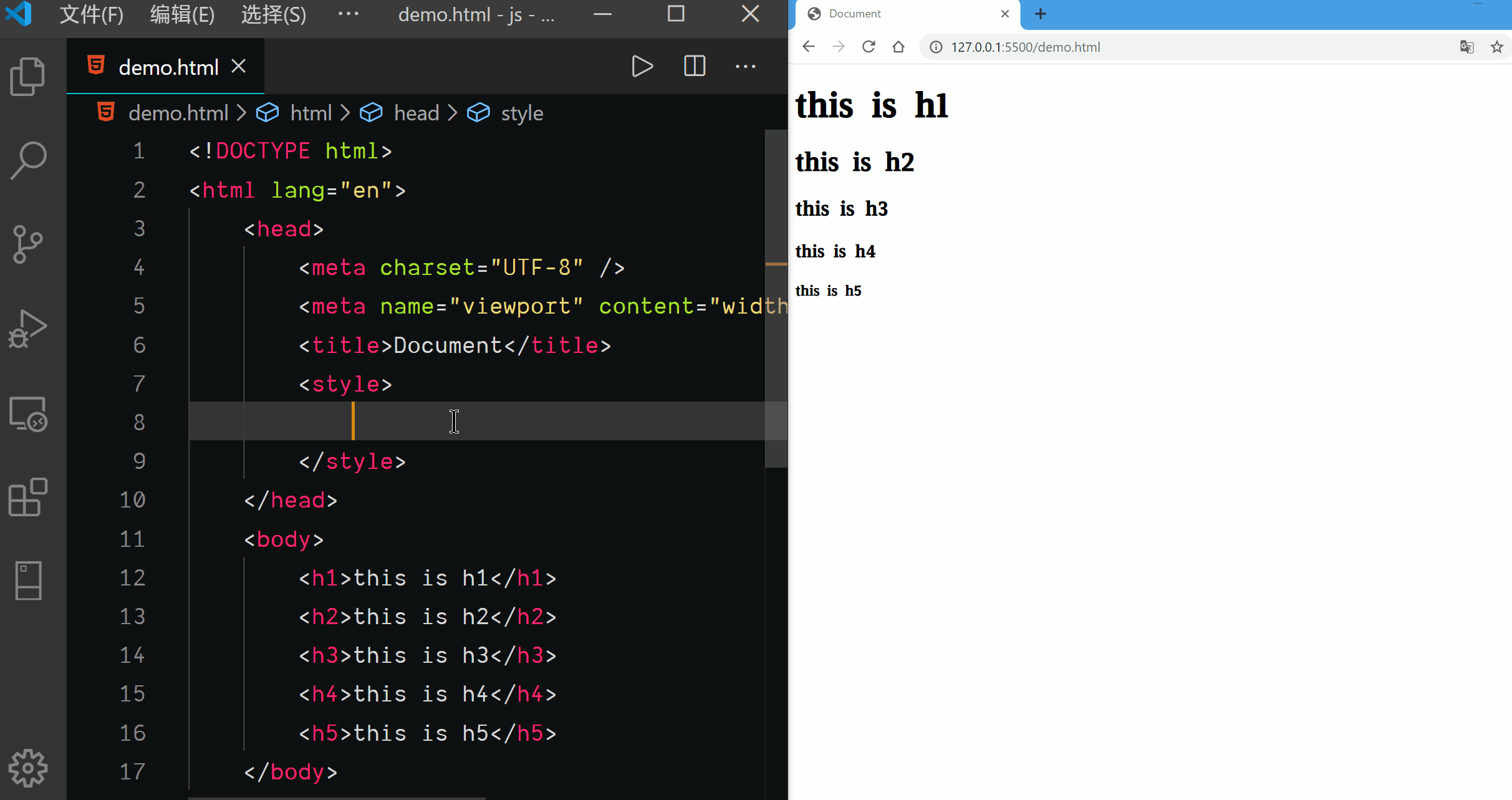
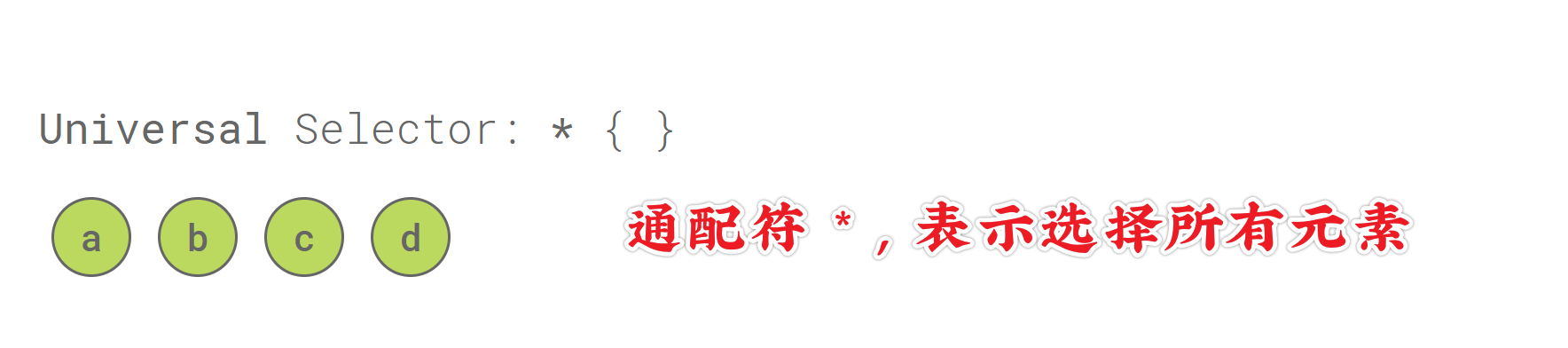
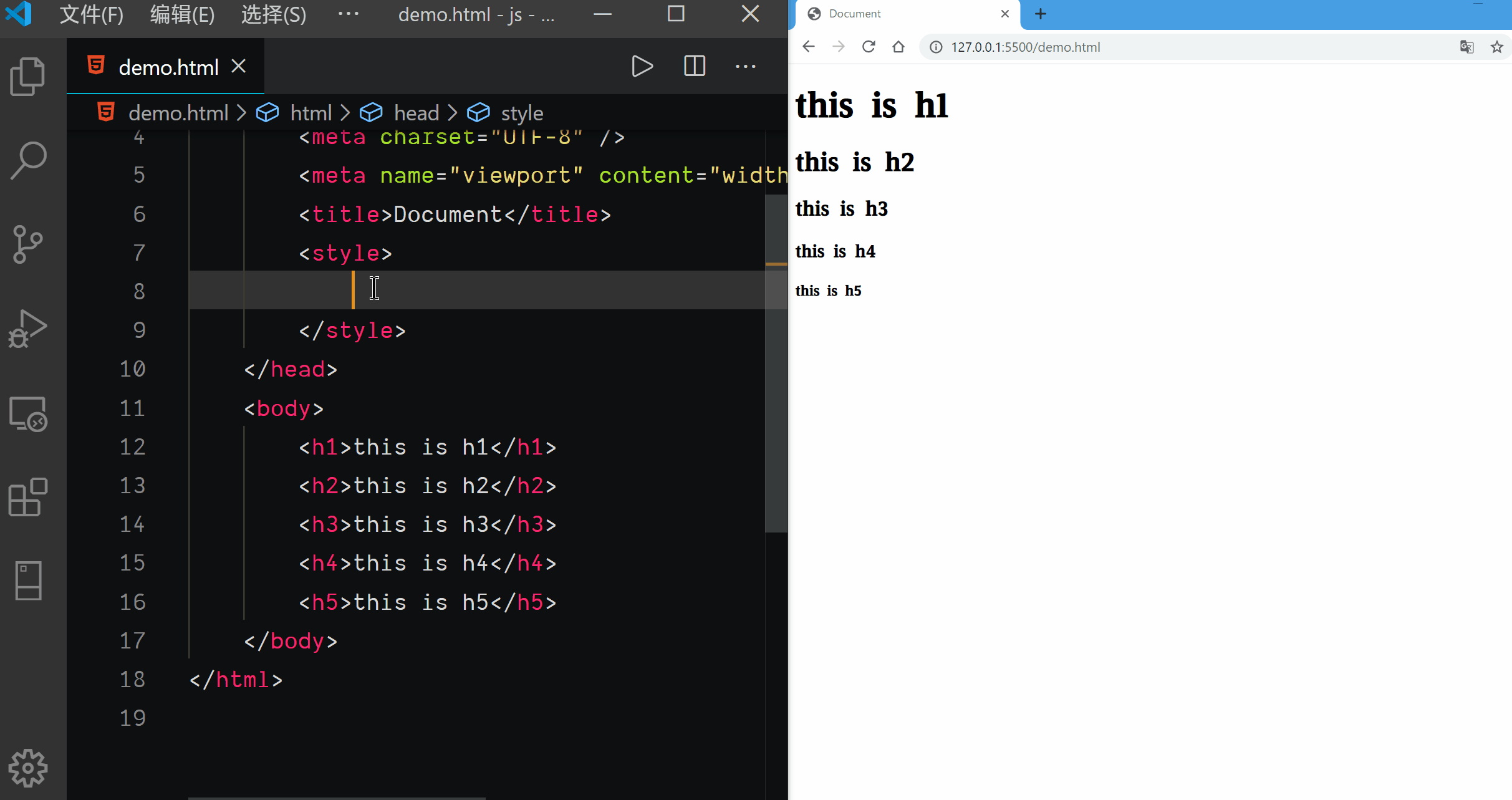
Universal Selector
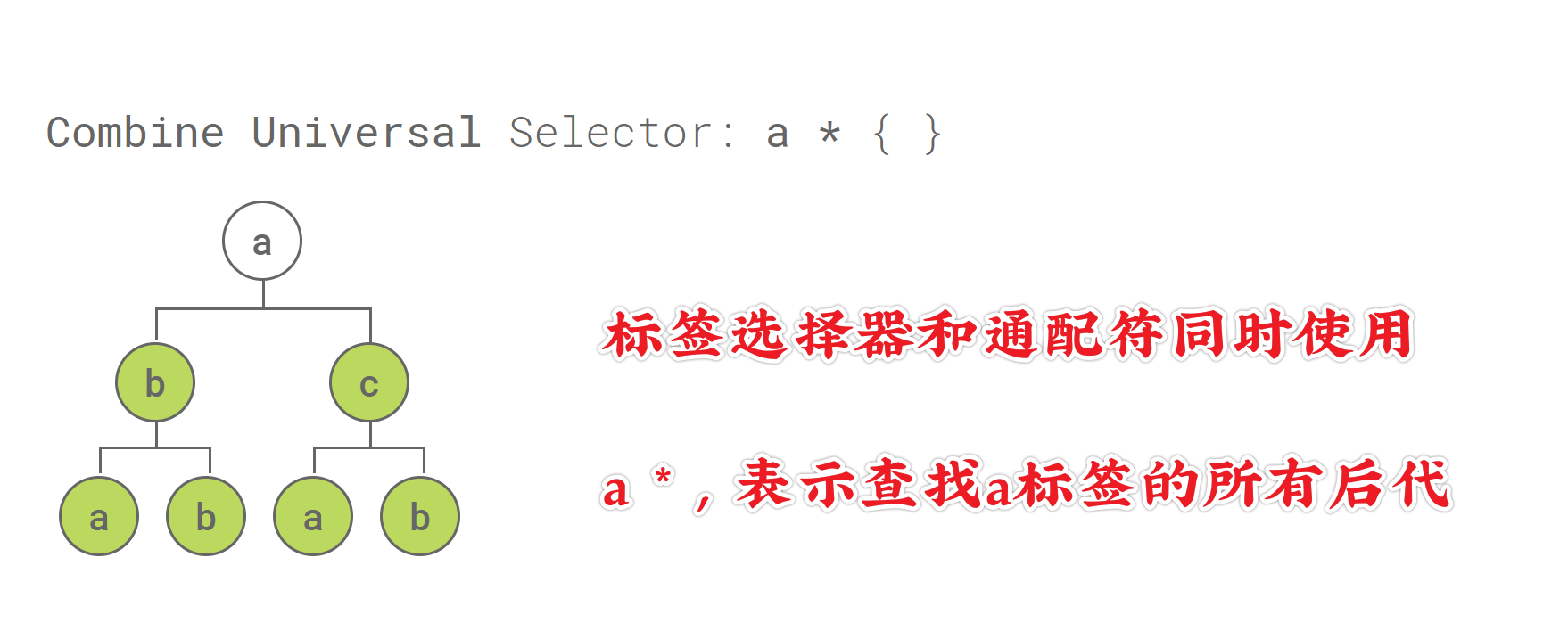
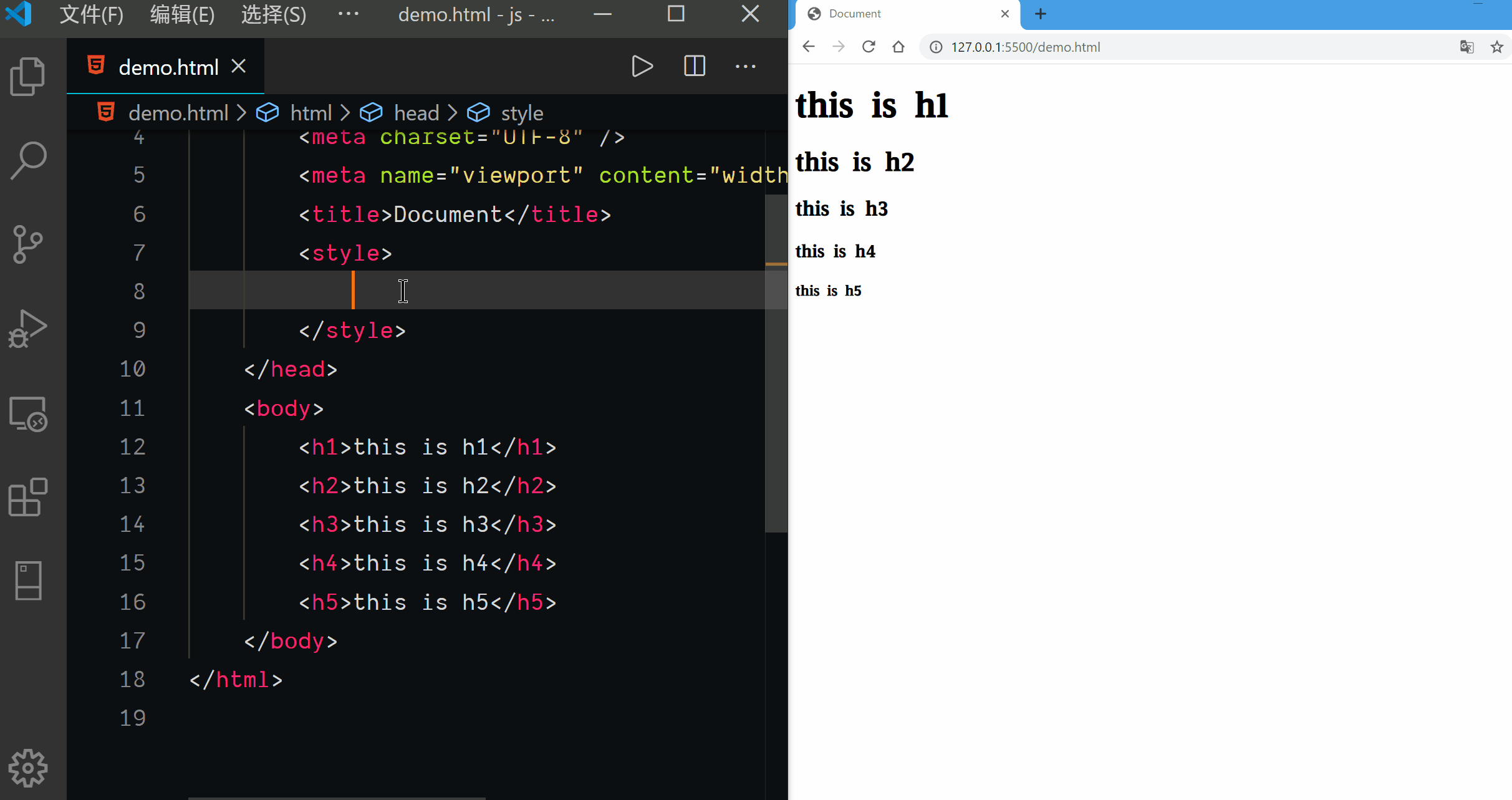
Combine Universal Selector
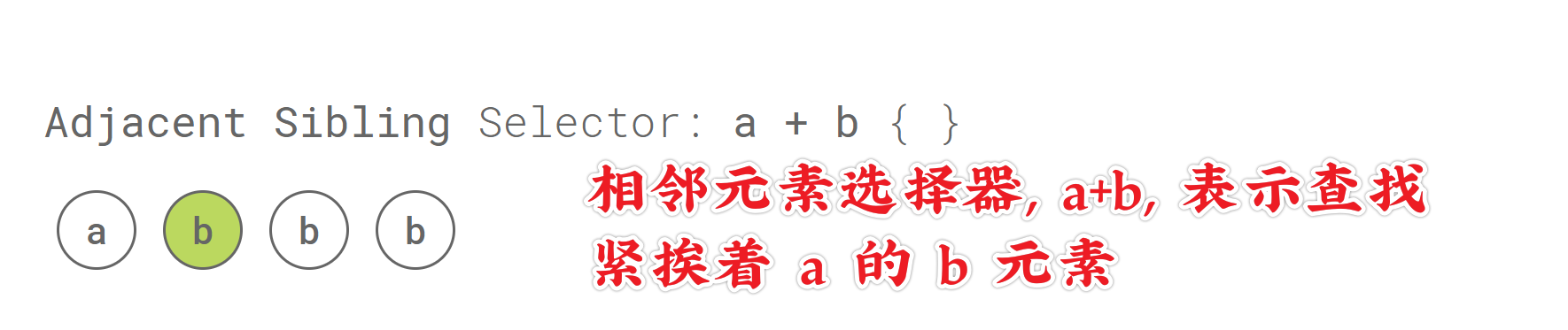
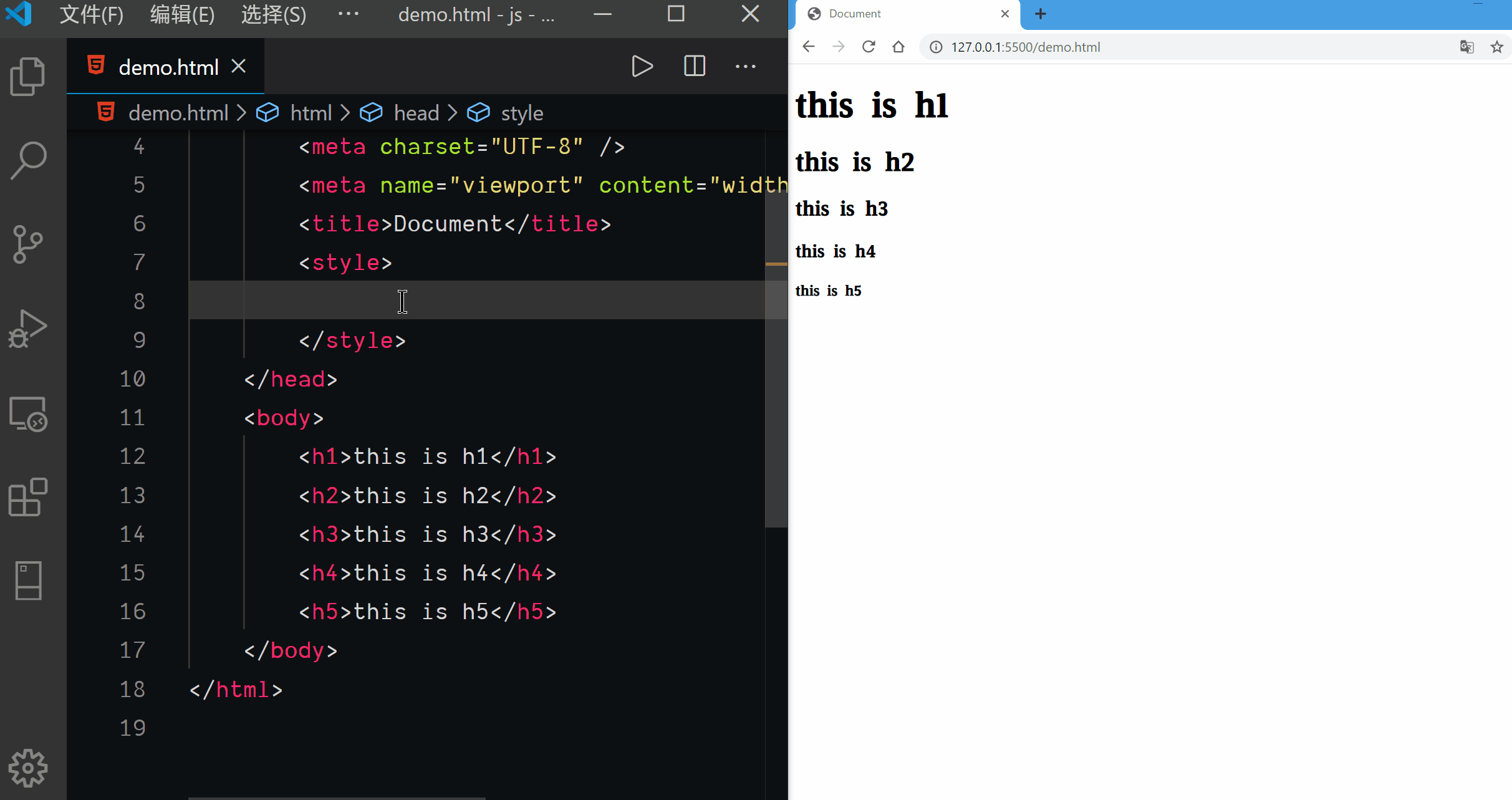
Adjacent Sibling Selector
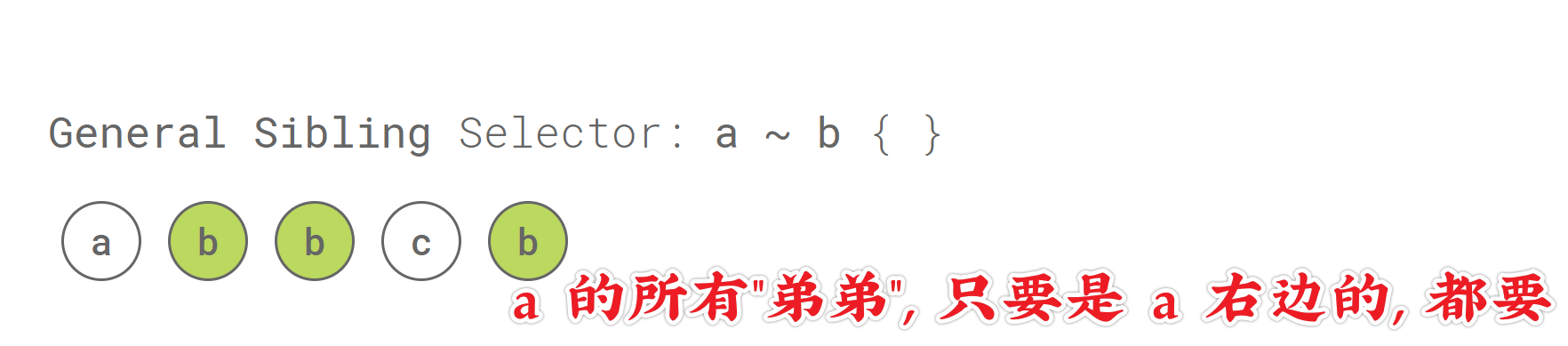
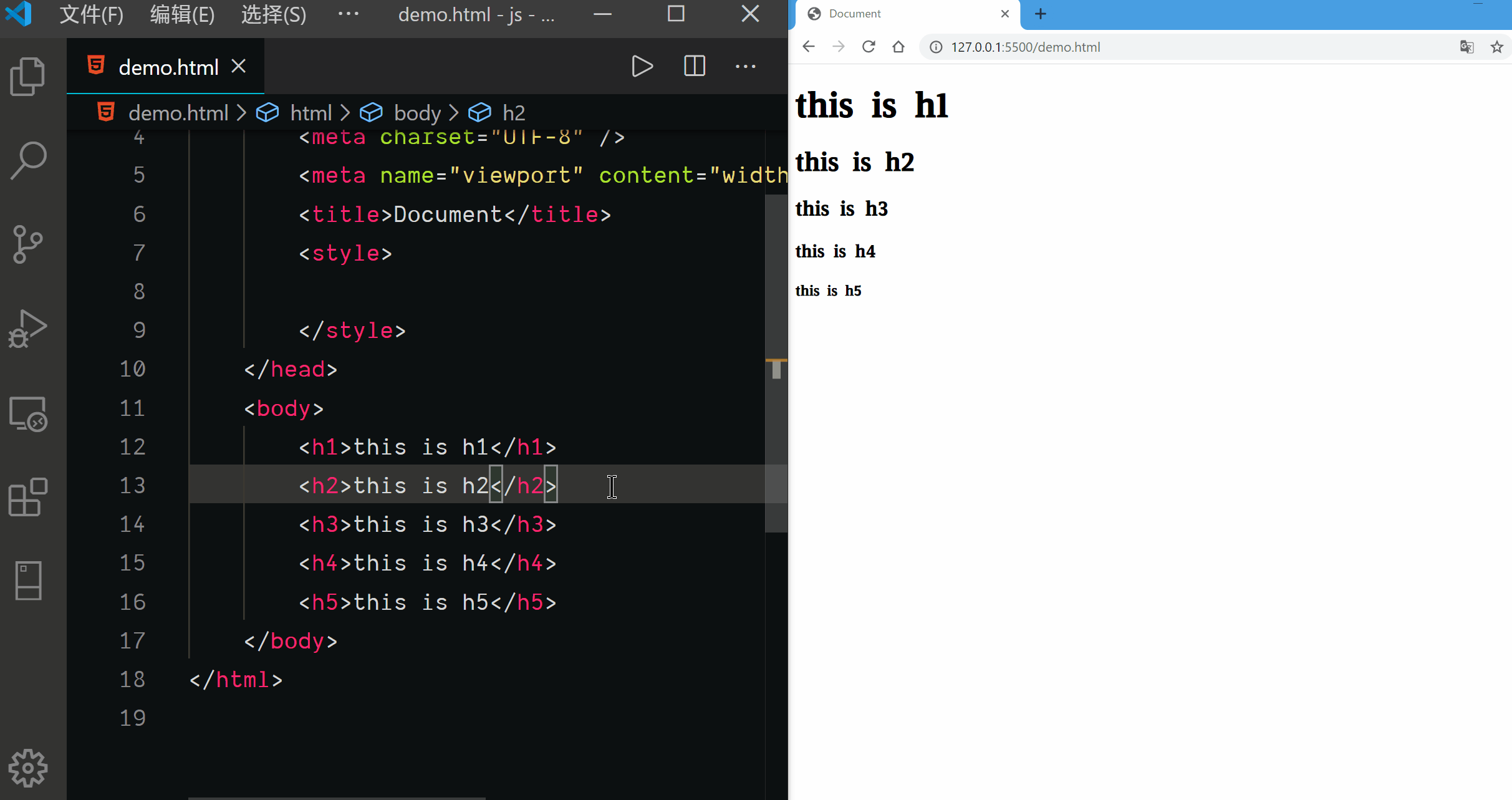
General Sibling Selector
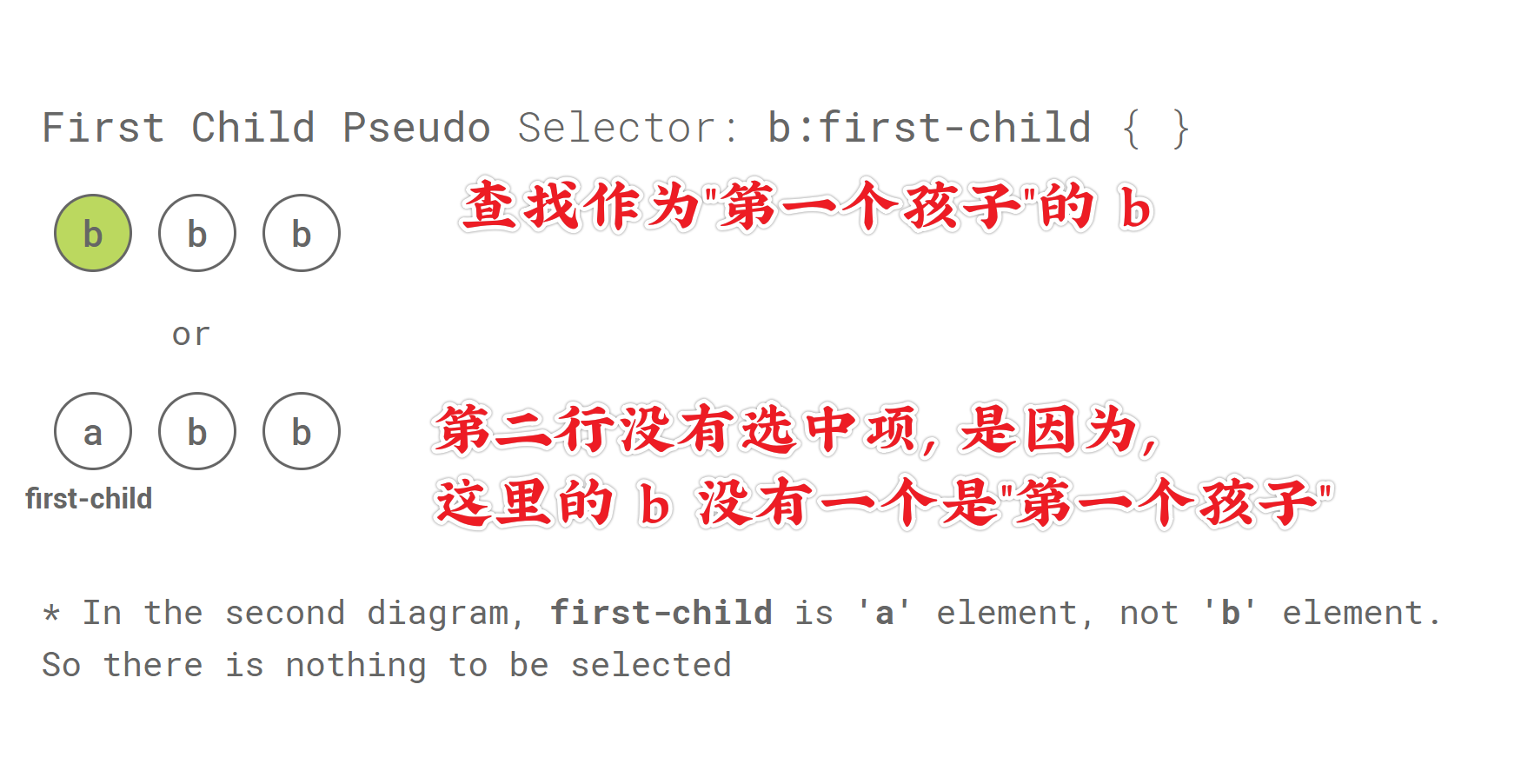
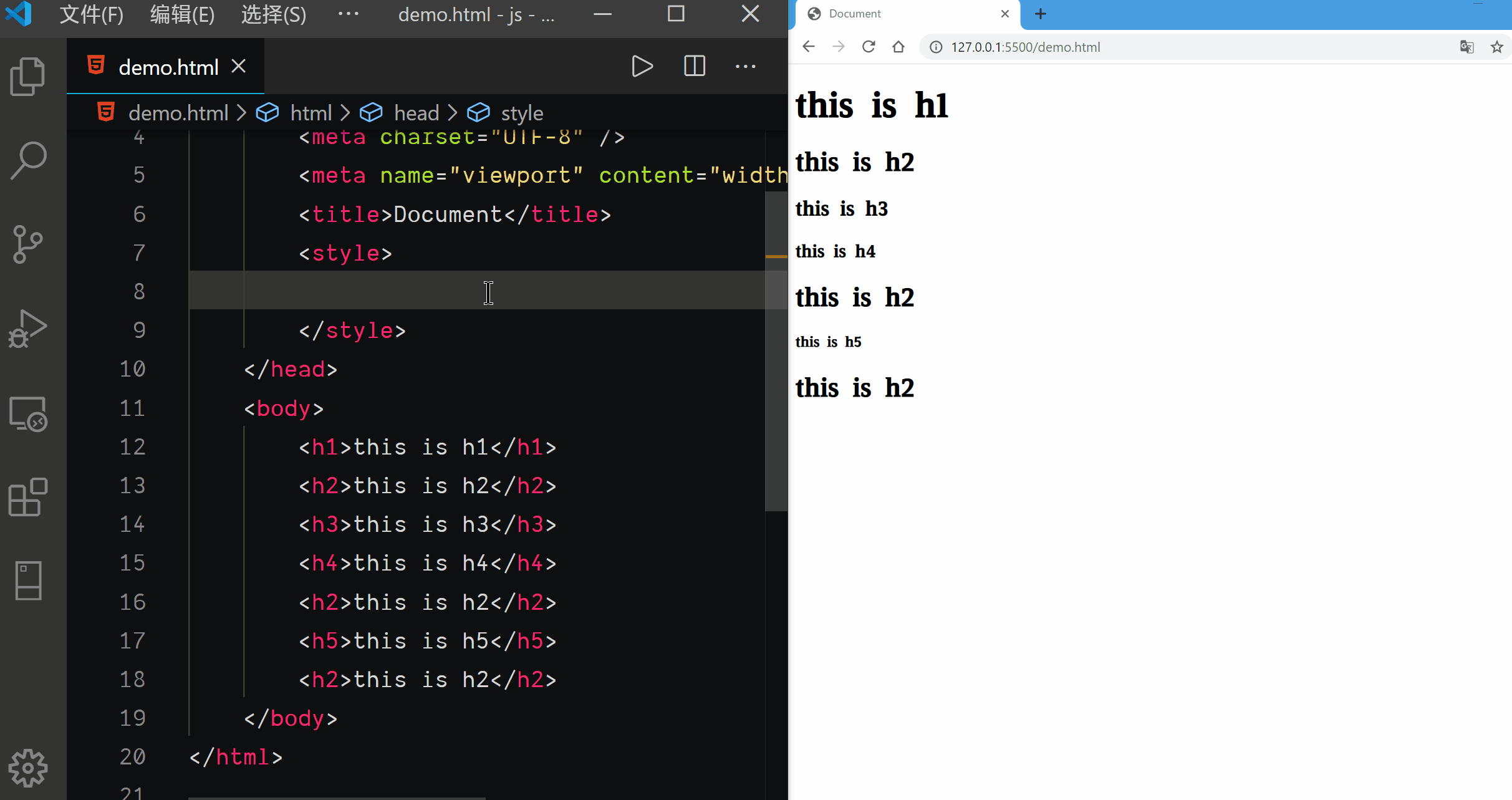
First Child Pseudo Selector
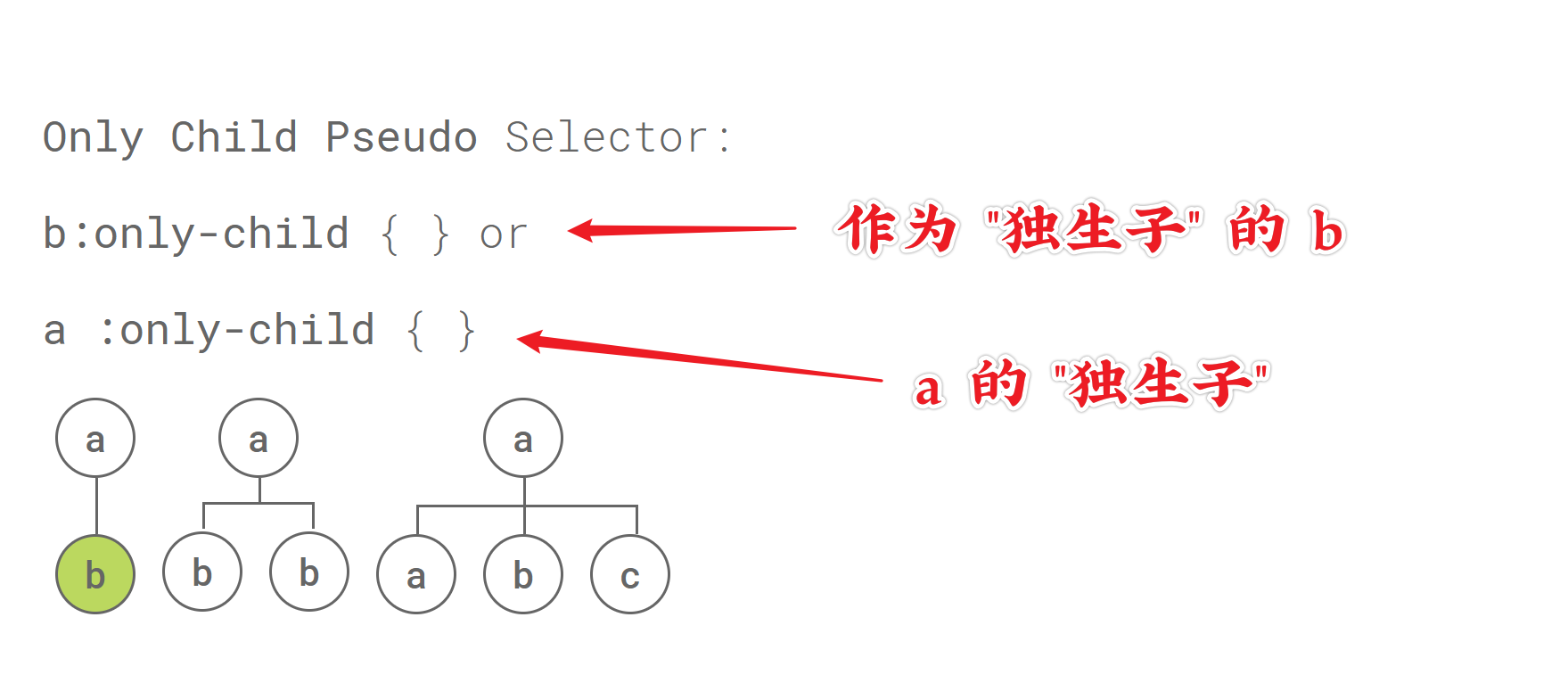
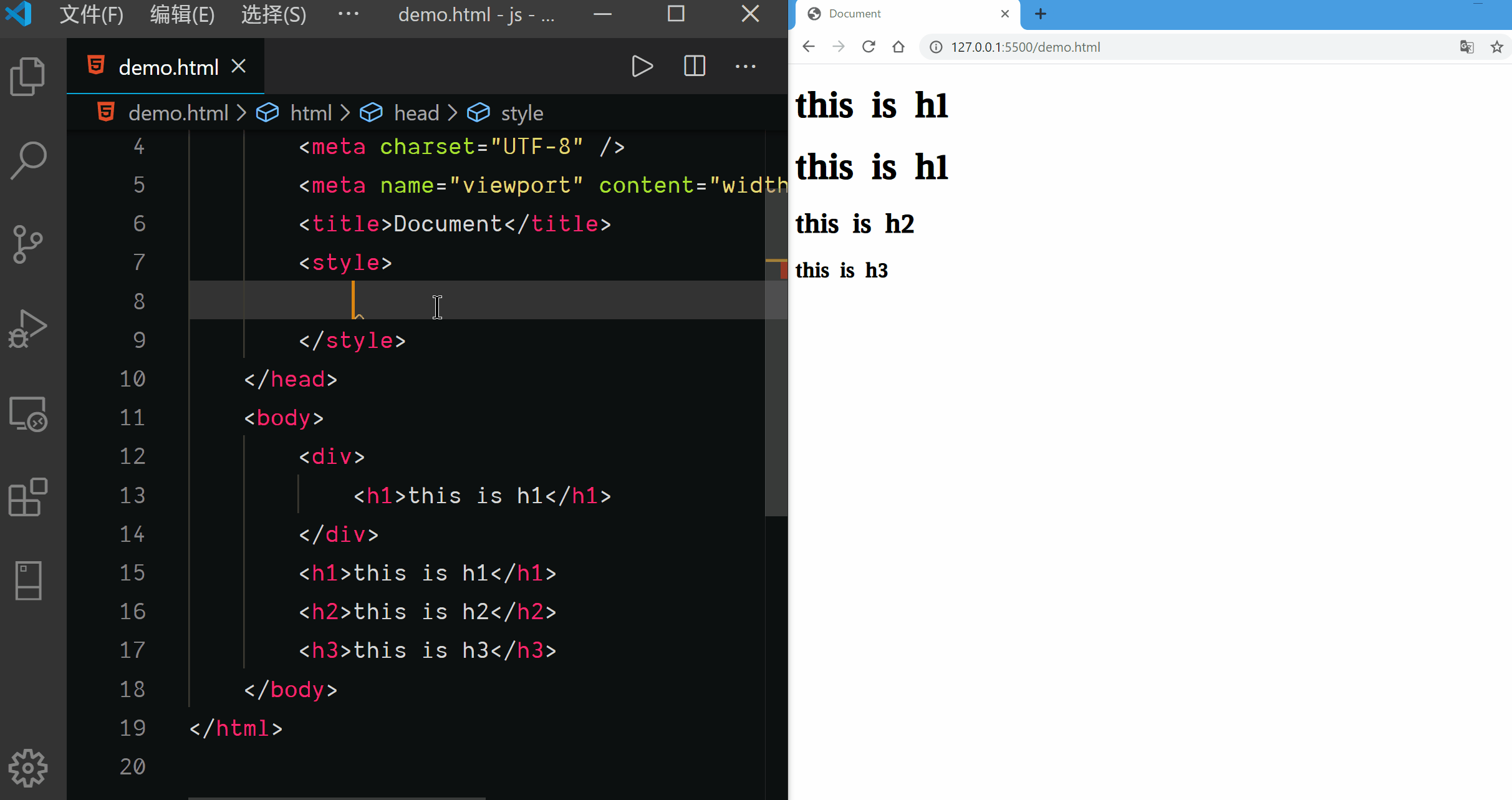
Only Child Pseudo Selector
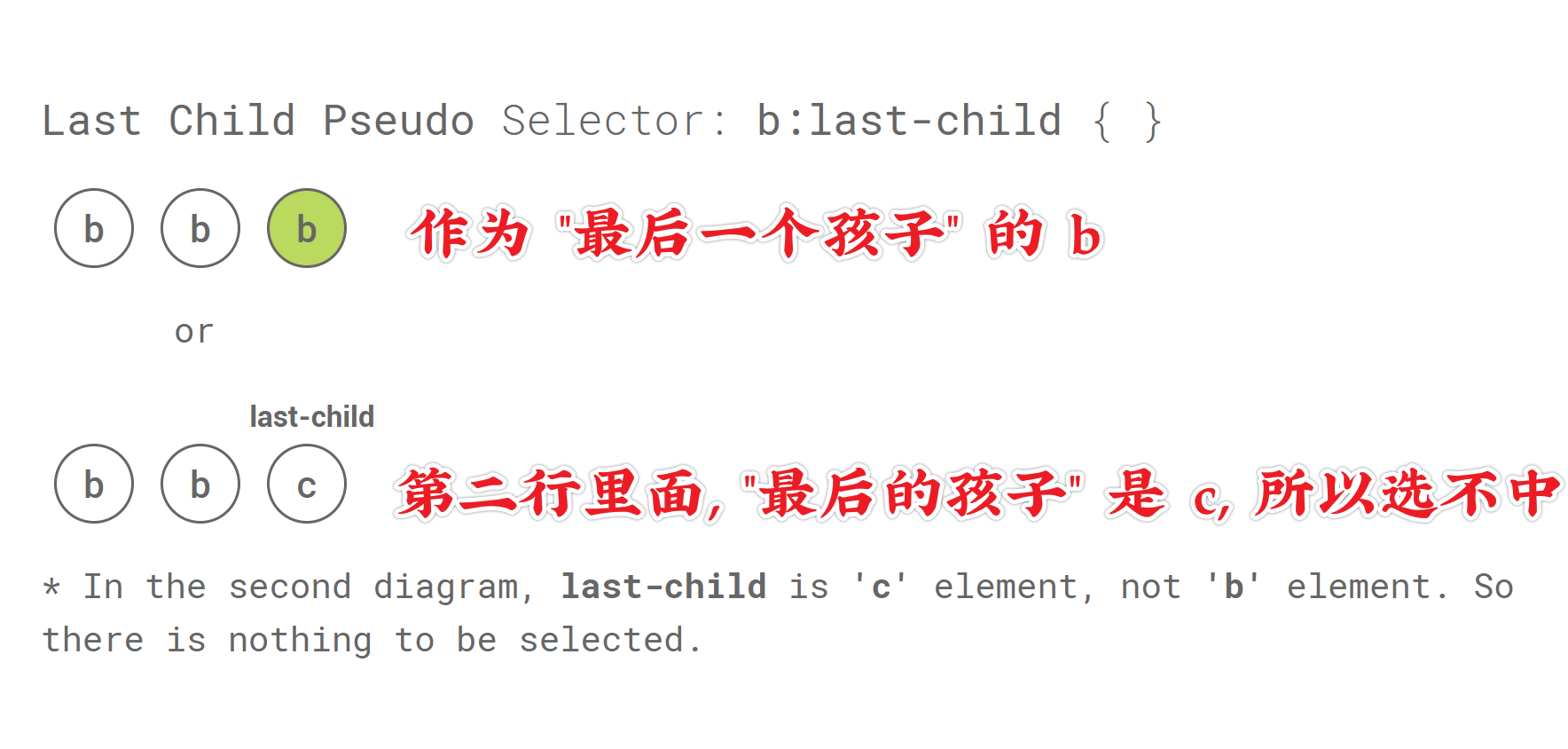
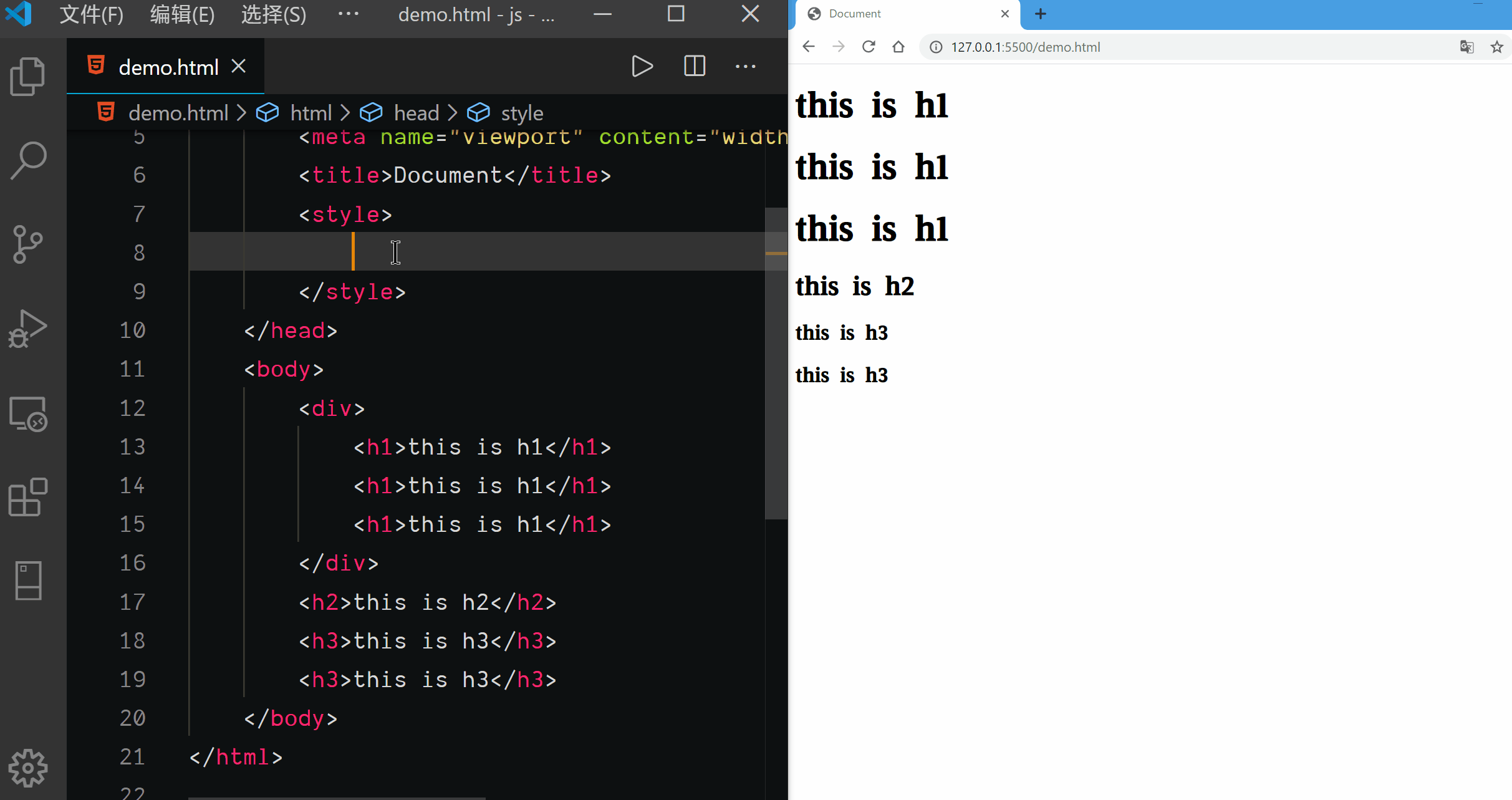
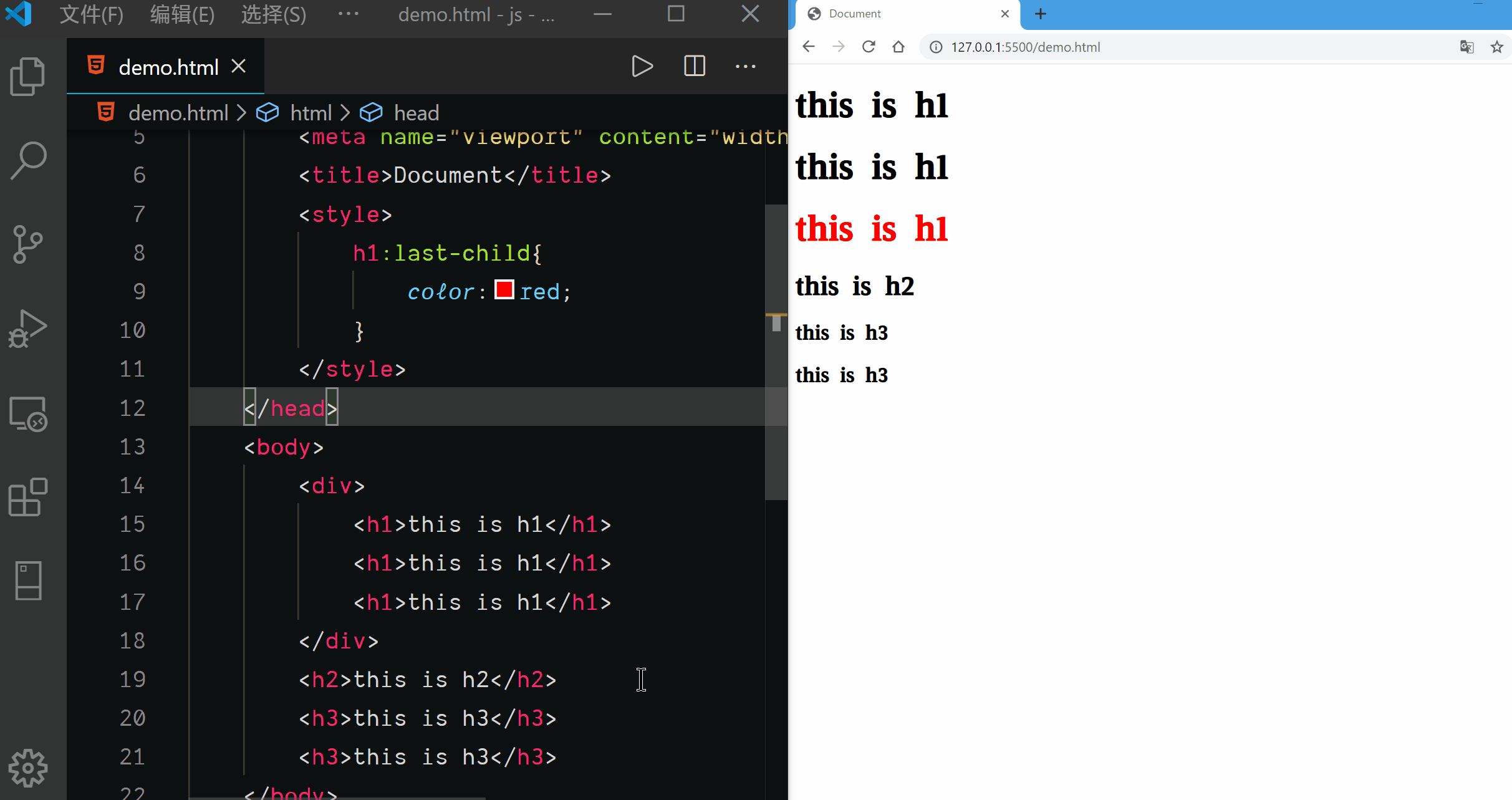
Last Child Pseudo Selector
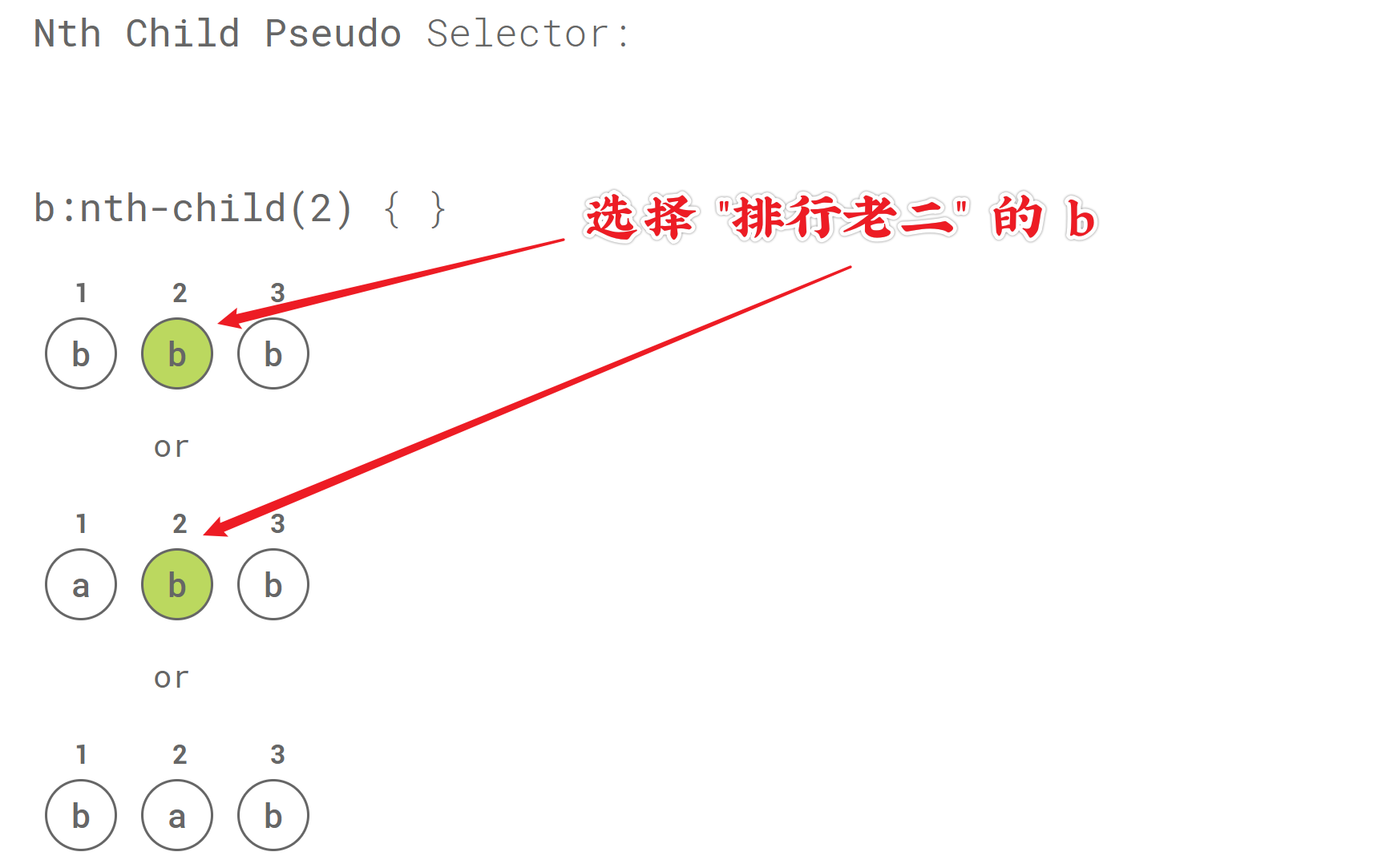
Nth Child Pseudo Selector
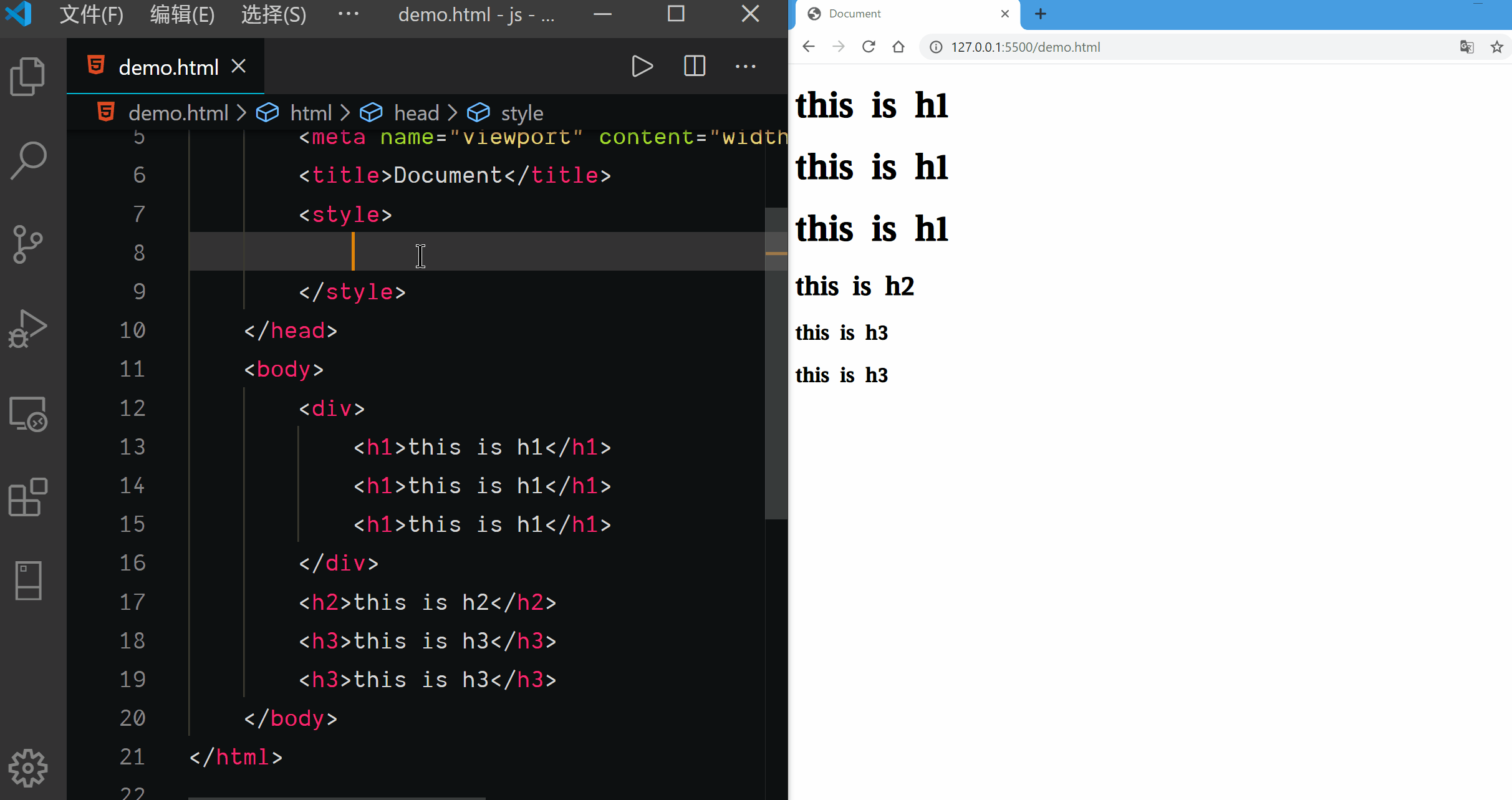
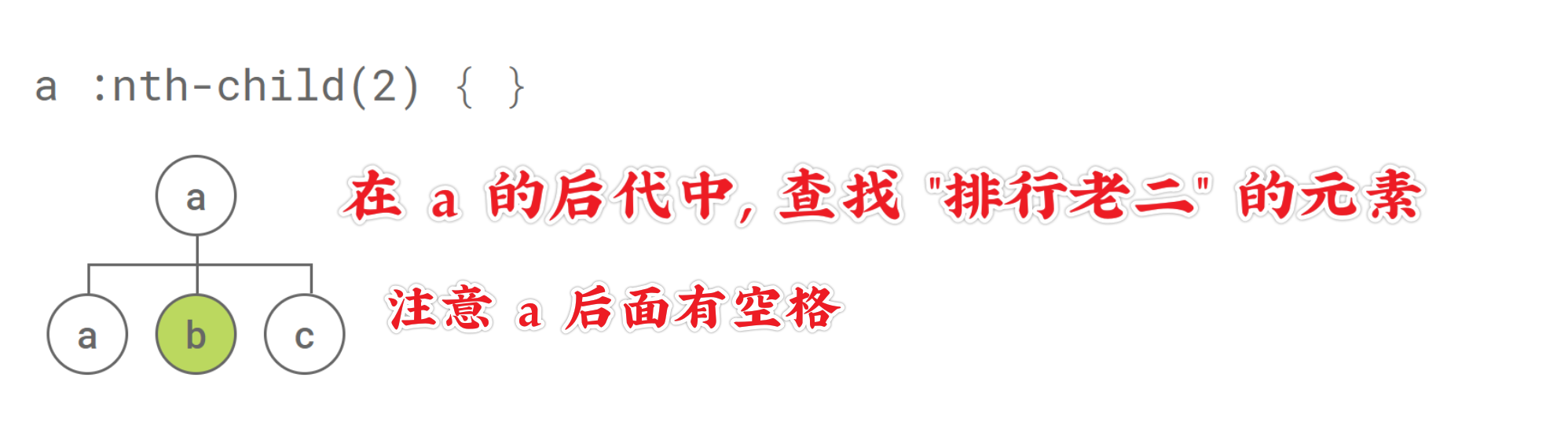
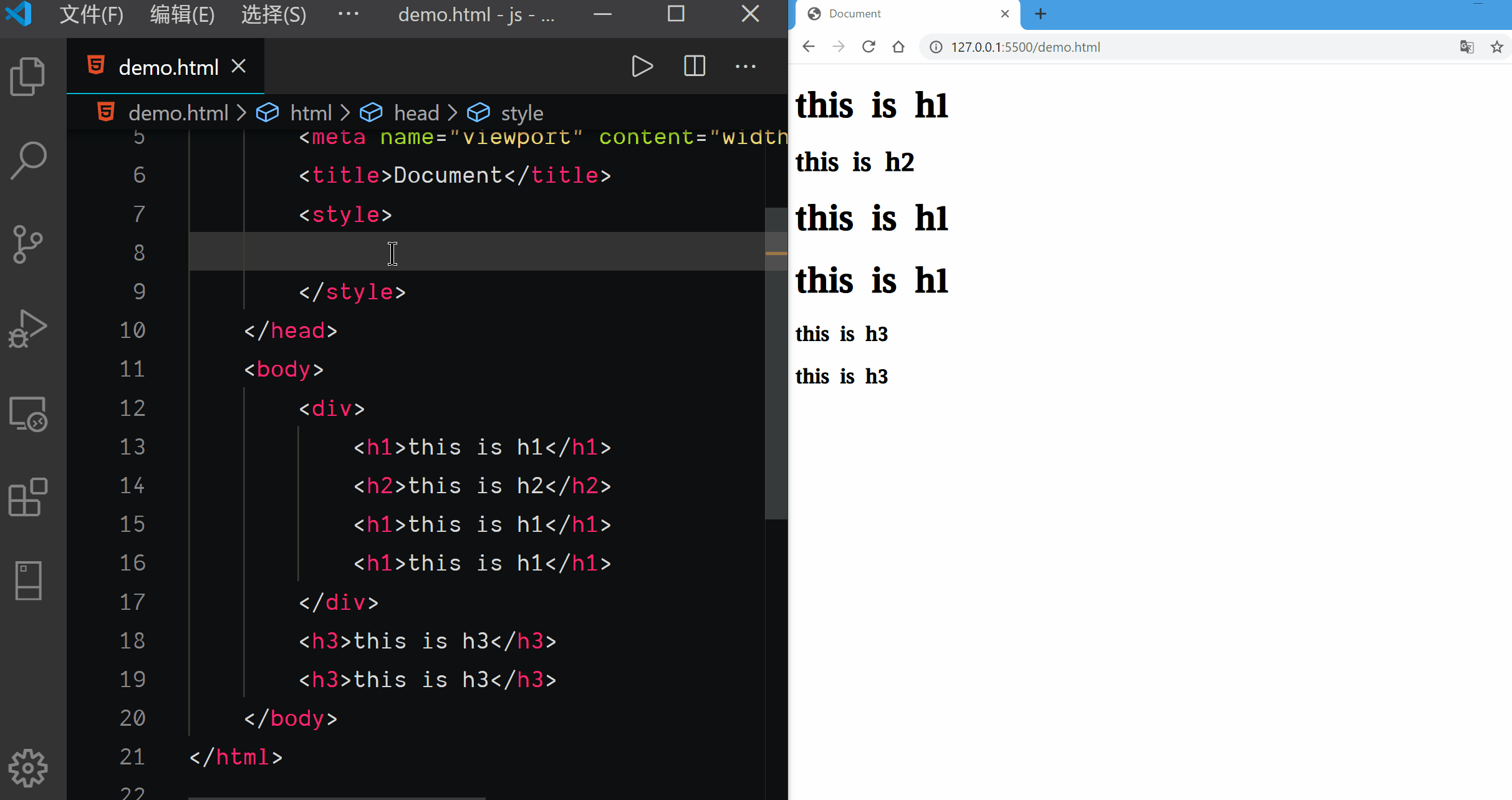
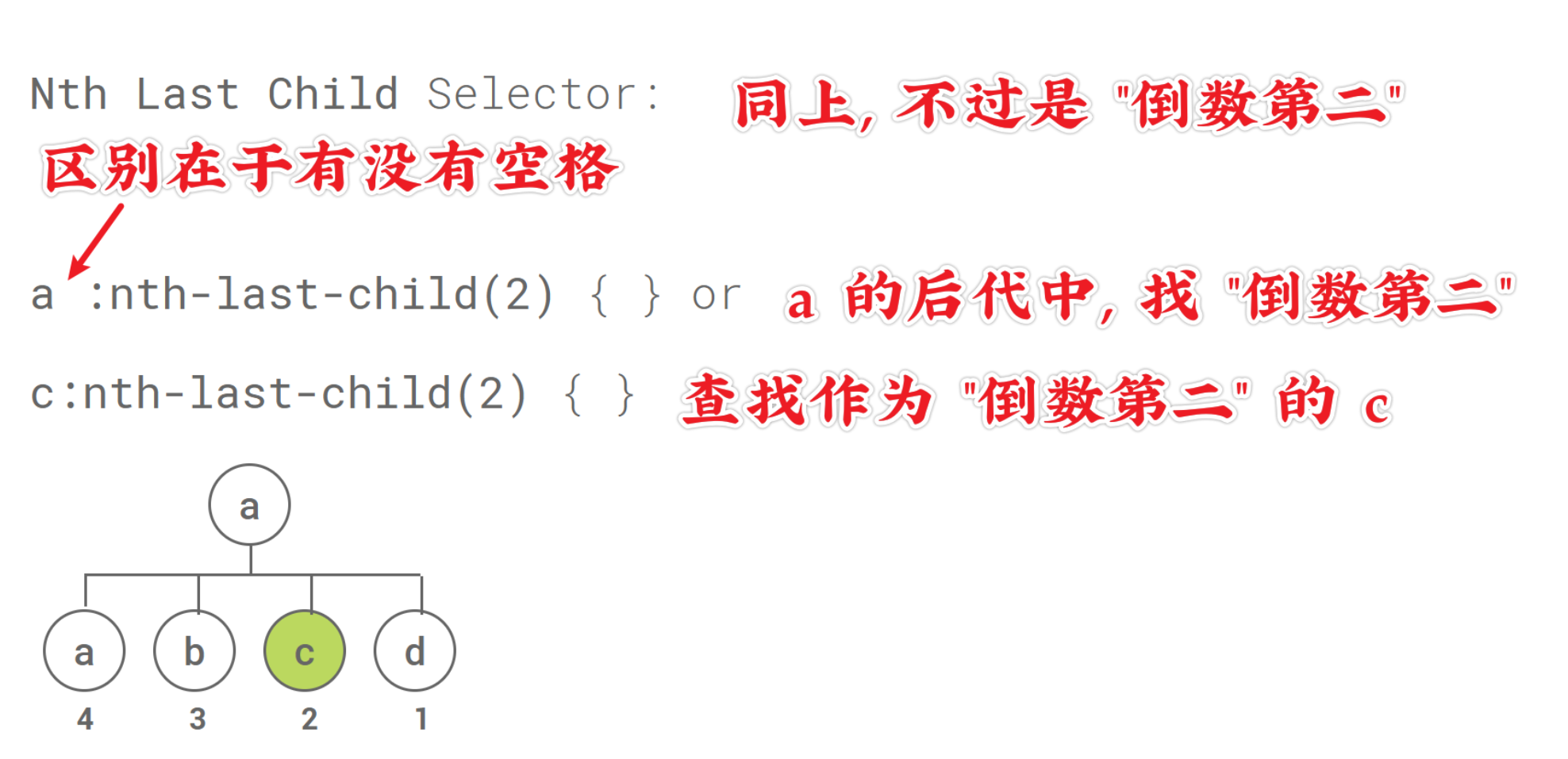
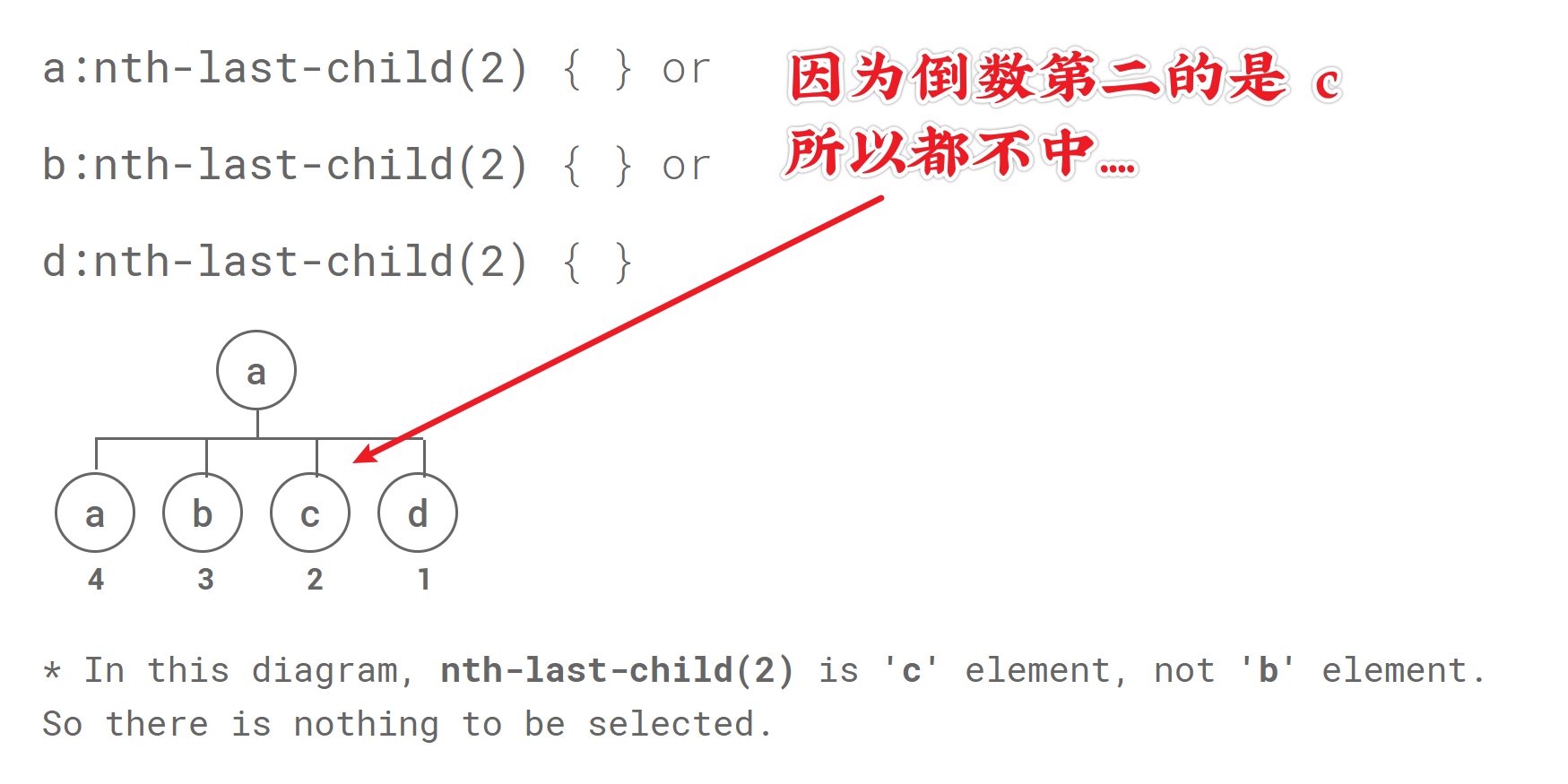
Nth Last Child Selector
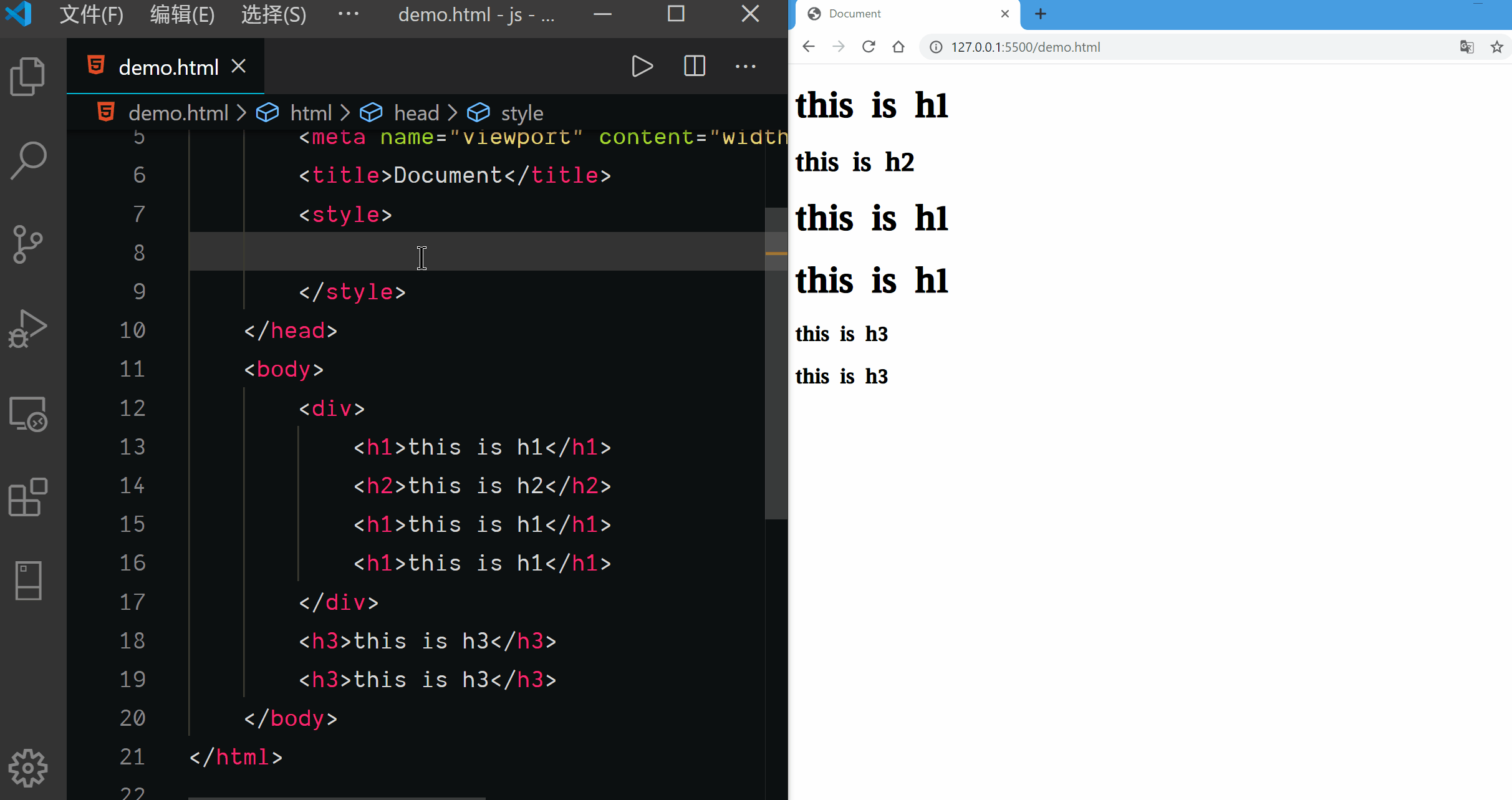
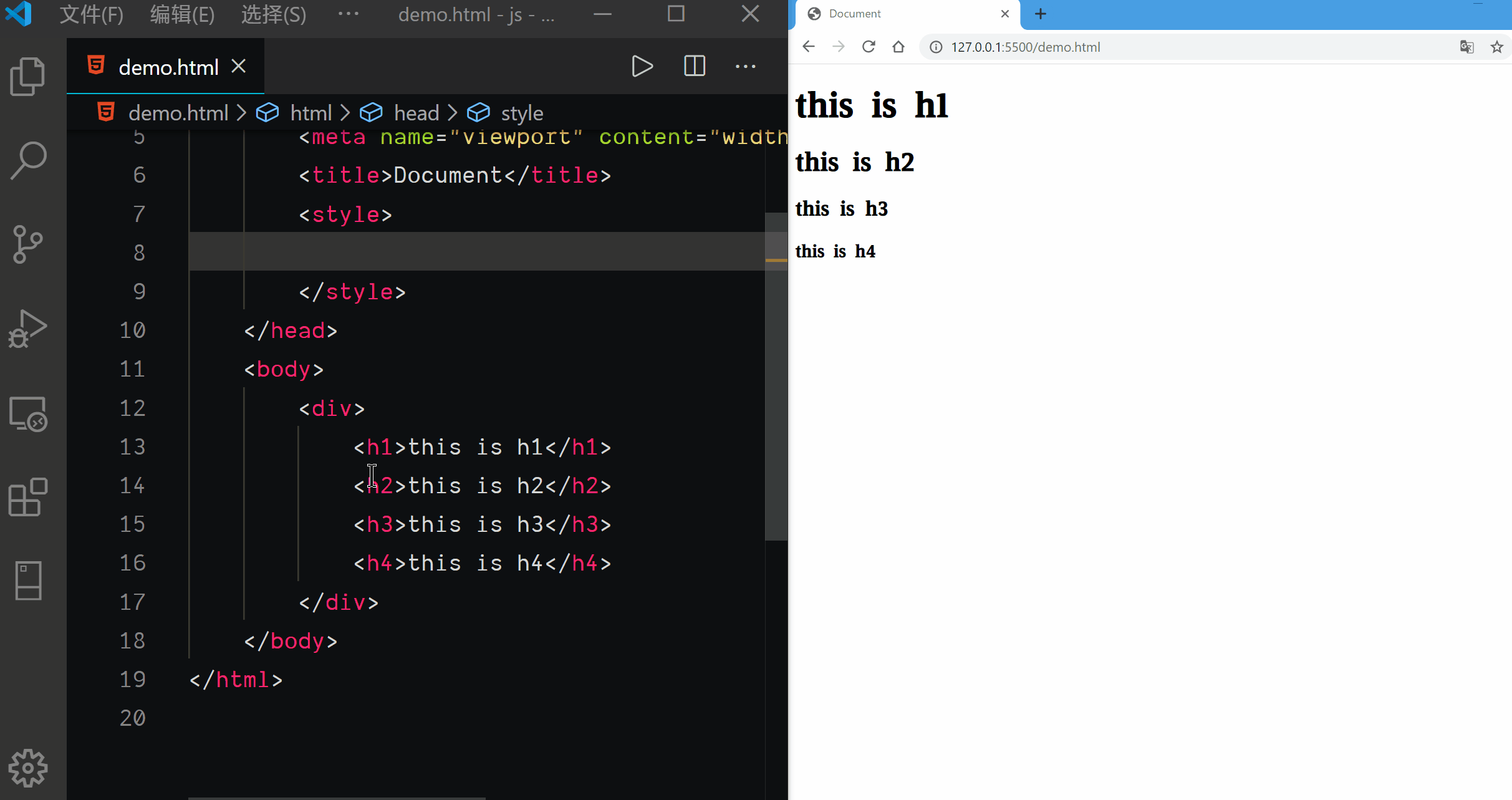
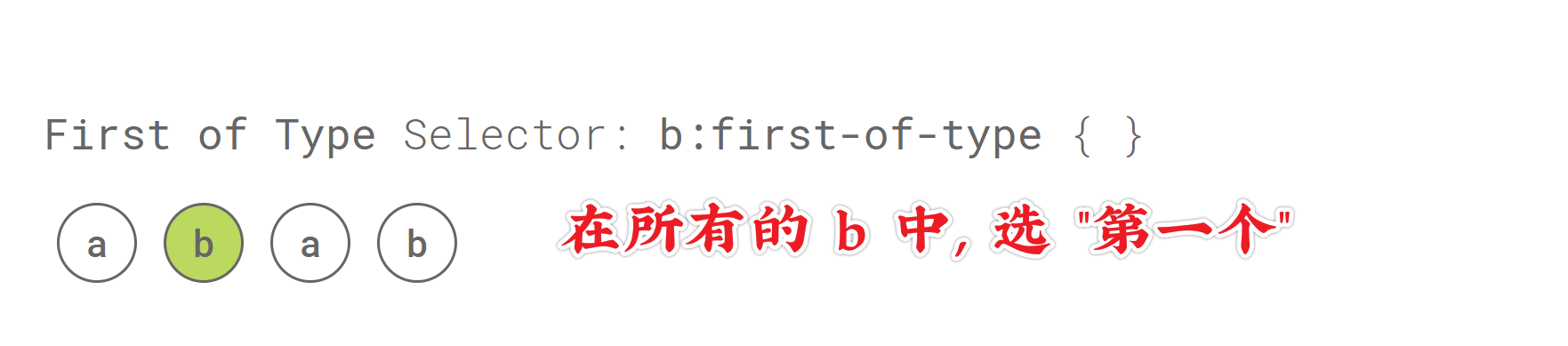
First of Type Selector
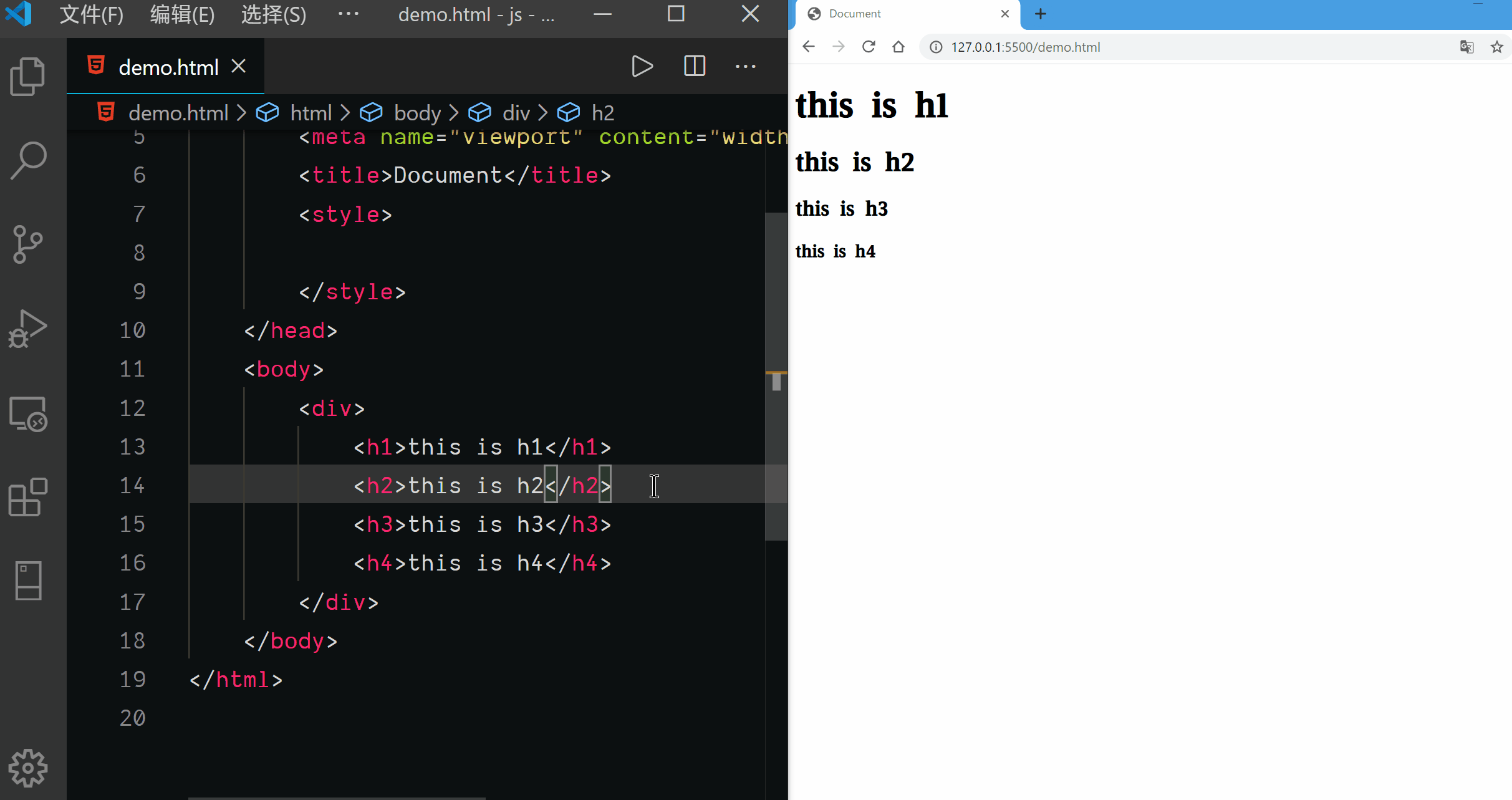
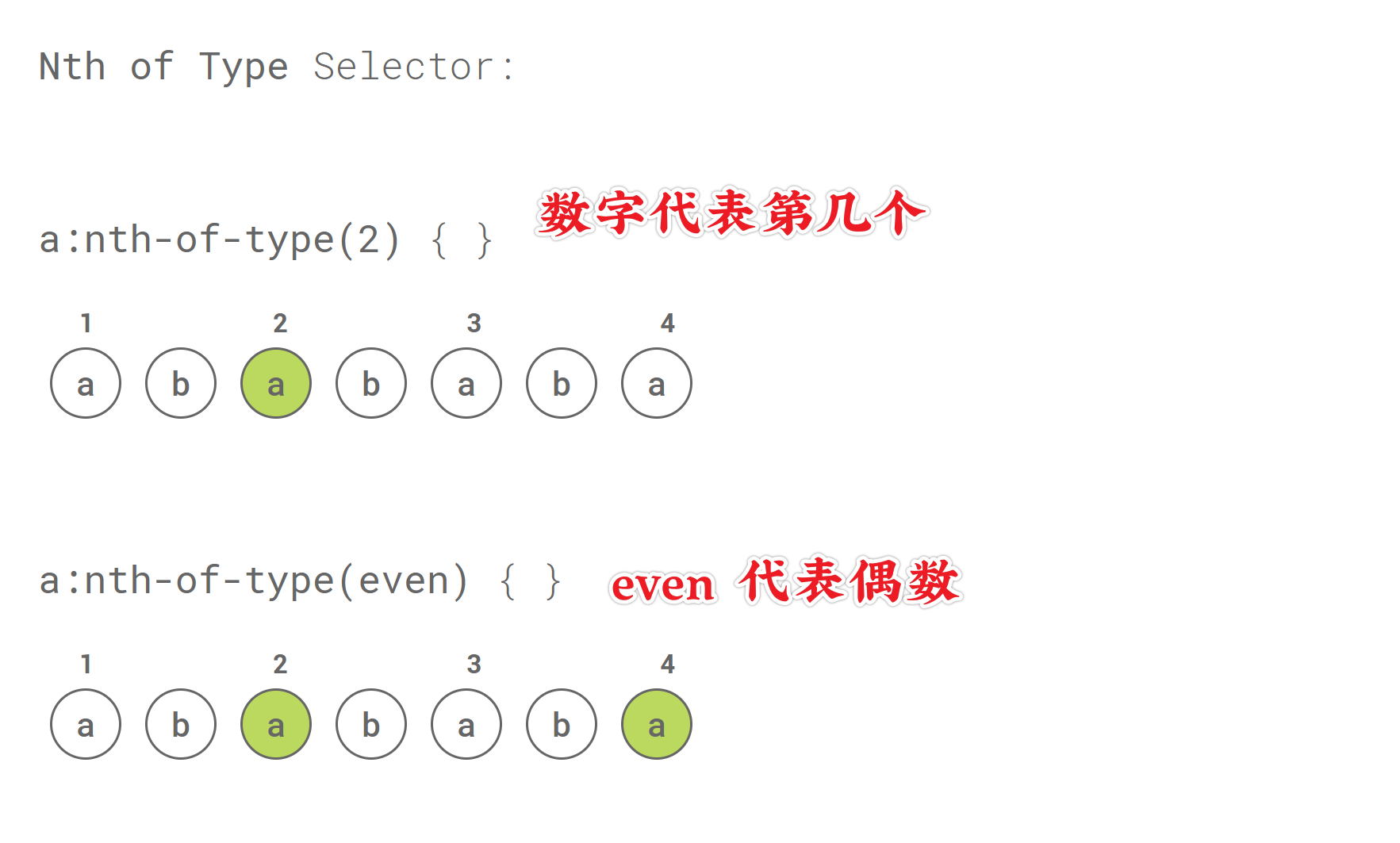
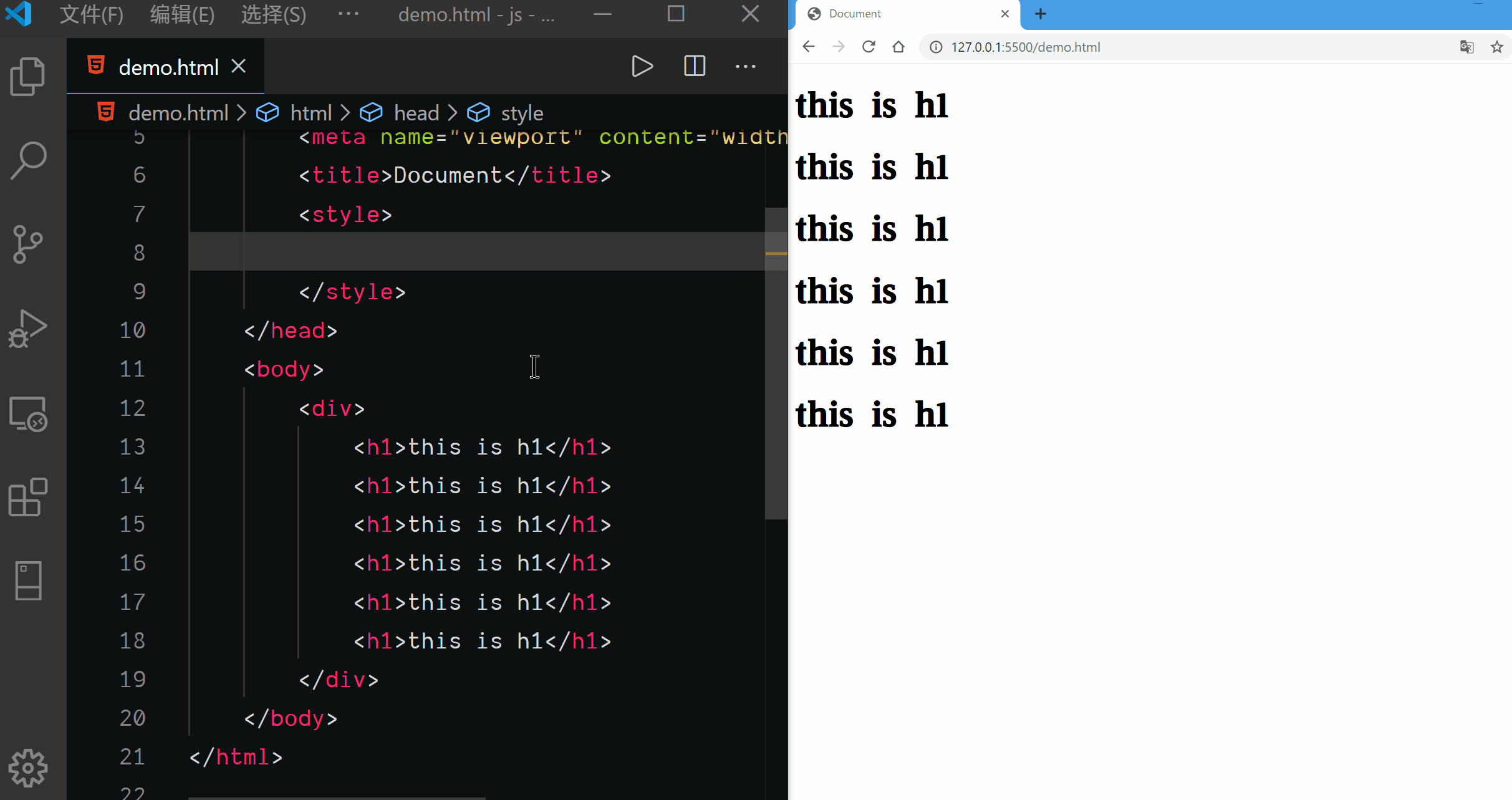
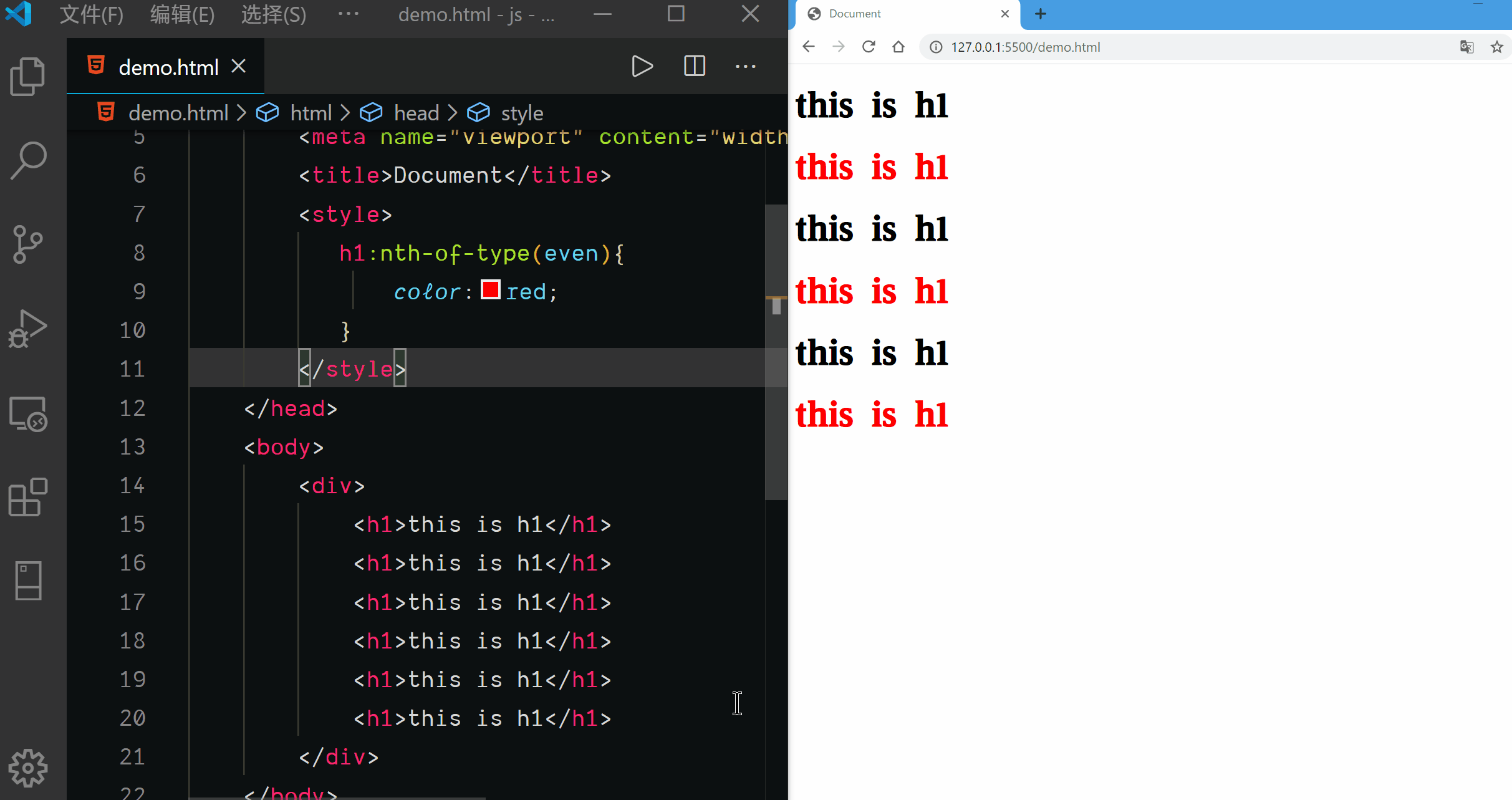
Nth of Type Selector
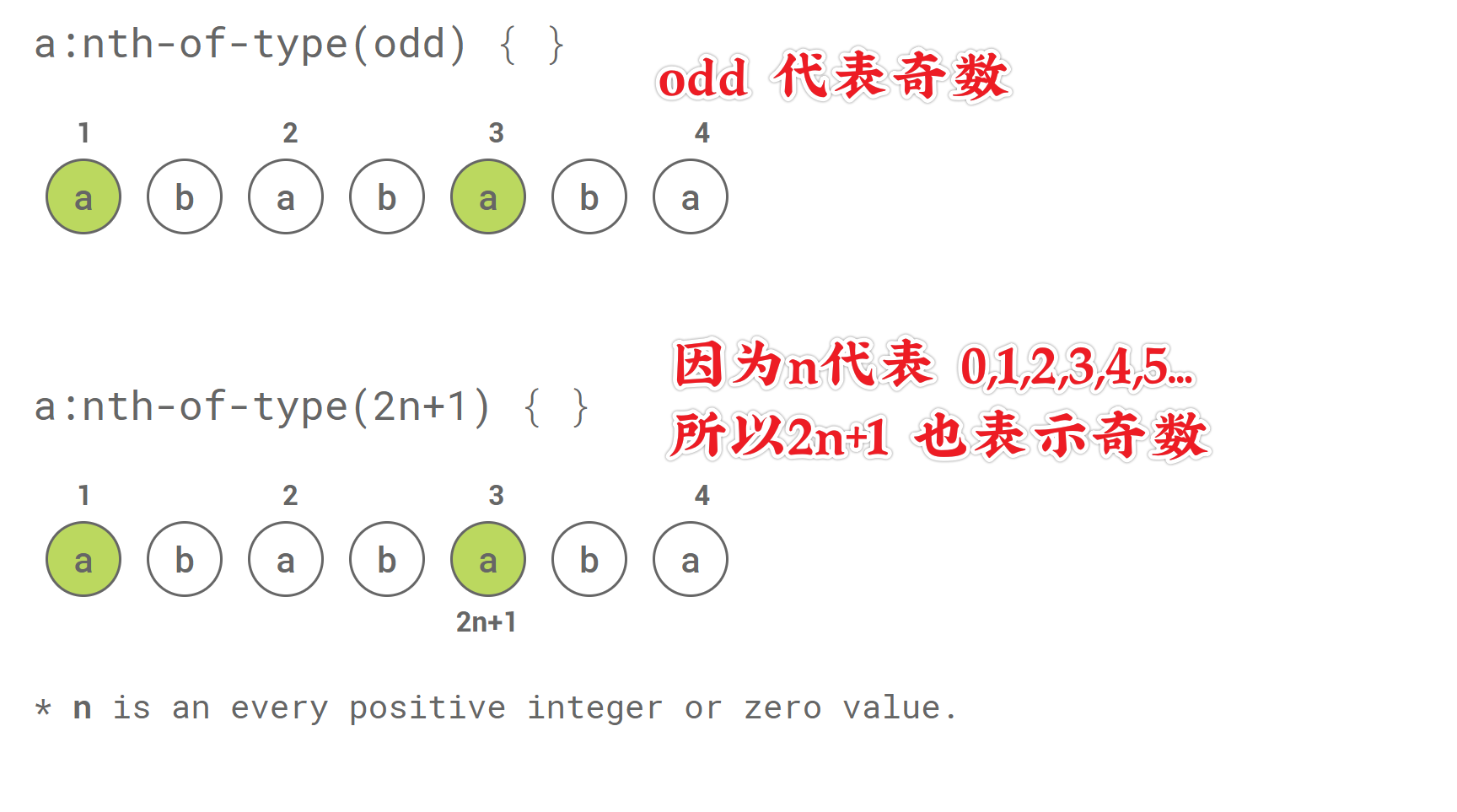
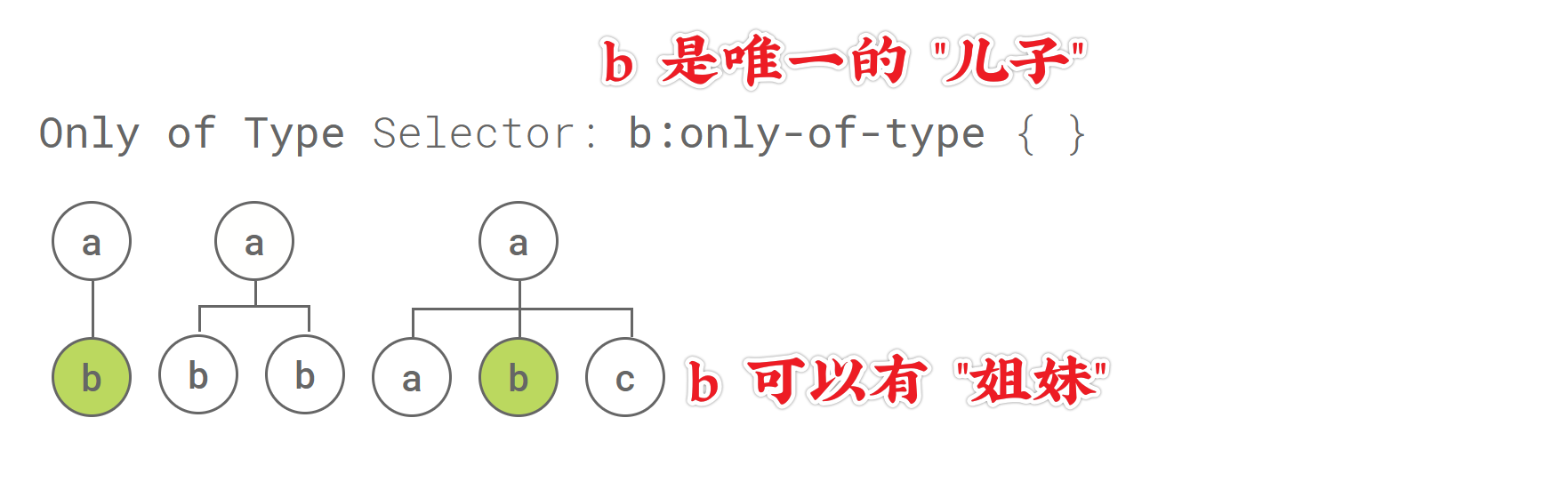
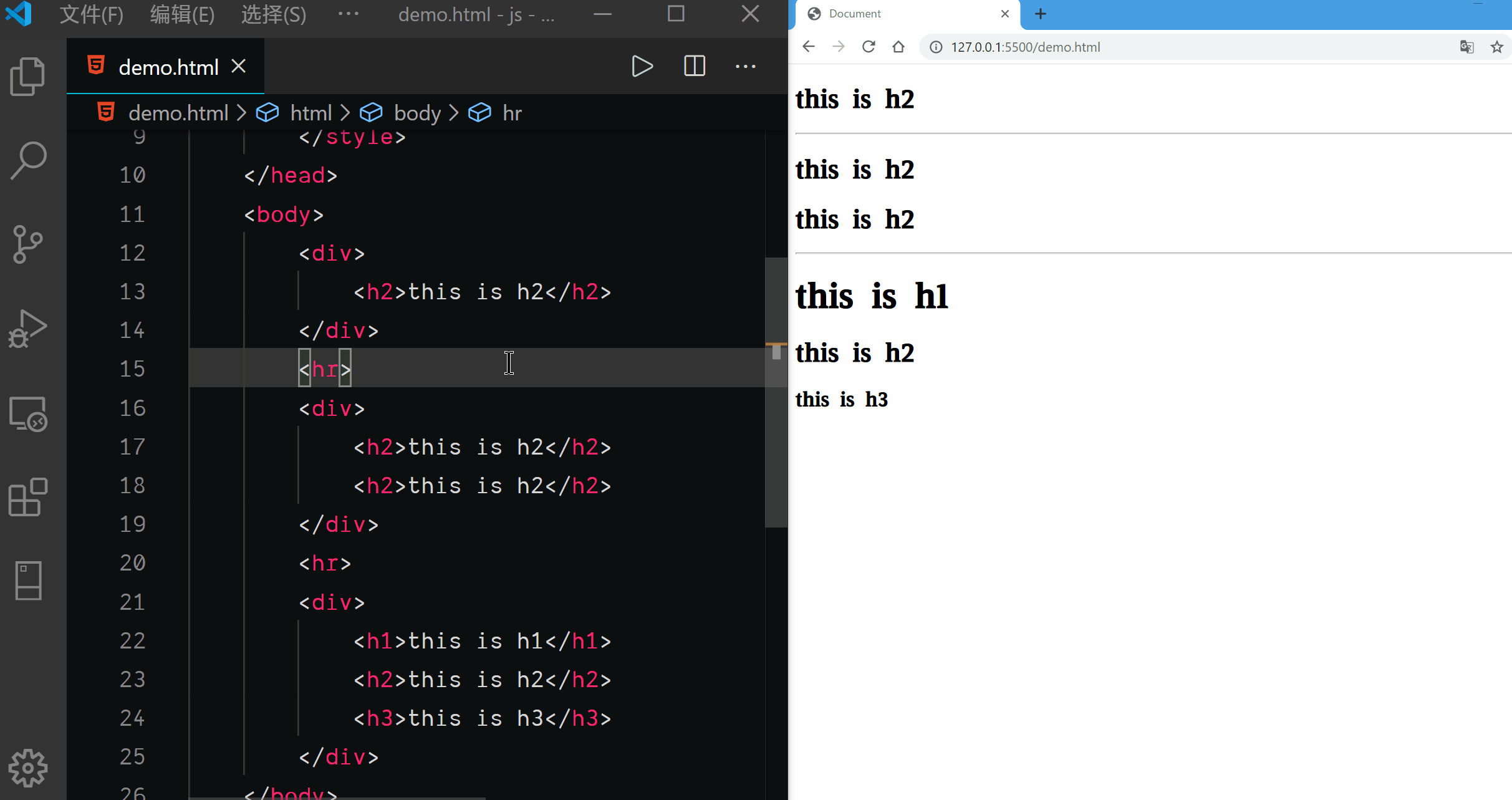
Only of Type Selector
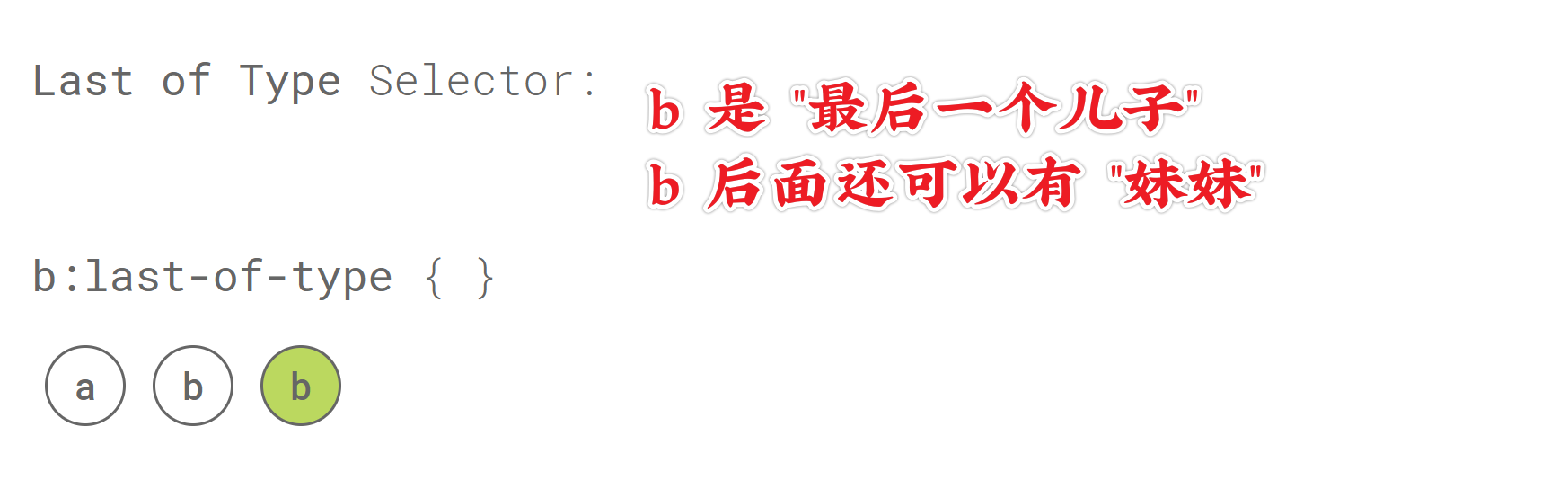
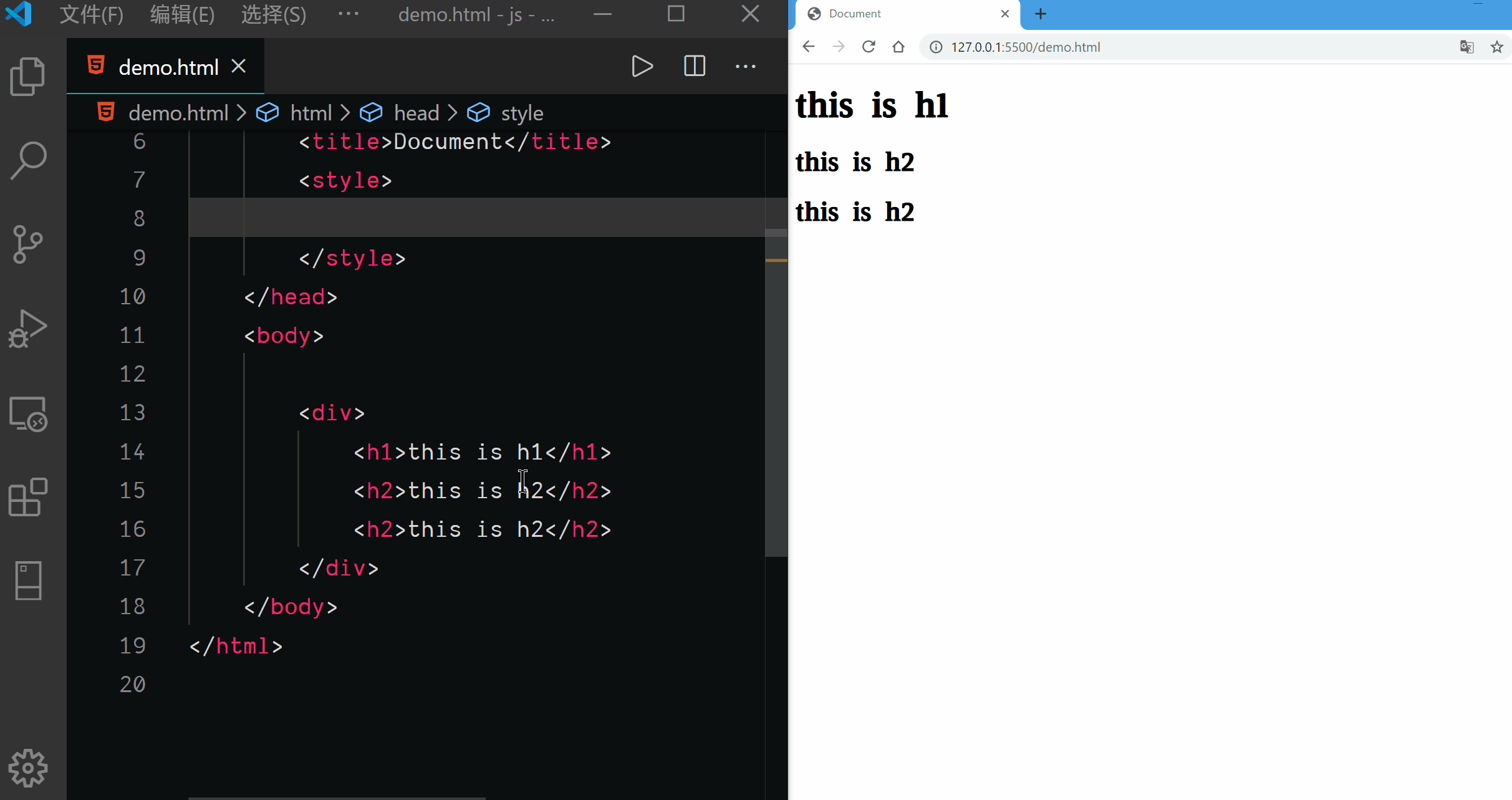
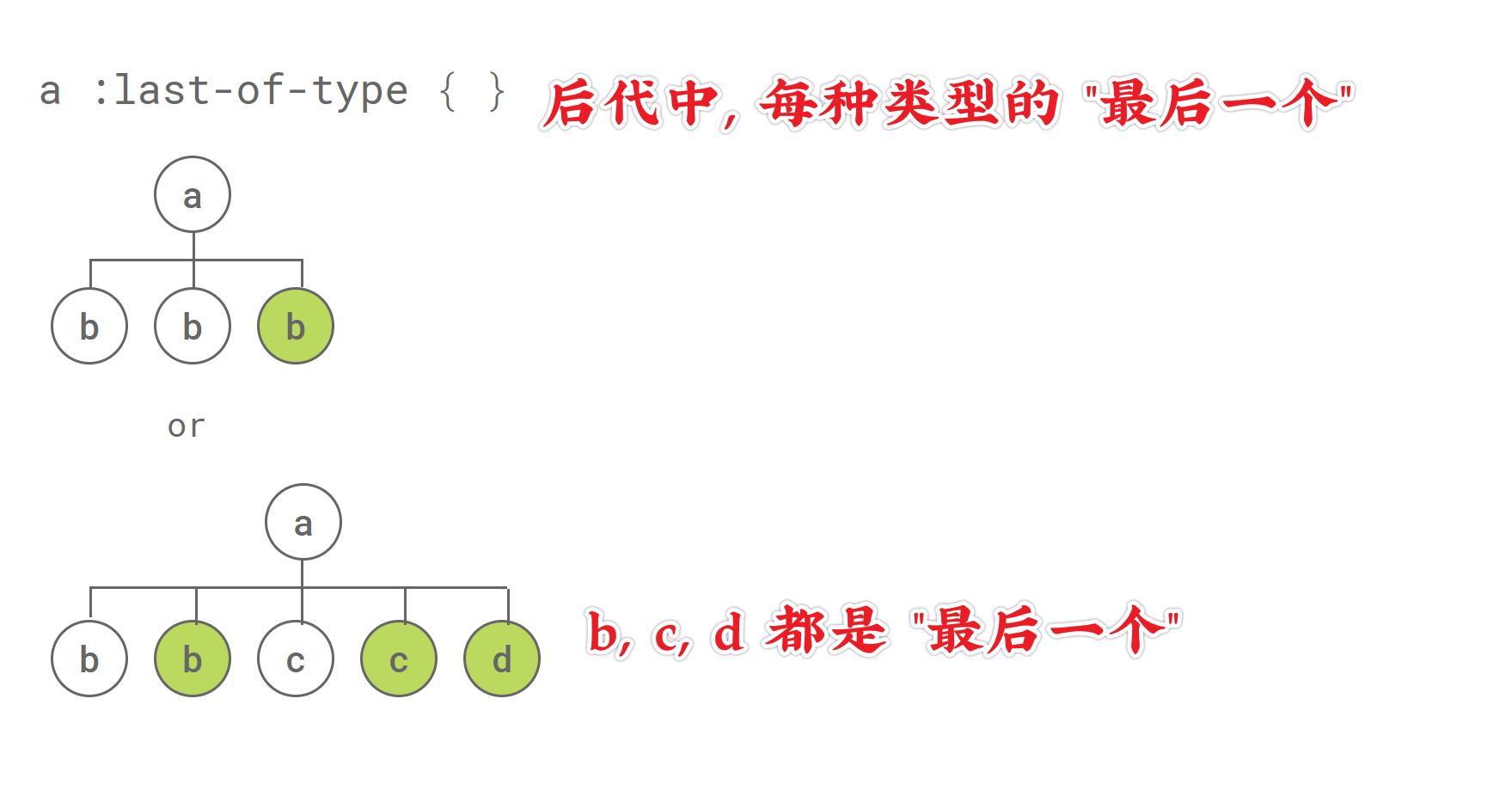
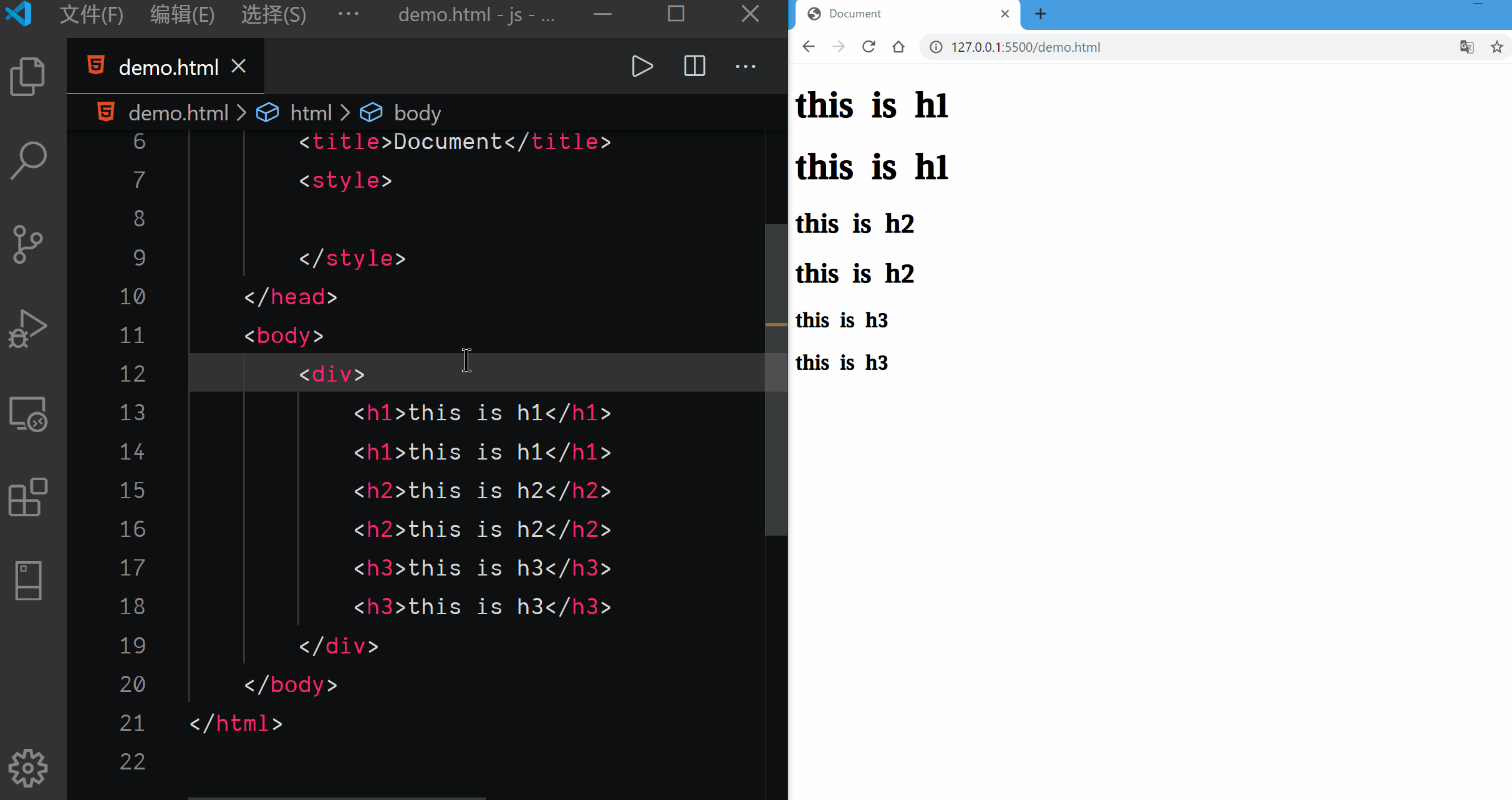
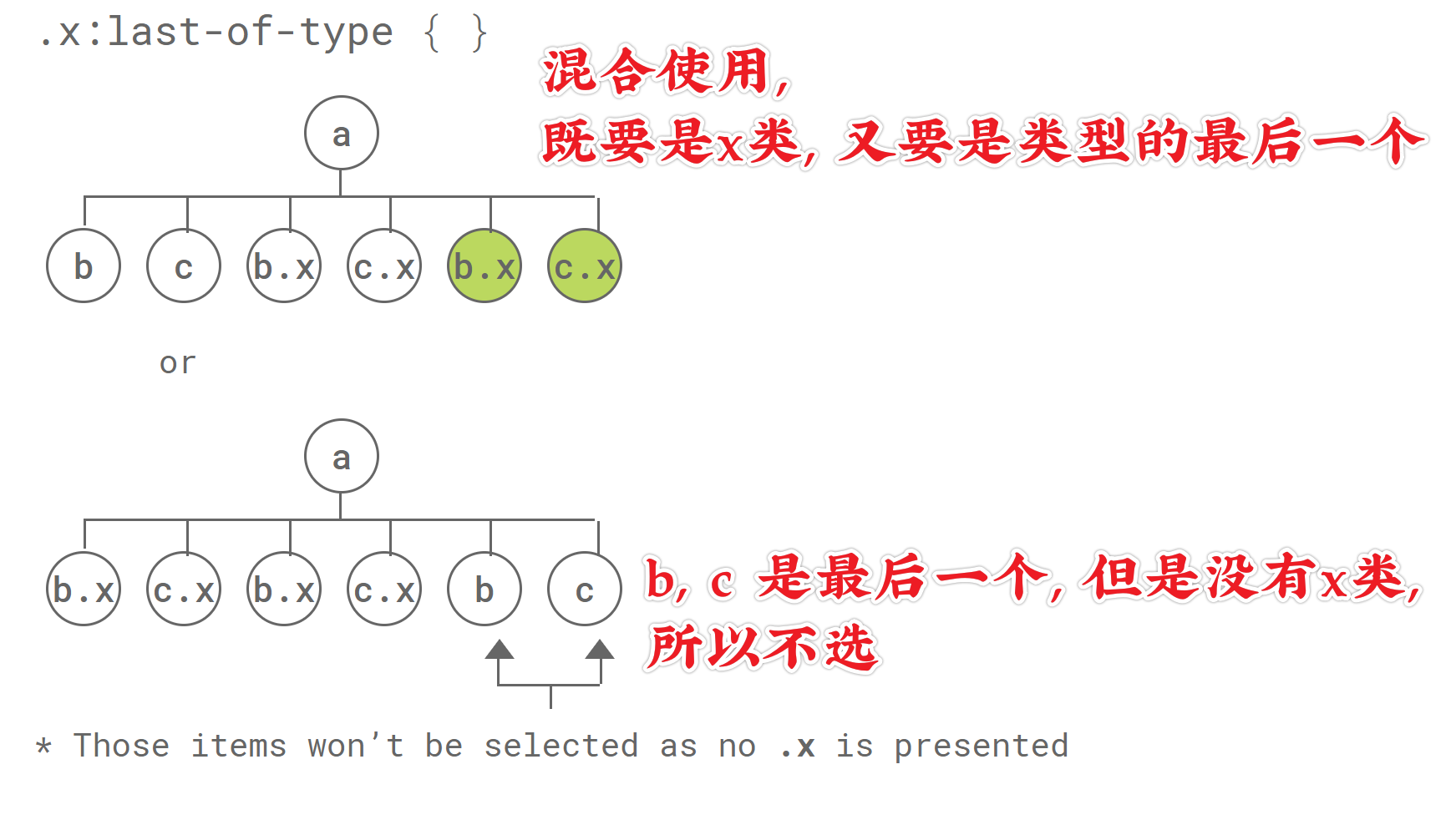
Last of Type Selector
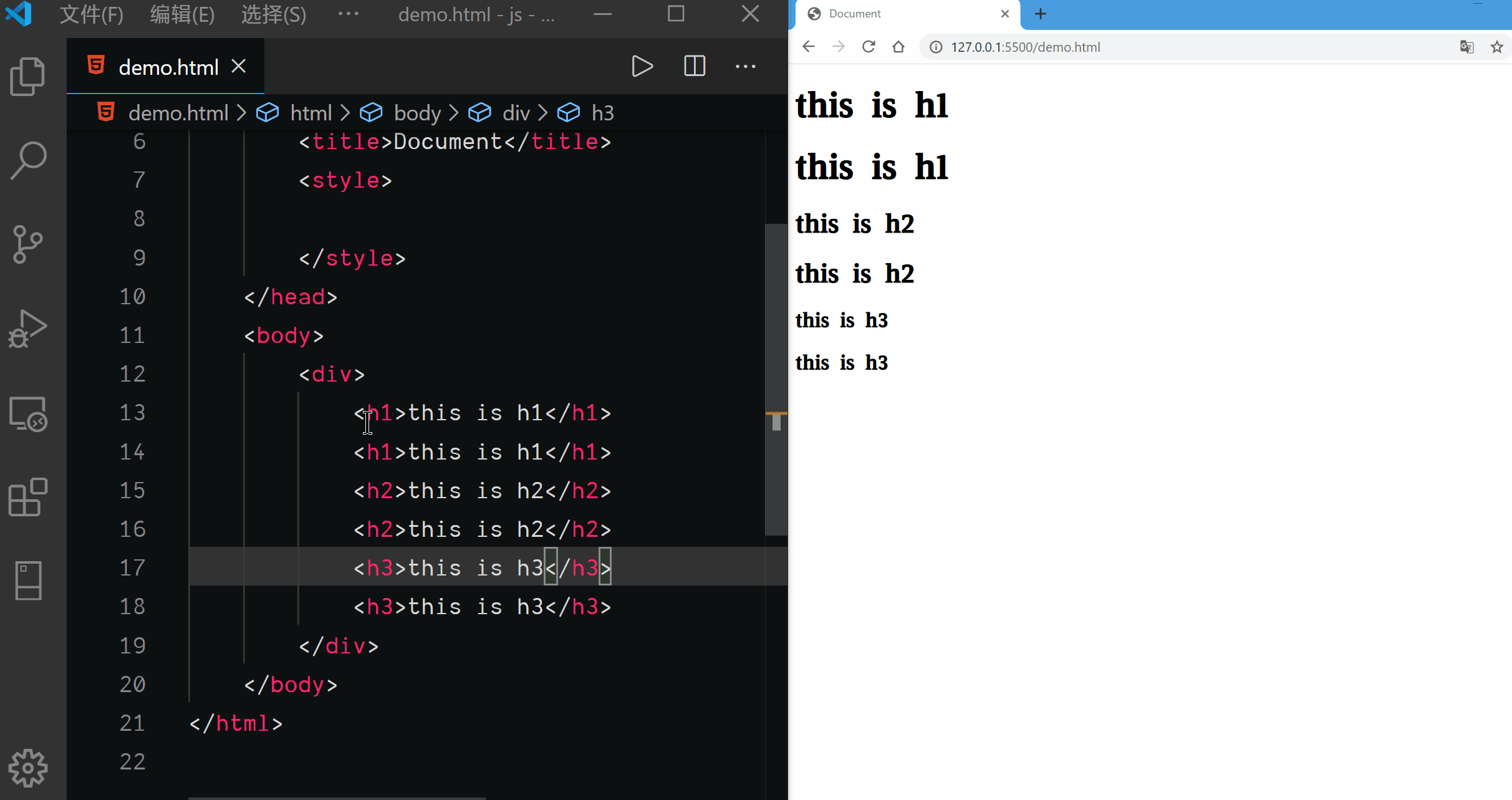
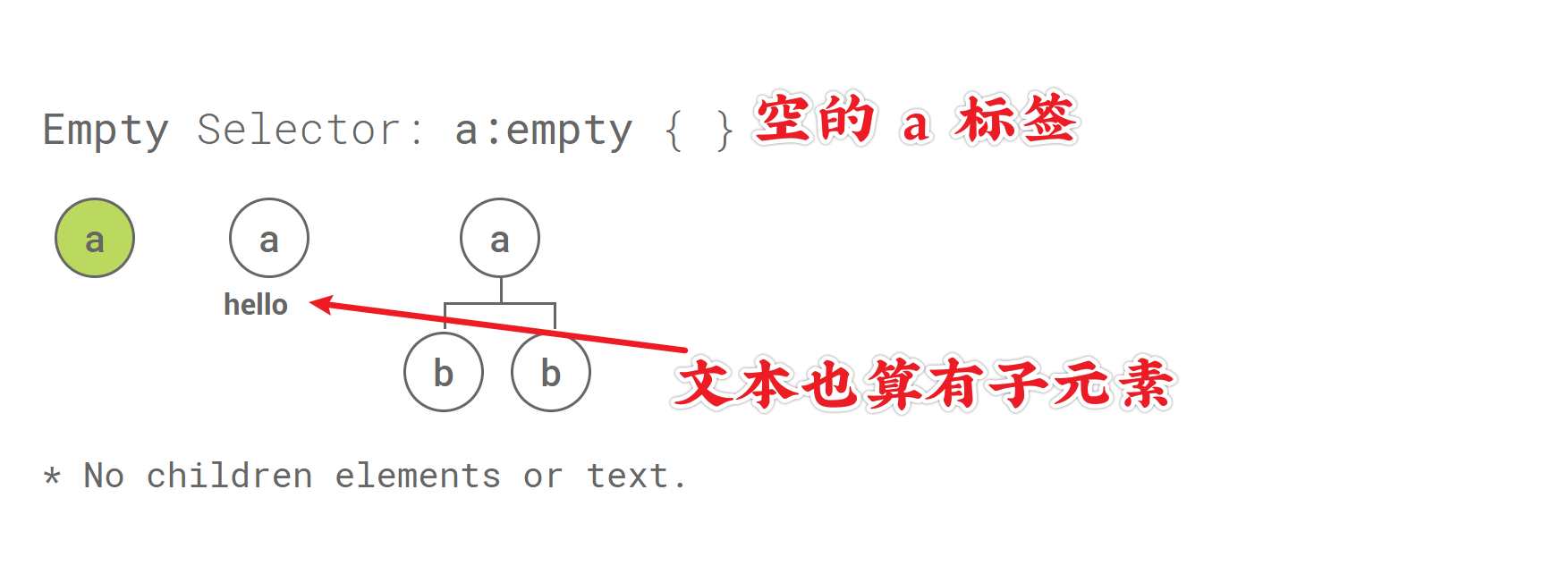
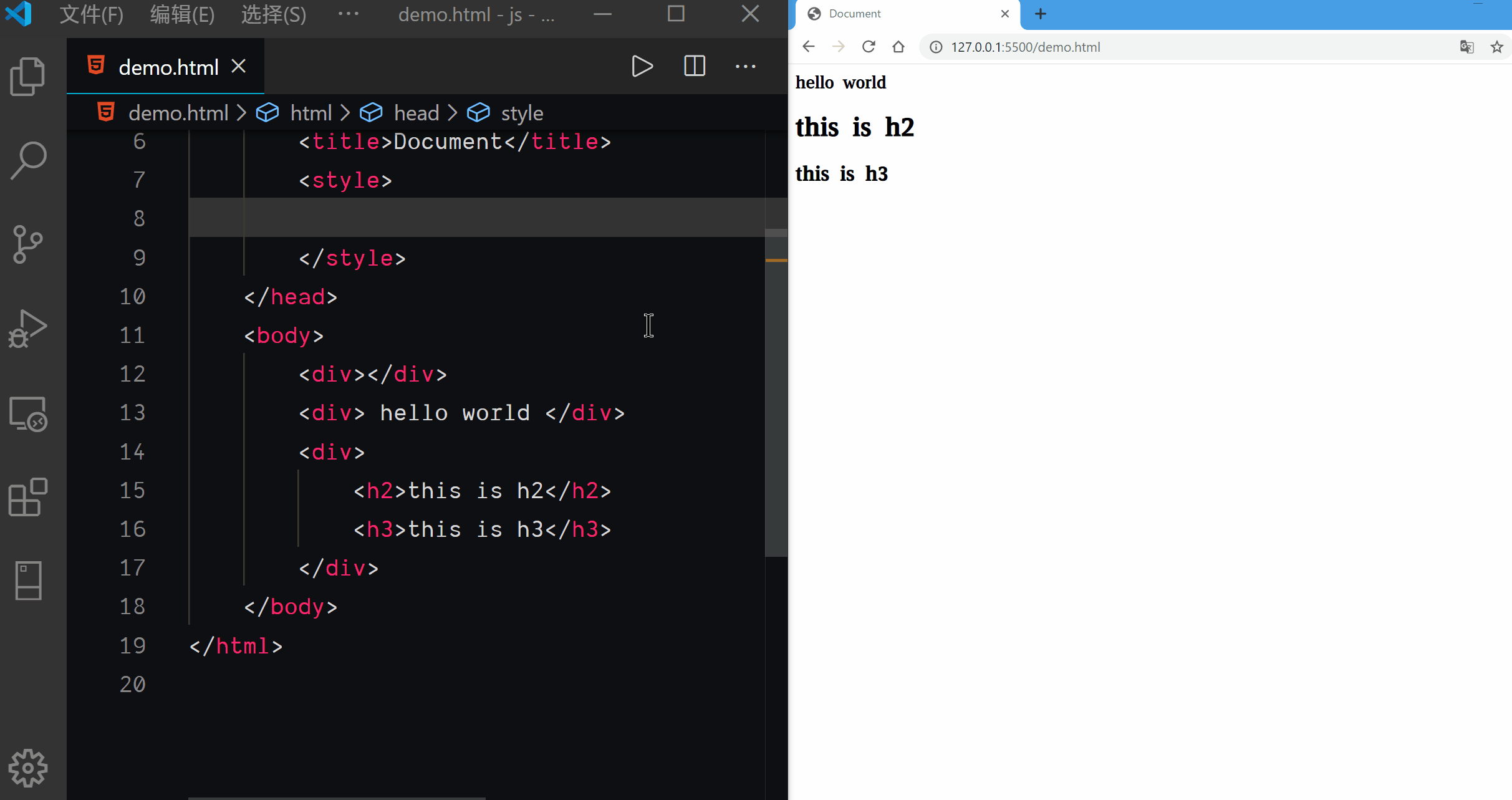
Empty Selector
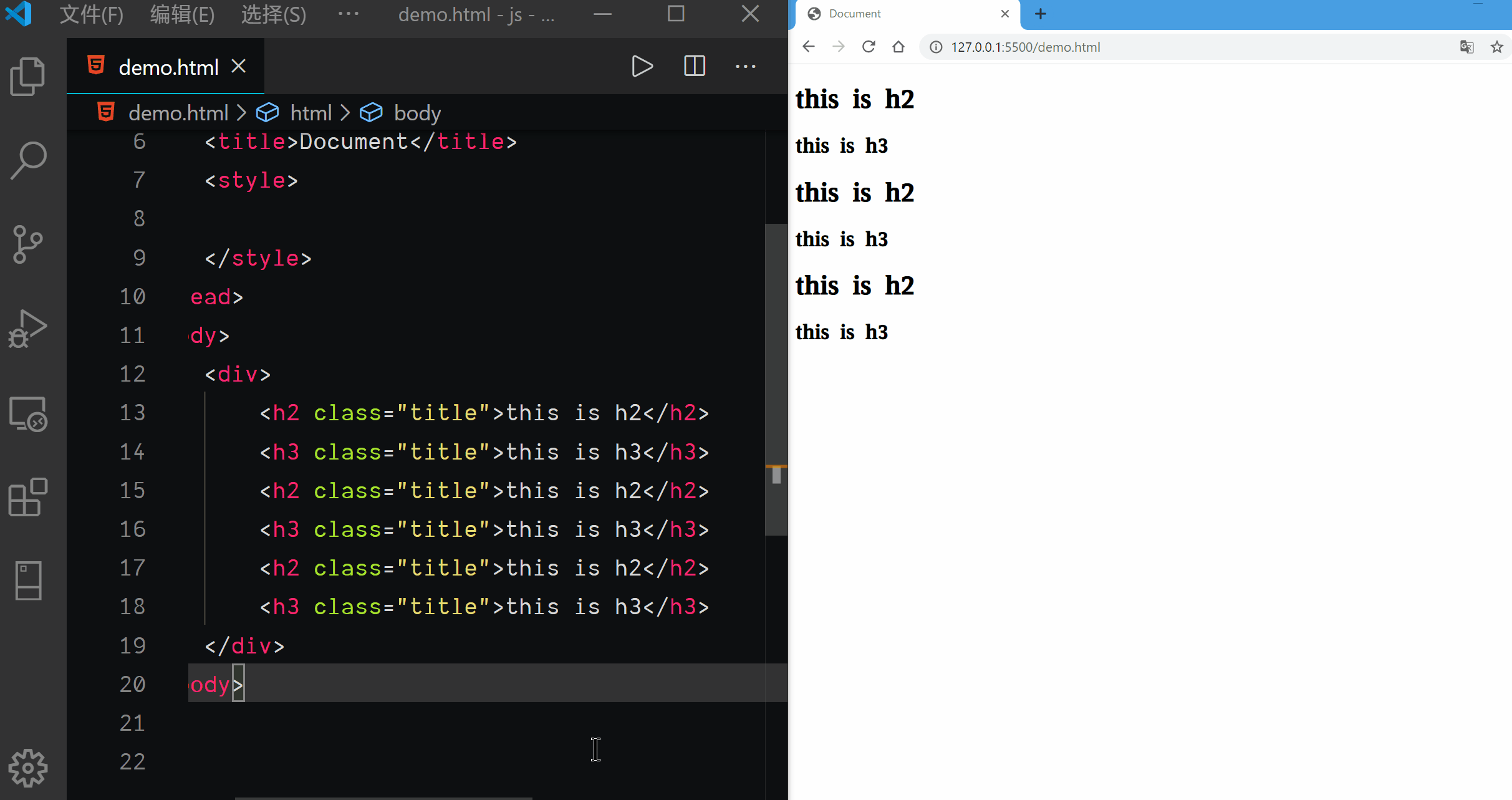
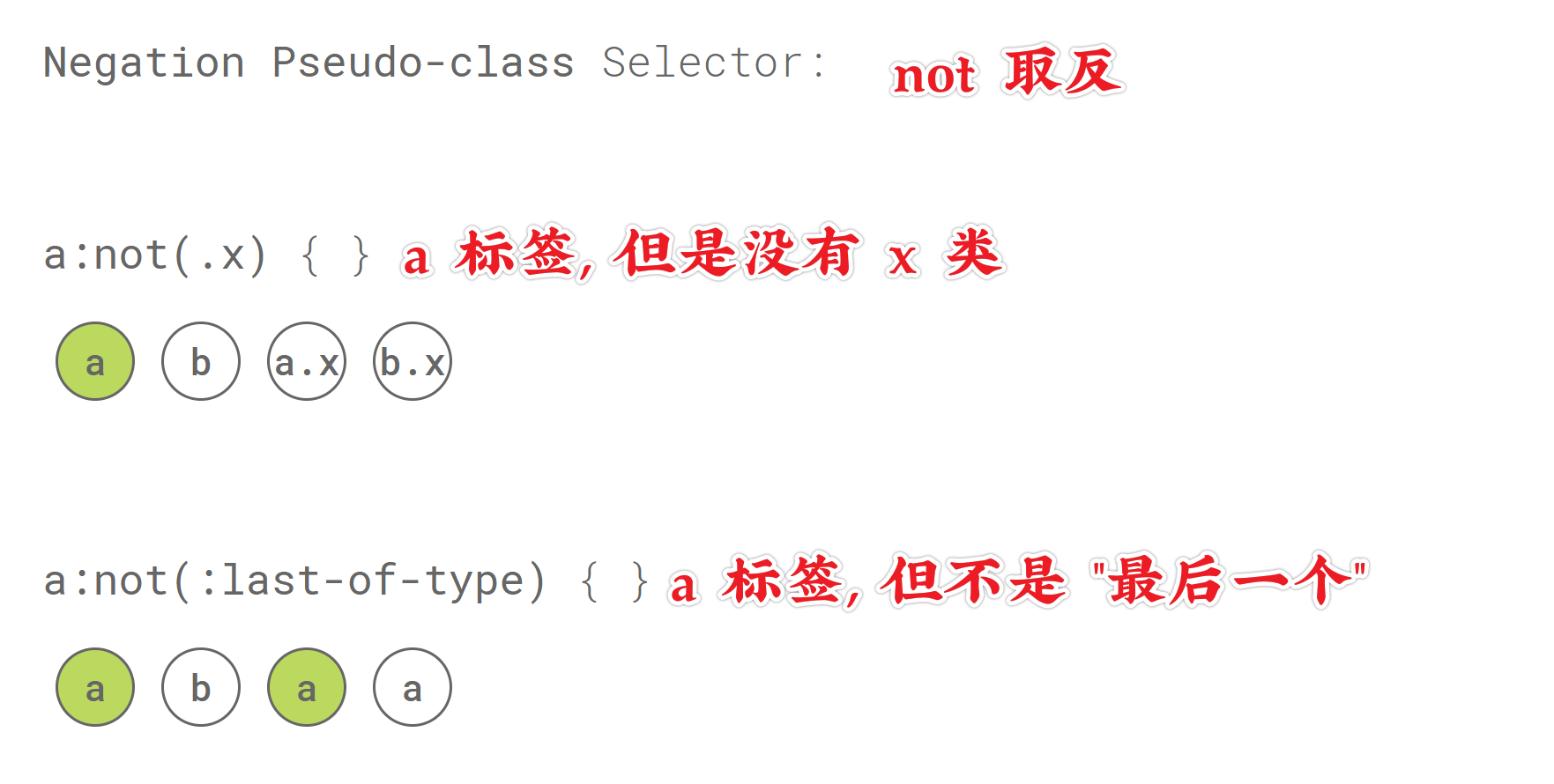
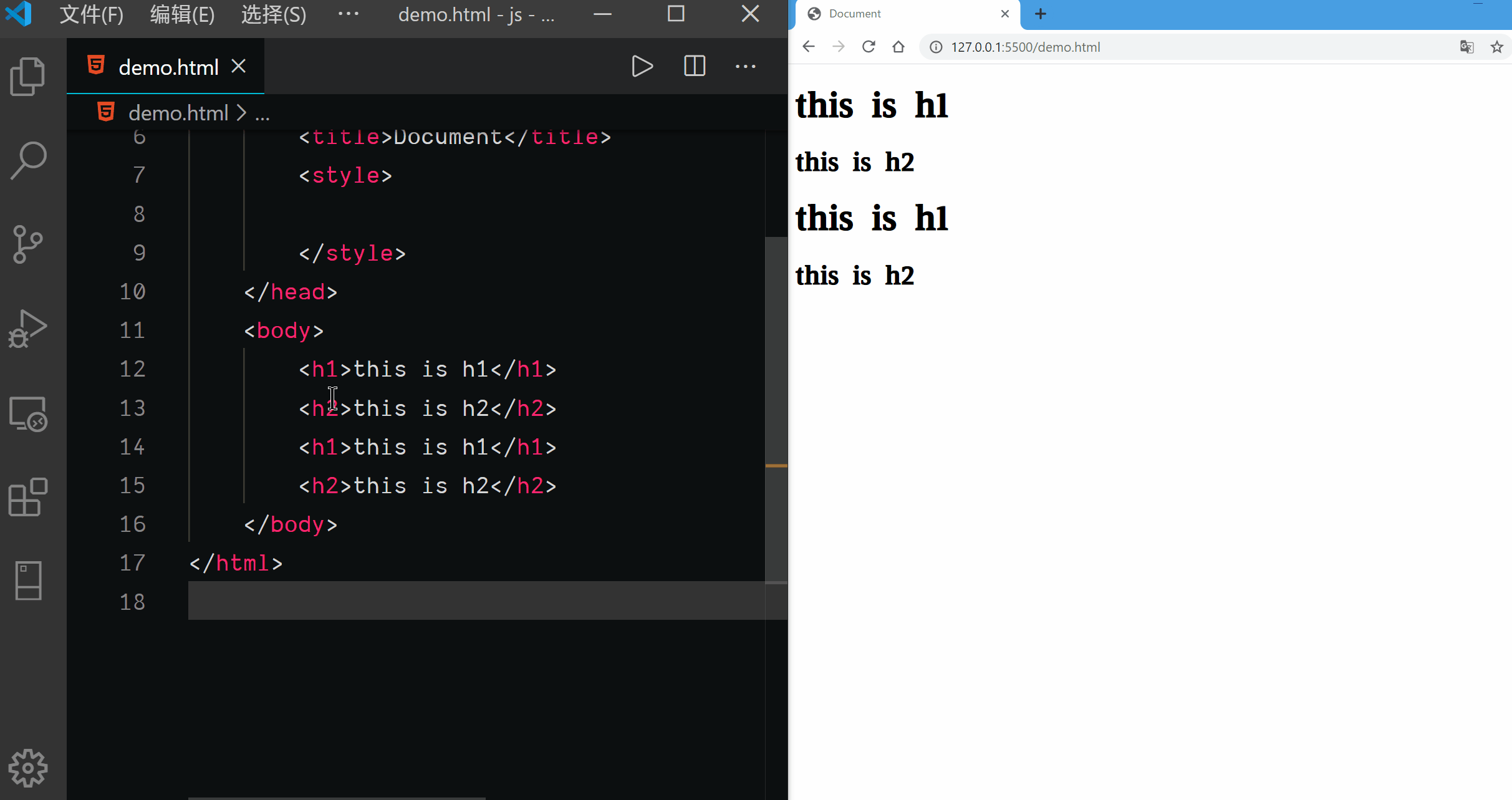
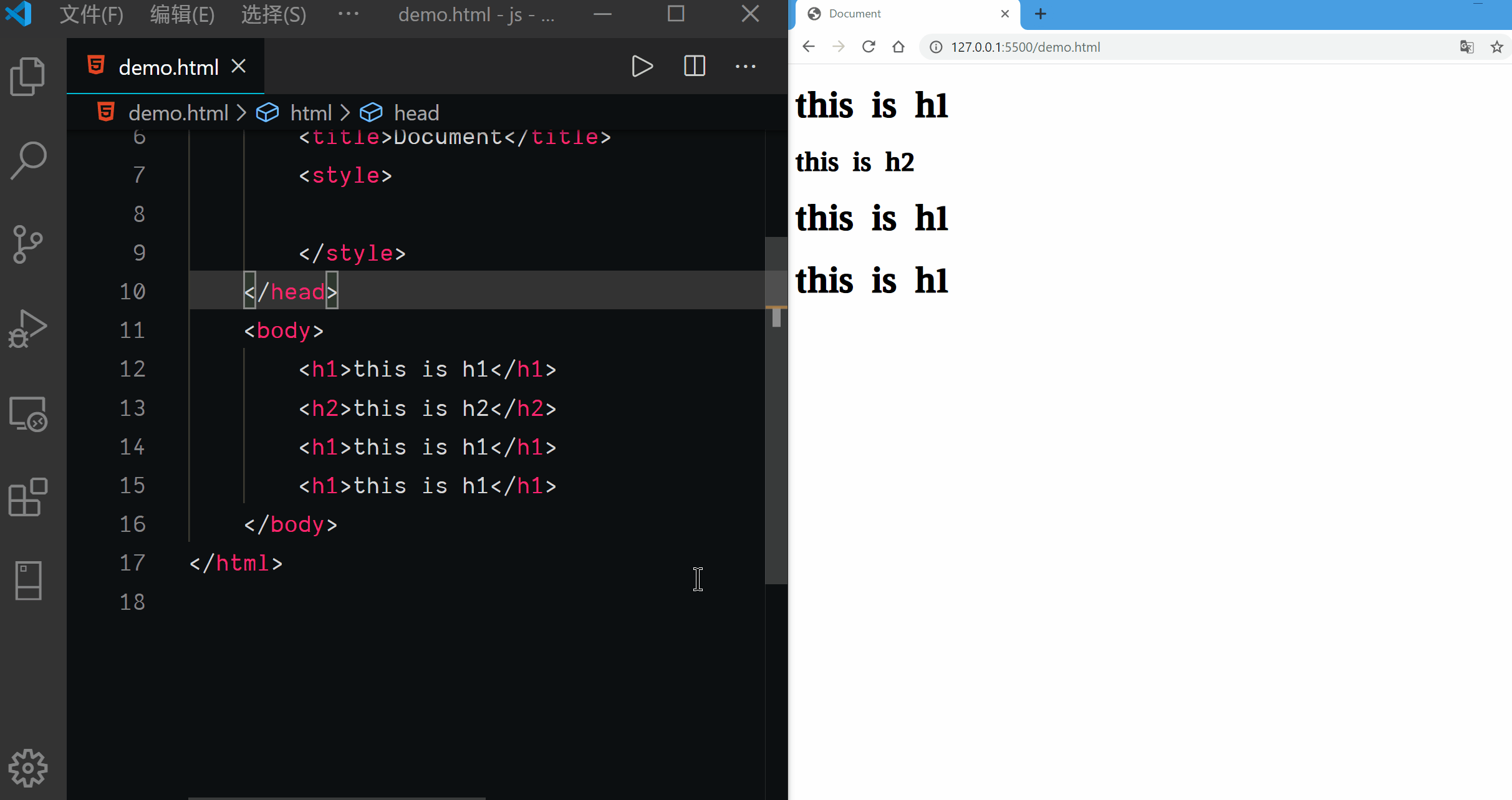
Negation Pseudo-class Selector
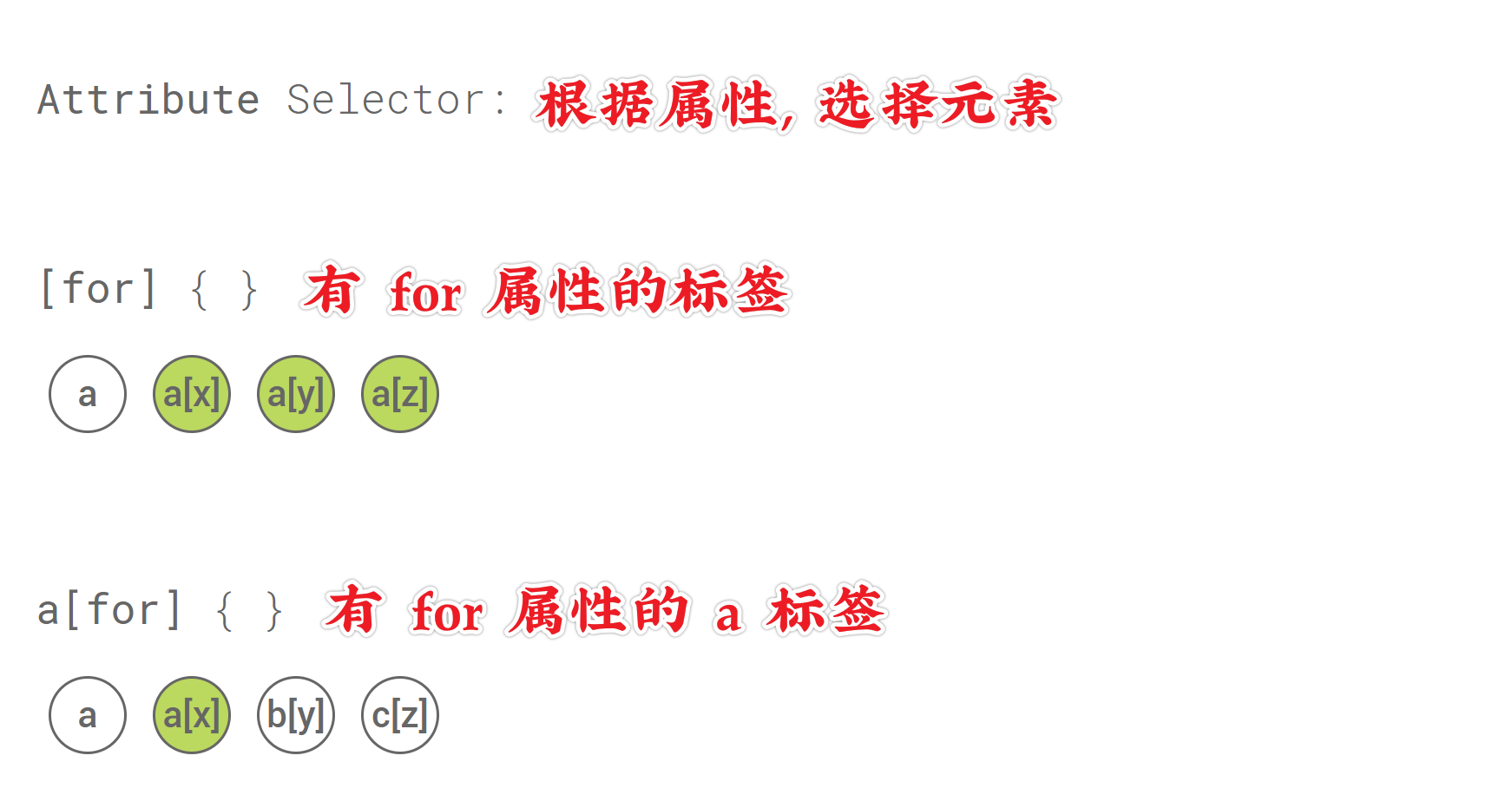
Attribute Selector
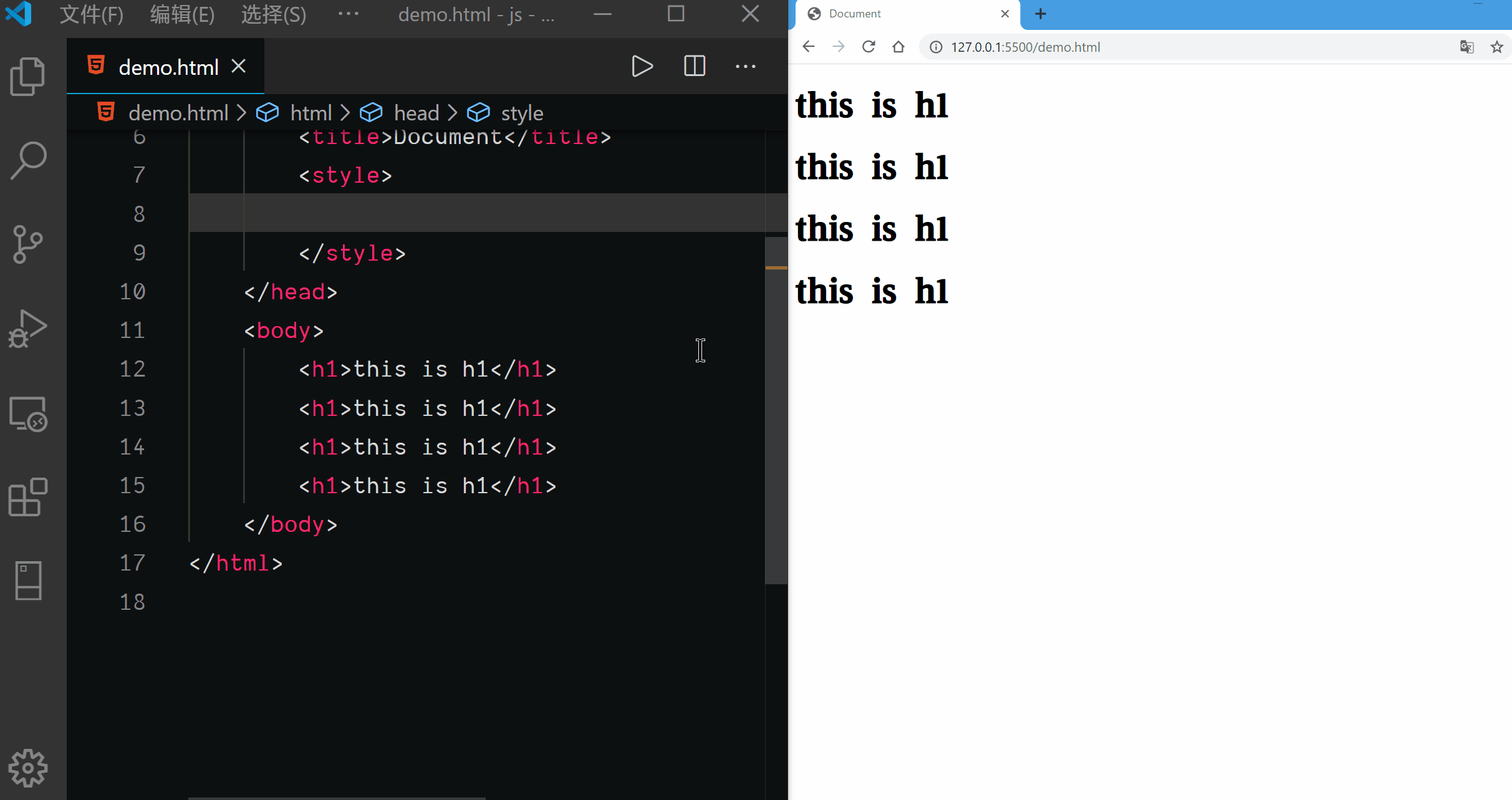
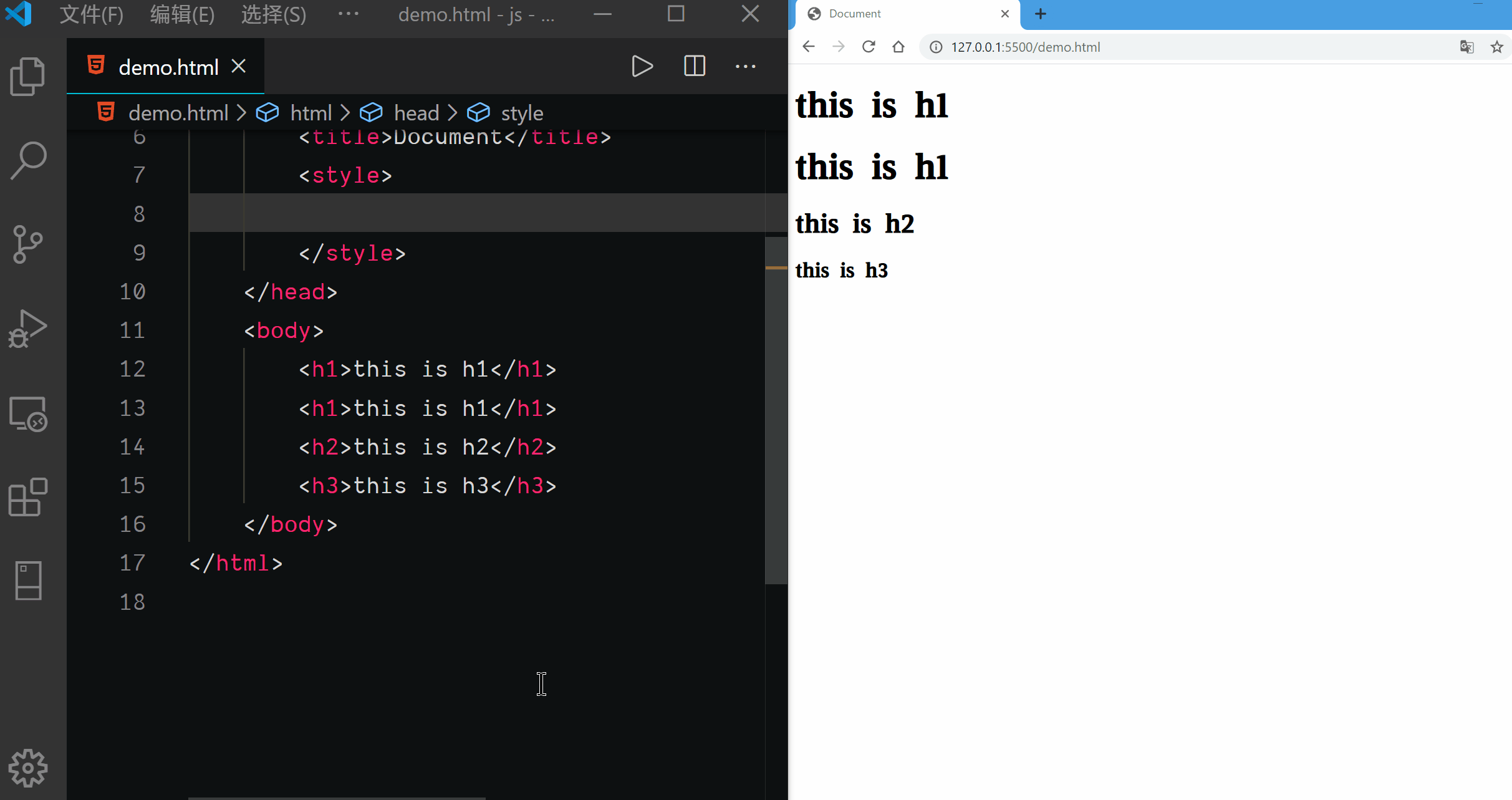
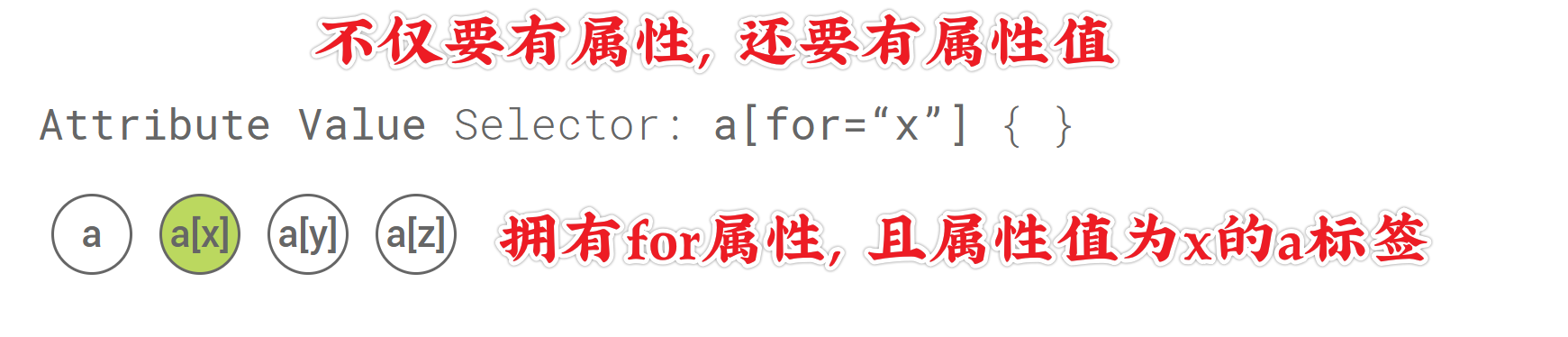
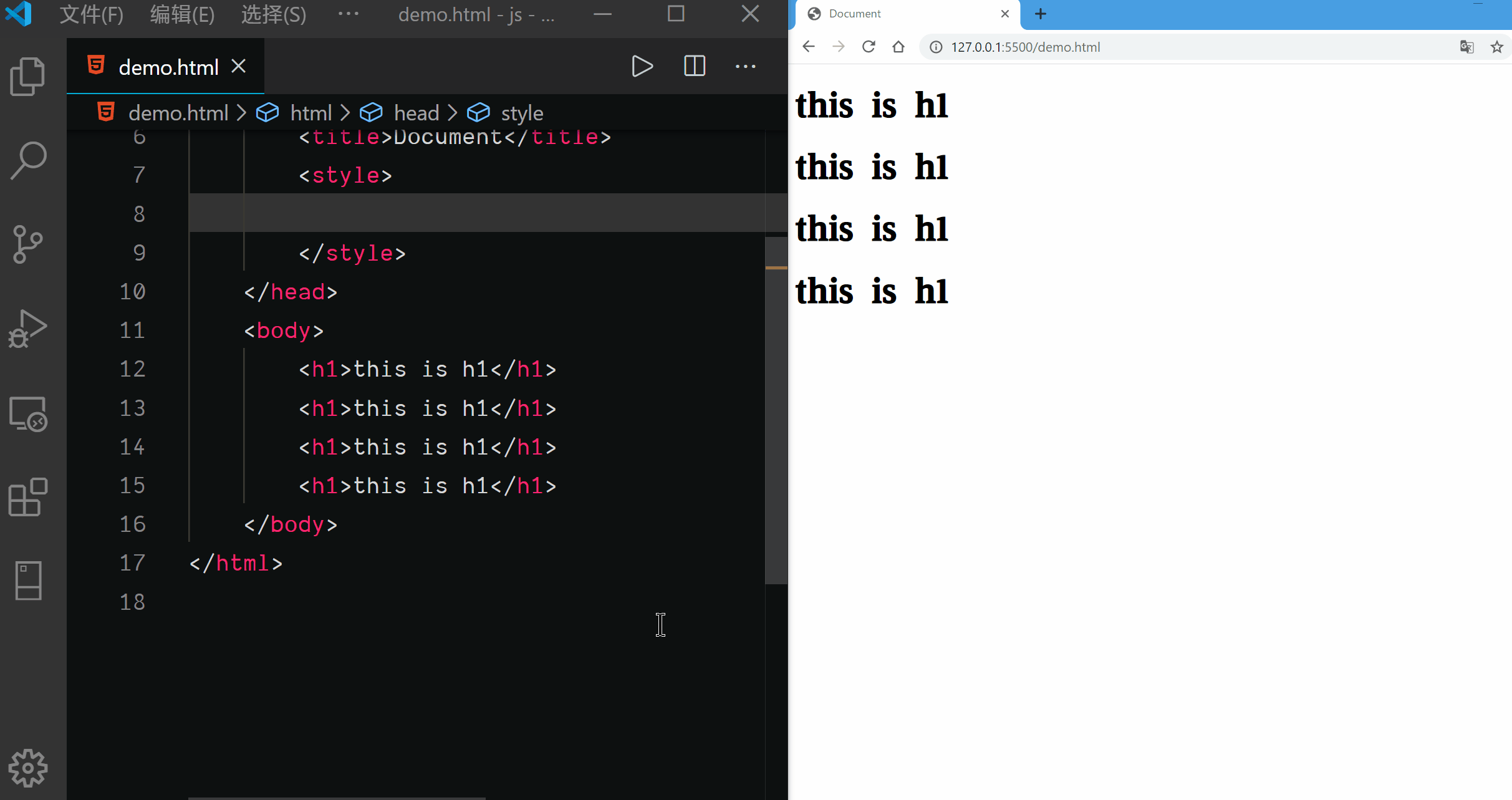
Attribute Value Selector
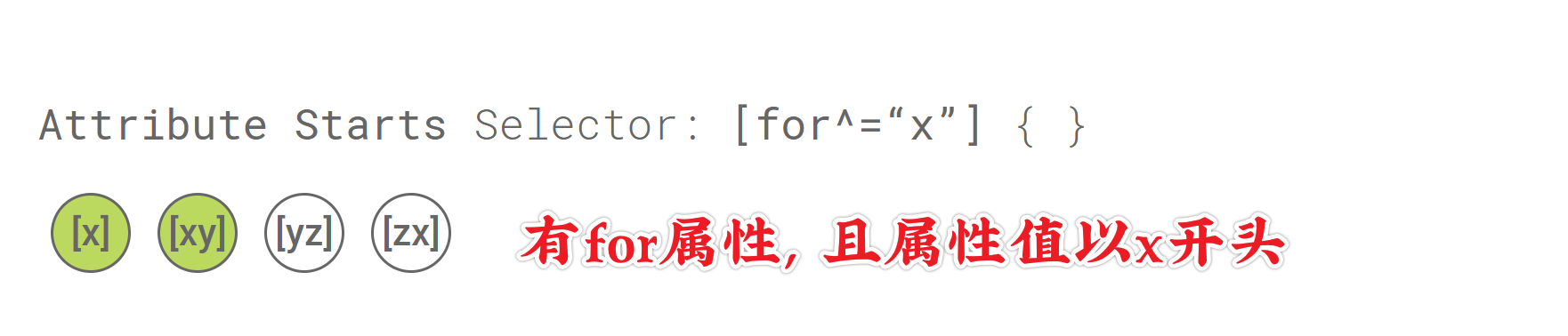
Attribute Starts Selector
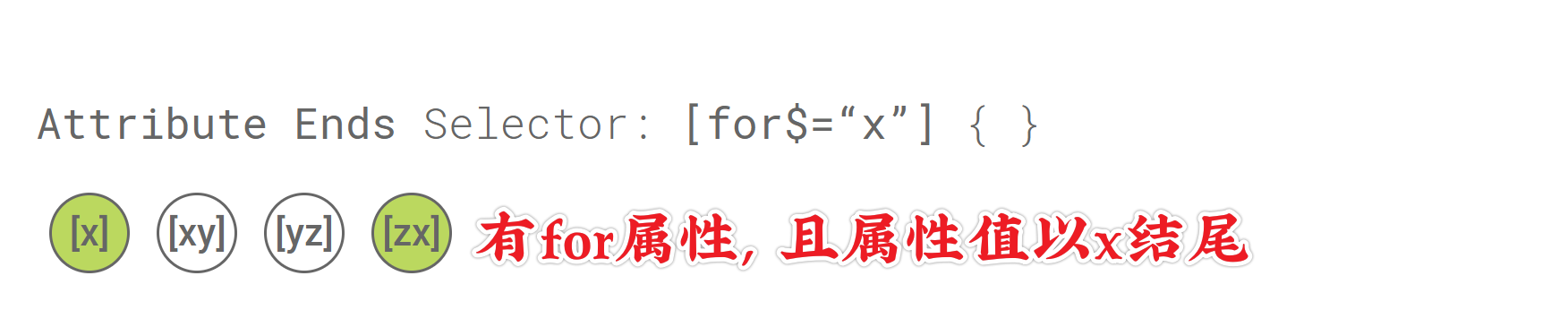
Attribute Ends Selector
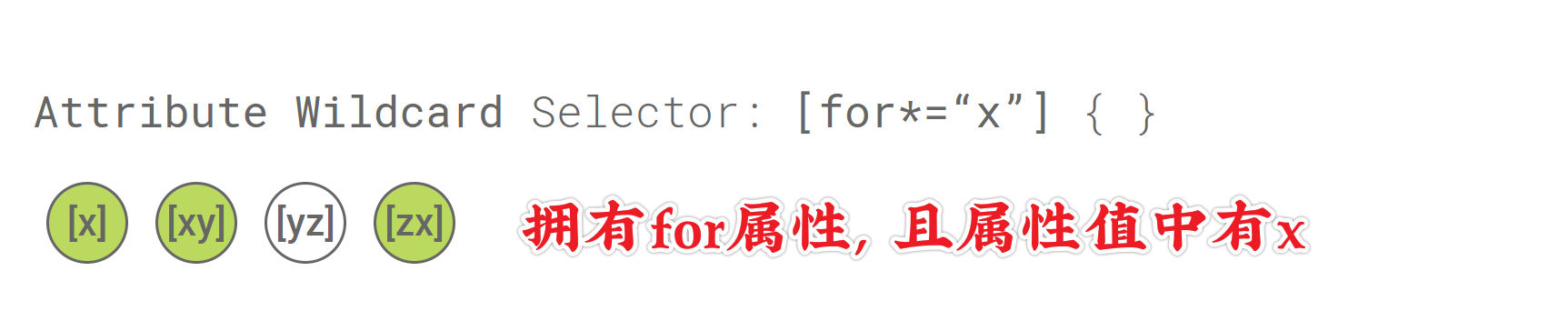
Attribute Wildcard Selector