参考
配置参考
邮件发送参考 blog.csdn.net/youmatterhs…
最终配置
yum install mailx -y
vim /etc/mail.rc
# set from要与set smtp-auth-user一致
# set smtp-auth-password要去qq邮箱中生成授权码
set from=3555409634@qq.com
set smtp=smtp.qq.com
set smtp-auth-user=3555409634@qq.com
set smtp-auth-password=`xdaytoldqtzochbb`
set smtp-auth=login
要到qq邮箱的设置中把下面选项开启


测试
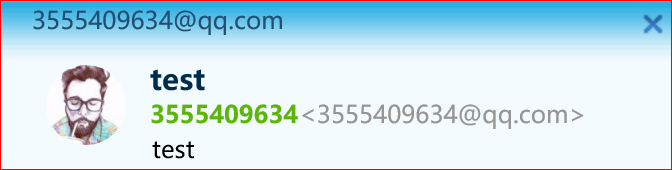
echo "test"|mail -s test 3555409634@qq.com