实现效果

原始html写法
引入iconfont
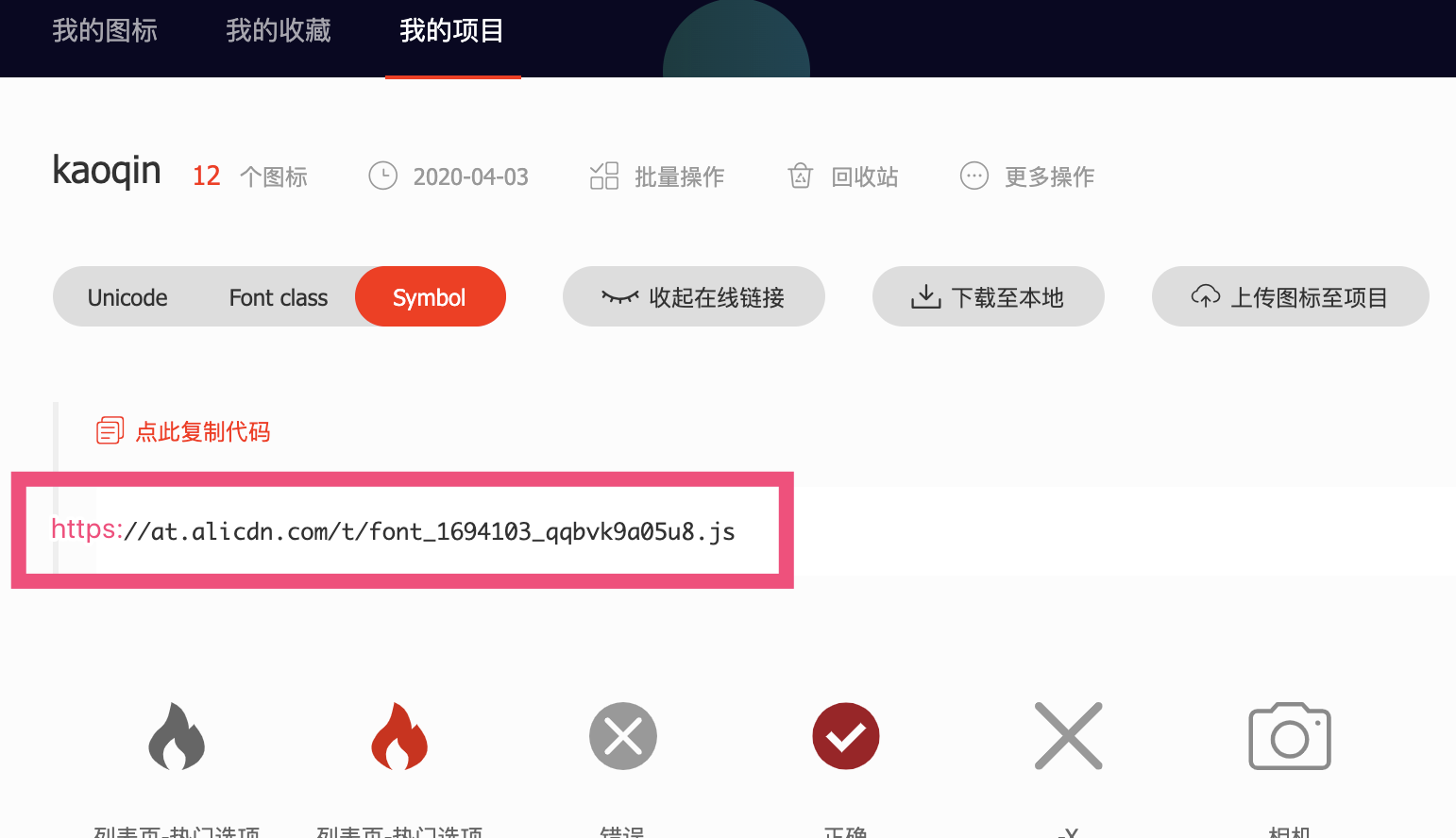
引入iconfont
<script src="https://at.alicdn.com/t/font_1694103_qqbvk9a05u8.js"></script>

<h1 class="title" :title="title">
    <svg class="icon svg-icon" >
        <use xlink:href="#iconremen"></use>
    </svg>
    {{ title }}
</h1>
data () {
    return {
      title: 'addBook'
    }
},
组件写法
<header-item
    :level="'1'"
    :title="title"
    :iconName="'remen'">
    {{ title }}
</header-item>
- 单文件组件写法so easy 大佬们都会 忽略
- 函数式组件写法
Vue.component('header-item', {
  props: {
    level: {
      type: String,
      default () {
        return '1'
      }
    },
    title: {
      type: String,
      default () {
        return ''
      }
    },
    iconName: {
      type: String,
      default () {
        return ''
      }
    }
  },
  render (h) {
    return h(`h${this.level}`, {
      class: {
        title: true
      },
      attrs: {
        title: this.title
      }

    }, [h('svg', {
      class: {
        icon: true,
        'svg-icon': true
      }
    }, [h('use', {
      attrs: {
        'xlink:href': `#icon${this.iconName}`
      }
    })]), this.$slots.default])
  }
})
- 传入render上下文写法
Vue.component('header-item', {
  functional: true, // '此处设置functional为 true'
  render (h, context) { // '此处传入context'
    const { props, children } = context  // '从context拿到props和children(即:$slots.default)'
    return h(`h${props.level}`, {
      class: {
        title: true
      },
      attrs: {
        title: props.title
      }

    }, [h('svg', {
      class: {
        icon: true,
        'svg-icon': true
      }
    }, [h('use', {
      attrs: {
        'xlink:href': `#icon${props.iconName}`
      }
    })]), children])
  }
})
以上||