安装篇
安装方法:
安装过程中遇到的问题
cannot find package "github.com/go-playground/validator/v10"
cannot find package "golang.org/x/sys/unix"
部署篇
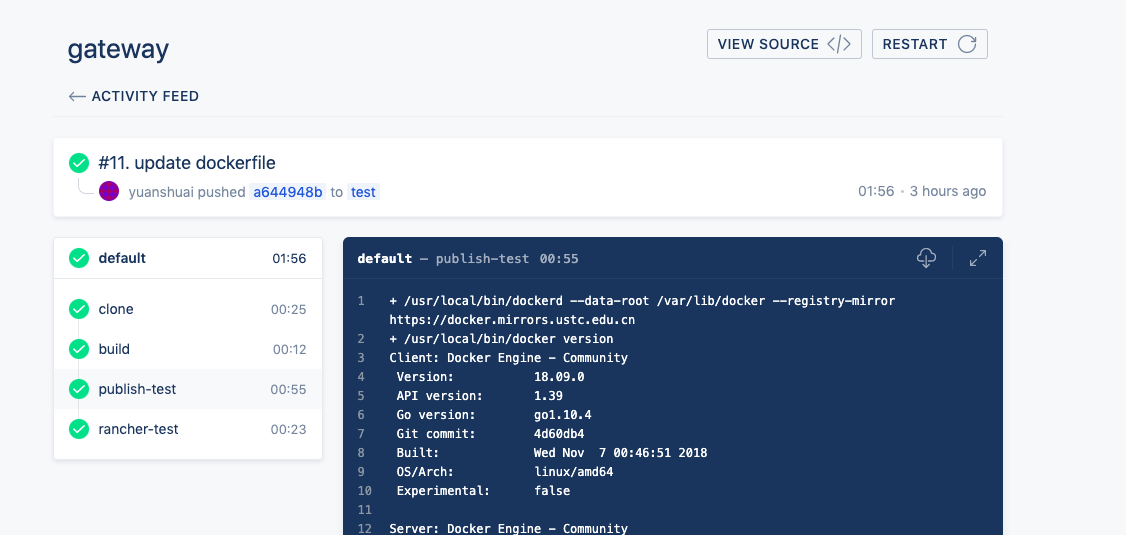
drone+docker+rancher部署:
workspace:
  base: /www/gopath/src
  path: gateway

pipeline:
  build:
    image: golang:alpine3.11
    commands:
      - export GOPATH=/www/gopath
      - set GOARCH=amd64
      - set GOOS=linux
      - go build .
      - ls -l

  publish-test:
    image: alpine:3.11.5
    mirror: https://docker.mirrors.ustc.edu.cn
    registry: registry.cn-hangzhou.aliyuncs.com
    repo:
      from_secret: docker_repo
    username:
      from_secret: docker_username
    password:
      from_secret: docker_password
    tags:
      - test
    when:
      branch: test

  publish-prod:
    image: alpine:3.11.5
    mirror: https://docker.mirrors.ustc.edu.cn
    registry: registry.cn-hangzhou.aliyuncs.com
    repo:
      from_secret: docker_repo
    username:
      from_secret: docker_username
    password:
      from_secret: docker_password
    tags: ${DRONE_TAG=latest}
    when:
      event: tag

  rancher-test:
    image: peloton/drone-rancher
    url:
      from_secret: rancher_url
    access_key:
      from_secret: rancher_access_key
    secret_key:
      from_secret: rancher_secret_key
    service: testing/gateway
    docker_image: {docker_image} // 远程docker镜像地址
    start_first: true
    confirm: true
    when:
      branch: test
FROM alpine:3.11.5
ENV WEB_ROOT=/www/wwwroot
RUN sed -i 's/dl-cdn.alpinelinux.org/mirrors.aliyun.com/g' /etc/apk/repositories
RUN apk update
RUN mkdir -p ${WEB_ROOT}
COPY ./gateway ${WEB_ROOT}
WORKDIR ${WEB_ROOT}
RUN chmod +x gateway
CMD ["/www/wwwroot/gateway" , "-g" , "daemon off;" ]
STOPSIGNAL SIGQUIT
部署结果
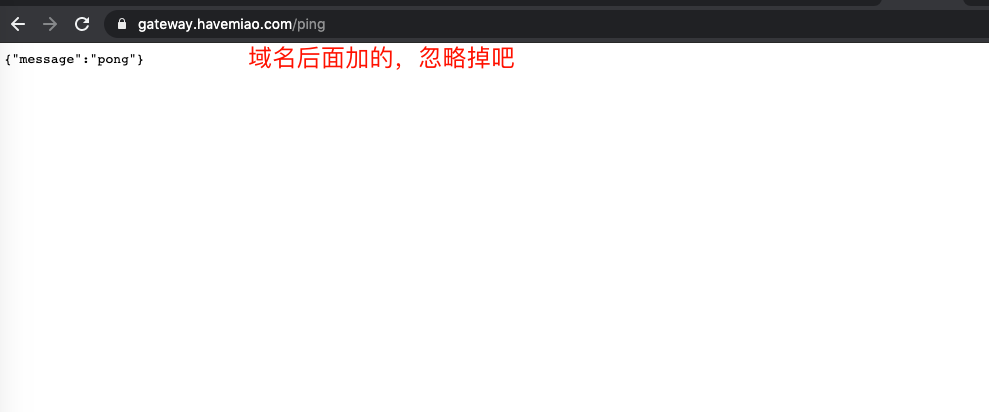
访问结果
完结撒花