uniapp中可跨平台使用,使用方法同微信小程序canvas
uni-app踩坑之canvas绘制不显示:
问题展示:
如下图所示,我用showImg来控制 canvas相关dom的隐藏与出现

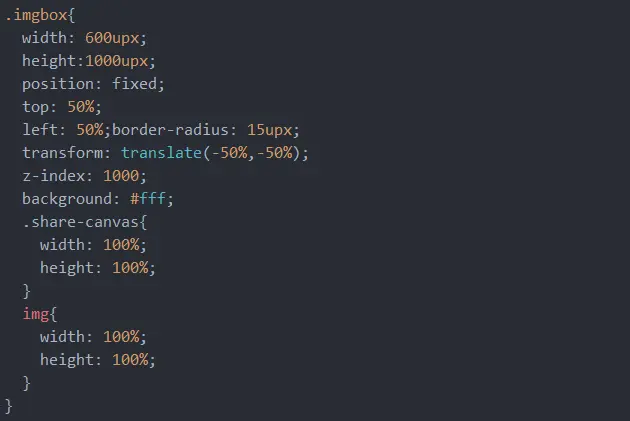
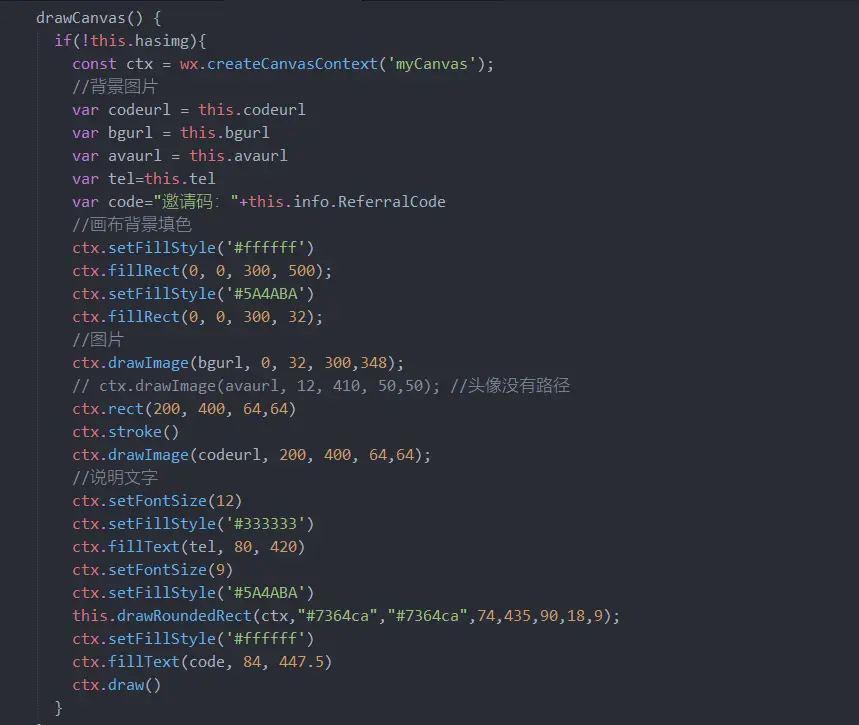
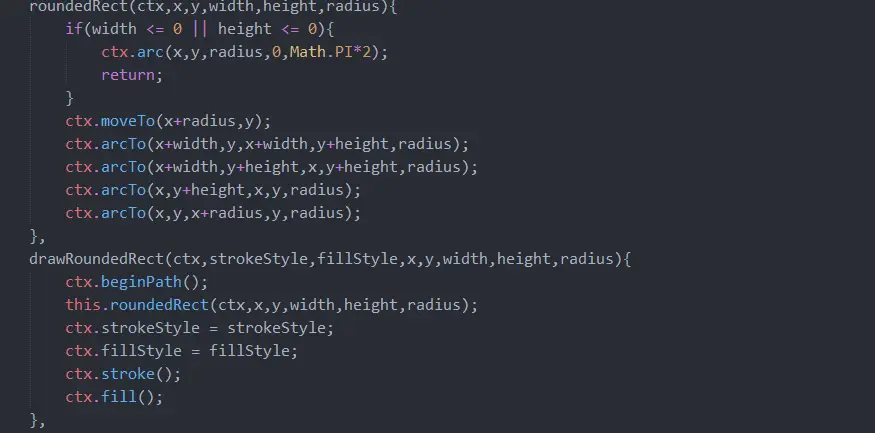
问题分析:
1.在canvasShow第一次变为true之前,dom是这样的
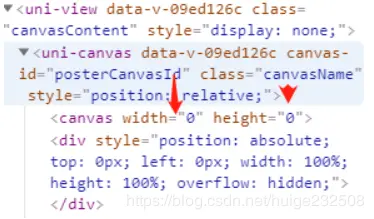
可以看出,canvas的width height都为0,而这个时候canvas的父级是被隐藏的;经过测试我们可以得出结论:uni-app中canvas的width height的值依赖于父元素的宽高。
2.canvasShow第一次变为true,dom是这样的
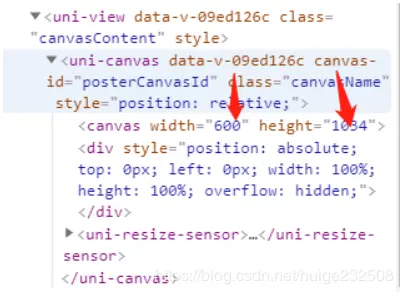
这个时候,由于父元素出现了,所以canvas的宽高也就有了。但是,canvas绘制的矩形并不能显示
3.之后canvasShow再次变为true,canvas都能正常显示绘制的矩形。因为经过第一次canvasShow变为true后 canvas dom的width height就一直存在了
问题解决
将绘制方法写在异步方法中
saveImg(){
  this.showImg=true
  this.isShowShare=false
  let tempTimeOut = setTimeout(()=>{
	  this.drawCanvas()
	  clearTimeout(tempTimeOut)
  },100)

}
canvas绘制圆角方法
roundedRect(ctx,x,y,width,height,radius){
    if(width <= 0 || height <= 0){
        ctx.arc(x,y,radius,0,Math.PI*2);
        return;
    }
    ctx.moveTo(x+radius,y);
    ctx.arcTo(x+width,y,x+width,y+height,radius);
    ctx.arcTo(x+width,y+height,x,y+height,radius);
    ctx.arcTo(x,y+height,x,y,radius);
    ctx.arcTo(x,y,x+radius,y,radius);
},
drawRoundedRect(ctx,strokeStyle,fillStyle,x,y,width,height,radius){
    ctx.beginPath();
    this.roundedRect(ctx,x,y,width,height,radius);
    ctx.strokeStyle = strokeStyle;
    ctx.fillStyle = fillStyle;
    ctx.stroke();
    ctx.fill();
},