安装下载nvm
修改配置使用淘宝镜像
在nvm安装目录下的settings.txt加入 否则之有node没有npm
node_mirror: https://npm.taobao.org/mirrors/node/
npm_mirror: https://npm.taobao.org/mirrors/npm/
安装nodejs
nvm list available
nvm install 11.13.0
nvm use 11.13.0
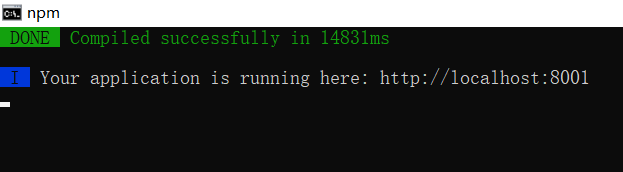
vue工程目录下编译
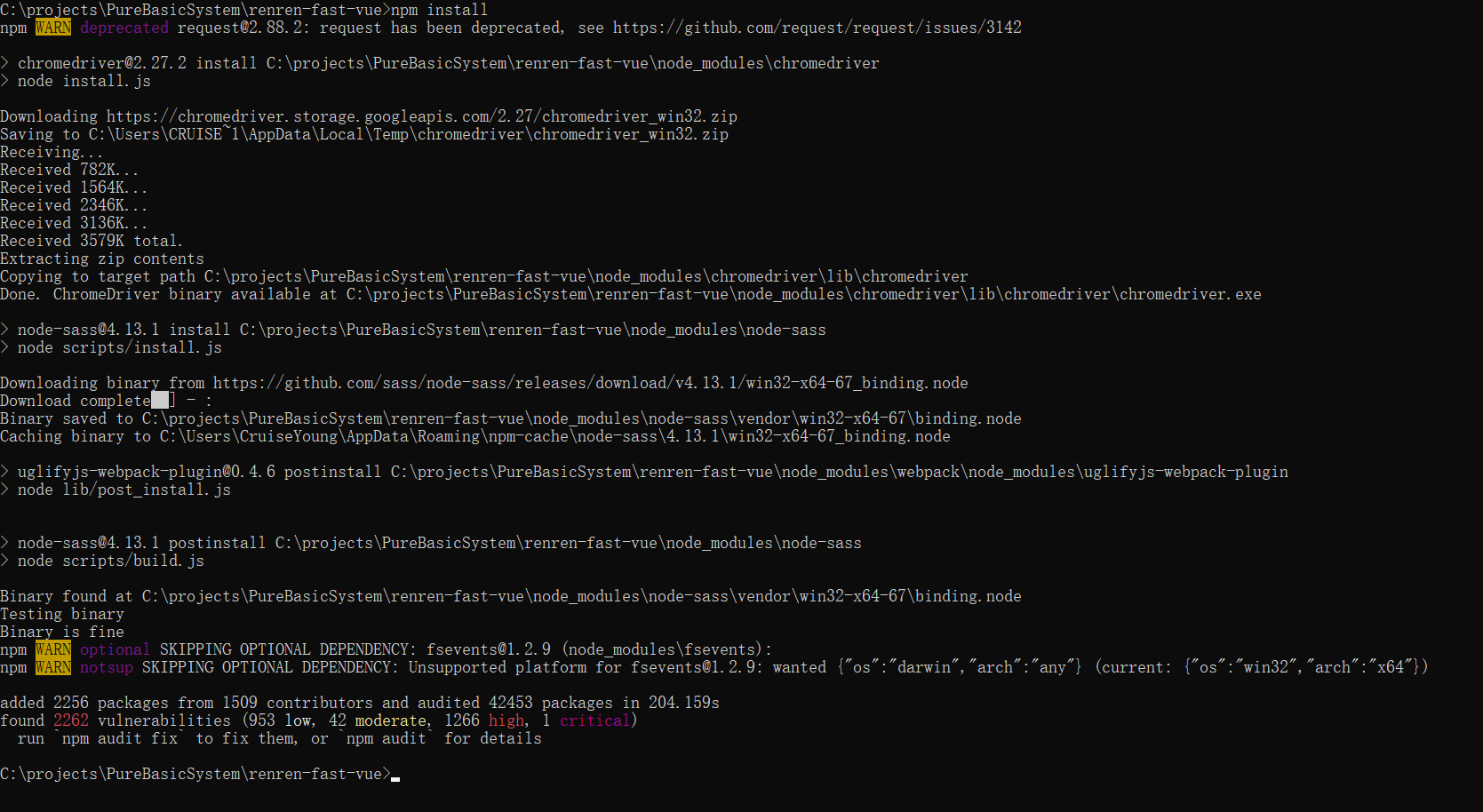
npm install
报错: 需要node sass安装
先安装cnpm :
npm install -g cnpm --registry=https://registry.npm.taobao.org
再安装node sass :
cnpm install node-sass
还是有冲突,删掉 node_modules
cnpm install rimraf -g
rimraf node_modules
重新执行 npm install
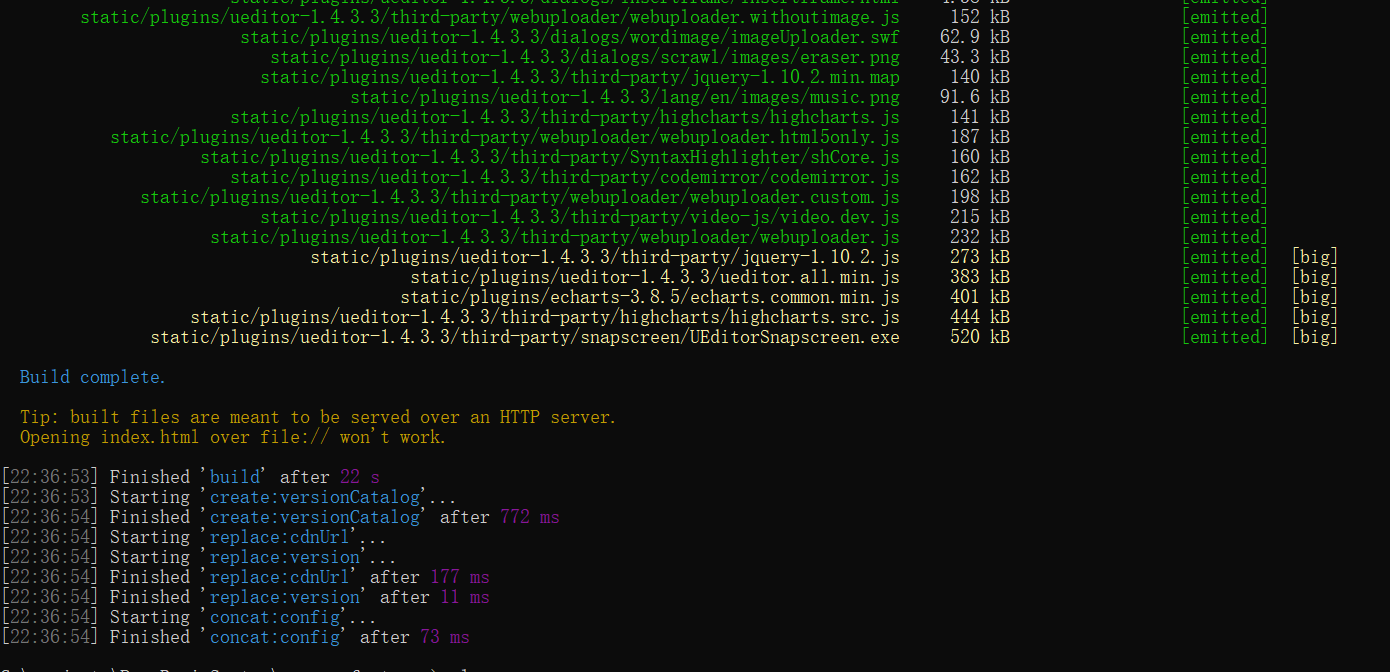
将disk.zip上传到云服务器/opt/dist
解压缩 : unzip disk.zip
修改 nginx配置 /opt/dist替换root后对应的地址
listen       80;
        server_name  localhost;

        #charset koi8-r;

        #access_log  logs/host.access.log  main;

        location / {
            root   /opt/dist;
            index  index.html index.htm;
        }
启动Nginx后,访问 公网IP 即可