最近有个小小的想法,看视频时截图能否自动上传到印象笔记中?
实时步骤可以是:
- 自己搭建一个服务器,支持视频转发爬取啥的
- 使用aliplayer播放视频
- 看视频时可以手动截图
- 截图在观看完视频之后自动保存到印象笔记中
具体方案:
- 阅读印象笔记开发者文档创建文档,里面有个概念,图片是一种资源(Resource),不能独立上传,需要依赖于一个文档
- 摸滚打爬,写Demo,然后实现上传
其实没啥好说的,撸代码就好,写代码要细心,一个参数写错了,纠结了我半天:
Node层代码
const http = require('http')
const crypto = require('crypto')
const EverNote = require('evernote');

const client = new EverNote.Client({
  sandbox: false,
  china: true,
  token: '你的token咯'
})
const noteStore = client.getNoteStore('生成token时会自动有个链接')


http.createServer(function(req, res) {
  console.log(req.url)
  if (req.url.startsWith('/snapshot')) {
    return uploadImageToEverNote(req, res)
  }
  res.end('hello world')
}).listen(4000)


function getBody(req) {
  return new Promise((resolve, reject) => {
    let rawData = '';
    req.on('data', (chunk) => { rawData += chunk; });
    req.on('end', () => {
      try {
        const parsedData = JSON.parse(rawData)
        resolve(parsedData)
      } catch (e) {
        reject(e.message)
        console.error(e.message);
      }
    })
  })
}

async function uploadImageToEverNote(req, res) {
  const body = await getBody(req)
  let nBody = `<?xml version="1.0" encoding="UTF-8"?>
  <!DOCTYPE en-note SYSTEM "http://xml.evernote.com/pub/enml2.dtd">
  <en-note>
  `;

  // Create note object
  const ourNote = new EverNote.Types.Note();
  ourNote.title = body.title;

  const resources = body.resources
  const noteResources = []
  if (resources && resources.length > 0) {
    nBody += "<br /><br />";

    for (let resource of resources) {
      // 使用的base64上传,也可以在Server端保存
      const buffer = new Buffer(resource.replace('data:image/jpeg;base64,', ''), 'base64')
      const md5 = crypto.createHash('md5');
      md5.update(buffer);
      const hexhash = md5.digest('hex');
      nBody += `<en-media type="image/jpeg" hash="${hexhash}" />`
      const resourceBody = new EverNote.Types.Resource()
      resourceBody.mime = 'image/jepg' // 需要正确设置,不然可能是被已附件形式,而不是展示图片
      const resourceData = new EverNote.Types.Data()
      resourceData.body = buffer
      resourceData.size = buffer.length
      resourceBody.data = resourceData
      noteResources.push(resourceBody)
    }
  }
  ourNote.resources = noteResources
  ourNote.content = nBody + '</en-note>';

  const noteRes = await noteStore.createNote(ourNote).catch(err => console.error(err));
  console.log(noteRes.resources)
  res.setHeader('content-type', 'application/json')
  res.end('{done: true}')
}
前端代码
fetch("/snapshot", {
  method: "POST",
  headers: {
    "Content-type": "Application/json"
  },
  body: JSON.stringify({
    title: '测试图片',
    resources: [/*base64的图片,aliplayer截图支持base64 和 binary*/]
  })
}).then(res => {
  console.log("上传成功");
})
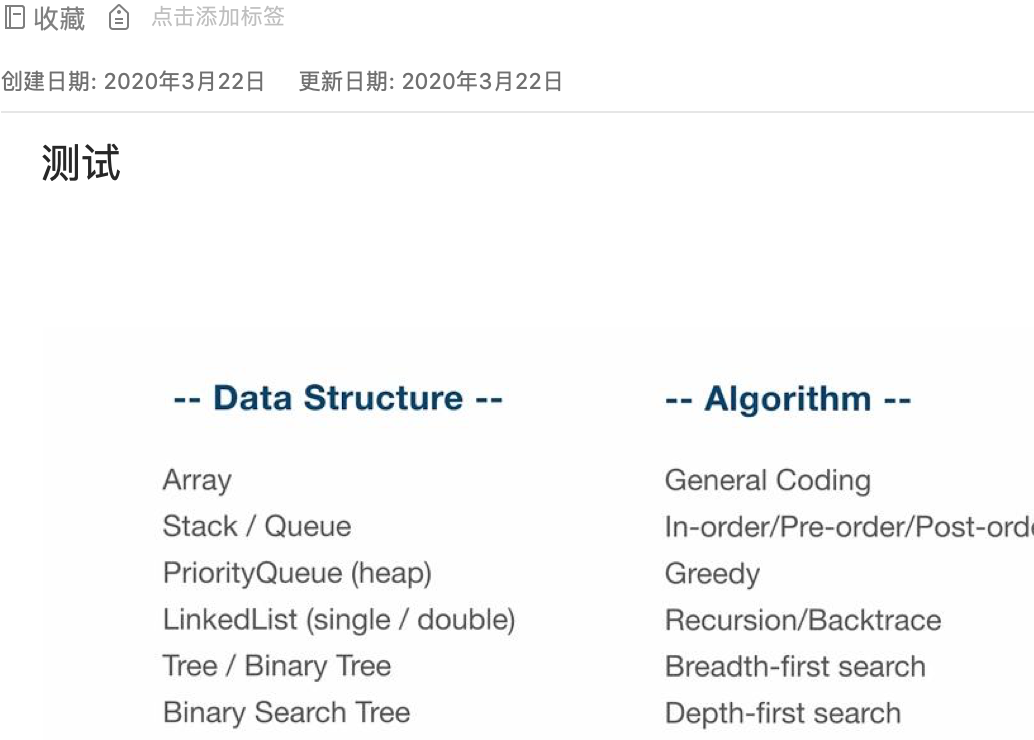
效果截图:
相关文档: