功能需求:
页面底部附带一个二维码,用户可以扫码进入当前页
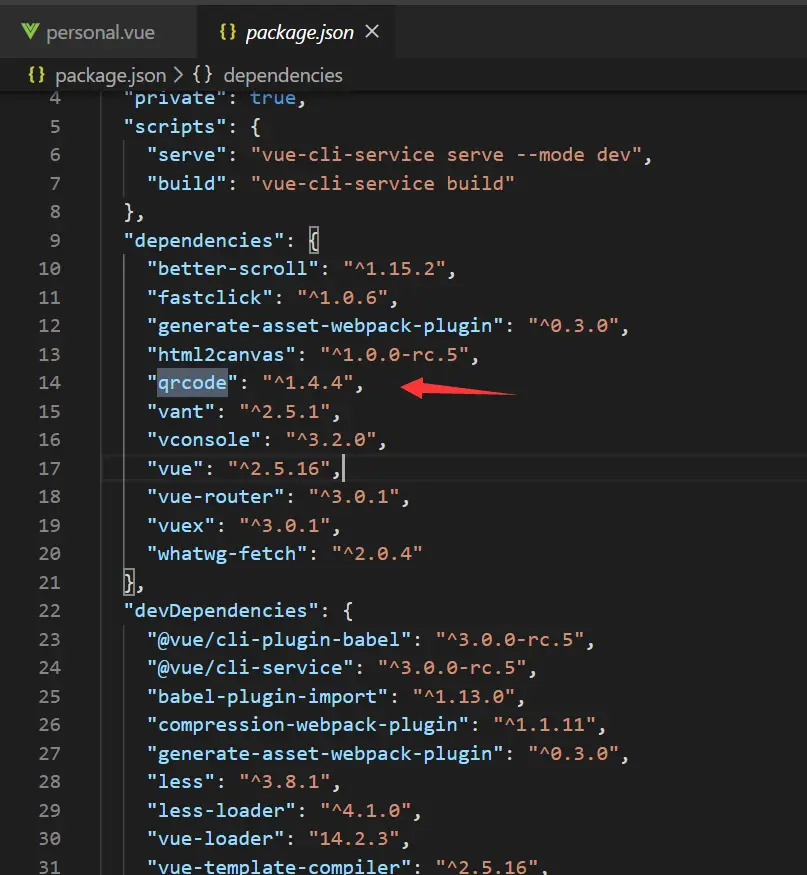
- 1 vue项目中安装 qrcode
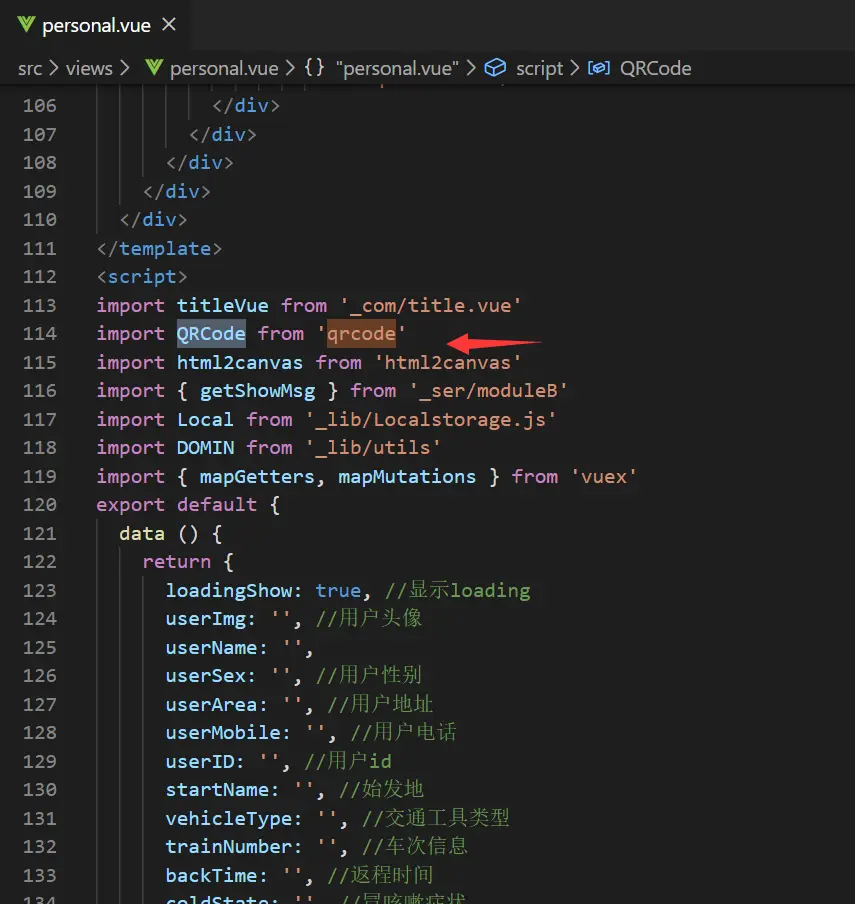
- 2 在需要有二维码的页面中引入
- 3在前往该页面中,通过router获取参数
 this.$router.push({
         path: 'personal',
         query: {
           phone: this.getUserList.phone,
           clientId: Local.getItem("clientId")
         }
       })
 <!--二维码-->
        <div class="qrBox">
          <div class="qrBigText">
            <p>扫描右边的二维码</p>
            <p>即刻查看个人信息</p>
          </div>
          <div class="qrCanvasBox">
            <canvas class="qrCanvas"
                    id="qrCanvas"></canvas>
          </div>
        </div>
import QRCode from 'qrcode'
getShowMsg(params).then(res => {
if (res.code == 200) {
this.showData(res.data)
this.createQrCode()
} else {
this.$notify({ type: 'warning', message: res.msg })
this.$router.back(-1)
}
})
createQrCode () {
let link = window.location.href
let qrCanvas = document.getElementById('qrCanvas')
QRCode.toCanvas(qrCanvas, link, error => {
if (error) {
return
}
})
},



