vue-workbench
vue组件,自定义工作台的介绍, 页面上模块的顺序大小均可调整时,可以用它,田园风,清爽色,悠然系,使用简单,后续会添加其他功能。
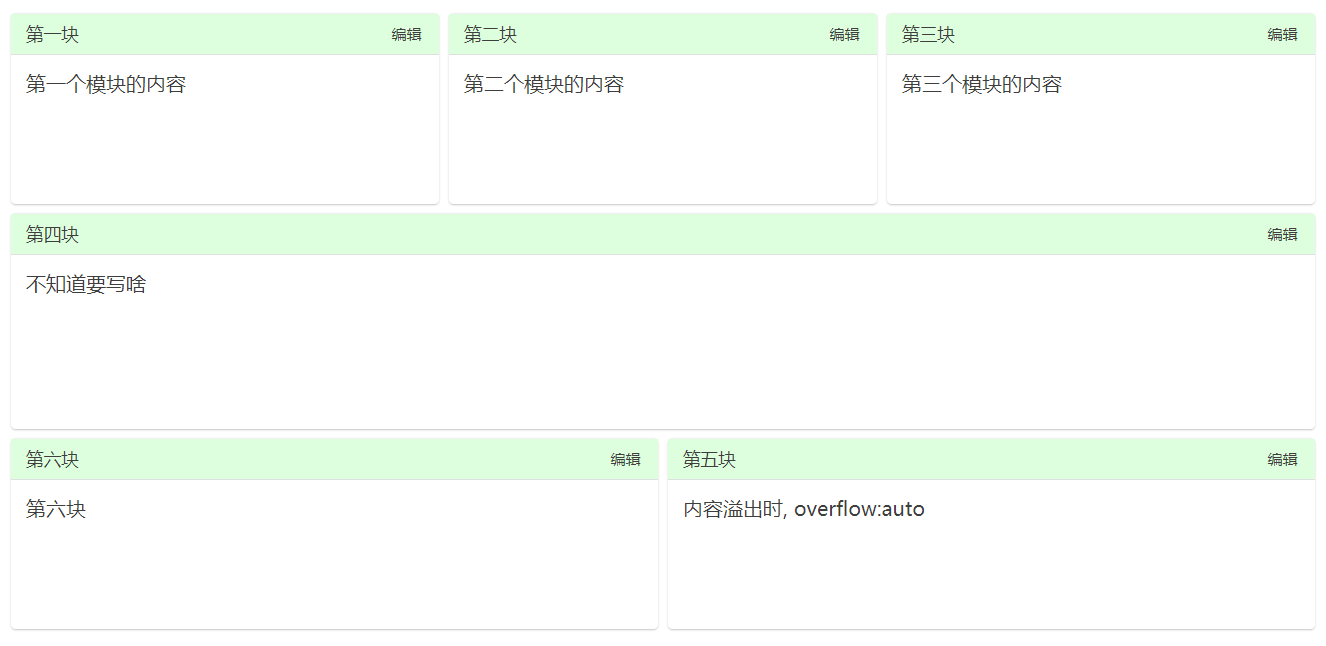
来看下具体什么样
这样:
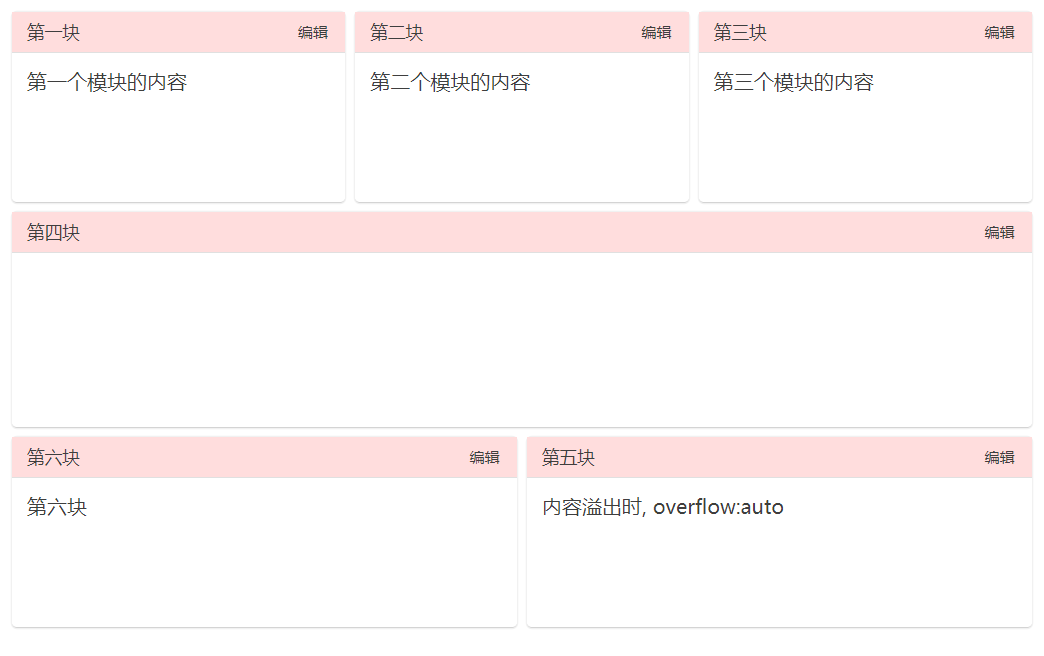
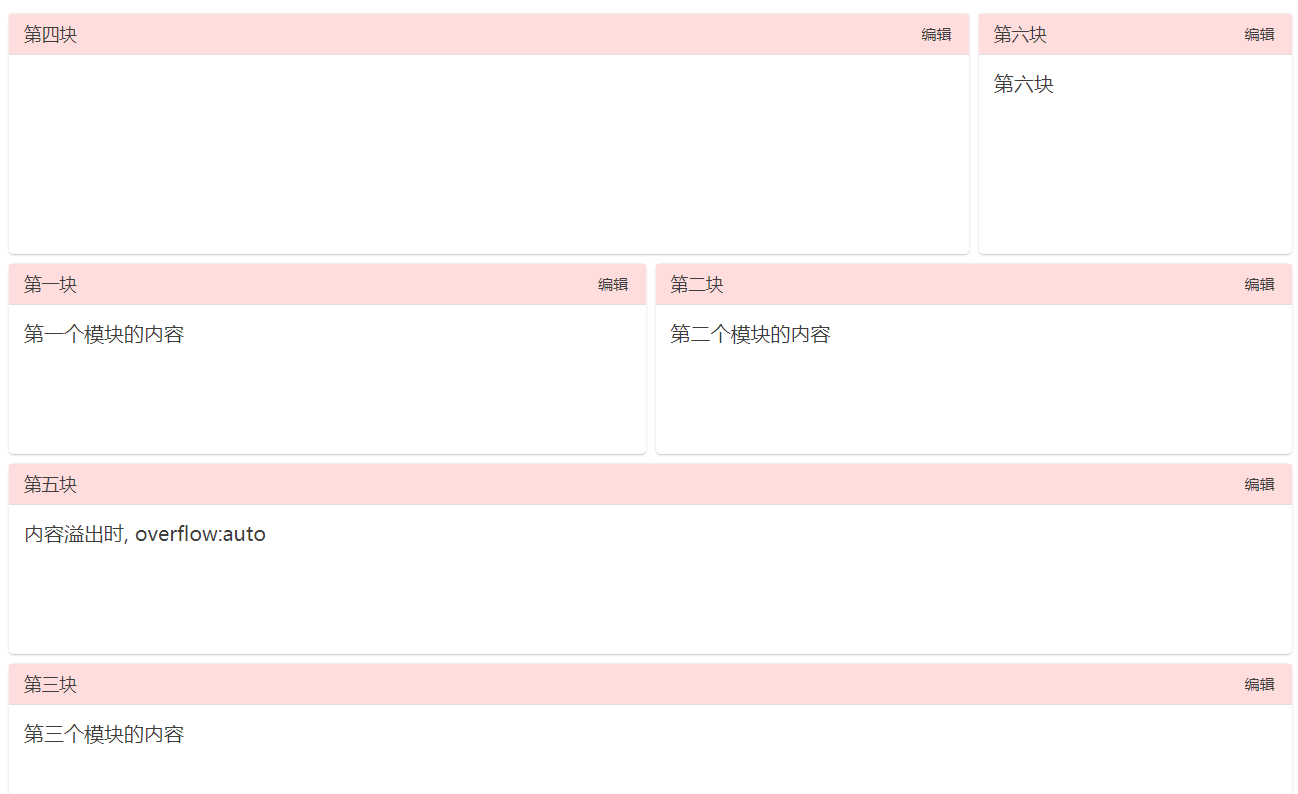
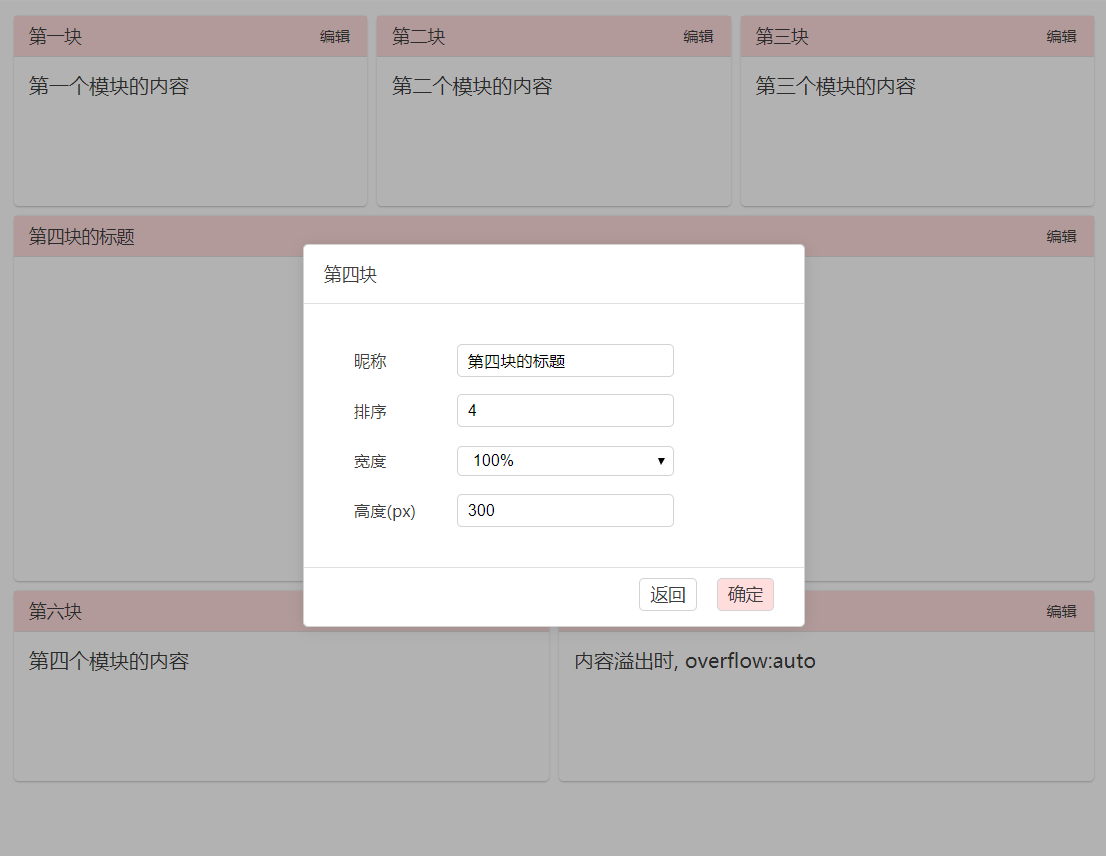
点击标题栏的编辑时:
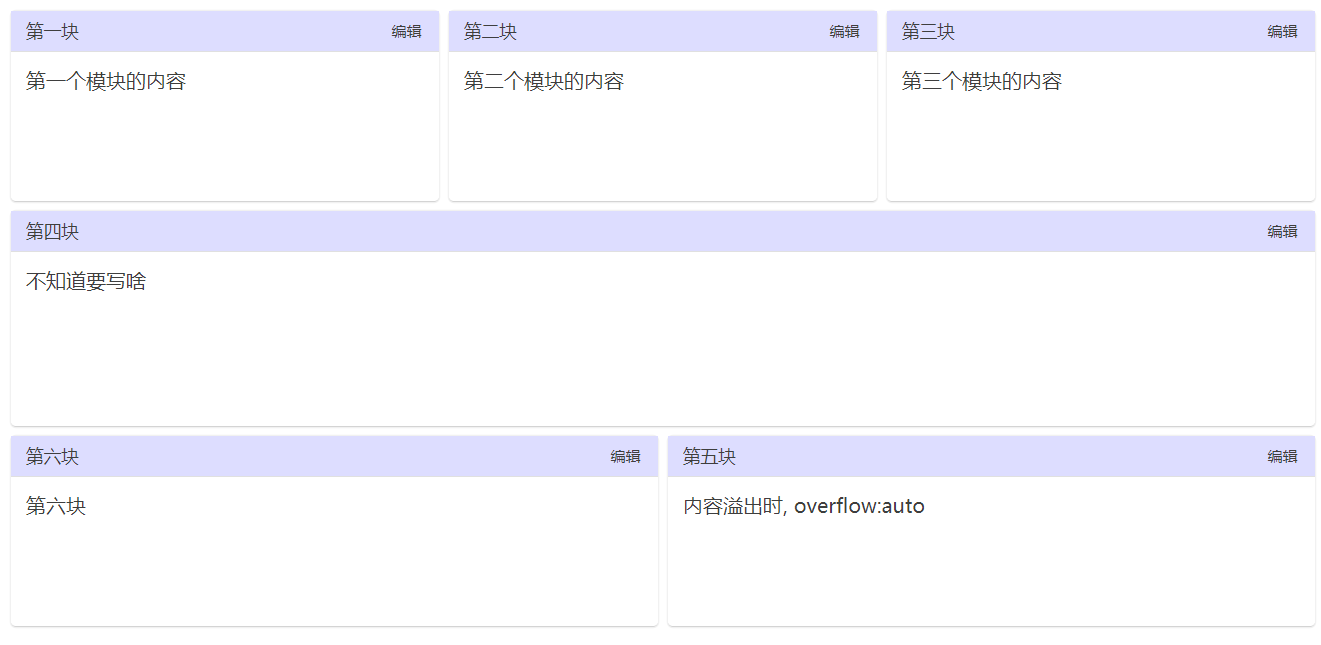
可以修改主题色:
可以修改模块的显示顺序、宽度、高度、模块显示的标题
安装
npm install vue-workbench
食用方法
<template>
    <workbench :config="config" :color="primaryColor" @resize="resizeHdl">
        <template v-slot:module1>
          第一个模块的内容
        </template>
        <template v-slot:module2>
          第二个模块的内容
        </template>
        <!--多个template-->
    </workbench>
</template>

<script>
import workbench from "vue-workbench";
export default {
  components: {
    workbench
  },
  data() {
    return {
      primaryColor: '',
      config: [
        {
          name: "第一块",
          nickName: "第一块",
          order: 1, // 排序
          width: "1/3",
          height: 160,
          moduleId: "1"
        },
        {
          name: "第二块",
          nickName: "第二块",
          order: 2,
          rowsShow: 5,
          width: "1/3",
          height: 160,
          moduleId: "2"
        },
        // 多个配置项 ...
      ]
    };
  },
  methods: {
    resizeHdl(cfg){  // 调整之后的配置项
      console.log(JSON.stringify(cfg))
    }
  }
};
</script>
源码地址: github.com/santalzhou/…
希望老哥们多多指教,给些建议,万分感激