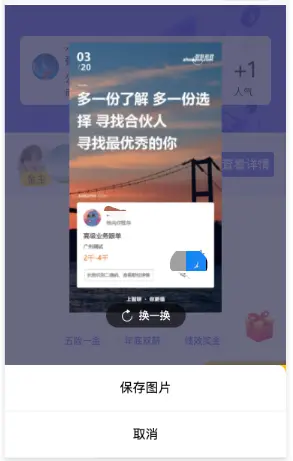
在小程序里很常见的一个需求,就是分享功能--当然就会存在把图片保存到相册的需求。经过多次测试,在ios上保存没有问题,但是在安卓手机上无法保存至相册。
经过一步一步的debug,发现在saveImageToPhotosAlbum方法中,
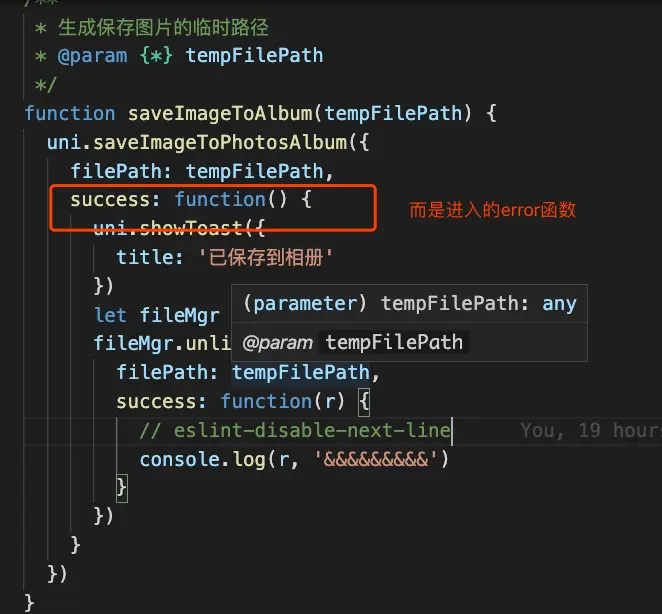
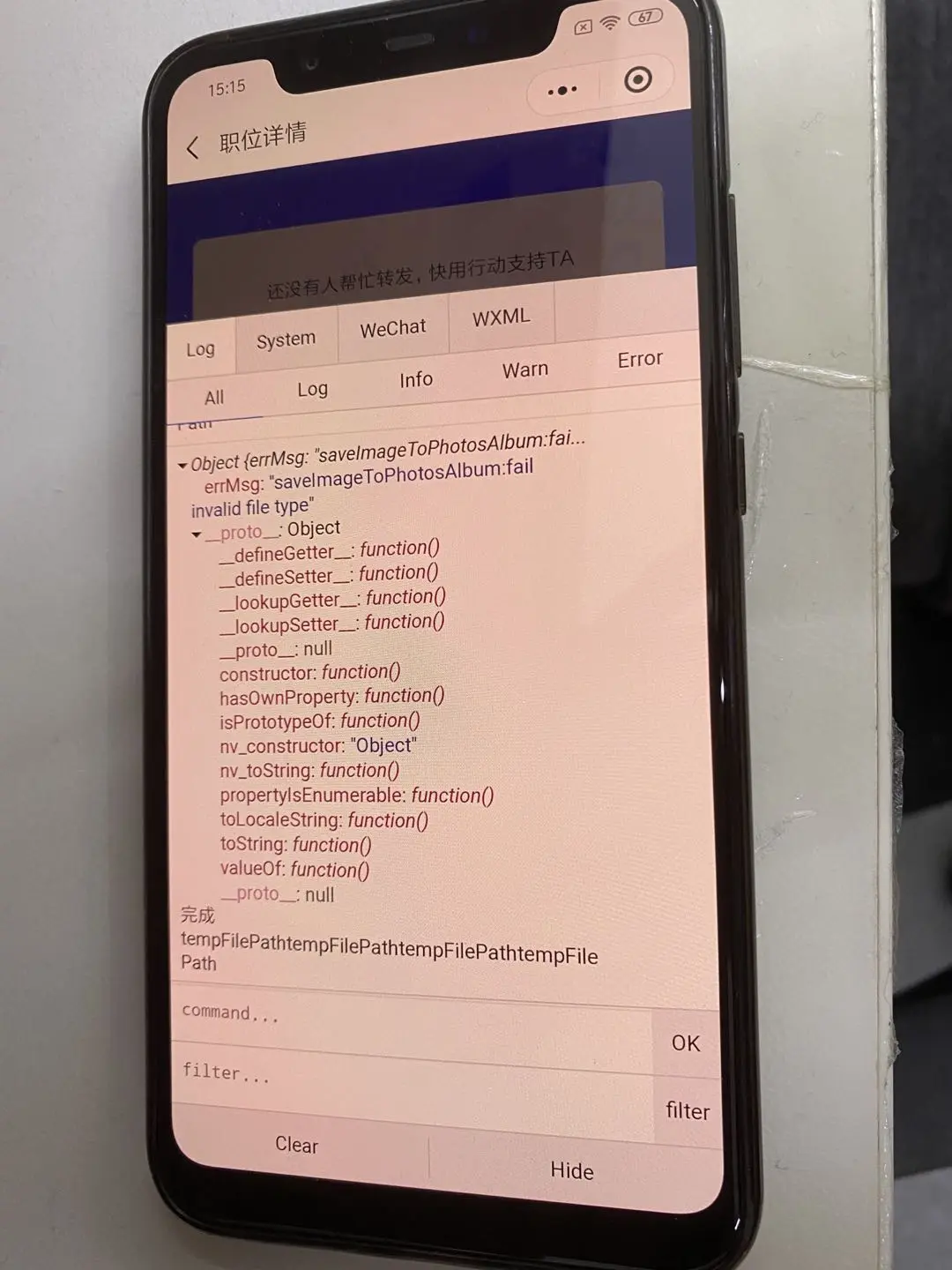
具体在安卓机上显示如下:"fail invalid file type"
为了解决这个问题,也查了很多文档,最终解决,解决方法如下:
async function downLoadImg(url, filePath) {
return new Promise((resolve, reject) => {
uni.downloadFile({
url: url,
filePath: filePath || '',
success: res => {
resolve(res)
},
fail: () => {
uni.showToast({
title: '图片生成失败',
duration: 2000,
icon: 'none'
})
reject()
}
})
})
}
function saveImageToAlbum(tempFilePath) {
uni.saveImageToPhotosAlbum({
filePath: tempFilePath,
success: function() {
uni.showToast({
title: '已保存到相册'
})
let fileMgr = wx.getFileSystemManager()
fileMgr.unlink({
filePath: tempFilePath,
success: function(r) {
console.log(r, '&&&&&&&&&')
}
})
}
})
}
function savePic(tempFilePath) {
wx.getSetting({
success(res) {
if (!res.authSetting['scope.writePhotosAlbum']) {
wx.authorize({
scope: 'scope.writePhotosAlbum',
success() {
saveImageToAlbum(tempFilePath)
},
fail() {
rejectSavePic(tempFilePath)
}
})
} else {
saveImageToAlbum(tempFilePath)
}
}
})
}
function rejectSavePic(tempFilePath) {
wx.showModal({
title: '保存图片',
content: '保存图片需要您授权',
showCancel: true,
confirmText: '确定',
success: res => {
if (res.confirm) {
wx.openSetting({
success: data => {
if (data.authSetting['scope.writePhotosAlbum']) {
saveImageToAlbum(tempFilePath)
}
}
})
}
}
})
}
export const saveCanvasPoster = async url => {
try {
uni.showLoading({
title: '海报生成中...',
mask: true
})
let fileName = new Date().valueOf()
let filePath = wx.env.USER_DATA_PATH + '/' + fileName + '.jpg'
const resData = await downLoadImg(url, filePath)
savePic(resData.filePath)
uni.hideLoading()
} catch (err) {
realtimeLog.error(err)
uni.hideLoading()
}
}
最终在安卓手机上测试,并未发现问题~
撒花✿✿ヽ(°▽°)ノ✿
小程序还有其他的坑,今天又遇到一个,我大概描述下:第一次进入小程序的时候,会走app.vue的onShow函数,但是关闭后再进入,会先执行page里面的onShow函数....所以,大家在app.vue获取值,再赋值的时候,可能存在在page的onShow里获取不到,解决方法:就是在page的onShow里也要执行