

说明
直接使用的docker镜像(你得先安装docker),然后直接看搭建方法即可。
搭建方法
首先拉取镜像:
docker pull nextcloud
然后新建一个容器实例:
docker run -d -p 8084:80 -v ~/nextcloud:/var/www/html --restart always --privileged nextcloud
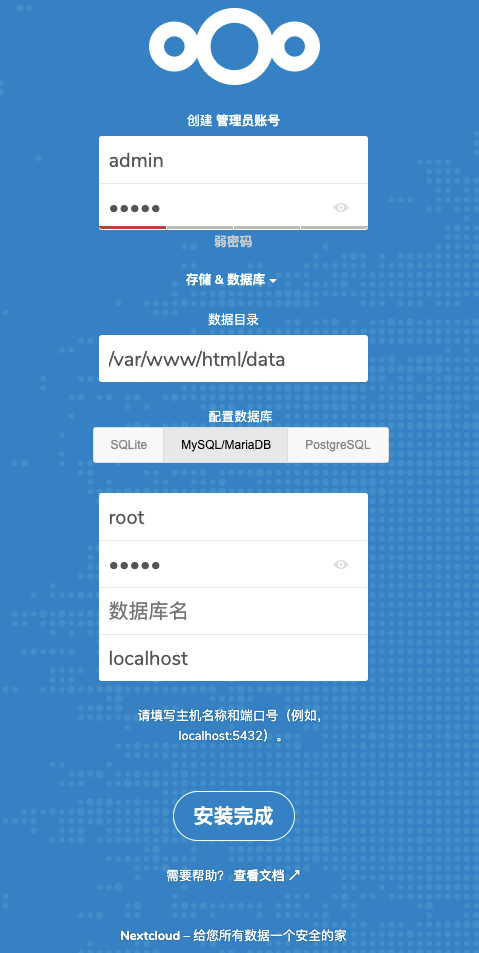
然后就可以通过web访问,进行一些配置:
例如浏览器访问:http://localhost:8084。
痛苦,我居然忘记了ubuntu主机上mysql的密码
怎么办?参看:www.cnblogs.com/ioan/p/1061…
1、输入命令 cat /etc/mysql/debian.cnf
2、使用账号 debian-sys-maint 账号登录mysql密码为 debian.cnf 中password 值(# password 值每个人的情况不一样,根据实际情况),再切换到mysql
3、修改root账号密码(自己方便修改为123456了)
 update mysql.user set authentication_string=password('123456') where user='root' and Host='localhost';

update user set plugin='mysql_native_password';

flush privileges;
其中的更新语句,由于mysql是5.7版本,可以愉快使用:grant all privileges on *.* to 'root'@'%' identified by '123456' with grant option;(别忘记了最后的授权选项)。
进行数据库配置
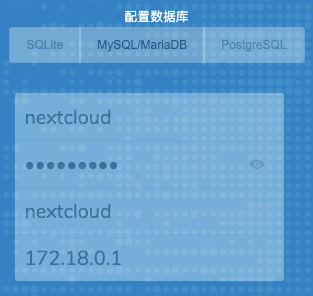
数据目录不变。 配置数据库:
ip如何查看?
ip addr | grep docker0 或者 ip addr show docker0

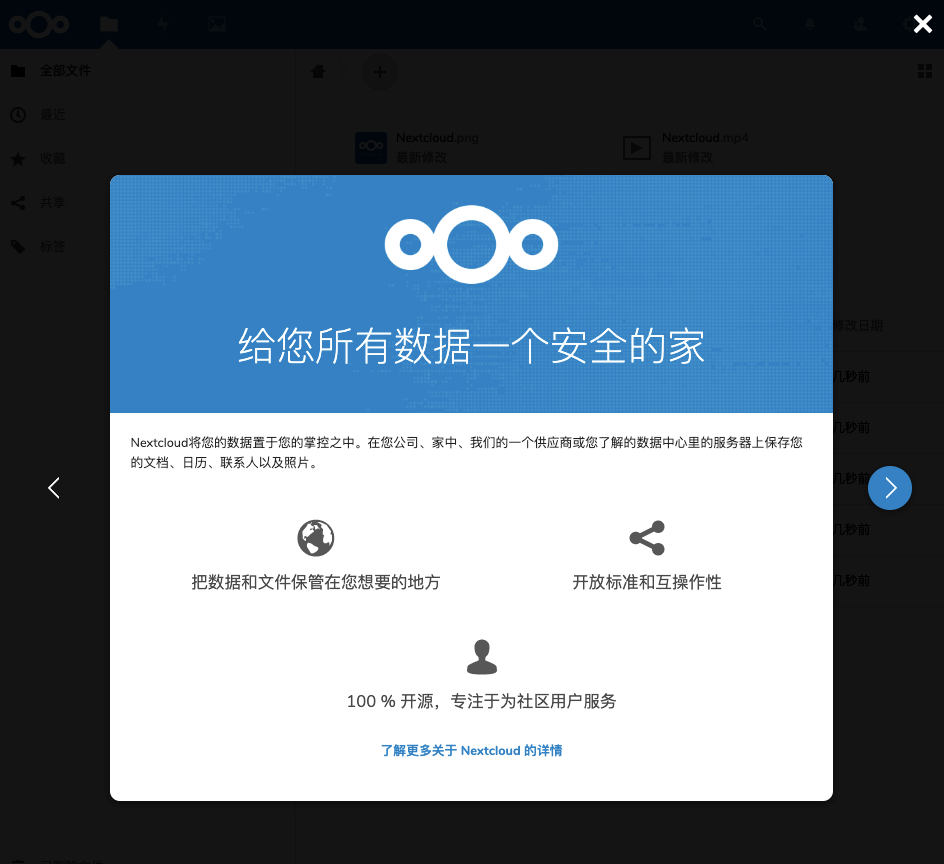
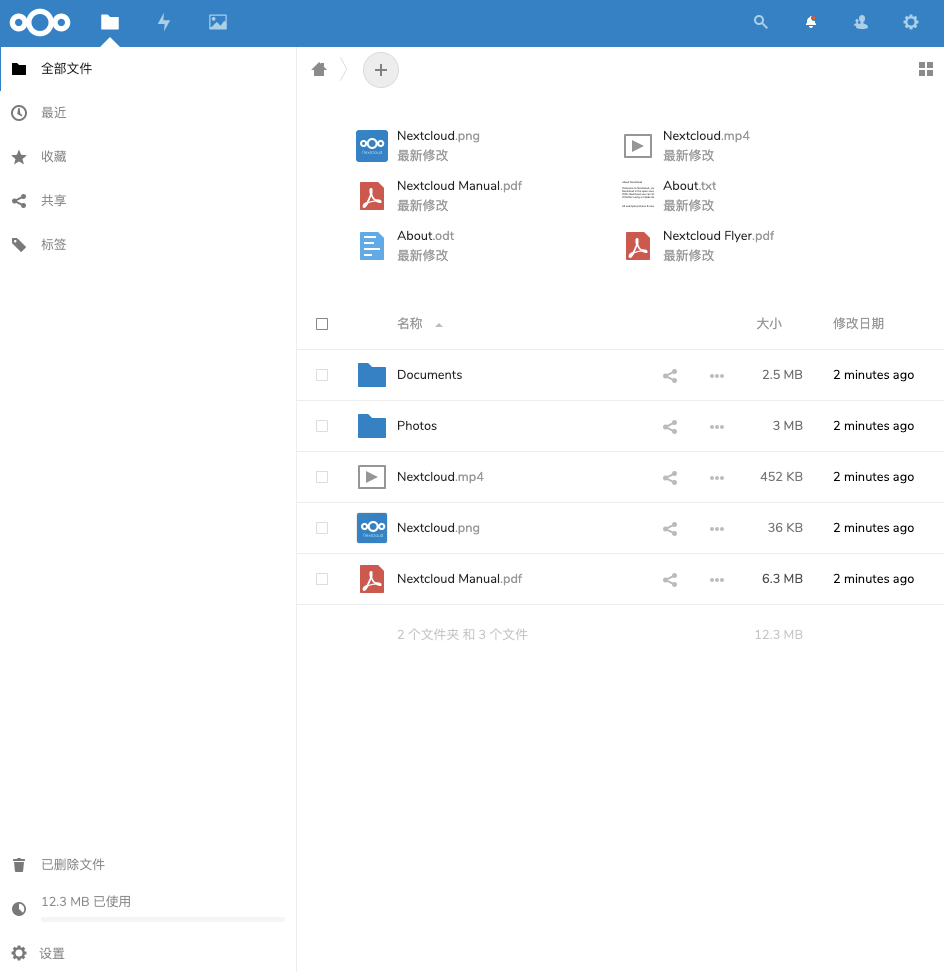
完成!
后记
关于 ssl 证书以及 代理的问题,可以在我的 nginx 配置文章中找到答案。
