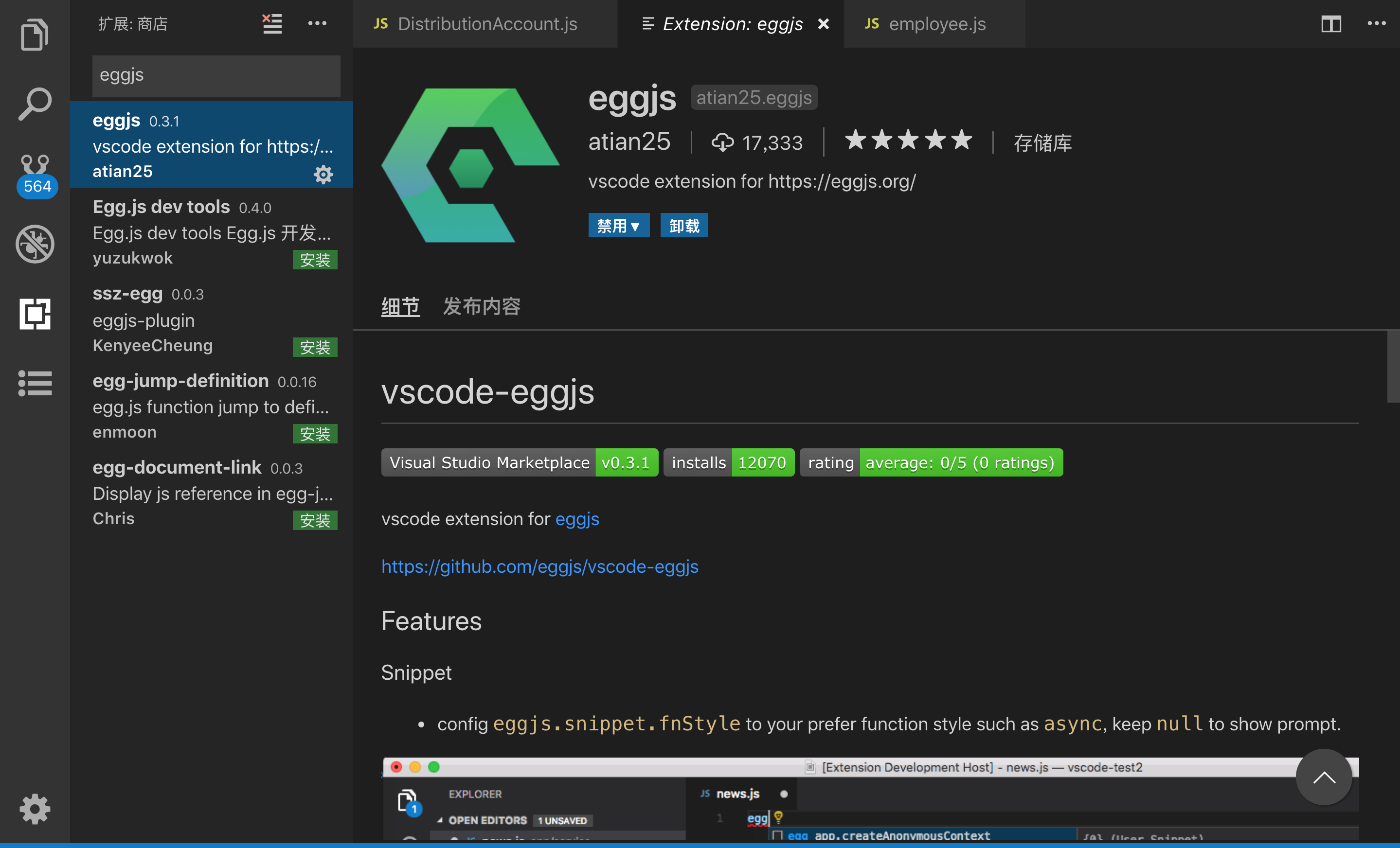
1. 安装vscode-egg
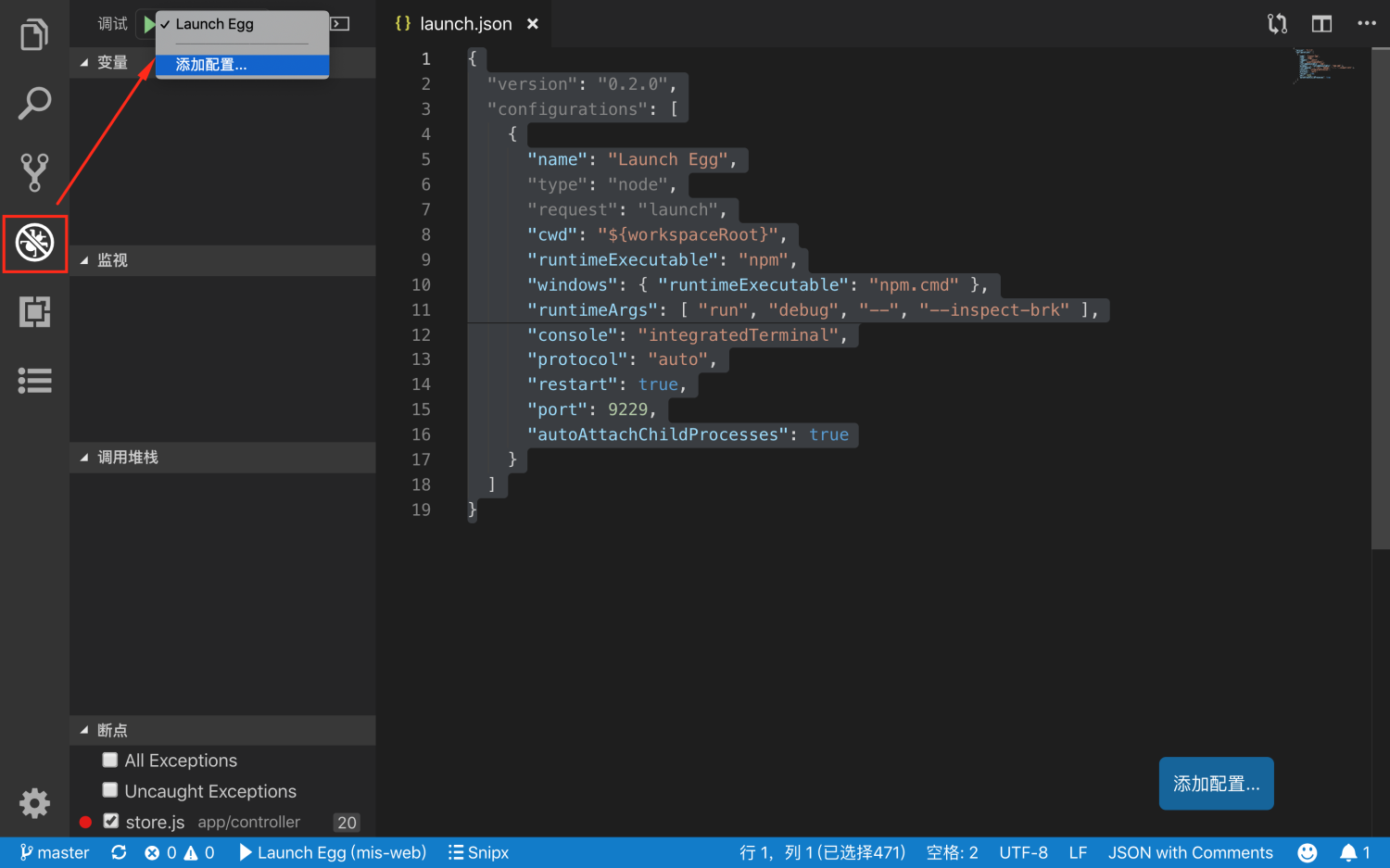
2. 点击左边debug按钮, 或直接按绿色三角按钮
会弹出 lauch.json
{
  "version": "0.2.0",
  "configurations": [
    {
      "name": "Launch Egg",
      "type": "node",
      "request": "launch",
      "cwd": "${workspaceRoot}",
      "runtimeExecutable": "npm",
      "windows": { "runtimeExecutable": "npm.cmd" },
      "runtimeArgs": [ "run", "debug", "--", "--inspect-brk" ],
      "console": "integratedTerminal",
      "protocol": "auto",
      "restart": true,
      "port": 9229,
      "autoAttachChildProcesses": true
    }
  ]
}
3. vscode打开你的项目
- 注意是从根目录打开,因为调试的路径是当前工作根目录
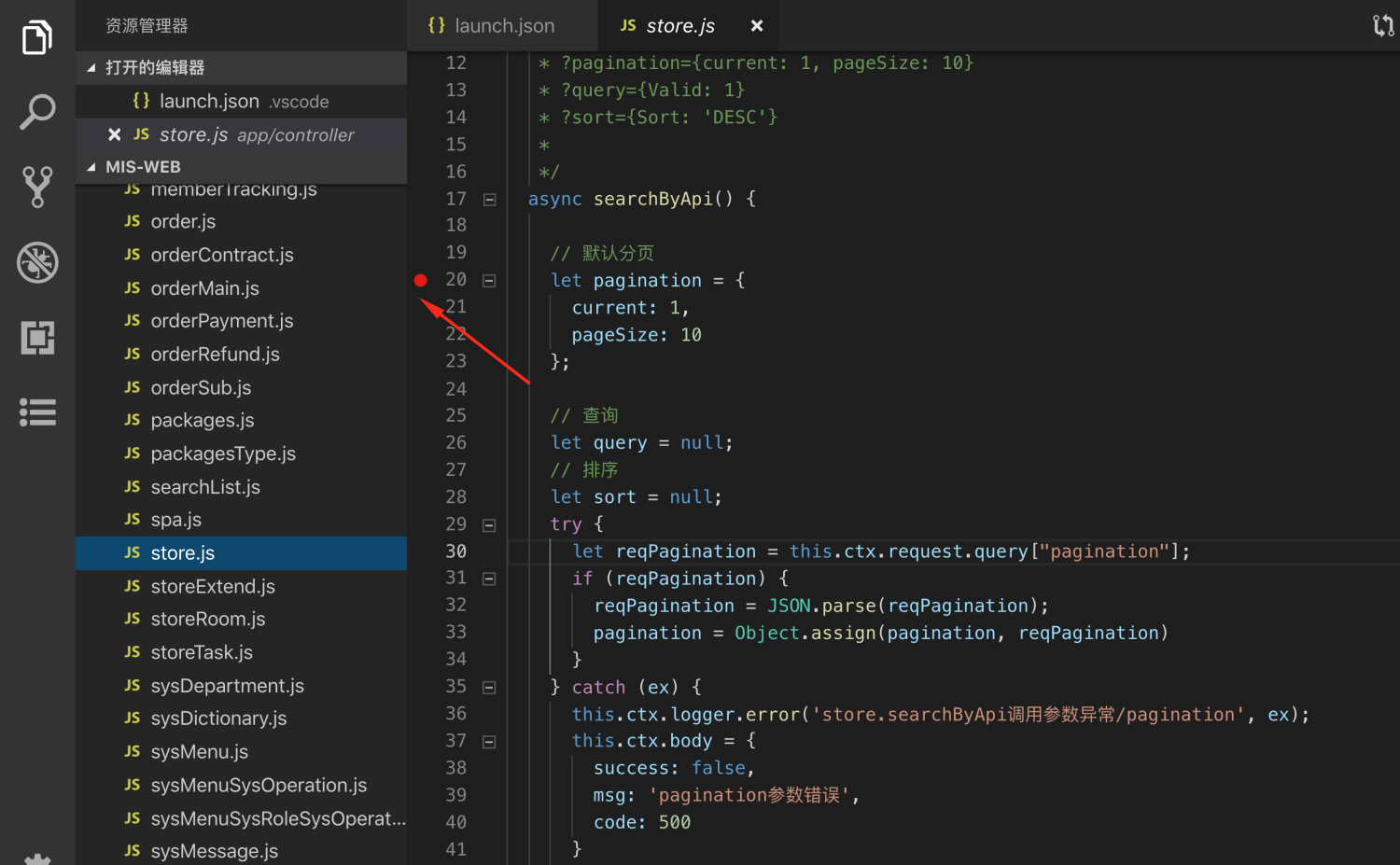
4. 找到一个页面或接口设置断点
如下面,设置一个断点
5. 点击启动
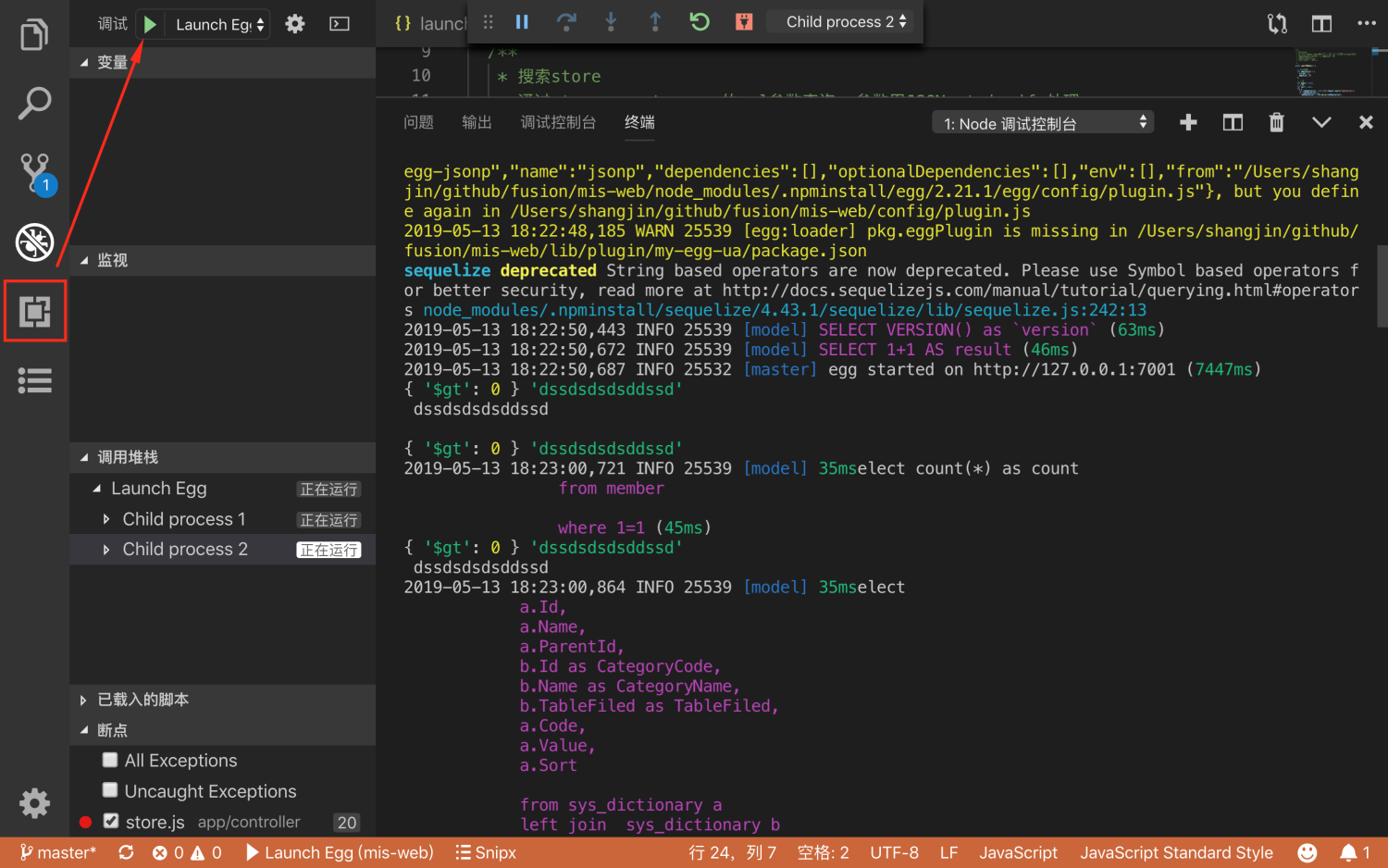
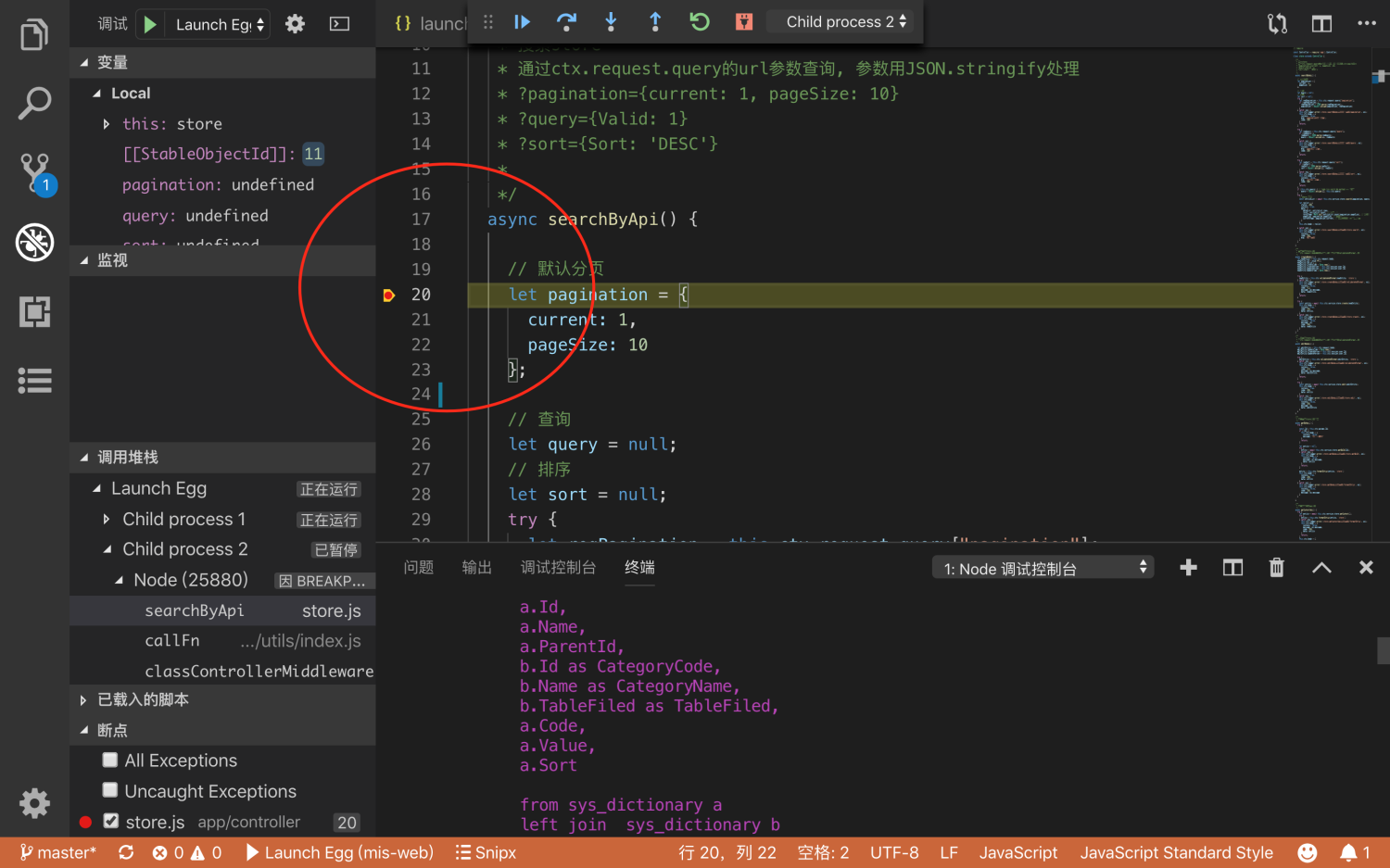
6. 刷新一下接口或页面就会弹出断点
http://127.0.0.1:7001/api/store/query?