

此时经历项目背景:
设置headerview上两个按钮的点击状态与事件;点击其中一个按钮显示selected状态并跳转cell,另一个按钮则为对立状态。
先放代码与图片,其余稍后补。
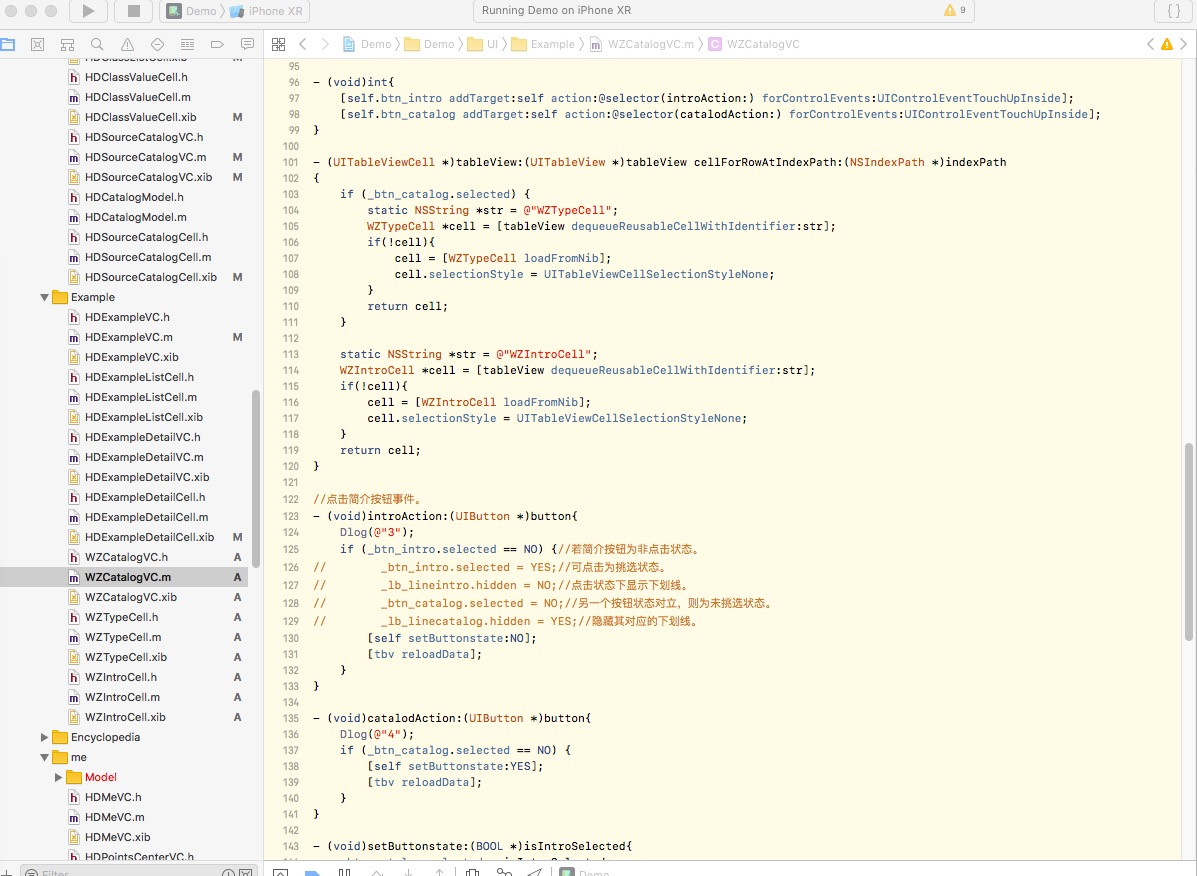
//按钮的点击事件。
- (void)int{
    [self.btn_intro addTarget:self action:@selector(introAction:) forControlEvents:UIControlEventTouchUpInside];
    [self.btn_catalog addTarget:self action:@selector(catalodAction:) forControlEvents:UIControlEventTouchUpInside];
}

//两个按钮所对应的cell。
- (UITableViewCell *)tableView:(UITableView *)tableView cellForRowAtIndexPath:(NSIndexPath *)indexPath
{
    if (_btn_catalog.selected) {
        static NSString *str = @"WZTypeCell";
        WZTypeCell *cell = [tableView dequeueReusableCellWithIdentifier:str];
        if(!cell){
            cell = [WZTypeCell loadFromNib];
            cell.selectionStyle = UITableViewCellSelectionStyleNone;
        }
        return cell;
    }

    static NSString *str = @"WZIntroCell";
    WZIntroCell *cell = [tableView dequeueReusableCellWithIdentifier:str];
    if(!cell){
        cell = [WZIntroCell loadFromNib];
        cell.selectionStyle = UITableViewCellSelectionStyleNone;
    }
    return cell;
}

//点击简介按钮事件。
- (void)introAction:(UIButton *)button{
    Dlog(@"3");
    if (_btn_intro.selected == NO) {//若简介按钮为非点击状态。
//        _btn_intro.selected = YES;//可点击为挑选状态。
//        _lb_lineintro.hidden = NO;//点击状态下显示下划线。
//        _btn_catalog.selected = NO;//另一个按钮状态对立,则为未挑选状态。
//        _lb_linecatalog.hidden = YES;//隐藏其对应的下划线。
        [self setButtonstate:NO];
        [tbv reloadData];
    }
}

//点击目录按钮事件。
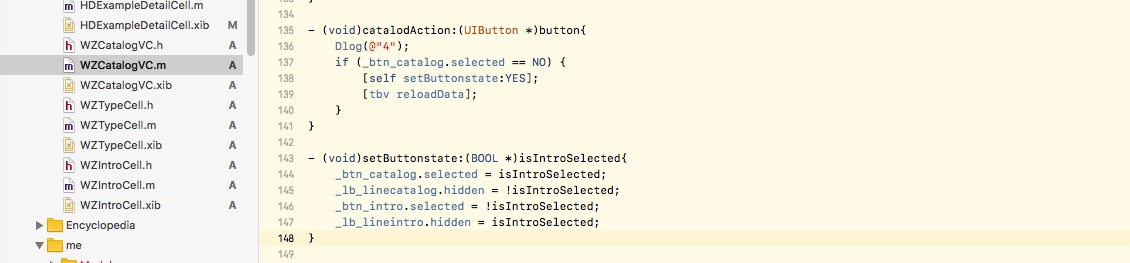
- (void)catalodAction:(UIButton *)button{
    Dlog(@"4");
    if (_btn_catalog.selected == NO) {
        [self setButtonstate:YES];
        [tbv reloadData];
    }
}

将两种按钮事件封装。
- (void)setButtonstate:(BOOL *)isIntroSelected{
    _btn_catalog.selected = isIntroSelected;
    _lb_linecatalog.hidden = !isIntroSelected;
    _btn_intro.selected = !isIntroSelected;
    _lb_lineintro.hidden = isIntroSelected;
}
