点击Add Configuration,添加nodeJs的launch.json
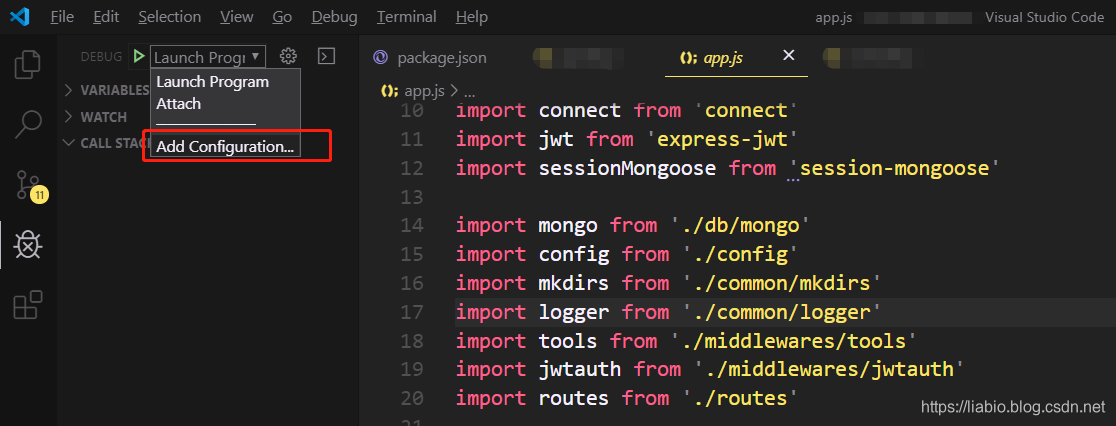 编辑
编辑launch.json,设置launch.json如下即可:
{
    "version": "0.2.0",
    "configurations": [
        {
            "type": "node",
            "request": "launch",
            "name": "Launch Program",
            "program": "${workspaceFolder}/bin/www",
            "skipFiles": [
                "<node_internals>/**"
            ]
        },
        {
            "type": "node",
            "request": "attach",
            "name": "Attach",
            "port": 5858
        }
    ]
}
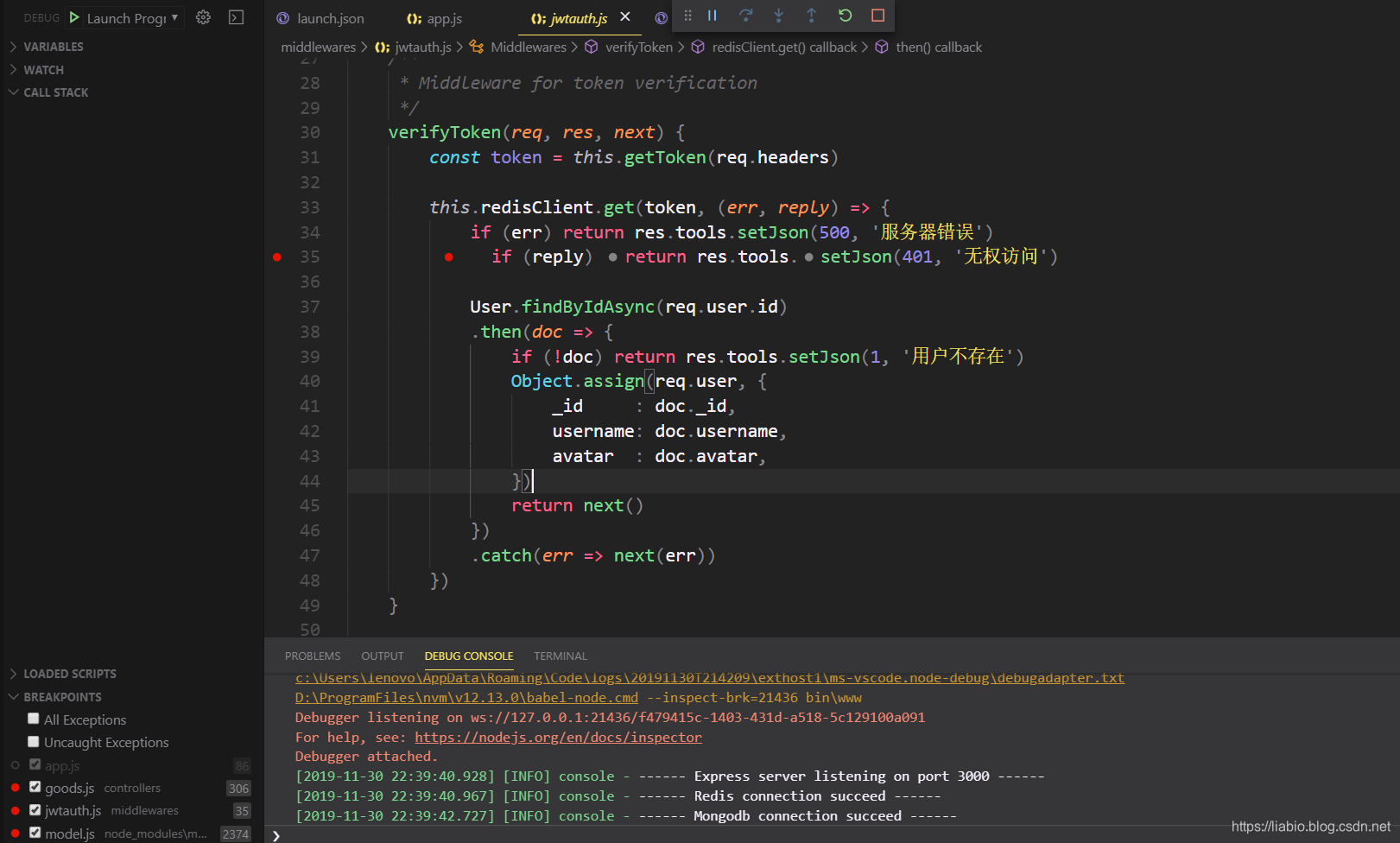
运行:
作者简洁
作者:小碗汤,一位热爱、认真写作的小伙,目前维护原创公众号:『我的小碗汤』,专注于写go语言、docker、kubernetes、java等开发、运维知识等提升硬实力的文章,期待你的关注。转载说明:务必注明来源(注明:来源于公众号:我的小碗汤,作者:小碗汤)