简介:
基于SpringCloud(Greenwich.SR1) + SpringBoot(2.1.6.RELEASE) 的微服务脚手架,具备用户管理、资源权限管理、网关统一鉴权、自动代码生成、等多个模块,支持多业务系统并行开发, 支持多服务并行开发,可以作为后端服务的开发脚手架。代码简洁,架构清晰。核心技术采用Eureka、Fegin、Ribbon、Zuul、Hystrix、Sentinel、Spring、SpringSecurity、Mybatis、SpringBoot、Redis等主要框架和中间件。
项目地址:github
导入准备
导入示例是在Windows10操作系统(内存16GB)下完成的,编辑器使用IntelliJ IDEA 2019.2
安装JDK
因为项目用到了JDK 8的一些特性,所以JDK最低版本不能低于8。
JDK 8官方下载地址:www.oracle.com/technetwork…
安装Redis
项目缓存数据库使用的是Redis,所以在导入项目前需先安装Redis。
Redis Windows版本下载地址:github.com/MicrosoftAr…
下载后,使用cmd命令切换到Redis根目录,然后运行redis-server.exe redis.windows.conf启动即可
安装MySQL
项目数据库采用MySQL社区版,版本为5.7.x。 MySQL root用户密码为123456。
导入项目
直接在桌面上通过git bash克隆后端项目:
git clone https://github.com/zch2017lrf/SpringCloudDemo
项目结构
├─Kaleldo-Auth                       ------ 微服务认证服务器
├─hello-spring-cloud                      ------ 整个项目的父模块
├─SpringCloud-Common                     ------ 通用模块
├─Kaleldo-Gateway                    ------ 微服务网关
├─SpringCloud-Monitor                   ------ 微服务监控父模块
│  ├─SpringCloud-Monitor-Admin           ------ 微服务监控中心
├─Server-System           ------- 资源服务器系统模块
└─Server-Test             ------ 资源服务器demo,演示如何整合自己的微服务系统
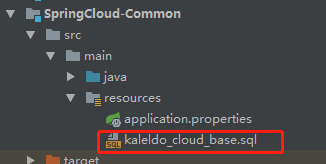
导入sql文件
启动顺序
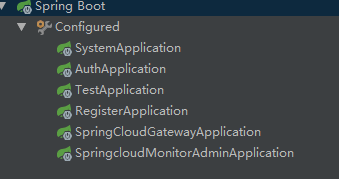
1.RegisterApplication->2.SpringcloudMonitorAdminApplication->3.AuthApplication->4.SpringCloudGatewayApplication->5.SystemApplication->6.TestApplication
测试
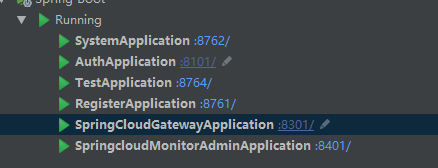
启动成功后效果图
- 取验证码

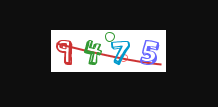

请求头部 将kaleldo:123456 base64加密后,格式为Basic a2FsZWxkbzoxMjM0NTY=
base地址:base64
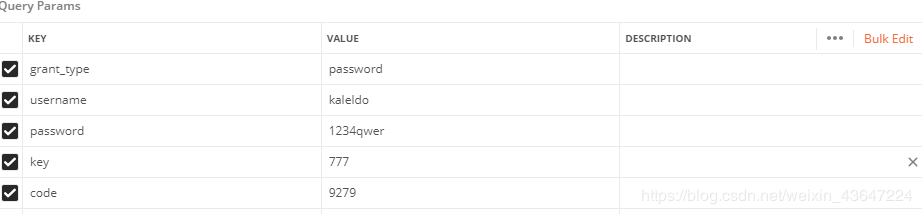
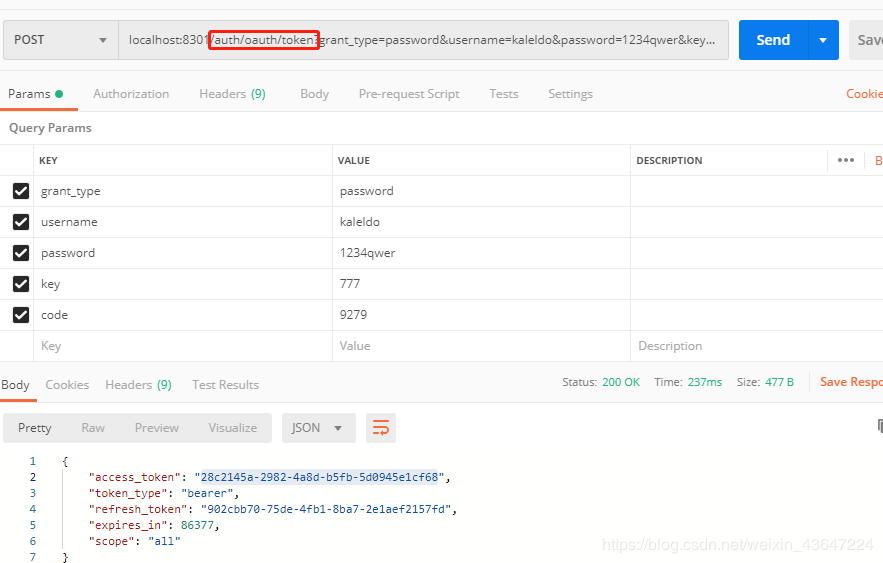
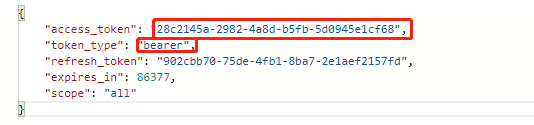
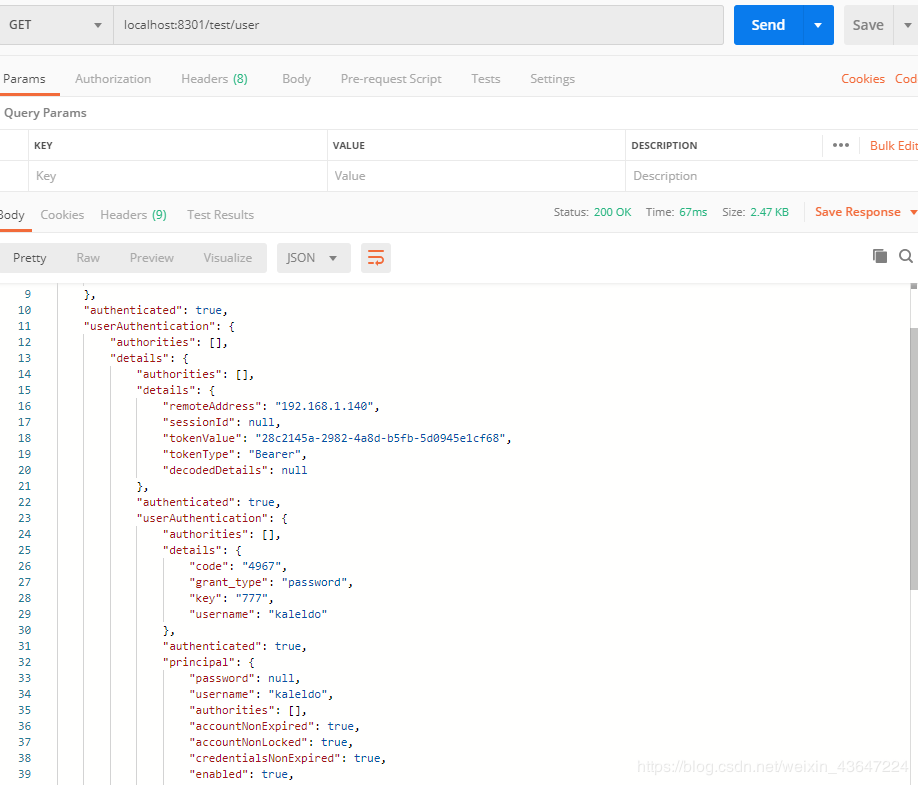
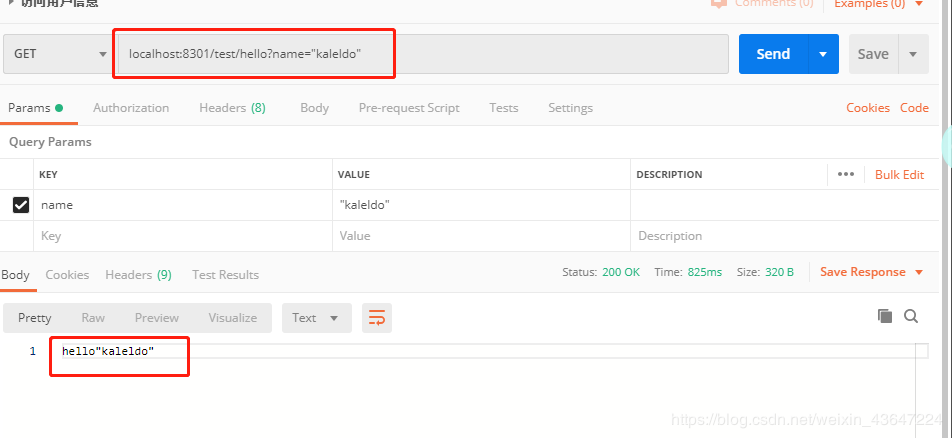
测试访问api
填写token

获取system提供的服务
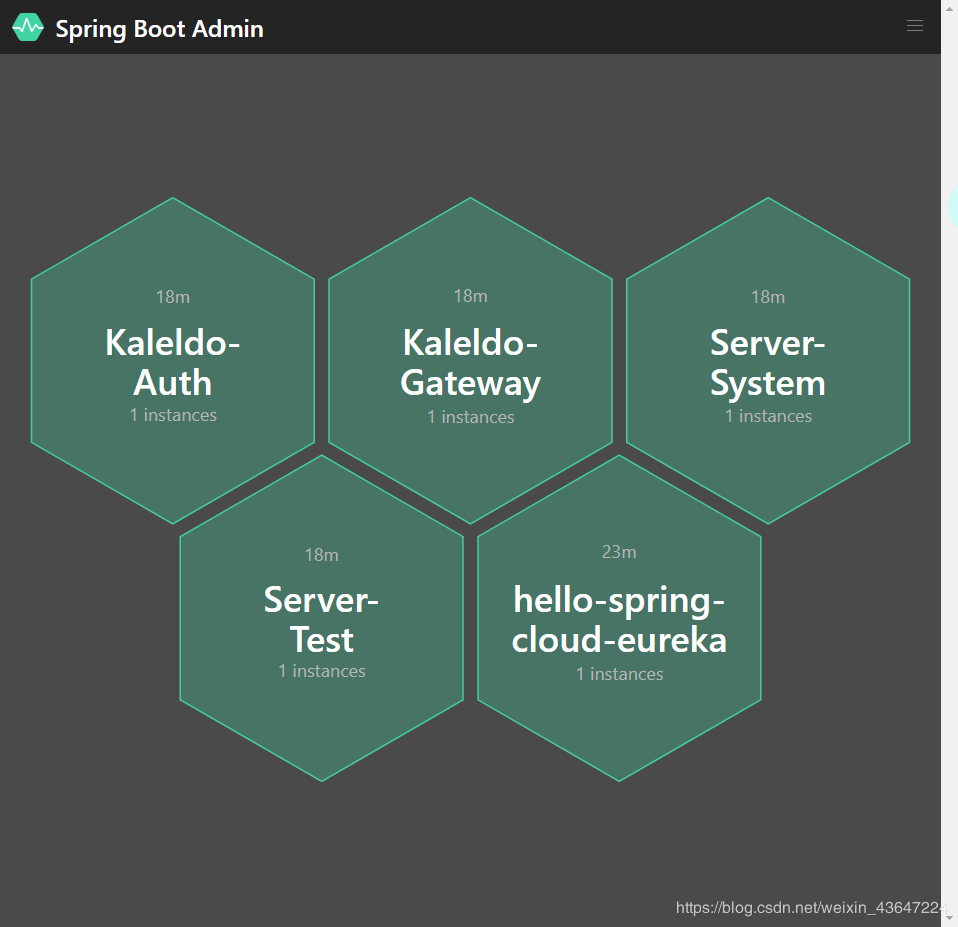
服务状态监控