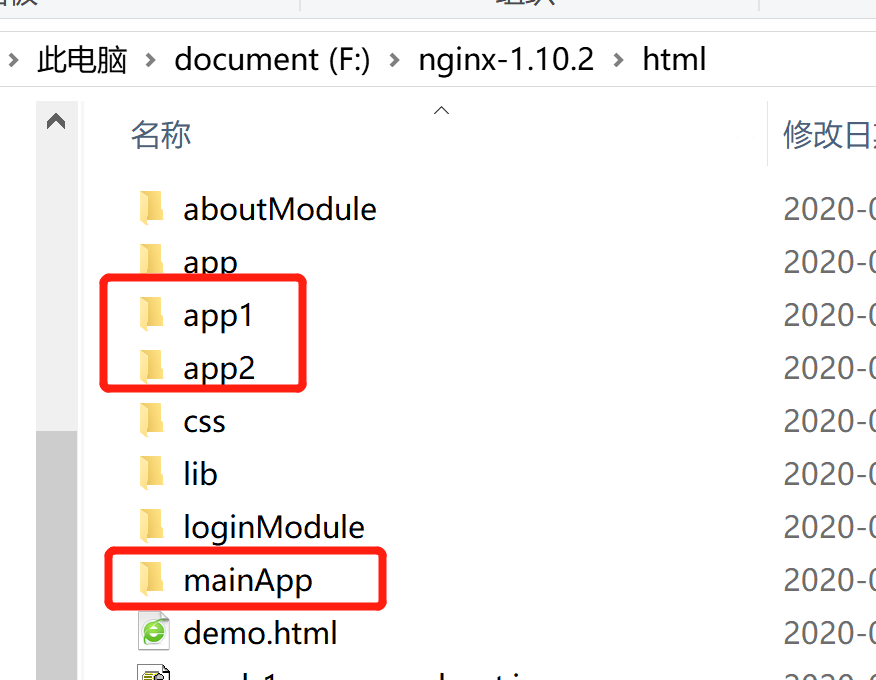
现有三个vue项目,分别是主项目mainApp,子项目app1和app2
实现目标:把这三个项目打包的文件放到nginx服务器上之后,确保mainApp中切换路由时可以正常访问到到app1项目和app2项目
main.js中代码如下:
import Vue from "vue"
import App from "./App.vue"
import router from "./router"
import { registerMicroApps, setDefaultMountApp, start } from "qiankun"
Vue.config.productionTip = false
let app = null;
function render({ appContent, loading } = {}) {//appContent 子应用html内容,loading 子应用加载效果,可选
 if (!app) {
     app = new Vue({
         el: "#container",
         router,
         data() {
             return {
                 content: appContent,
                 loading
             };
         },
         render(h) {
             return h(App, {
                 props: {
                     content: this.content,
                     loading: this.loading
                 }
             });
         }
     });
 } else {
     app.content = appContent;
     app.loading = loading;
 }
}
function genActiveRule(routerPrefix) {//路由监听
 return location => location.pathname.startsWith(routerPrefix);
}

function initApp() {
 render({ appContent: '', loading: true });
}

initApp();
// 注册子应用
registerMicroApps(
 [
     {
         name: "sub-nav",
         entry: "//localhost:8082",
         render,
         activeRule: genActiveRule("/navbar")
     },
     {
         name: "sub-app1",
         // entry: "//localhost:8080/app1",
         entry:"http://127.0.0.1:9996/app1/",//app1项目的服务地址
         render,
         activeRule: genActiveRule("/mainApp/app1"),//mainApp即主项目在nginx服务器上部署所在的目录
         props: msg
     },
     {
         name: "sub-app2",
         // entry: "//localhost:8081",
         entry:"http://127.0.0.1:9996/app2/",
         render,
         activeRule: genActiveRule("/mainApp/app2"),//(1)
         // activeRule: genActiveRule("/app2"),
         props: msg
     }
 ],
 {
     beforeLoad: [
         app => {
         console.log("before load", app);
}
], // 挂载前回调
beforeMount: [
 app => {
 console.log("before mount", app);
}
], // 挂载后回调
afterUnmount: [
 app => {
         console.log("卸载----------------------------------------")
 console.log('[LifeCycle] after unmount %c%s', 'color: green;', app.name);
},
] // 卸载后回调
}
);

// 设置默认子应用,与 genActiveRule中的参数保持一致
setDefaultMountApp("/mainApp");

// 启动
start();
mainApp项目的vue.config.js中:
const port = 8090; // dev port
module.exports = {
     publicPath: '/mainApp/', //mainApp项目部署在nginx上的目录(2)
    devServer: {
        // host: '0.0.0.0',
        hot: true,
        disableHostCheck: true,
        port,
        headers: {
            'Access-Control-Allow-Origin': '*',
        }
    },
mainApp项目的router/index.js中:
import Vue from 'vue';
import VueRouter from 'vue-router';
import Home from '../views/Home.vue';

Vue.use(VueRouter);


const router = new VueRouter({
    mode: 'history',
    base:'/mainApp/',//设置base路径是为了给主项目加默认路由前缀(3)
    routes:[
        {
            path: '/',
            name: 'home',
            component: Home,
        },
        {
            path: '/about',
            name: 'about',
            // route level code-splitting
            // this generates a separate chunk (about.[hash].js) for this route
            // which is lazy-loaded when the route is visited.
            component: () => import(/* webpackChunkName: "about" */ '../views/About.vue'),
}
    ]
})


export default router;
app1的vue.config.js中:
const path = require('path');
const { name } = require('./package');

function resolve(dir) {
    return path.join(__dirname, dir);
}

const port = 8080; // dev port

module.exports = {
    publicPath:'/app1',//(1)
    outputDir: 'dist',
    assetsDir: 'static',
    filenameHashing: true,
    devServer: {
        // host: '0.0.0.0',
        hot: true,
        disableHostCheck: true,
        port,
        overlay: {
            warnings: false,
            errors: true,
        },
        headers: {
            'Access-Control-Allow-Origin': '*',
        },
    },
    // 自定义webpack配置
    configureWebpack: {
        resolve: {
            alias: {
                '@': resolve('src'),
            },
        },
        output: {
            // 把子应用打包成 umd 库格式
            library: `${name}-[name]`,
            libraryTarget: 'umd',
            jsonpFunction: `webpackJsonp_${name}`,
        },
    },
};
app2的vue.config.js中:
const path = require('path');
const { name } = require('./package');

function resolve(dir) {
    return path.join(__dirname, dir);
}

const port = 8081; // dev port

module.exports = {
    publicPath:'/app2',//(1)
    outputDir: 'dist',
    assetsDir: 'static',
    filenameHashing: true,
    // tweak internal webpack configuration.
    // see https://github.com/vuejs/vue-cli/blob/dev/docs/webpack.md
    devServer: {
        // host: '0.0.0.0',
        hot: true,
        disableHostCheck: true,
        port,
        overlay: {
            warnings: false,
            errors: true,
        },
        headers: {
            'Access-Control-Allow-Origin': '*',
        },
    },
    // 自定义webpack配置
    configureWebpack: {
        resolve: {
            alias: {
                '@': resolve('src'),
            },
        },
        output: {
            // 把子应用打包成 umd 库格式
            library: `${name}-[name]`,
            libraryTarget: 'umd',
            jsonpFunction: `webpackJsonp_${name}`,
        },
    },
};
以上标注数字的就是在代码中要着重注意的地方
app1的main.js中:(app2的main.js雷同)
import './public-path';
import Vue from 'vue';
import VueRouter from 'vue-router';
import App from './App.vue';
import routes from './router/index';
Vue.use(VueRouter);
Vue.config.productionTip = false;

let instance = null;
let router = null;

function render() {
    router = new VueRouter({
        base: window.__POWERED_BY_QIANKUN__ ? '/app1' : '/',
        mode: 'history',
        routes,
    });

    instance = new Vue({
            router,
            render: h => h(App),
}).$mount('#app');
}

if (!window.__POWERED_BY_QIANKUN__) {
    render();
}

export async function bootstrap() {
    console.log('[vue] vue app bootstraped');
}

export async function mount(props) {
    console.log('[vue] props from main framework', props);
    render();
}

export async function unmount() {
    console.log("app1----销毁触发")
    console.log(router)
    instance.$destroy();
    instance = null;
    router = null;
}
vue打包的文件没有部署在根目录下,就要在publicPath中配置目录,否则会出现请求资源路径的错误,如下所示:

location ^~/mainApp/ {
	    alias html/mainApp/;
	    index index.html;
	    try_files $uri $uri/ /index.html /404.html;
        }
	location ^~/app1/ {
	    alias html/app1/;
	    index index.html;
	    try_files $uri $uri/ /index.html /404.html;
	    add_header 'Access-Control-Allow-Origin' *;
            add_header 'Access-Control-Allow-Credentials' 'true';
            add_header 'Access-Control-Allow-Methods' 'GET, POST, OPTIONS';
            add_header 'Access-Control-Allow-Headers' 'DNT,X-Mx-ReqToken,Keep-Alive,
            User-Agent,X-Requested-With,If-Modified-Since,Cache-Control,Content-Type';

        }
	location ^~/app2/ {
	    alias html/app2/;
	    index index.html;
	    try_files $uri $uri/ /index.html /404.html;
	    add_header 'Access-Control-Allow-Origin' *;
            add_header 'Access-Control-Allow-Credentials' 'true';
            add_header 'Access-Control-Allow-Methods' 'GET, POST, OPTIONS';
            add_header 'Access-Control-Allow-Headers' 'DNT,X-Mx-ReqToken,Keep-Alive,
            User-Agent,X-Requested-With,If-Modified-Since,Cache-Control,Content-Type';

        }
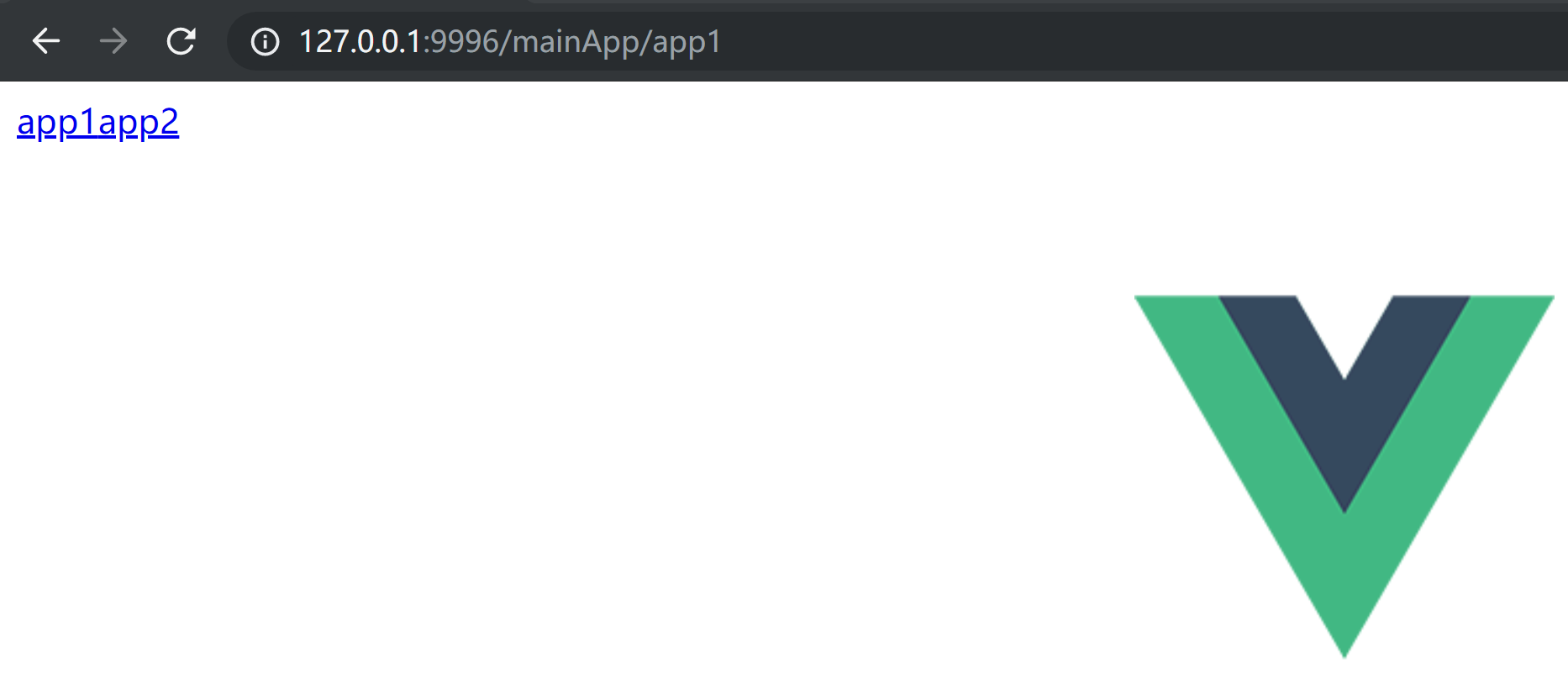
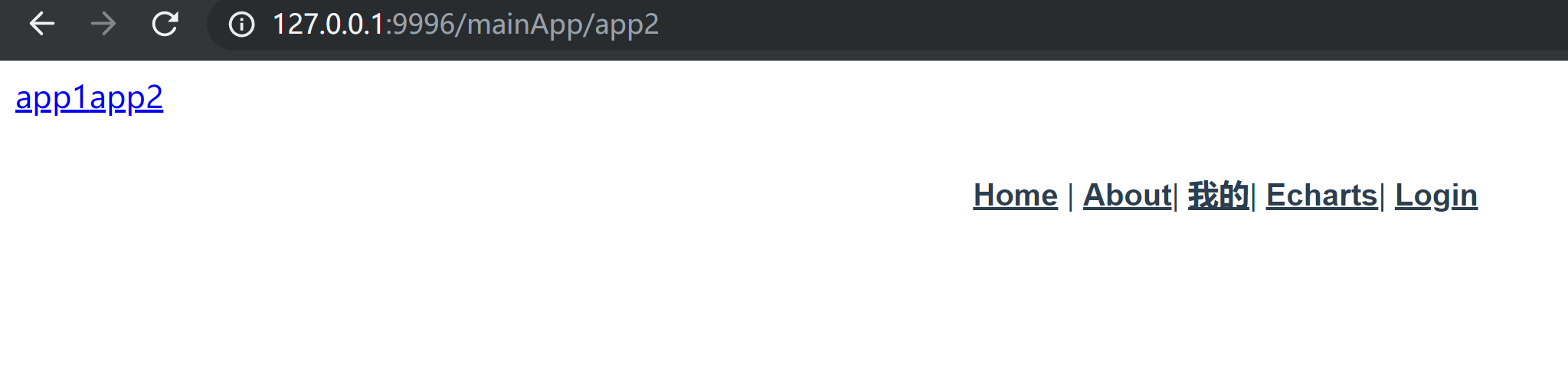
注意:修改完nginx.conf文件后务必在进程中关闭nginx进程再重启nginx 如此,便可在浏览器中访问:
参考链接:segmentfault.com/a/119000002…