

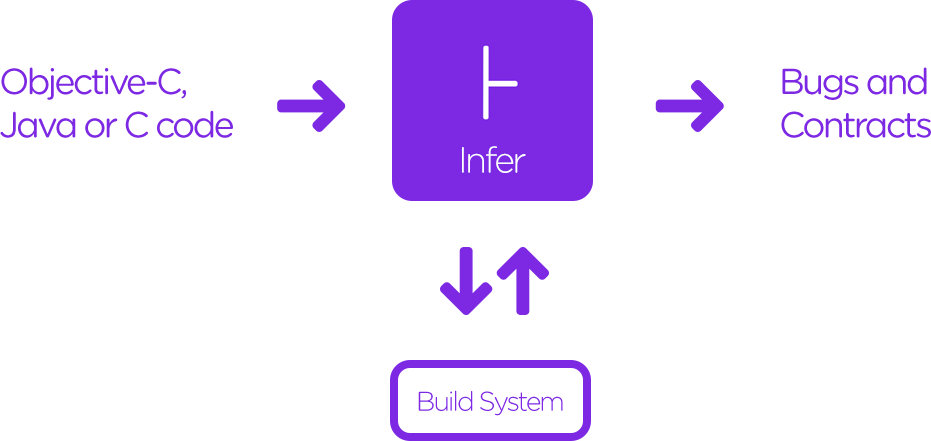
移动互联网经过几年的飞速发展,人们对现在使用的 app 的要求已经不可同日而语了,随着项目越来越大,功能越来越多,单靠工程师的纯人力的检查是很难做到,这时候就要引入工具来代替人力来提升开发的效率,将隐藏的 bug 消灭在测试阶段。
安装方式
brew install infer
实际使用
在安装完成后,cd 到项目根目录
infer run -- xcodebuild -workspace workspaceName.xcworkspace -scheme scheme -configuration Debug -sdk iphonesimulator
在使用过程中用
infer -- xcodebuild
infer run -- xcodebuild
问题1:都会遇到下面的问题
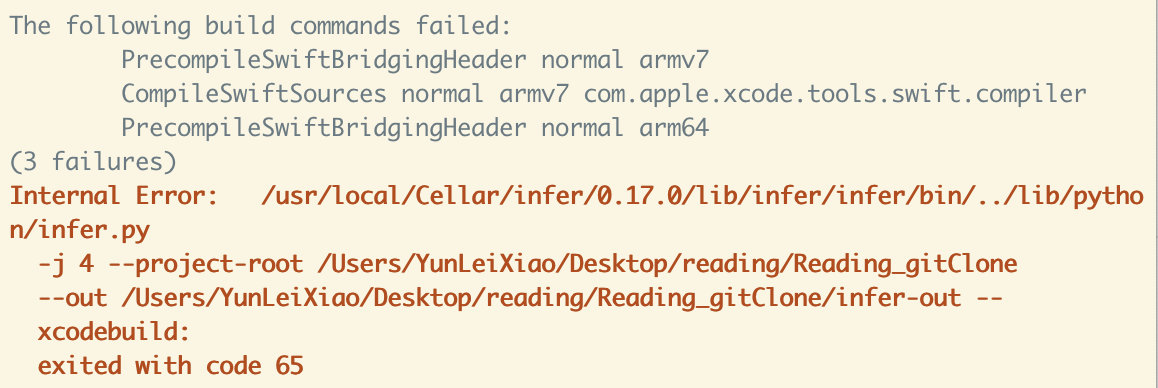
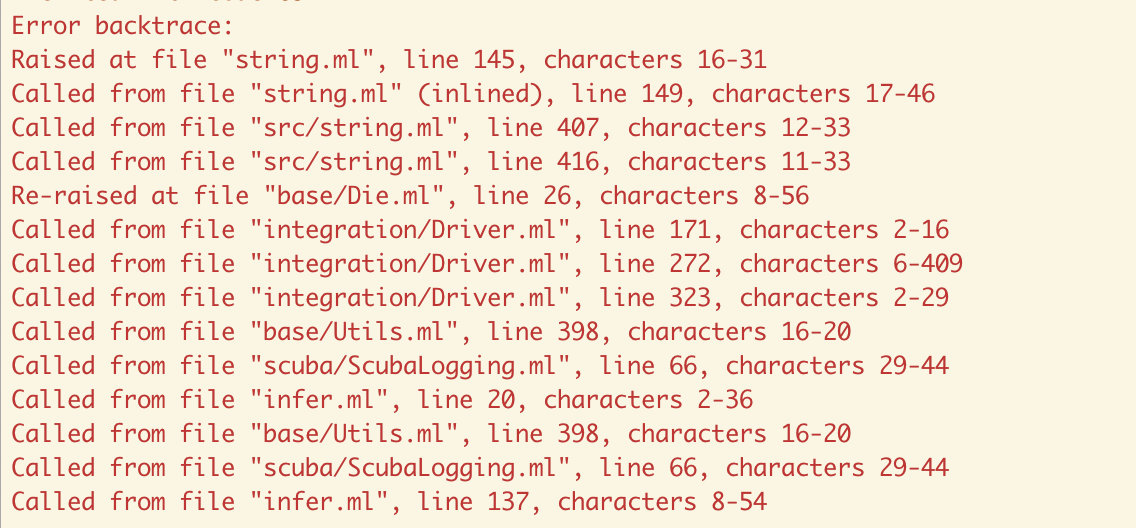
正常编译通过,最终的问题会收集到 infer-out 文件夹下的 bugs.txt 里
问题2:通过 Jenkins 的执行 shell 会提示 "infer command not found",原因是没有获取到环境变量,通过添加下面的命令可解决问题
#!/bin/bash
source ~./bash_profile
source /etc/profile
