绘制太阳环
第十五讲,移动的太阳,下面我们将太阳围成一个环,一步一步来,看仔细代码,go……
- 示例代码一
#ifdef GL_ES
precision mediump float;
#endif

uniform vec2 u_resolution;

void main(){
    vec2 coord = gl_FragCoord.xy / u_resolution;

    vec3 color = vec3(0.0);

    vec2 translate = vec2(-0.5, -0.5);
    coord +=translate;

    color += 0.1 * 0.1 /length(coord);

    gl_FragColor = vec4(color, 1.0 );
}
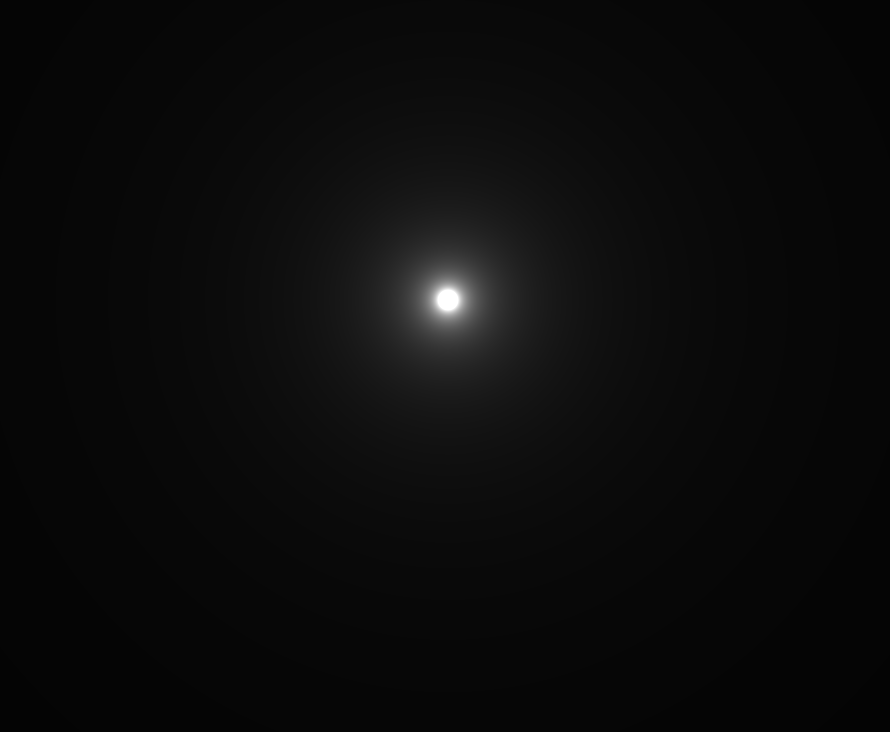
- 代码效果 先绘制一个居中显示的小太阳
- 示例代码二
加入for循环,变更代码
#ifdef GL_ES
precision mediump float;
#endif

uniform vec2 u_resolution;

void main(){
    vec2 coord = gl_FragCoord.xy / u_resolution;

    vec3 color = vec3(0.0);

    vec2 translate = vec2(-0.5, -0.5);
    coord +=translate;

    for(int i = 0; i < 10; i++){
        float radius = 0.3;
        color += 0.1 * 0.1 /length(coord + vec2(radius));
    }

    gl_FragColor = vec4(color, 1.0 );
}
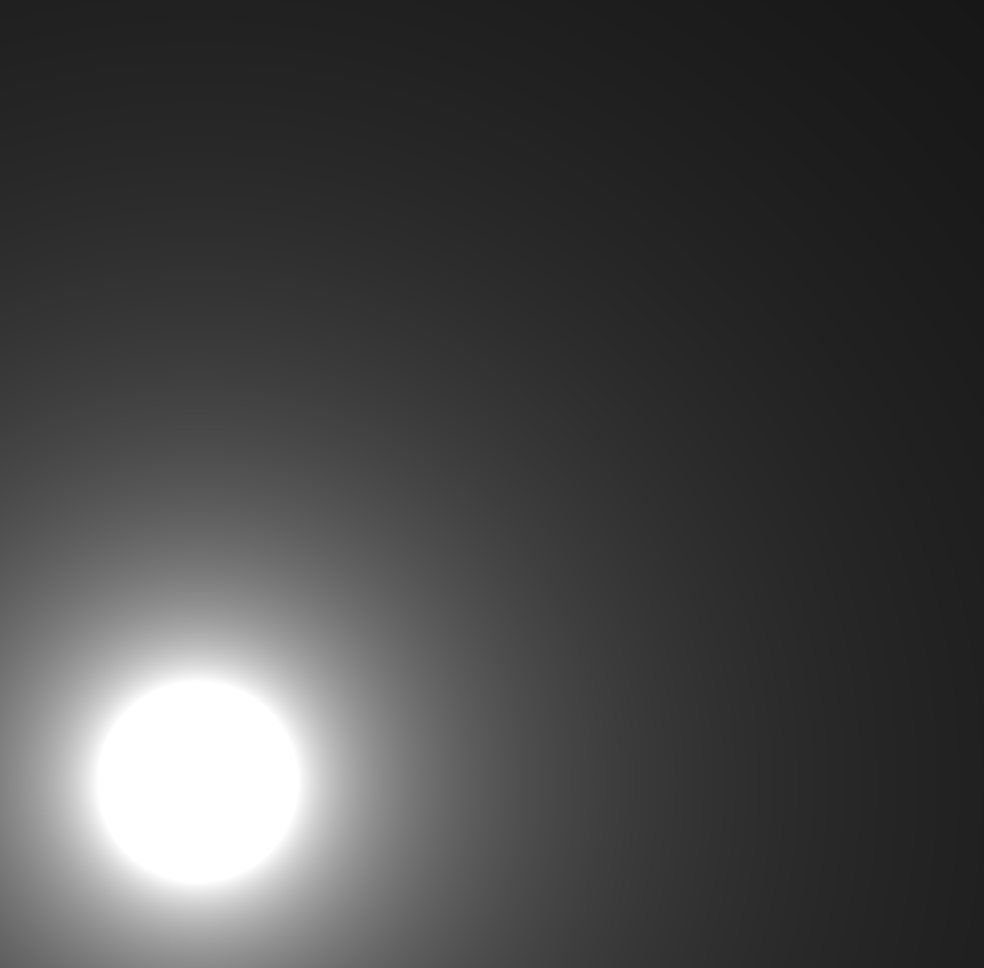
- 代码效果
当 radius 只为0.0的时候,太阳又回到了中心位置
- 示例代码三
shader内置函数radians(),作用是将角度转换为弧度
#ifdef GL_ES
precision mediump float;
#endif

uniform vec2 u_resolution;

void main(){
    vec2 coord = gl_FragCoord.xy / u_resolution;

    vec3 color = vec3(0.0);

    vec2 translate = vec2(-0.5, -0.5);
    coord +=translate;

    for(int i = 0; i < 10; i++){
        float radius = 0.3;
        float rad = radians(360.0 / 20.0) * float(i);
        color += 0.1 * 0.1 /length(coord + vec2(radius * cos(rad)));
    }

    gl_FragColor = vec4(color, 1.0 );
}
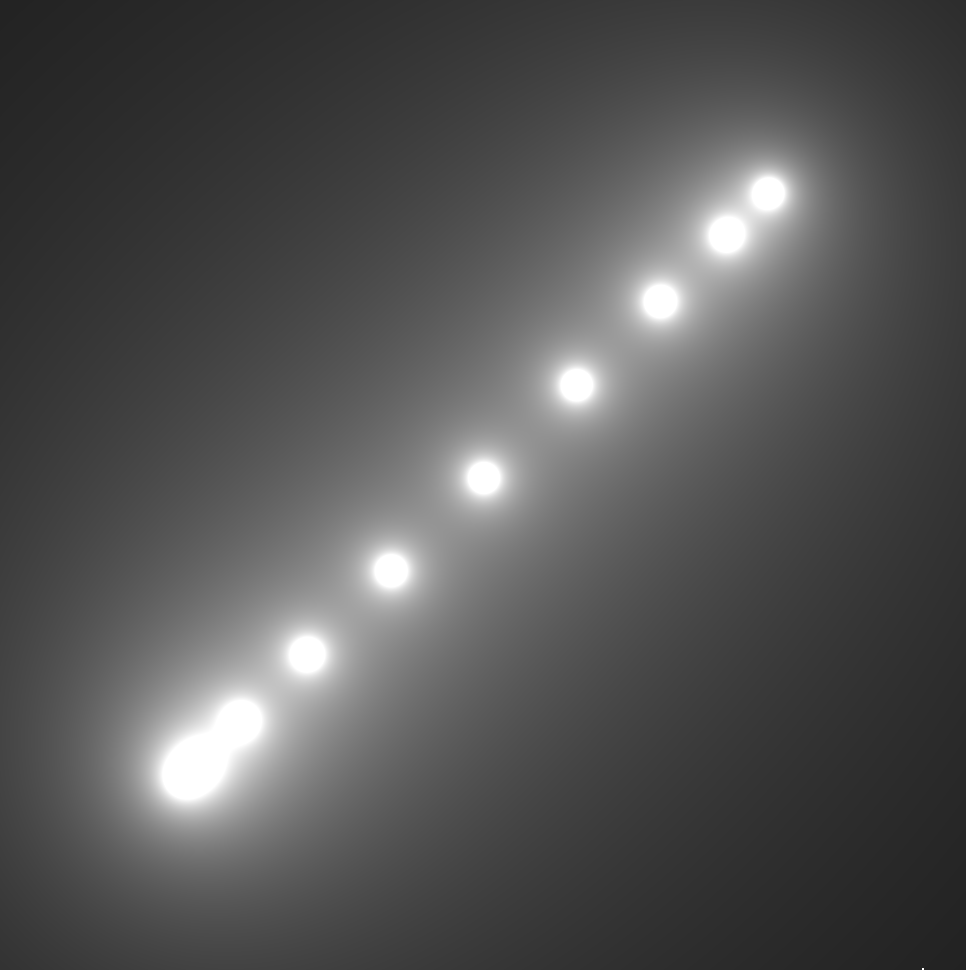
- 代码效果
10个小太阳形成的一条斜线
- 代码示例四
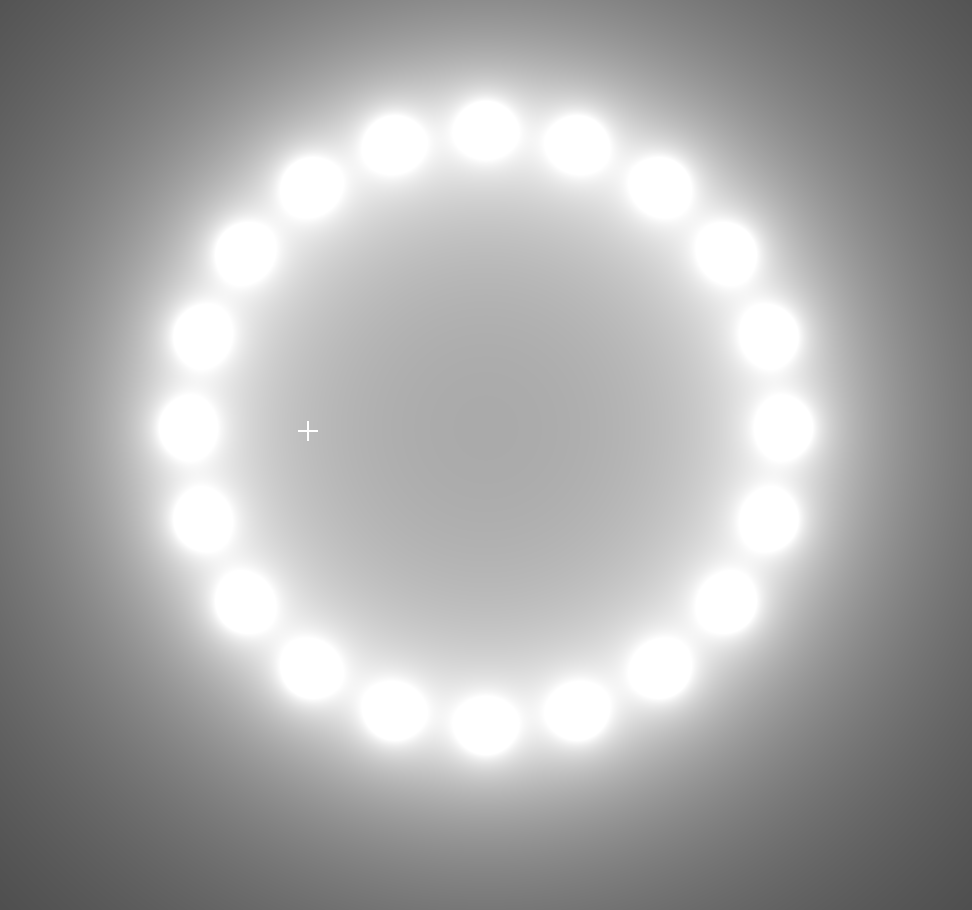
绘制出半个圆的小太阳,将循环总数的值,更改为20,会看到绘制成整个圆
#ifdef GL_ES
precision mediump float;
#endif

uniform vec2 u_resolution;

void main(){
    vec2 coord = gl_FragCoord.xy / u_resolution;

    vec3 color = vec3(0.0);

    vec2 translate = vec2(-0.5, -0.5);
    coord +=translate;

    // 将循环总数的值,更改为20,会看到绘制成整个圆
    for(int i = 0; i < 10; i++){
        float radius = 0.3;
        float rad = radians(360.0 / 20.0) * float(i);
        color += 0.1 * 0.1 /length(coord + vec2(radius * cos(rad),radius * sin(rad)));
    }

    gl_FragColor = vec4(color, 1.0 );
}
- 代码效果
半个圆

- 示例代码五
加入u_time 整体旋转起来
#ifdef GL_ES
precision mediump float;
#endif

uniform vec2 u_resolution;
uniform float u_time;

void main(){
    vec2 coord = gl_FragCoord.xy / u_resolution;

    vec3 color = vec3(0.0);

    vec2 translate = vec2(-0.5, -0.5);
    coord +=translate;

    for(int i = 0; i < 40; i++){
        float radius = 0.3;
        float rad = radians(360.0 / 40.0) * float(i);
        color.g += 0.03 * 0.1 /length(coord + vec2(radius * cos(rad + u_time/2.0),radius  * sin(rad+u_time/2.0)));
    }

    gl_FragColor = vec4(color, 1.0 );
}
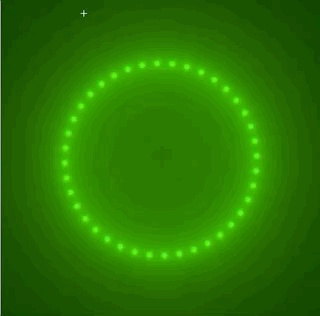
《跟我一起学glsl编程》期待你的关注与点赞