MAC下的Cornerstone在拉取项目时卡住, 强制退出后就出现了如下界面
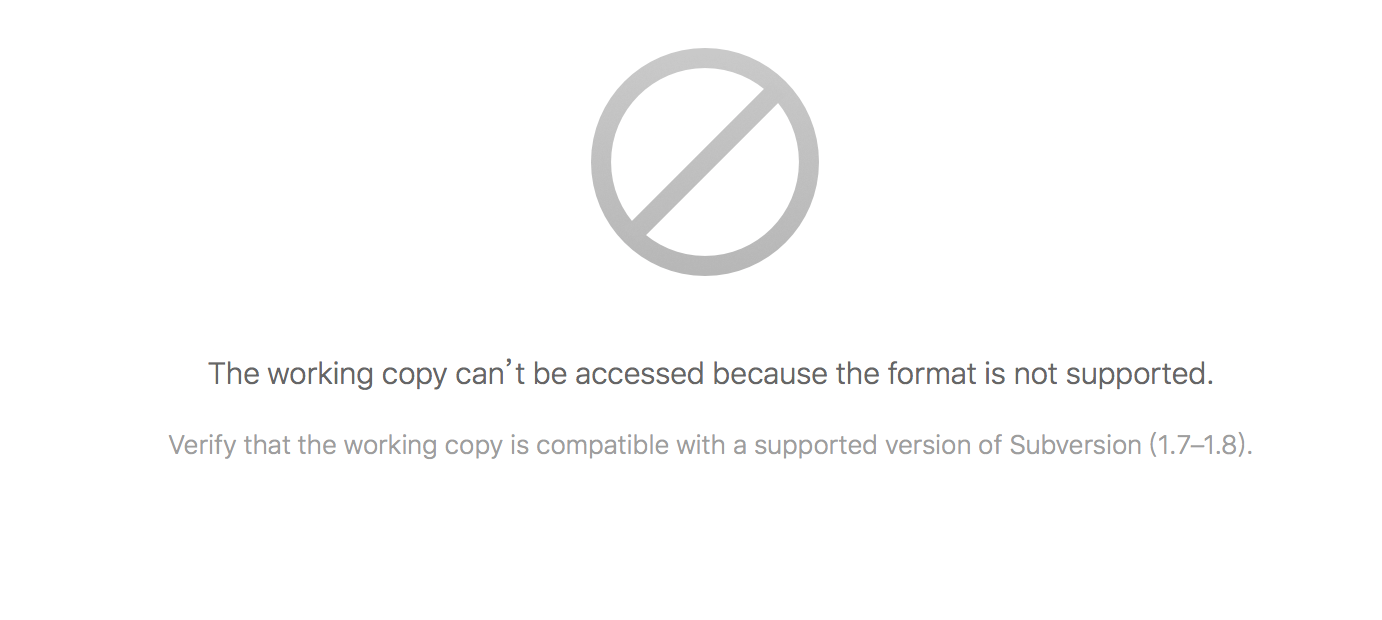
The working copy can’t be accessed because the format is not supported.
Verify that the working copy is compatible with a supported version of Subversion (1.7–1.8).
搜索许多都是说要升级svn版本(或升级Cornerstone)或者重新Checkout, 这样似乎并不太好.
- Cornerstone里面是自带svn版本的, 我暂时没有找到升级它的方法(我的版本是3.0.3)
- 此SVN库已经有好几个G大小了, 正是因为网络慢, 下载不下来我才会强制退出, 如果重新
checkout再卡住时怎么办?
解决方案:
找到项目目录, 打开 .svn/wc.db 文件, 这是个 SQLite 数据库, 找到 WORK_QUEUE 表 删除里面的记录, 重新打开 Cornerstone 就可以正常使用了