一.下载字体文件
- 创建fonts文件夹
- 修改url路径,添加./fonts/
- 直接写icon的编码
- 优点
- 可以修改字体大小,颜色
- 放大不失真
<!DOCTYPE html>
<html lang="en">
<head>
<meta charset="UTF-8">
<meta name="viewport" content="width=device-width, initial-scale=1.0">
<title>Document</title>
<style>
@font-face {font-family: 'mei';
src: url('./fonts/iconfont.eot'); /* IE9*/
src: url('./fonts/iconfont.eot?#iefix') format('embedded-opentype'), /* IE6-IE8 */
url('./fonts/iconfont.woff') format('woff'), /* chrome、firefox */
url('./fonts/iconfont.ttf') format('truetype'), /* chrome、firefox、opera、Safari, Android, iOS 4.2+*/
url('./fonts/iconfont.svg#iconfont') format('svg'); /* iOS 4.1- */
}
div {
font-family:'mei';
font-size: 100px;
color: pink;
text-shadow: 2px 2px 2px #000;
}
p {
font-family: "mei";
font-size: 200px;
color: aqua;
text-shadow: 2px 2px 2px #000;
}
</style>
</head>
<body>
<div></div>
<p></p>
</body>
</html>

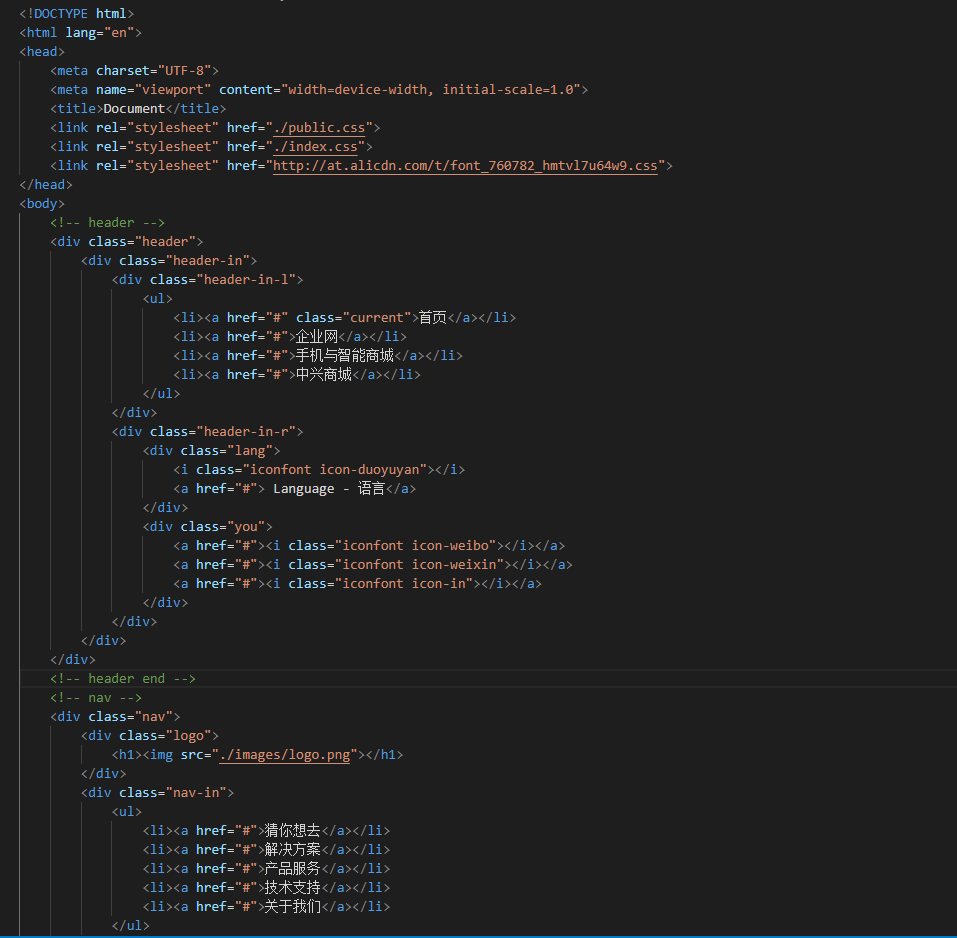
二.使用在线字体
1.引入字体的link链接 2.使用类与图标对应的编码