✅ GitLab配置ssh key
硬件:
MacBook Pro
需求:
系统生成Key,并配置到GitLab上
步骤:
1.本地生成ssh公钥和私钥对
2.查看本机ssh公钥
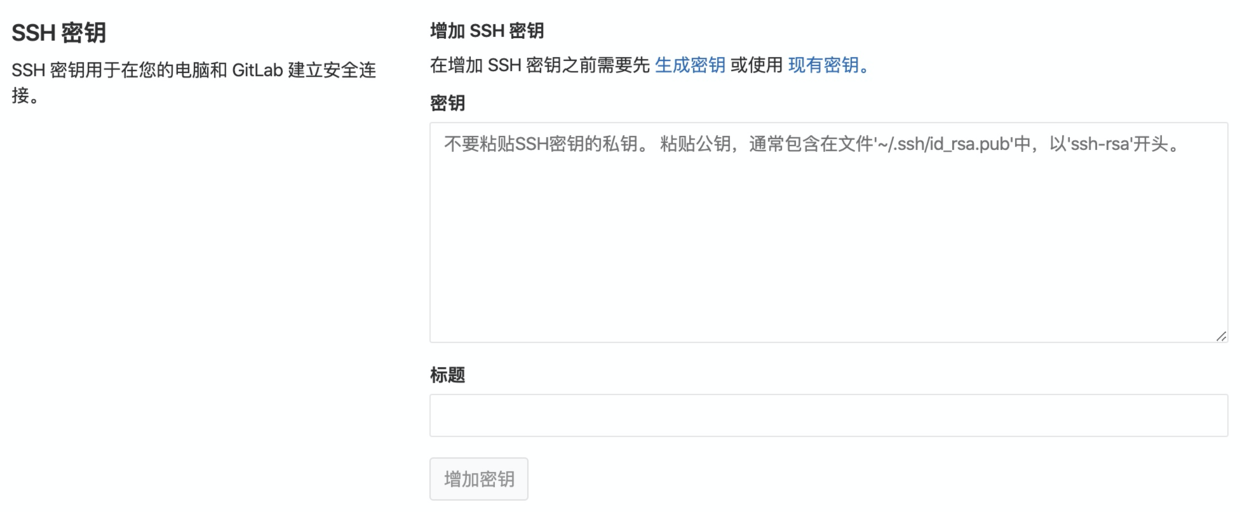
3.在GitLab增加SSH Kyes
1.本地生成ssh公钥和私钥对
ssh-keygen -t rsa -C 'xxx@xxx.com' 然后一路回车(-C 参数是你的邮箱地址)
Enter file in which to save the key (/Users/steve/.ssh/id_rsa): 回车
出现:
/Users/steve/.ssh/id_rsa already exists.
表示.ssh/id_rsa已经
输入:y  (重新覆盖)
输入:n  (不覆盖)
设置你的密码(位数不要太短,尽量设置6位)

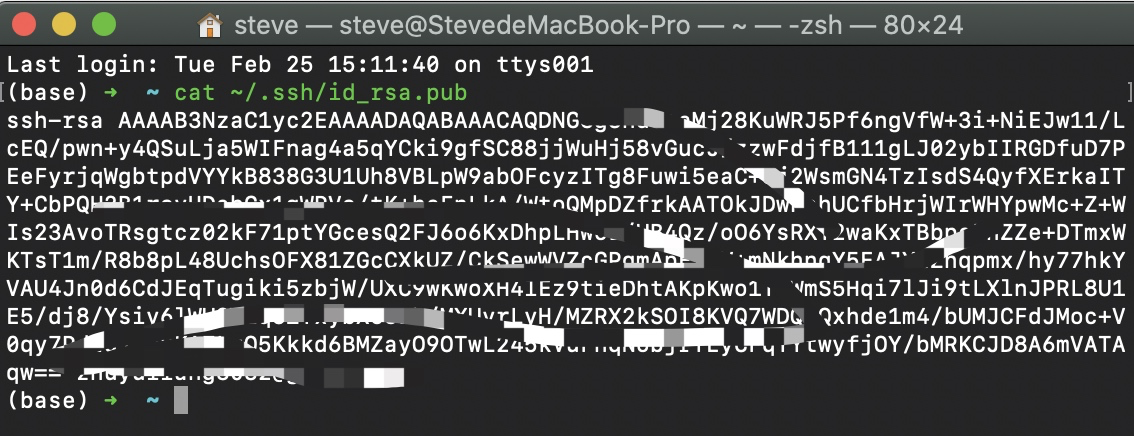
2.查看本机ssh公钥
cat ~/.ssh/id_rsa.pub
3.在GitLab增加SSH Kyes