非常简单的,鼠标移动切换图片
关键点:
1、本想用hover,但需要鼠标移除整个div时,保留最后一个选中的图片状态,所以还是用了mouseenter。
2、var了一个obj用来保存标签和图片的对应关系
3、鼠标点选标签时,不应该是文本箭头,改成了pointer。
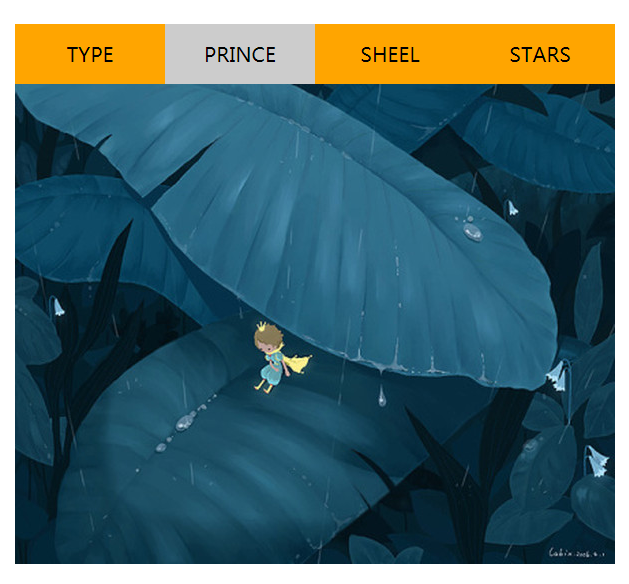
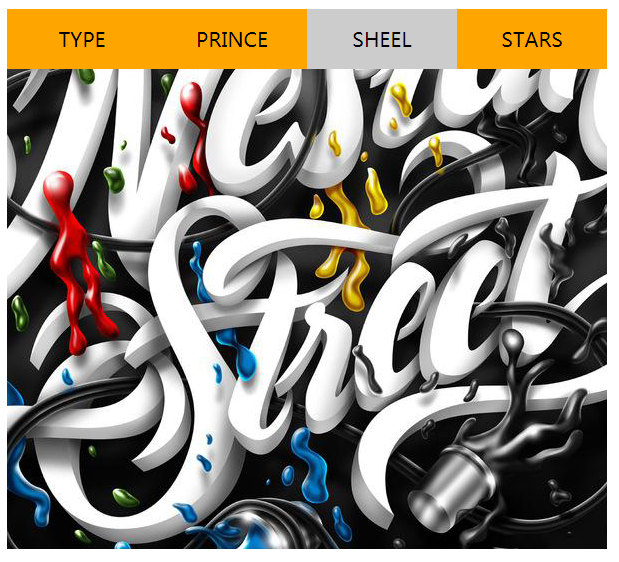
源码:
<!DOCTYPE html>
<html lang="en">
<head>
    <meta charset="UTF-8">
    <meta name="viewport" content="width=device-width, initial-scale=1.0">
    <meta http-equiv="X-UA-Compatible" content="ie=edge">
    <title>Document</title>
    <style>
        *{
            margin: 0;
            padding: 0;
            list-style: none;
        }
        .main{
            width: 600px;
            margin: 100px auto;

        }
        li{
            width: 150px;
            height: 60px;
            float: left;
            background-color: orange;
            text-align: center;
            font-size: 20px;
            line-height: 60px;
            cursor: pointer;
        }
        .onshow{
            background-color:#ccc;
        }
    </style>
    <script
        src='https://code.jquery.com/jquery-1.12.4.js'
        integrity='sha256-Qw82+bXyGq6MydymqBxNPYTaUXXq7c8v3CwiYwLLNXU='
        crossorigin='anonymous'>
    </script>
    <script>
        var img={
            "TYPE":"http://t-1.tuzhan.com/70519b38e003/p-2/l/2013/05/16/12/b25e5120d2894f5c8057a62f46c2c687.jpg",
            "PRINCE":"http://img4.duitang.com/uploads/item/201206/23/20120623181104_X8aek.thumb.600_0.jpeg",
            "SHEEL":"http://img.zcool.cn/community/01c5ac5ba5ab46a8012099c898e680.jpg",
            "STARS":"http://hbimg.b0.upaiyun.com/9023fbbefdcc259db321d5b7ef298cdb30d72bd723832-HrY3Wn_fw658",
        }
        $(document).ready(function(){
            $("li").mouseenter(function(){
                $("li").removeClass("onshow");
                $(this).addClass("onshow");
                $("img").attr("src",img[this.innerText]);
            });
        })
    </script>
</head>
<body>
    <div class="main">
        <nav>
            <ul>
                <li>TYPE</li>
                <li class="onshow">PRINCE</li>
                <li>SHEEL</li>
                <li>STARS</li>
            </ul>
        </nav>
        <img src="images/3.jpg" alt="">

    </div>
</body>
</html>