- 安装 vue
yarn add vue
- App.vue
<template>
    <div id="app">
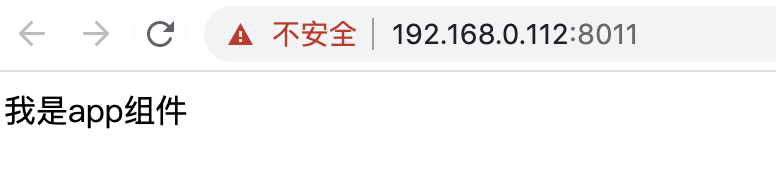
        我是app组件
    </div>
</template>

<script>
export default {

}
</script>

<style>

</style>
3.main.js
// 核心入口文件
console.log('---main---');

// 使用App组件,渲染 index.html 的视图
import Vue from 'vue';
import App from './App.vue';

new Vue({
    el: '#app',
    // 使用 vue 底层的渲染方法
    // 使用 App 组件作为根组件,将来渲染视图
    render: (createElement) => {
        return createElement(App);
    }
})
- yarn dev
- 安装 loader
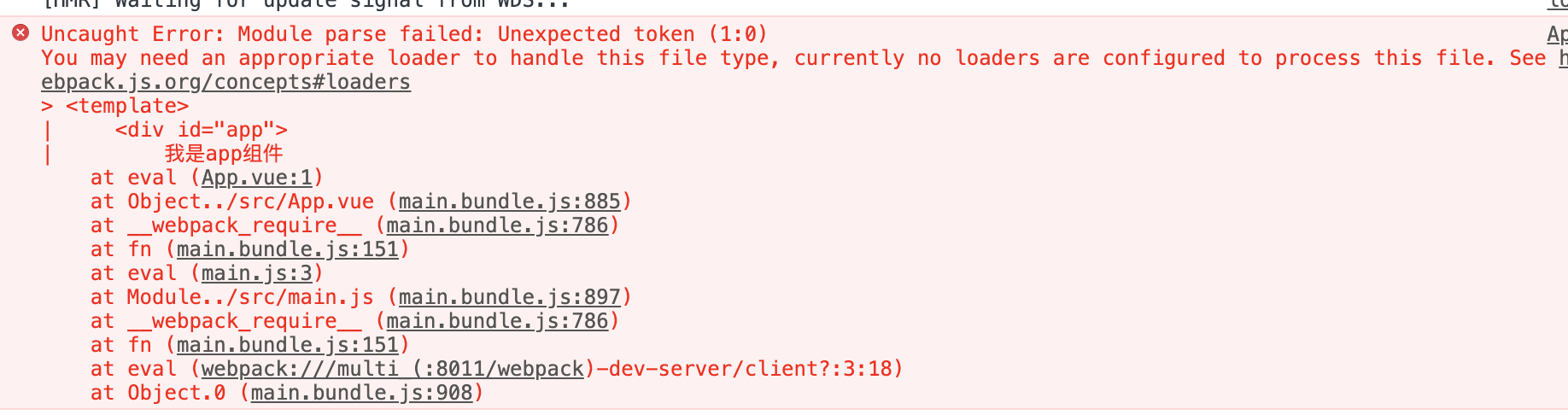
yarn add vue-loader vue-template-compiler -D
- 引入包
const VueLoaderPlugin = require('vue-loader/lib/plugin');
- 配置
module.exports = {
    module: {
        rules: [
            // ...
            // vue-loader 的配置说明
            {
                test: /\.vue$/,
                loader: 'vue-loader'
            }
        ]
    },
    plugins: [
        // ...
        new VueLoaderPlugin()
    ]
}