1.jsx
有问题代码
const renderTarget = pageModules.map((type, index) => {
     if (type === '1') {
        return (<Supplies idx={index}/>)
     } else if (type === '2') {
         return <Donate idx={index}/>
     } else if (type === '3') {
         return <Allot idx={index}/>
     }
 })

 function Index(): JSX.Element {

     return (
         <View>
             <View>
                 {renderTarget}
             </View>
         </View>
     )
 }
修复代码:
 function Index(): JSX.Element {

     return (
         <View>
             <View className='index'>
                 {pageModules.map((type, index) => {
                     if (type === '物资生产') {
                         return <Suppliesxxx idx={index}/>
                     } else if (type === '企业捐赠') {
                         return <Donate idx={index}/>
                     } else if (type === '政府发放') {
                         return <Allot idx={index}/>
                     }
                 })}
             </View>
         </View>
     )
 }
2.img 标签失效
要使用自带taro自带Image标签
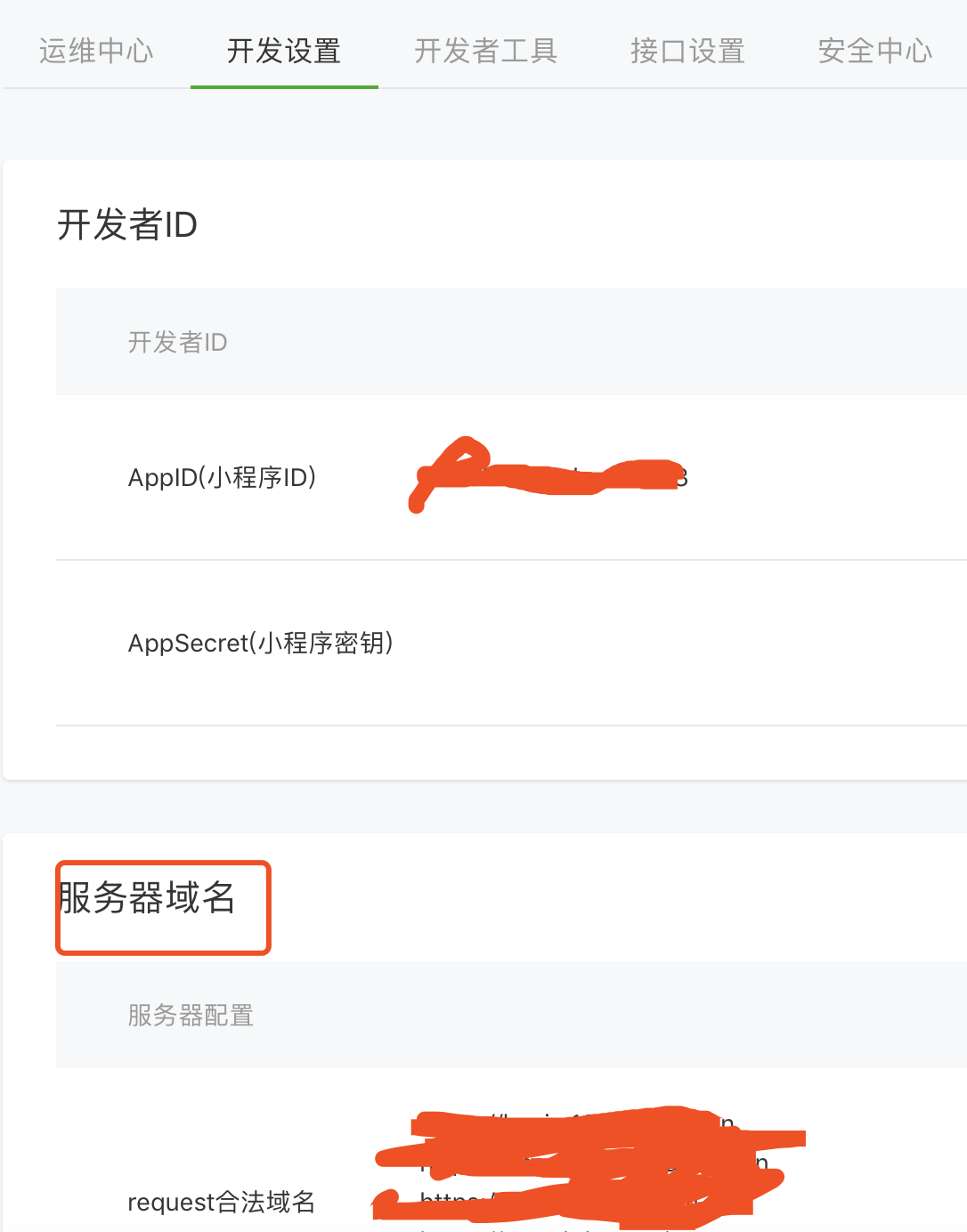
3.小程序接口CORS
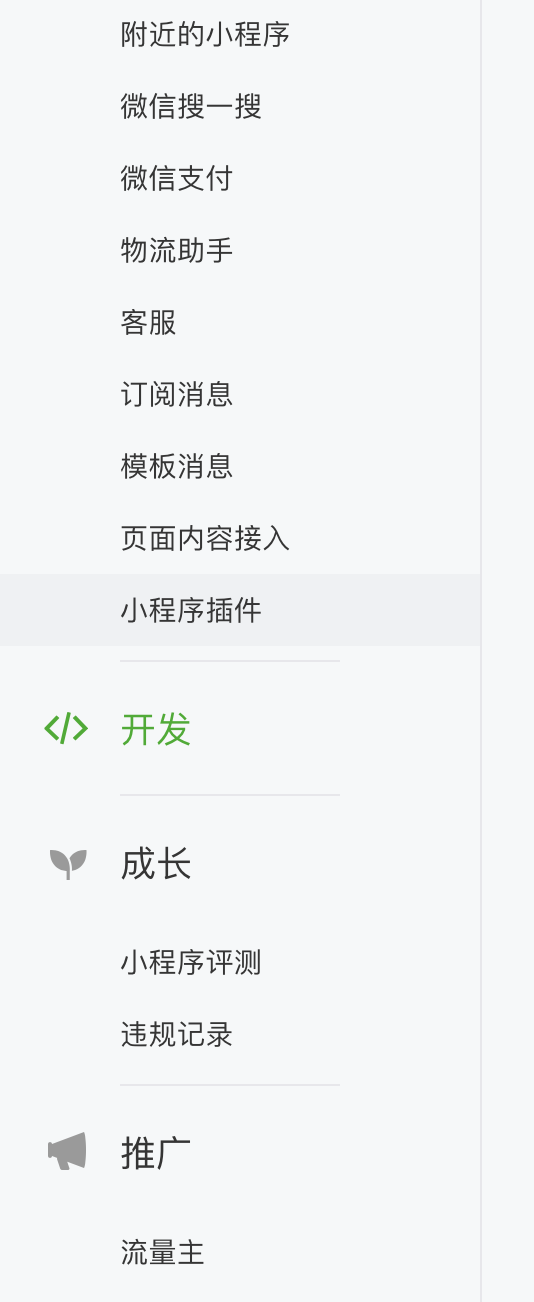
解决方案:添加域名 mp.weixin.qq.com/ 登录账号为共同账号,开发人员扫码后可以登录 添加
4.小程序 2行省略号 2行截断 多行截断
解决方案:一定要在tsx或者模板中把style下面这个属性写上,如果还不行,建议把所有换行相关的属性全写行内元素
style='-webkit-box-orient:vertical;'
以下代码可写less中
overflow: hidden;
text-overflow: ellipsis;
-webkit-line-clamp:2;
display: -webkit-box;
5.数据传入
useState 需要使用hooks
6. 子组件使用props对象下的内容
报错 TypeError: Cannot read property 'type' of undefined
let typeClass = `astag-${this.props.info.type}`;
需使用hooks
const [typeClass, setTypeClass] = useState(`astag-${this.props.info.type}`)