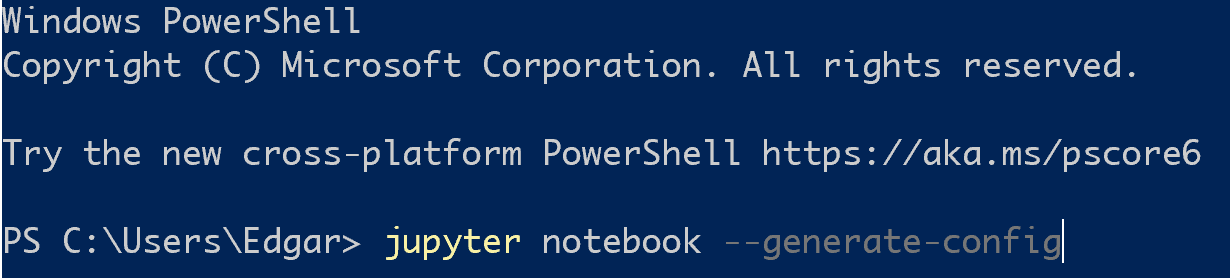
jupyter 修改打开的默认目录 Edgar 2020-02-04 370 阅读1分钟 使用win + R打开命令行: 输入: jupyter notebook --generate-config 打开生成的jupyter_notebook_config.py文件,找到并修改其中的notebook_dir为默认打开的目录: ## The directory to use for notebooks and kernels. c.NotebookApp.notebook_dir = '' 保存之后再次运行 jupyter即可以默认打开设置的目录