ijkplayer编译、打包、集成
前提准备
按照ijkplayer官方的步骤来:
1.首先cd到某个路径下,然后git源码到ijkplayer-ios文件下。
cd desktop
git clone https://github.com/Bilibili/ijkplayer.git ijkplayer-ios
2.在ijkplayer-ios文件夹下创建分支
cd ijkplayer-ios
git checkout -B latest k0.8.8

Switched to a new branch 'latest'

git branch //确认下分支

* latest
  master
3.下载ffmpeg,这个过程看网速了
./init-ios.sh

== pull gas-preprocessor base ==
== pull ffmpeg base ==
== pull ffmpeg fork armv7 ==
== pull ffmpeg fork arm64 ==
== pull ffmpeg fork i386 ==
== pull ffmpeg fork x86_64 ==
编译ffmpeg
cd ios
./compile-ffmpeg.sh clean
./compile-ffmpeg.sh all
如果在编译过程中遇到不支持armv7的错误:
./libavutil/arm/asm.S:50:9: error: unknown directive
        .arch armv7-a
        ^
clang: warning: optimization flag '-fomit-frame-pointer' is not supported for target 'armv7' [-Wignored-optimization-argument]
make: *** [libavcodec/arm/aacpsdsp_neon.o] Error 1
make: *** Waiting for unfinished jobs....
需要把compile-ffmpeg.sh中的armv7去掉之后再次执行./compile-ffmpeg.sh clean,./compile-ffmpeg.sh all
第24行 改为: FF_ALL_ARCHS_IOS8_SDK="arm64 i386 x86_64"
第120行 改为: if [ "$FF_TARGET" = "armv7s" -o "$FF_TARGET" = "arm64" ]; then
第159行 改为: echo " compile-ffmpeg.sh arm64|i386|x86_64"
打包framework
- 打开
ios/IJKMediaPlayer/IJKMediaPlayer.xcodeproj - 选择
IJKMediaFramework,Scheme中设置为release模式 - 分别在真机和模拟器下分别编译一次后,在
Products文件夹下可以找到对应的两个framework版本
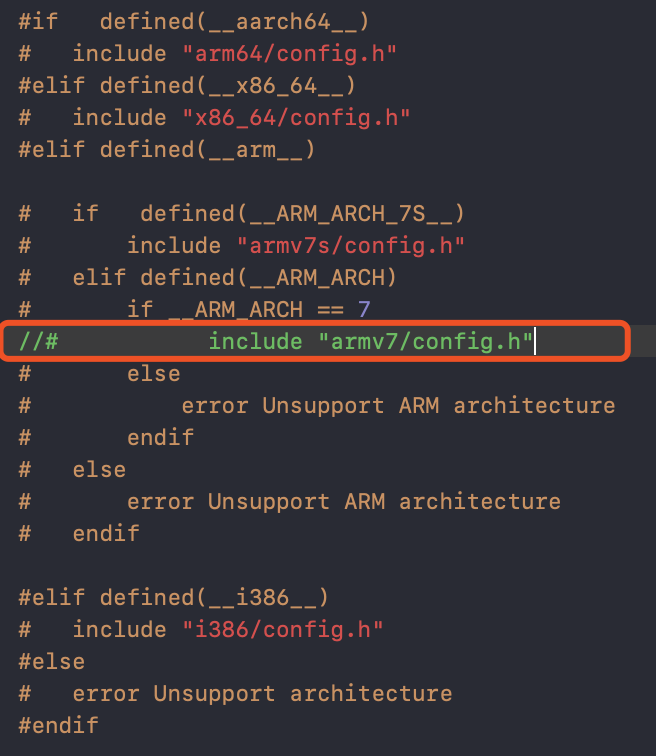
因为之前没有编译armv7的版本,真机编译的时候可能会出现'armv7/avconfig.h' file not found和'armv7/config.h' file not found错误。都需要把avconfig.h和config.h中的include "armv7/config.h"和include "armv7/avconfig.h"注释掉。
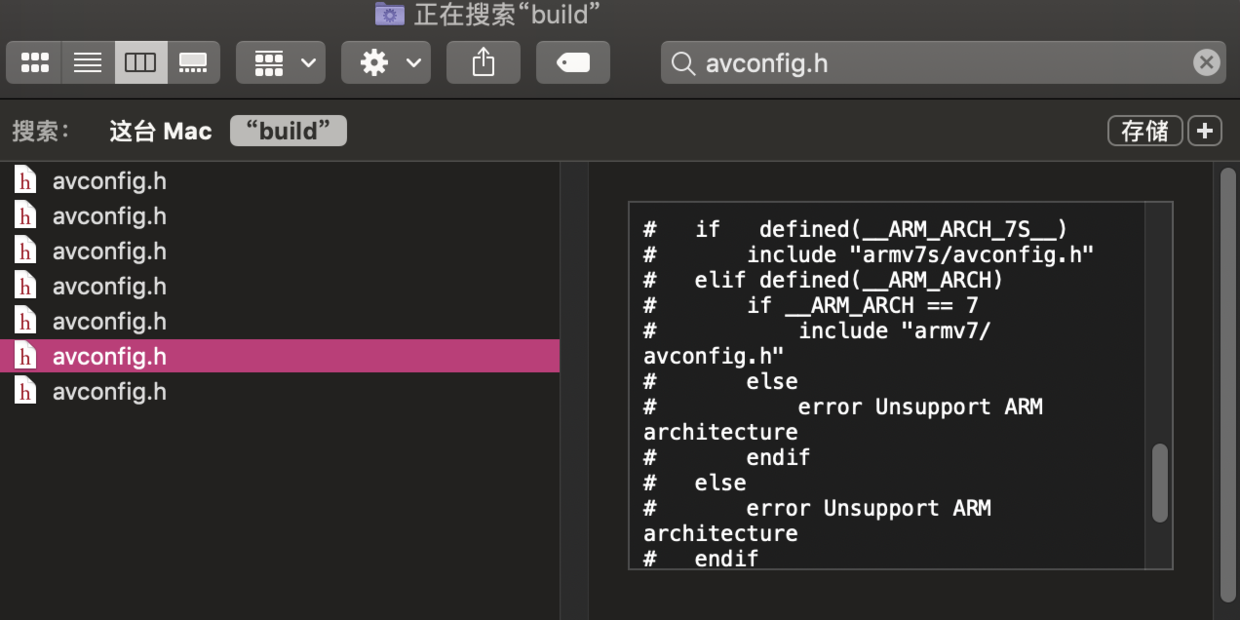
armv7/avconfig.h文件在xcode中找不到可以到ijkplayer-ios/ios/build/universal/include/libavutil/avconfig.h找,或者再编译后出现的build文件夹中搜索。
合成真机版本和模拟器版本
找到编译后的两个framework路径:
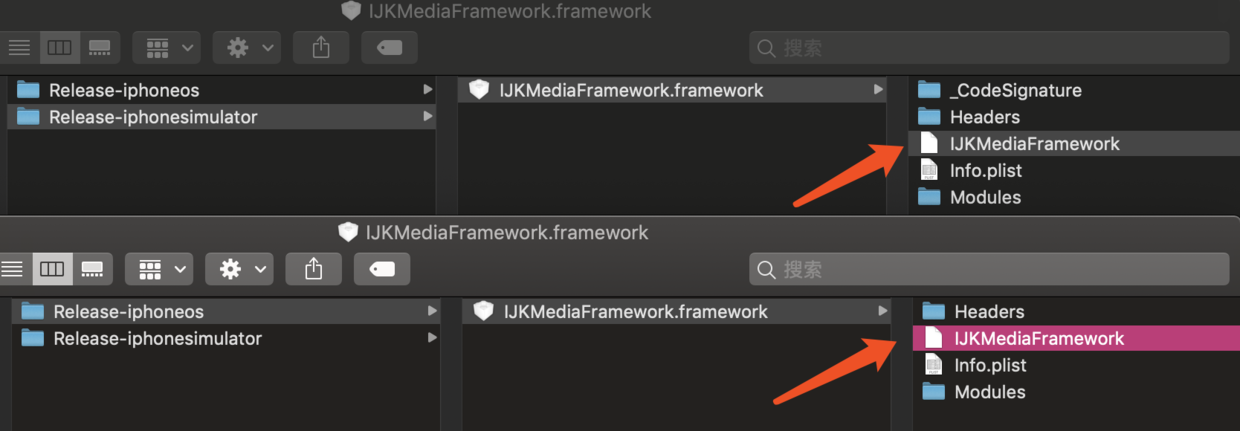
lipo -create 真机路径 模拟器路径 -output 合并路径
lipo -create /Users/apple4/Library/Developer/Xcode/DerivedData/IJKMediaPlayer-chcjlvlzpswerlffutlnkdimtdnp/Build/Products/Release-iphonesimulator/IJKMediaFramework.framework/IJKMediaFramework /Users/apple4/Library/Developer/Xcode/DerivedData/IJKMediaPlayer-chcjlvlzpswerlffutlnkdimtdnp/Build/Products/Release-iphoneos/IJKMediaFramework.framework/IJKMediaFramework -output /Users/aplle4/Desktop/output/IJKMediaFramework
最后再用output/IJKMediaFramework文件替换掉Release-iphoneos/IJKMediaFramework.framework/IJKMediaFramework文件,Release-iphoneos/IJKMediaFramework.framework就可以用来集成到自己的项目中了。
集成
把Release-iphoneos/IJKMediaFramework.framework拖入项目中,导入依赖库:
- AudioToolbox.framework
- AVFoundation.framework
- CoreGraphics.framework
- CoreMedia.framework
- CoreVideo.framework
- libbz2.tbd
- libz.tbd
- MediaPlayer.framework
- MobileCoreServices.framework
- OpenGLES.framework
- QuartzCore.framework
- UIKit.framework
- VideoToolbox.framework
- libstdc++.6.0.9.tbd