1. 初始Nginx
1.1 Nginx的简介
Nginx是一款轻量级的HTTP服务器,采用事件驱动的异步非阻塞处理方式框架,这让其具有极好的IO性能,时常用于服务端的反向代理和负载均衡。
1.2 Nginx的优点
- 支持海量高并发: 采用IO多路复用epoll。官方测试Nginx能够支持5万并发链接,实际生产环境中可以支撑2-4万并发连接数。
- 内存消耗少:在主流的服务器中Nginx目前是内存消耗最小的了,比如我们用Nginx+PHP,在3万并发链接下,开启10个Nginx进程消耗150M内存。
- 免费使用可以商业化:Nginx为开源软件,采用的是2-clause BSD-like协议,可以免费使用,并且可以用于商业。
- 配置文件简单:网络和程序配置通俗易懂,即使非专业运维也能看懂。
2. Nginx的快速搭建
- 使用Homebrew安装
brew install nginx
- 安装完成之后,是否安装成功
nginx -v
3. Nginx服务启动、停止、重启
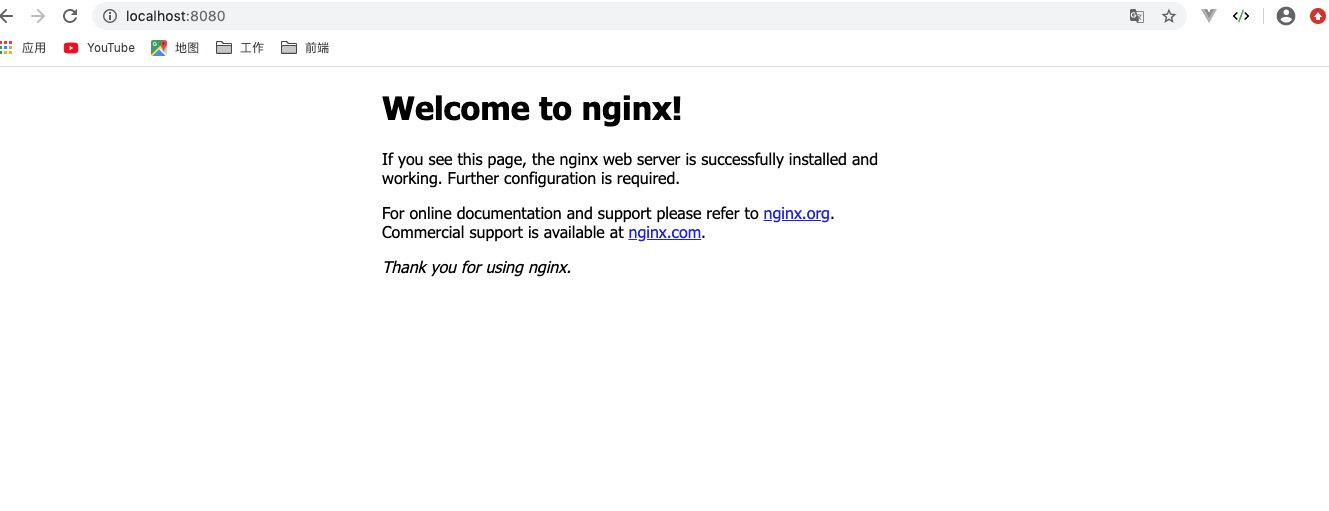
3.1 启动
nginx
检查服务启动状况
ps -A | grep nginx

3.2 停止
- kill 命令
在终端输入 ps -A | grep nginx 检查进程号
kill -QUIT 进程号 // 从容的停止,不会立即停止
kill -TERM 进程号 // 立即停止
kill -INT 进程号 // 立即停止
- nginx -s stop
立即停止:这种方法比较强硬,无论进程是否在工作,都直接结束进程。
- nginx -s quit
从容停止:这种方法相对于stop就比较温和一些,需要进程完成当前工作后再停止
3.3 重启
nginx -s reload
nginx -t

4. Nginx的配置文件
4.1 配置文件
vim /usr/local/etc/nginx/nginx.conf //查看配置文件
# 1.全局模块
#user  nobody;
worker_processes  1; #允许生成的进程数,默认的是1

#error_log  logs/error.log; #制定日志路径,级别。这个设置可以放入全局块,http块,server块,级别以此为:debug|info|notice|warn|error|crit|alert|emerg
#error_log  logs/error.log  notice;
#error_log  logs/error.log  info;

#pid        logs/nginx.pid;  #指定nginx进程运行文件存放地址

# 2.events模块
events {
    worker_connections  1024; # 最大连接数,默认是512
}

# 3.http模块
http {
    include       mime.types; #文件扩展名与文件类型映射表
    default_type  application/octet-stream; #默认文件类型,默认是text/plain

    #log_format  main  '$remote_addr - $remote_user [$time_local] "$request" '
    #                  '$status $body_bytes_sent "$http_referer" '
    #                  '"$http_user_agent" "$http_x_forwarded_for"';

    #access_log  logs/access.log  main;

    sendfile        on;
    #tcp_nopush     on;
    keepalive_timeout  65; #连接超时时间

    #gzip  on;

    # 4.server全局块
    server {
        listen       8080; #监听端口号
        server_name  localhost;  #监听地址

        # 5.location 块
        location / {
            root   html;
            index  index.html index.htm; #服务的默认启动目录
        }

        #error_page  404              /404.html;

        # redirect server error pages to the static page /50x.html
        #
        error_page   500 502 503 504  /50x.html; #错误状态码的显示页面,配置后需要重启
        location = /50x.html {
            root   html;
        }

        # proxy the PHP scripts to Apache listening on 127.0.0.1:80
        #
        #location ~ \.php$ {
        #    proxy_pass   http://127.0.0.1;  # 请求转向 http://127.0.0.1服务器列表
        #}

        # pass the PHP scripts to FastCGI server listening on 127.0.0.1:9000
        #
        #location ~ \.php$ {
        #    root           html;
        #    fastcgi_pass   127.0.0.1:9000;
        #    fastcgi_index  index.php;
        #    fastcgi_param  SCRIPT_FILENAME  /scripts$fastcgi_script_name;
        #    include        fastcgi_params;
        #}

        # deny access to .htaccess files, if Apache's document root
        # concurs with nginx's one
        #
        #location ~ /\.ht {
        #    deny  all; #拒绝访问的IP
        #    allow all; #允许访问的IP
        #}
    }

}
在上面的配置中,Nginx配置文件由一下几个部分构成:
- 全局块:配置影响nginx全局的指令。一般有运行nginx服务器的用户组,nginx进程pid存放路径,日志存放路径,配置文件引入,允许生成worker process数等。
- events块:配置影响nginx服务器或与用户的网络连接。有每个进程的最大连接数,选取哪种事件驱动模型处理连接请求,是否允许同时接受多个网路连接,开启多个网络连接序列化等。
- http块:可以嵌套多个server,配置代理,缓存,日志定义等绝大多数功能和第三方模块的配置。如文件引入,mime-type定义,日志自定义,是否使用sendfile传输文件,连接超时时间,单连接请求数等。
- server块: 配置虚拟主机的相关参数,一个http中可以有多个server。
- location块:配置请求的路由,以及各种页面的处理情况。
4.2 自定义错误页
- 多错误指定一个页面
在配置文件中,我们可以看到
error_page 500 502 503 504 /50x.html;
error_page指令用于自定义错误页面,500,502,503,504这些都是HTTP中常见的错误代码,/50.html用于表示当发生指定的任意一个错误时,都是用于网站根目录下的/50.html文件进行处理。
- 单独为错误页面指定
error_page 404 /404.html
会自动创建一个404.html,并写入一些信息
vim /usr/local/var/www/404.html
重启服务,再进行访问,404页面会发生变化。
4.3 Nginx的访问权限
location {
    deny: all; #拒绝访问的IP
    allow: all; #允许访问的IP
}
5. Nginx配置虚拟主机
5.1 基于端口号配置虚拟主机
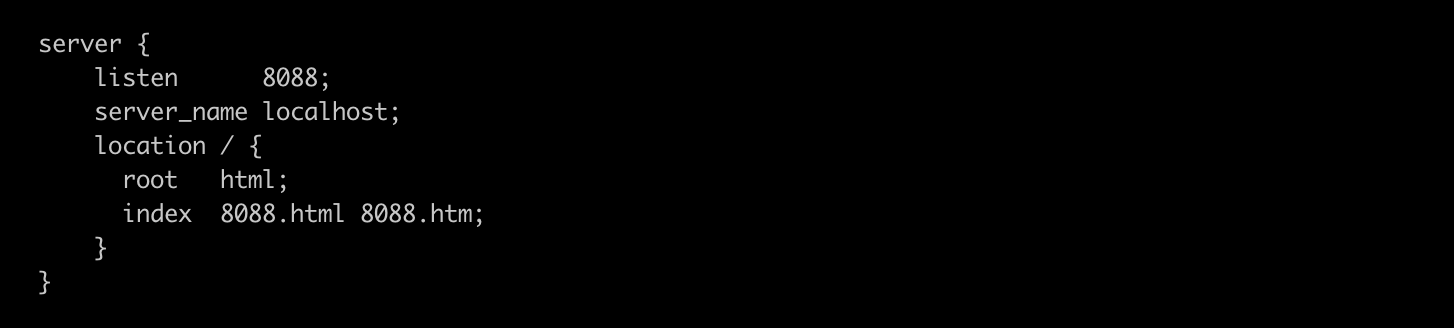
修改配置文件的server选项,此时就有两个server
 server {
        listen      8088; //端口号
        server_name localhost;
        location / {
          root   html;
          index  8088.html 8088.htm;
        }
    }
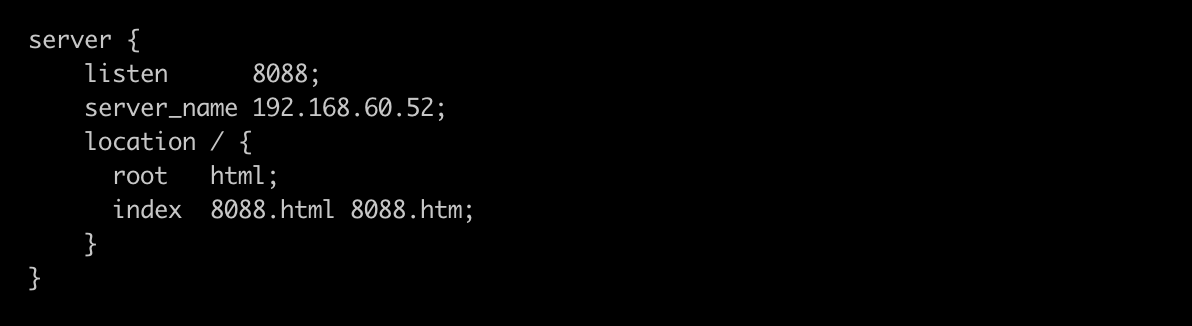
5.2 基于IP的虚拟主机
server {
        listen      8088;
        server_name 192.168.60.52; //配置IP
        location / {
          root   html;
          index  8088.html 8088.htm;
        }
    }