#重写onShareAppMessage
 onShareAppMessage: function(ops) {

    var json = encodeURIComponent(JSON.stringify(this.data.hosData));

    if (ops.from === 'button') {
      // 来自页面内转发按钮
      console.log(ops.target)
    }
    return {
      title: '分享卡片',
      path: 'pages/shareCard/shareCard?share=' + json,
      success: function(res) {
        // 转发成功
        console.log("转发成功:" + JSON.stringify(res));

      },
      fail: function(res) {
        // 转发失败
        console.log("转发失败:" + JSON.stringify(res));
      }
    }

  },
#页面接收转发的数据:
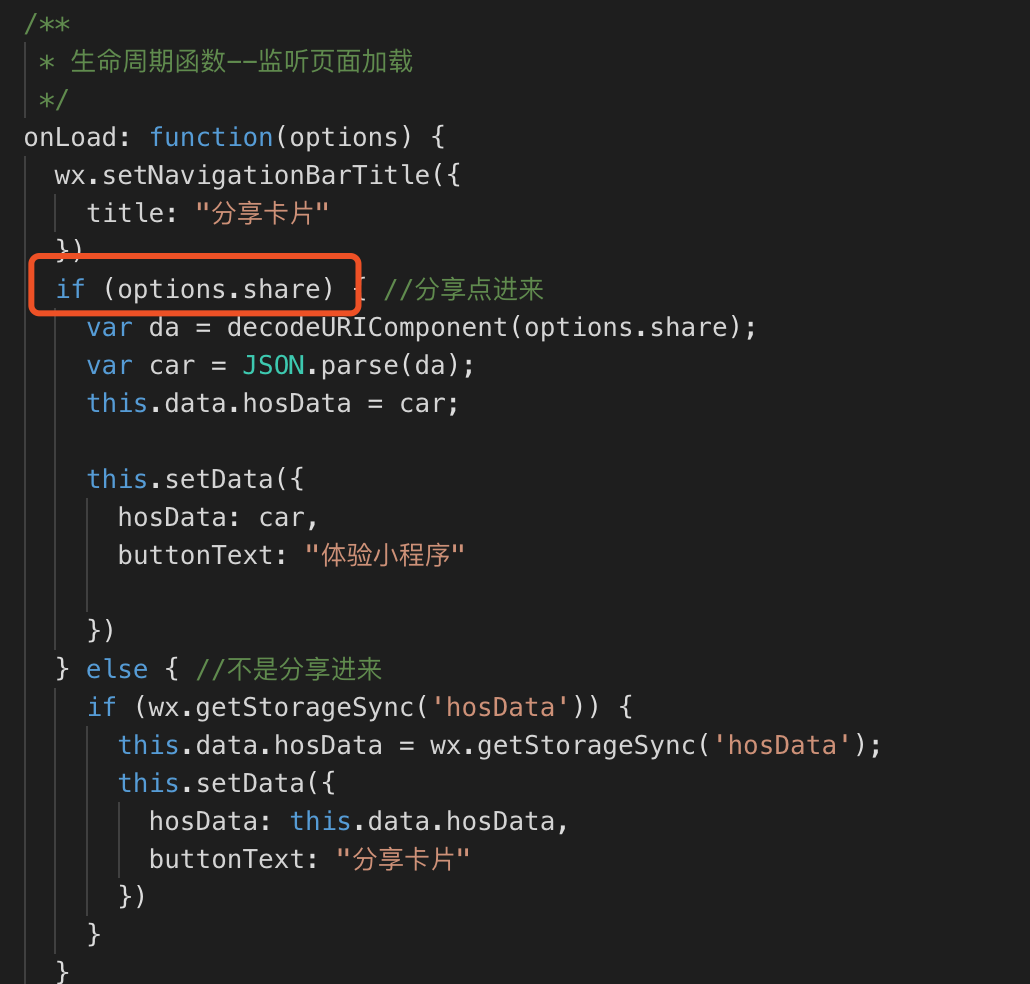
#注意: 如果页面间传递的数据是有特殊字符的, 传出去的一方记得encode一下:
var json = encodeURIComponent(JSON.stringify(this.data.hosData));
接收的一方记得decode一下:
var da = decodeURIComponent(options.share);