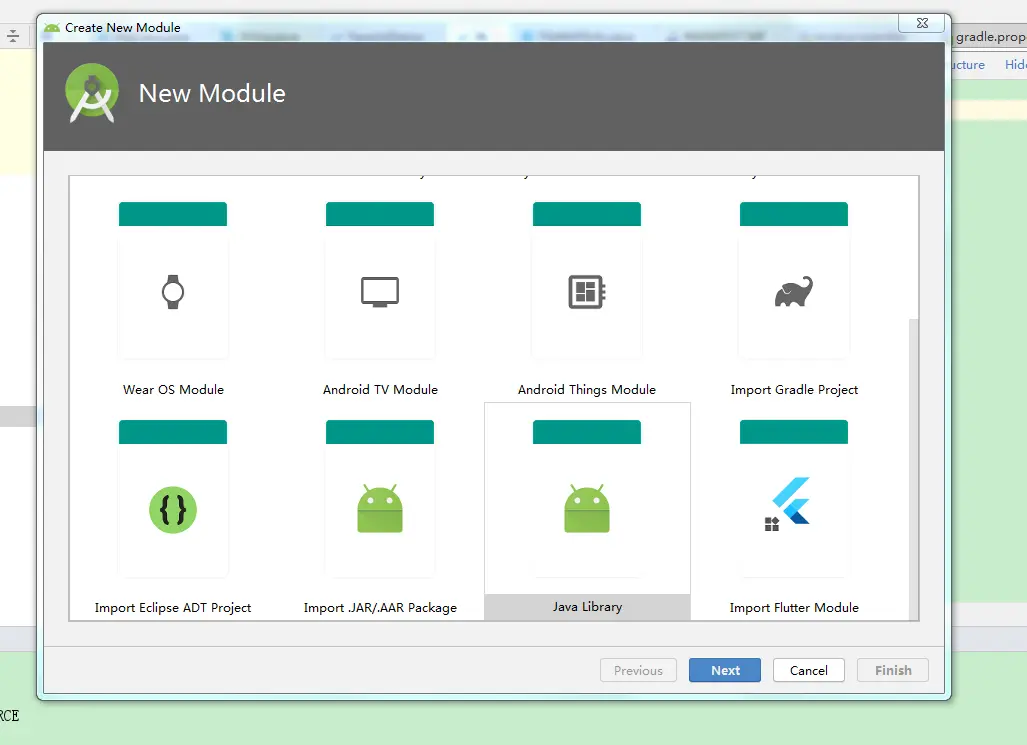
1.File->New Module->java Library
2.编写主函数
package com.uurobot.lib;
public class MyClass {
    public static void main(String[] args) throws IOException {
        System.out.println("-----------");
    }
}
3. 配置build.gradle
apply plugin: 'java-library'
apply plugin: 'java'

sourceCompatibility = "7"
targetCompatibility = "7"
dependencies {
    compile 'com.google.code.gson:gson:2.8.6'
}

tasks.withType(JavaCompile) {
    options.encoding = "UTF-8"
}

jar {
    manifestContentCharset 'utf-8'
    metadataCharset 'utf-8'
    manifest {
        attributes "Main-Class": "com.uurobot.lib.MyClass"//主类名
    }
    from {
        configurations.compile.collect { it.isDirectory() ? it : zipTree(it) }
    }
}
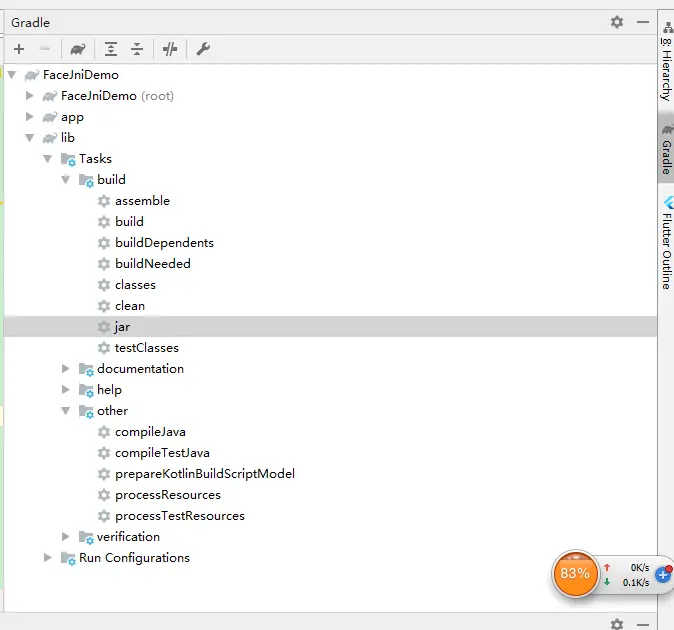
4.运行gradle->lib->jar
5.执行 java -jar lib.jar

6.注意事项
dependencies依赖第三方jar 用compile 不能使用 implementation
compile 'com.google.code.gson:gson:2.8.6'