需求
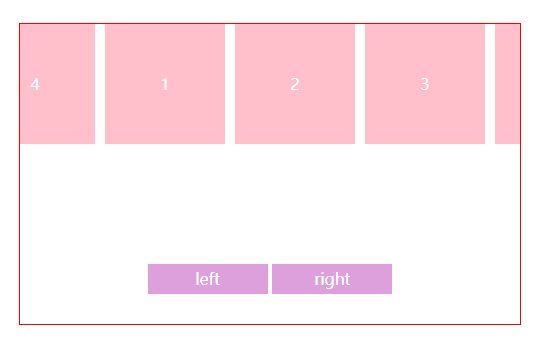
- 进入页面自动开始滚动(默认向左)
- left和right按钮会改变滚动方向
步骤
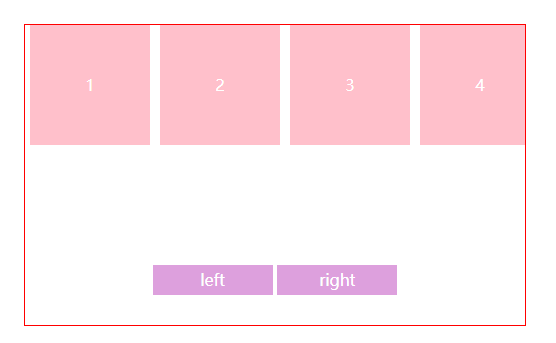
- 在container下包含wrapper 和 footer
- wrapper是一个ul下面含有4个li,footer包含left和right两个button
- contianer要注意溢出隐藏
- 注意要修改
- li有一个5px的外边距
- js oWrapper.innerHTML += oWrapper.innerHTML这里是li的内容*2
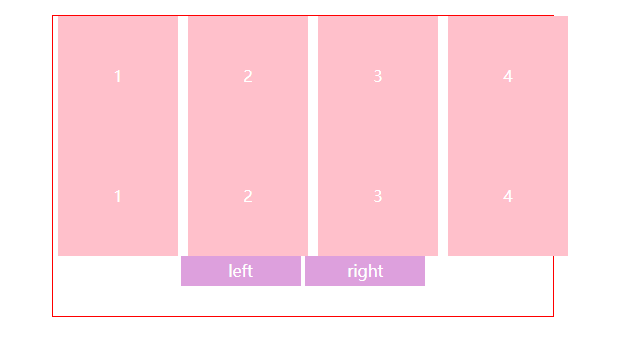
- 扩大wrapper的width所有内容横向排列
- oWrapper.style.width = oWrapper.offsetWidth * 2 + 'px';
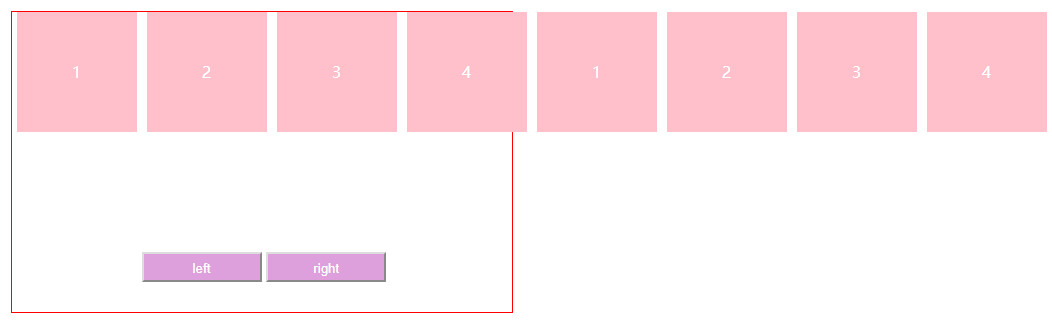
8. 主要领会临界点的问题
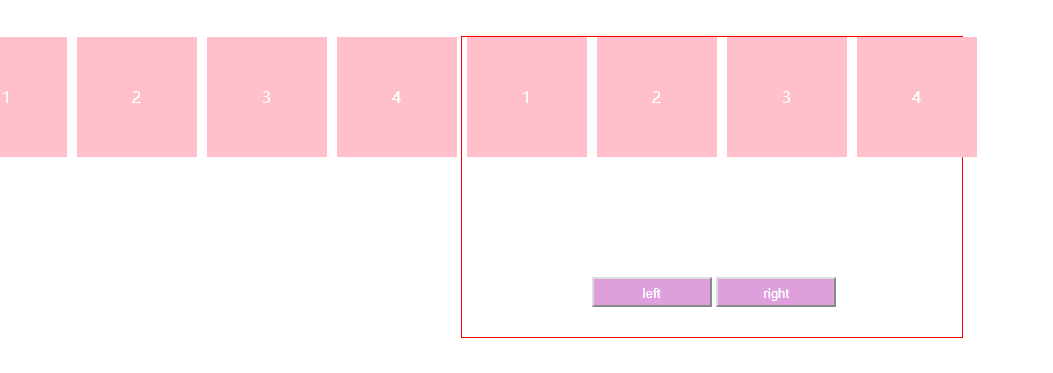
- 当向左走时,判断何时为临界点就是在当居左小于offsetWidth一半时,如图所示
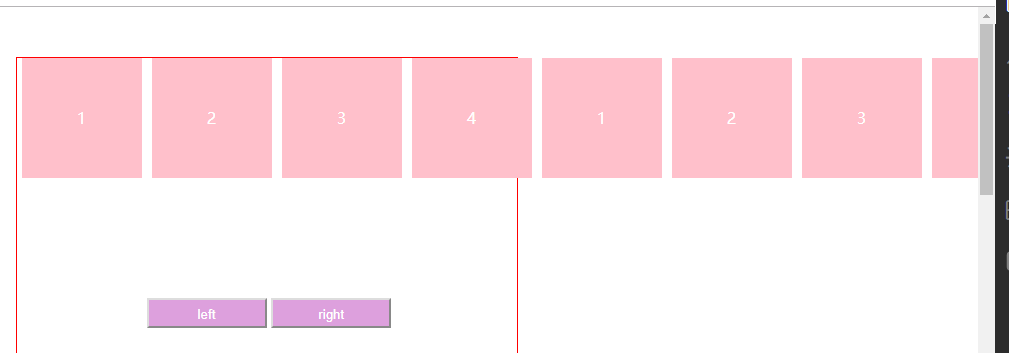
- 当向右走时,判断何时为临界点就是当居左>0时,如图所示:
代码如下
<!DOCTYPE html>
<html lang="en">
<head>
<meta charset="UTF-8">
<meta name="viewport" content="width=device-width, initial-scale=1.0">
<meta http-equiv="X-UA-Compatible" content="ie=edge">
<title>Document</title>
<style>
*{
margin: 0px;
padding: 0px;
}
body{
height: 3000px;
}
height: 300px;
width: 500px;
border:1px solid red;
/* overflow: hidden; */
position: relative;
margin: 50px auto;
}
width: 520px;
height:120px;
position: absolute;
top: 0px;
left: 0px;
}
height: 120px;
width: 120px;
list-style: none;
float: left;
margin: 0 5px;
line-height: 120px;
text-align: center;
background: pink;
color:
}
width: 100%;
position: absolute;
bottom: 30px;
left: 130px;
}
background: plum;
color:
width: 120px;
height: 30px;
line-height:30px;
}
}
</style>
</head>
<body>
<div id="container">
<ul id="wrapper">
<li>1</li>
<li>2</li>
<li>3</li>
<li>4</li>
</ul>
<div id="footer">
<button id="left">left</button>
<button id="right">right</button>
</div>
</div>
<script>
var oWrapper = document.getElementById("wrapper")
var oRight = document.getElementById('right')
var oLeft = document.getElementById('left')
//li内容*2,为了让他无缝衔接
oWrapper.innerHTML += oWrapper.innerHTML
//,扩大wrapper的width所有内容横向排列
// offsetWidth = width + padding + border,clientWidth = padding + width
// 用style.width是设置宽度,offsetWidth是宽度(number类型)
oWrapper.style.width = oWrapper.offsetWidth * 2 + 'px';
// 往左走,改变left的值,一定要有定位,还要有默认的left,top值
// 移动的步长20px
var speed = -20;
setInterval(function(){
oWrapper.style.left = oWrapper.offsetLeft + speed + 'px';
if (oWrapper.offsetLeft < - oWrapper.offsetWidth/2){
oWrapper.style.left = 0
}
if(oWrapper.offsetLeft > 0){
oWrapper.style.left = -oWrapper.offsetWidth/2 + 'px'
}
},500)
oRight.onclick = function(){
speed = 20
}
oLeft.onclick = function(){
speed = -20;
}
</script>
</body>
</html>