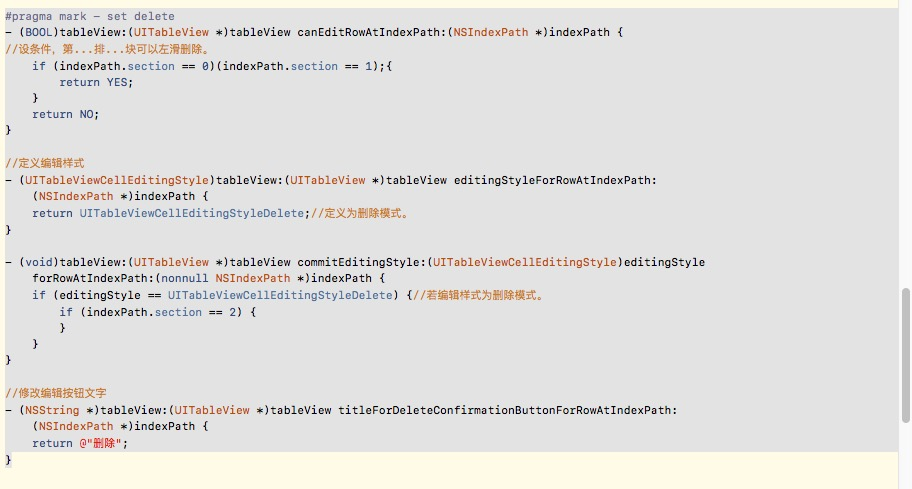
代码如下:
#pragma mark - set delete
- (BOOL)tableView:(UITableView *)tableView canEditRowAtIndexPath:(NSIndexPath *)indexPath { //设条件,第...排...块可以左滑删除。 if (indexPath.section == 0)(indexPath.section == 1);{ return YES; } return NO; }
//定义编辑样式
-
(UITableViewCellEditingStyle)tableView:(UITableView *)tableView editingStyleForRowAtIndexPath: (NSIndexPath *)indexPath { return UITableViewCellEditingStyleDelete;//定义为删除模式。 }
-
(void)tableView:(UITableView *)tableView commitEditingStyle:(UITableViewCellEditingStyle)editingStyle forRowAtIndexPath:(nonnull NSIndexPath *)indexPath { if (editingStyle == UITableViewCellEditingStyleDelete) {//若编辑样式为删除模式。 if (indexPath.section == 2) { } } }
//修改编辑按钮文字
- (NSString *)tableView:(UITableView *)tableView titleForDeleteConfirmationButtonForRowAtIndexPath: (NSIndexPath *)indexPath { return @"删除"; }