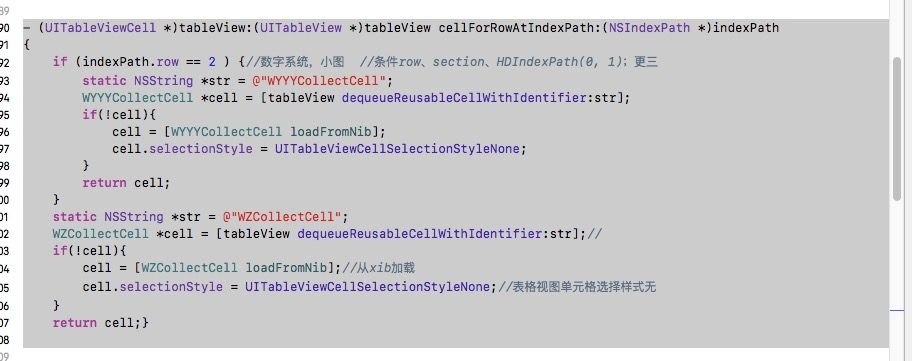
两步骤: 1,在VC界面import相关Cell.h文件; 2,引入代码。 代码例子如下:
- (UITableViewCell *)tableView:(UITableView *)tableView
   cellForRowAtIndexPath:(NSIndexPath *)indexPath
{
   if (indexPath.row == 2 ) {//数字系统,小图  //条件row、section、HDIndexPath(0, 1);更三
       static NSString *str = @“WYYYCollectCell”;
       WYYYCollectCell *cell = [tableView dequeueReusableCellWithIdentifier:str];
       if(!cell){
           cell = [WYYYCollectCell loadFromNib];
           cell.selectionStyle = UITableViewCellSelectionStyleNone;
    }
    return cell;
}
static NSString *str = @“WZCollectCell”;
WZCollectCell *cell = [tableView dequeueReusableCellWithIdentifier:str];//
if(!cell){
    cell = [WZCollectCell loadFromNib];//从xib加载
    cell.selectionStyle = UITableViewCellSelectionStyleNone;//表格视图单元格选择样式无
}
return cell;
}
实例图如下: