登录 注册写文章
首页下载APP
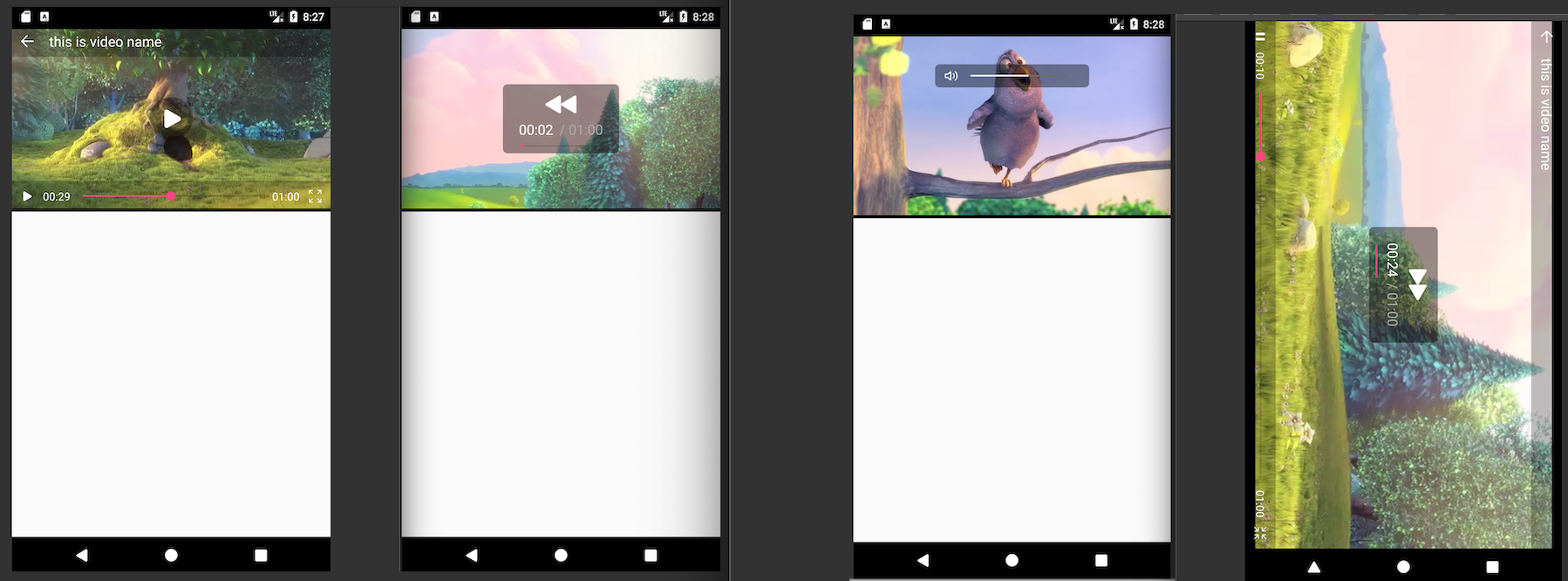 截屏2019-12-2620.35.46.png
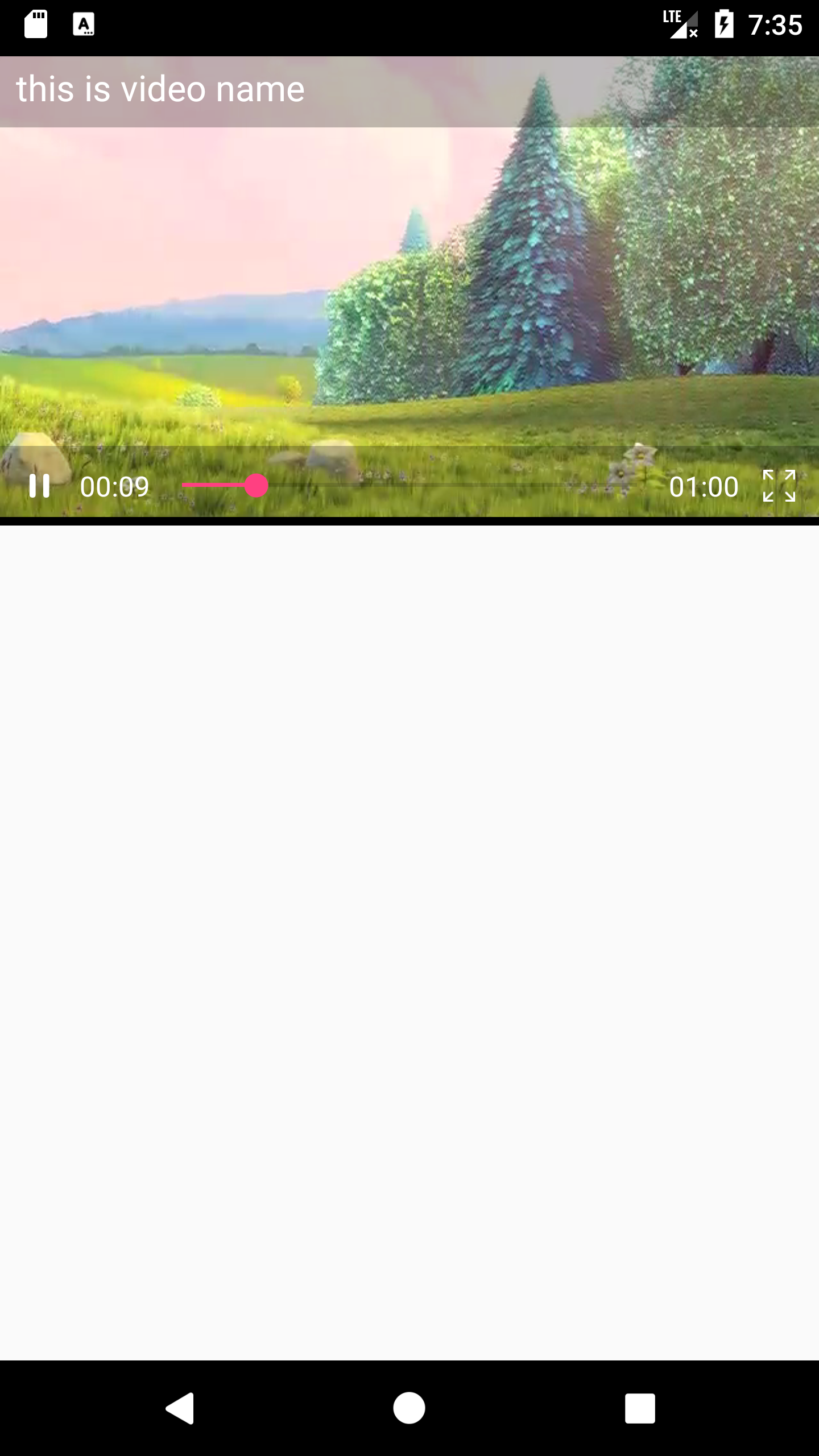 Screenshot_1577360112.png
  Screenshot_1577360218.png
第一张图
第二张图-默认
NurVideoPlayer 视频播放器,使用特别简单
Nur__关注赞赏支持NurVideoPlayer 视频播放器,使用特别简单
支持屏幕滑动--滑动时间,亮度,声音,支持全屏-单屏,双击暂停--继续,锁定屏幕
截屏2019-12-2620.35.46.png
使用
1.不要忘记项目的根build.gradle配置
allprojects {
        repositories {
            ...
            maven { url 'https://jitpack.io' }
        }
    }
2.使用前需要先在项目中添加OkHttp的依赖库
implementation 'com.gitee.nurApplication:NurVideoPlayer:1.0.9'
使用最新版本
1.0.6-以上的import
import com.nurmemet.nur.nurvideoplayer.NurVideoPlayer;
1.0.6-以下的import
import com.example.nur.nurvideoplayer.NurVideoPlayer;
3.添加网络权限
<uses-permission android:name="android.permission.INTERNET"/>
xml
....
    <com.example.nur.nurvideoplayer.NurVideoPlayer
        android:id="@+id/videoView"
        android:layout_width="match_parent"
        android:layout_height="match_parent"
        app:video_height="200dp" />
....
android:layout_height=一定要"match_parent"
参数xml中只有一个app:video_height也就是视频播放器的高度,默认值"match_parent"
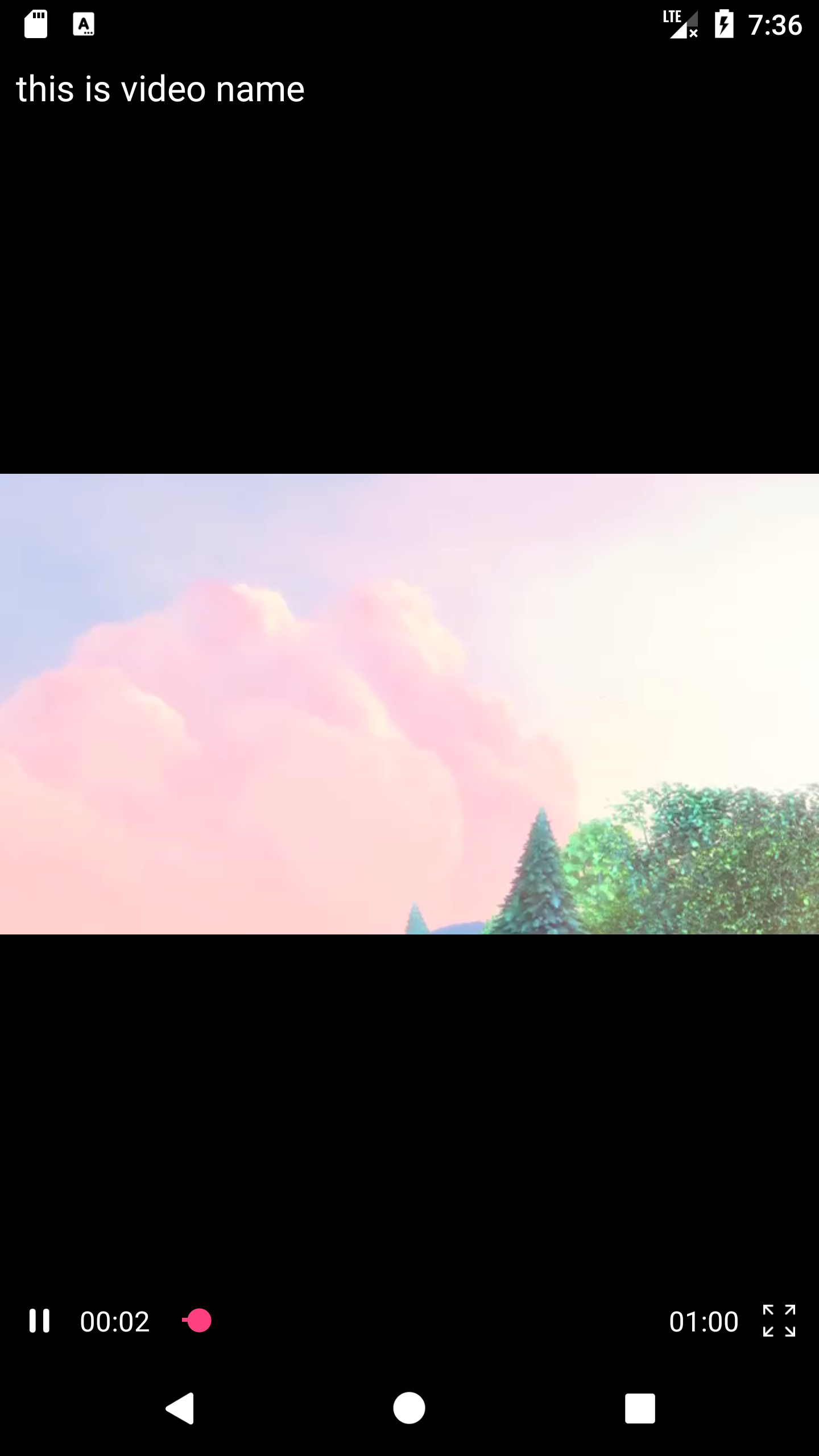
Screenshot_1577360112.png Screenshot_1577360218.png 第一张图
app:video_height="200dp"第二张图-默认
java
初始化
        String url = "http://10.60.14.51:81/2Q2W0B784101358FBBB74AA6D6641E382A4F80BC556F_unknown_0DF0CD678166EE1AE245967E71317516F1FE97C1_2/clips.vorwaerts-gmbh.de/big_buck_bunny.mp4";
        nurVideoPlayer = findViewById(R.id.videoView);
        nurVideoPlayer.setUp(this, url, "this is video name");
需要在onPause() & onResume () & onKeyDown()中调用
 @Override
    protected void onPause() {
        nurVideoPlayer.pause();
        super.onPause();
    }

    @Override
    protected void onResume() {
        nurVideoPlayer.resume();
        super.onResume();
    }

    @Override
    public boolean onKeyDown(int keyCode, KeyEvent event) {
        boolean b = nurVideoPlayer.setOnKeyDown(keyCode);
        return b || super.onKeyDown(keyCode, event);
    }
参数
| return | 方法 | 注释 | 作用 |
|---|---|---|---|
void |
setUp(Activity activity, String url, String videoName) |
url视频的地址,videoName | 初始化 |
void |
start(); |
开始播放 | |
void |
pause(); |
暂停 | |
void |
resume(); |
继续 | |
void |
setChangeScreen(boolean fullScreen) |
fullScreen=true>全屏 | 更改-(全屏-单屏) |
void |
setOnBackPress(OnBackPressListener onBackPressListener) |
没有调用就不会显示(🔙) | 点击返回按钮 |
void |
setMonoMode(@NonNull MonoMode mode) |
NORMAL LEFT_CHANNEL RIGHT_CHANNEL | 单声道模式 |
void |
seekTo(int msec); |
msec---time | 进度 |
ImageView |
getThumbImageView(); |
你可以用把返回的imageView设置视频的封面 | 封面 |
推荐阅读更多精彩内容
- 源码众享最新教程 - 草稿 ¥开启¥ 【iAPP实现进入界面执行逐一显】 〖2017-08-25 15:22:14〗 《//首先开一个线程,因... 小菜c阅读 2,917评论 0 赞 4
- Material Design使用总结 文章是从我的CSDN博客直接贴过来的。。。但是代码出了点问题(翻车了,又不会修车),各位看官可以去CSDN看流畅版... 和黑夜一起孤独阅读 1,283评论 0 赞 15
- Android tips EnglishVersion ->_->:https://github.com/jiang111/awesome-... 聂顺阅读 255评论 0 赞 4
- Android使用Card View和Recycler View2018-08-15 下载地址:https://pan.baidu.com/s/1_1x0nBdv8_QgEgnveOZEZw Card... ListenToCode阅读 555评论 0 赞 3
- Android使用底部导航2018-08-16 Android使用底部导航 Android底部导航停留在屏幕底部,提供应用中顶级视图之间的导航。这是在具有向后兼容... ListenToCode阅读 930评论 0 赞 13