

Prerequisitries
cmake 3.1 or later (binary installed)
MinGW64 (latest)
python with sphinx package (pip install -U sphinx)
Steps
In subdirectory ./Utilities/Sphinx of CMake source directory, run:
REM note: lines starting with 'REM' are comments in CMD, like this.
md build && cd build
cmake  ..  -G "MinGW Makefiles" -DCMAKE_SH=CMAKE_SH-NOTFOUND
cmake-gui ..
REM choose html manually
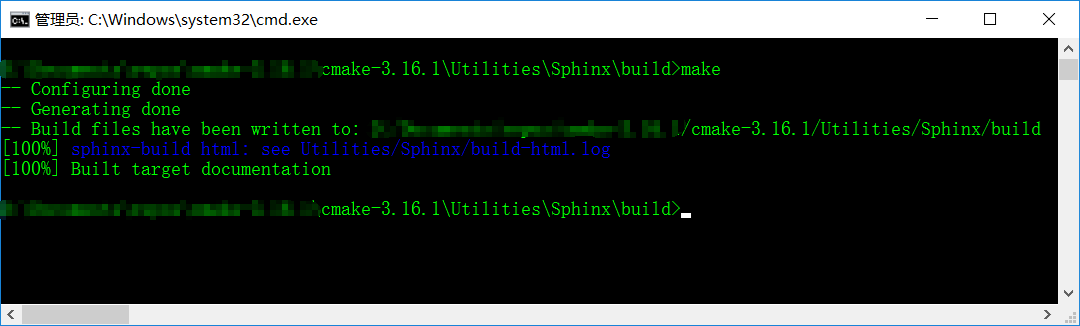
make
REM or
cmake --build .
Command Line View
Resulting Files
In ./Utilities/Sphinx/build/html, open index.html in your preferred web browser. Enjoy!
The End
If you got any problem about this short article, leave a comment below.

