

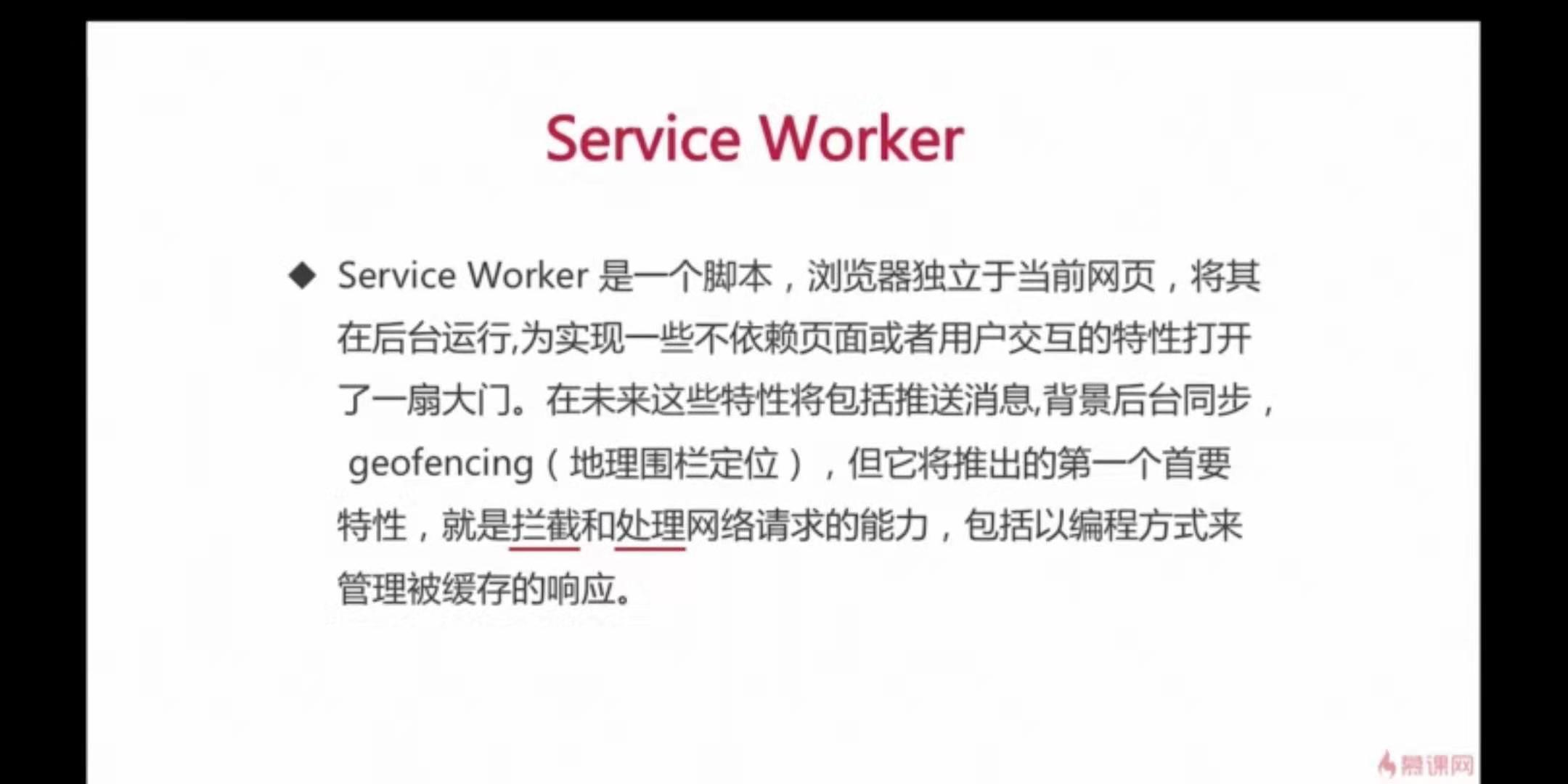
service worker 是独立于当前页面的一段运行在浏览器后台进程里的脚本。它的特性将包括推送消息,背景后台同步, geofencing(地理围栏定位),拦截和处理网络请求
在浏览器层面对浏览器做了一个代理,拦截了所有的请求,用缓存结果伪造了相应结果

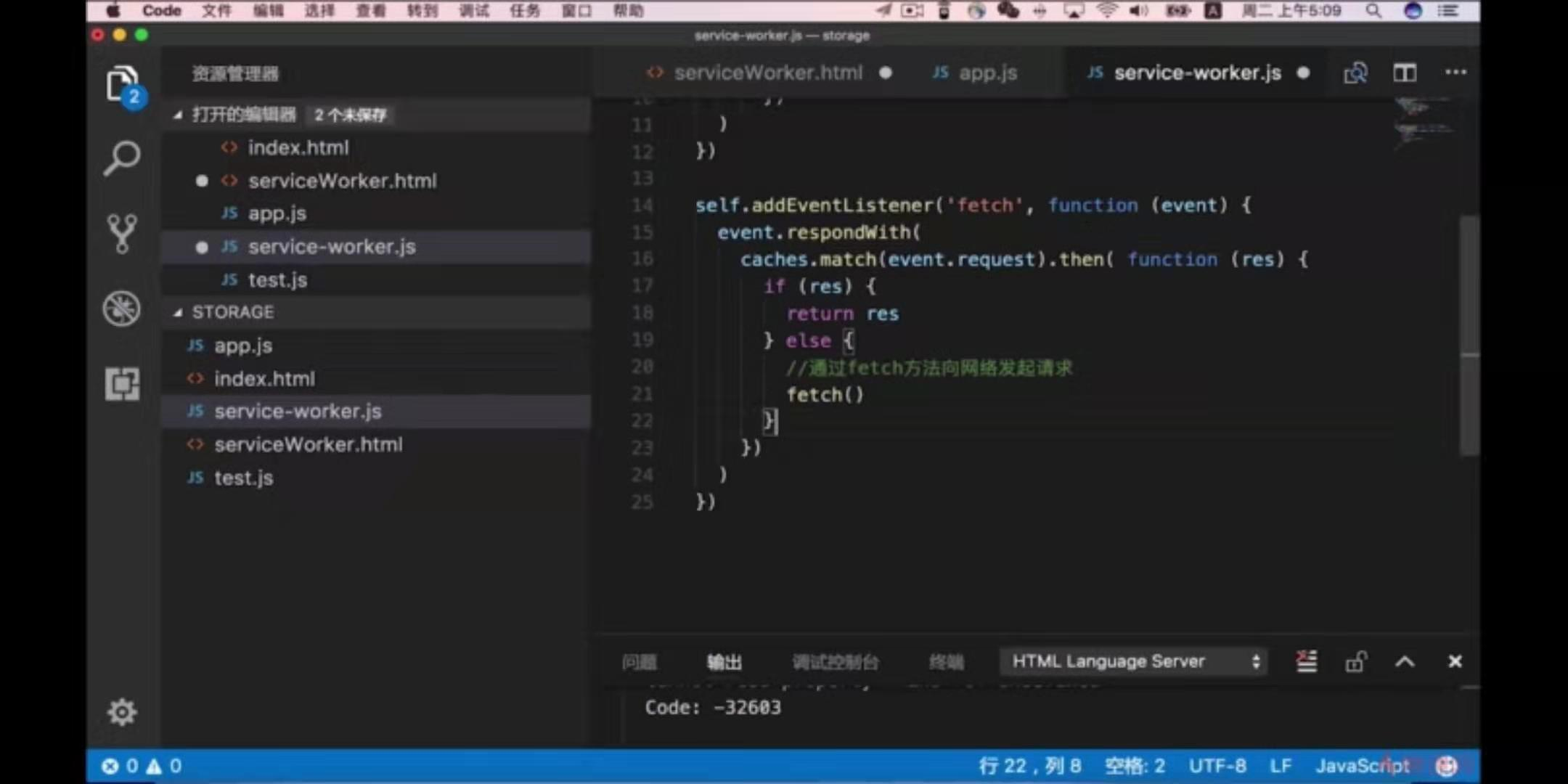
通过监听fetch事件去监听网路中所有的请求,然后返回一个event
event.resposeWith去处理响应,先去catchStory中去匹配match请求,如果有的话就去拿到请求,若没有的话就去发起网路请求


关于 service worker 的一些注意点:
service worker 是一个JavaScript worker ,所以它不能直接访问 DOM 。但 service worker 可以通过postMessage 接口与跟其相关的页面进行通信,发送消息,从而让这些页面在有需要的时候去操纵 DOM 。
Service worker 是一个可编程的网络代理,允许你去控制如何处理页面的网络请求, 可以处理fetch请求。
Service Worker 的缓存机制是依赖 CacheAPI 实现的
Service worker依赖 HTML5 fetch API
Service Workers 要求必须在 HTTPS 下才能运行,但是本地对于localhost可以豁免
需要提前掌握的API
Cache API基本使用
(1)检测api是否存在
if('caches' in window) {
        // Has support!
    }


(2)caches.open,创建缓存总对象。如下创建名为 test-cache 的缓存。

caches.open('test-cache').then(function(cache) {
        // Cache is created and accessible
    });


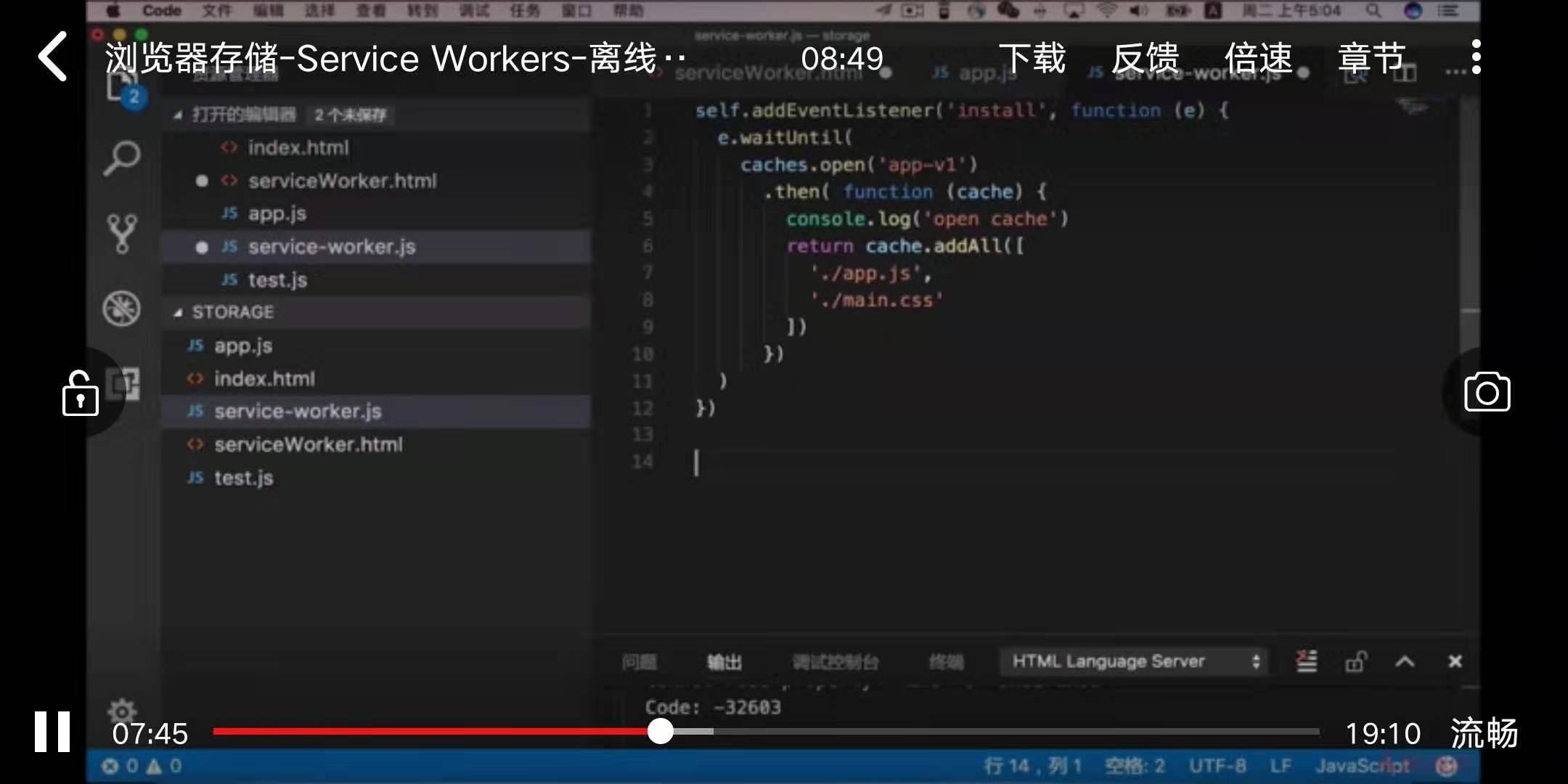
(3)cache.add和cache.addAll,添加缓存内容。其中cache.add只添加一个,cache.addAll可以添加多个。

复制代码
 caches.open('test-cache').then(function(cache) {
        cache.addAll(['/', '/images/logo.png'])
        .then(function() {
        // Cached!

        // or use cache.add
        cache.add('/page/1');  // "/page/1" URL will be fetched and cached!
     });
    });
复制代码


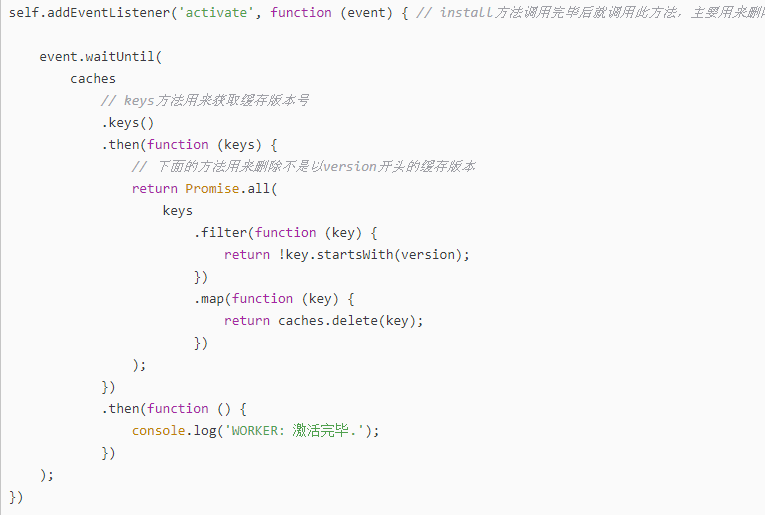
(4)cache.keys(),查看已经缓存的数据

1
2
3
4
5
caches.open('test-cache').then(function(cache) {
        cache.keys().then(function(cachedRequests) {
            console.log(cachedRequests); // [Request, Request]
        });
    });


(5)cache.match和cache.matchAll,匹配缓存文件路径

1
2
3
4
5
caches.open('test-cache').then(function(cache) {
        cache.match('/page/1').then(function(matchedResponse) {
            console.log(matchedResponse);
        });
    });


(6)cache.delete,删除缓存。

1
2
3
caches.open('test-cache').then(function(cache) {
       cache.delete('/page/1');
   });

