1. 从官网上下载mysql yum Repository
wget -i -c http://dev.mysql.com/get/mysql57-community-release-el7-10.noarch.rpm
安装yum 源
yum -y install mysql57-community-release-el7-10.noarch.rpm
2. 安装Mysql服务
yum -y install mysql-community-server
3. 启动并配置Mysql
启动mysql
systemctl start mysqld.service
查看mysql启动状态
systemctl status mysqld.service

==查找默认密码==
grep "password" /var/log/mysqld.log
日志内容如下
2019-12-22T06:31:17.948420Z 1 [Note] A temporary password is generated for root@localhost: i;.?<6(Vtc&O
可获取到默认密码为 i;.?<6(Vtc&O
4. 登录并修改密码
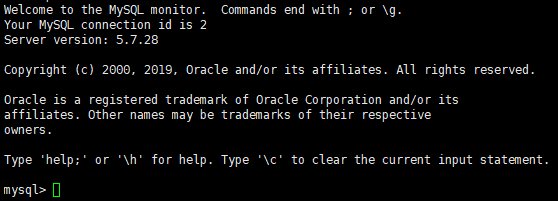
登录
mysql -uroot -p
修改密码
ALTER USER 'root'@'localhost' IDENTIFIED BY 'new password'
若果提示错误信息如下,则是密码强度不够,需要大小写加字符数字
ERROR 1819 (HY000): Your password does not satisfy the current policy requirements
5. 开启远程 (可选)
下面命令是 允许用password密码在192.168.0.1上远程登录Mysql。在任何机器上都允许登录,则用%代替192.168.0.1。如果是云上的服务器,看本地ip地址注意不是局域网的ip地址,直接在百度或者谷歌上搜索ip地址就可以看到自己的ip(需要注意,查询的时候关掉代理,有时候会识别成代理的ip)
grant all privileges on *.* to 'root'@'192.168.0.1' identified by 'password' with grant option;
flush privileges;
开放防火墙/配置安全组 在虚拟机上的话需要开放3306端口的防火墙
firewall-cmd --zone=public --add-port=3306/tcp --permanent
firewall-cmd --reload
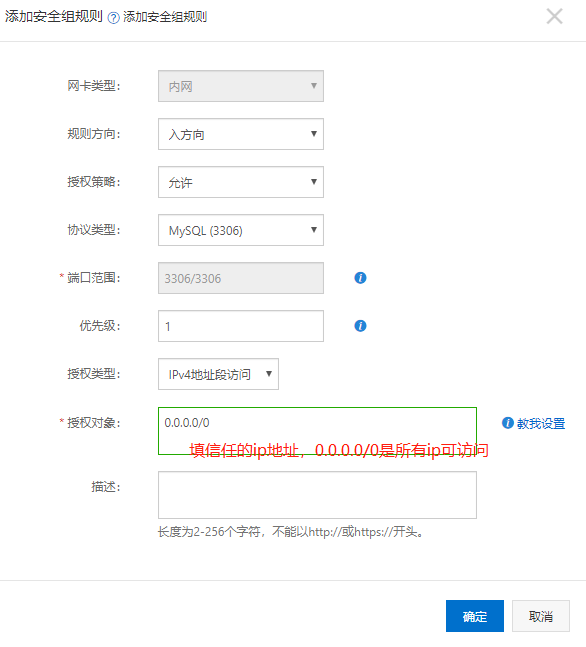
在云服务器(阿里云,百度云等) 这里以阿里云为例,在控制台主机上配置安全组,放行3306端口
6. 其他
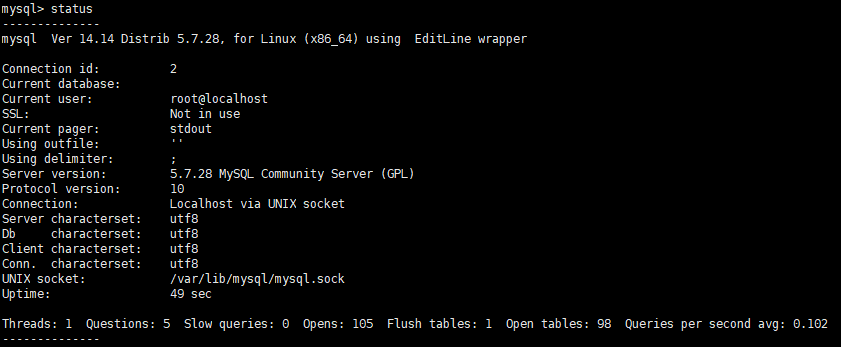
修改mysql 编码 进入mysql,输入status,看到Server和Db都不是utf8编码,以后使用中文可能会出现问题。
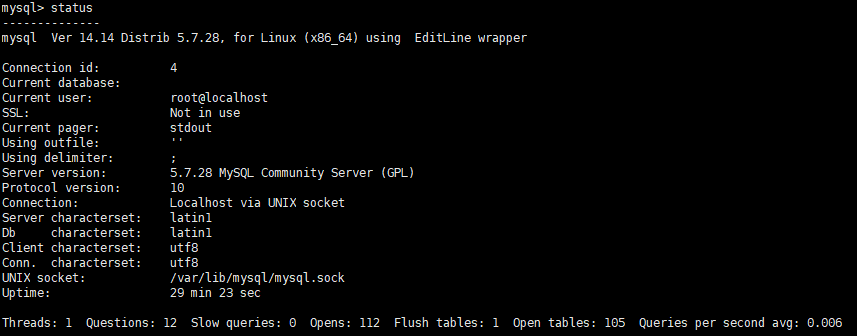
确认编码不是utf8,则退出,修改mysql配置文件
vim /etc/my.cnf
加入下面配置:
[client]
default-character-set=utf8

[mysqld]
character-set-server=utf8
collation-server=utf8_general_ci
重启mysql
service mysqld restart
重新进入Mysql,输入status,查看编码已经改为utf8了