git http/https方式储存密码
https方式每次都要输入密码,按照如下设置即可输入一次就不用再手输入密码的困扰而且又享受https带来的极速 设置记住密码(默认15分钟): git config --global credential.helper cache 如果想自己设置时间,可以这样做: git config credential.helper 'cache --timeout=3600' 这样就设置一个小时之后失效
git config credential.helper 'cache --timeout=86400' 这样就设置24小时之后失效
长期存储密码:
git config --global credential.helper store
增加远程地址的时候带上密码也是可以的。(推荐) yourname:password@git.oschina.net/name/projec…
补充:使用客户端也可以存储密码的。 如果你正在使用ssh而且想体验https带来的高速,那么你可以这样做: 切换到项目目录下 : cd projectfile/ 移除远程ssh方式的仓库地址 git remote rm origin 增加https远程仓库地址 git remote add origin yourname:password@git.oschina.net/name/projec…
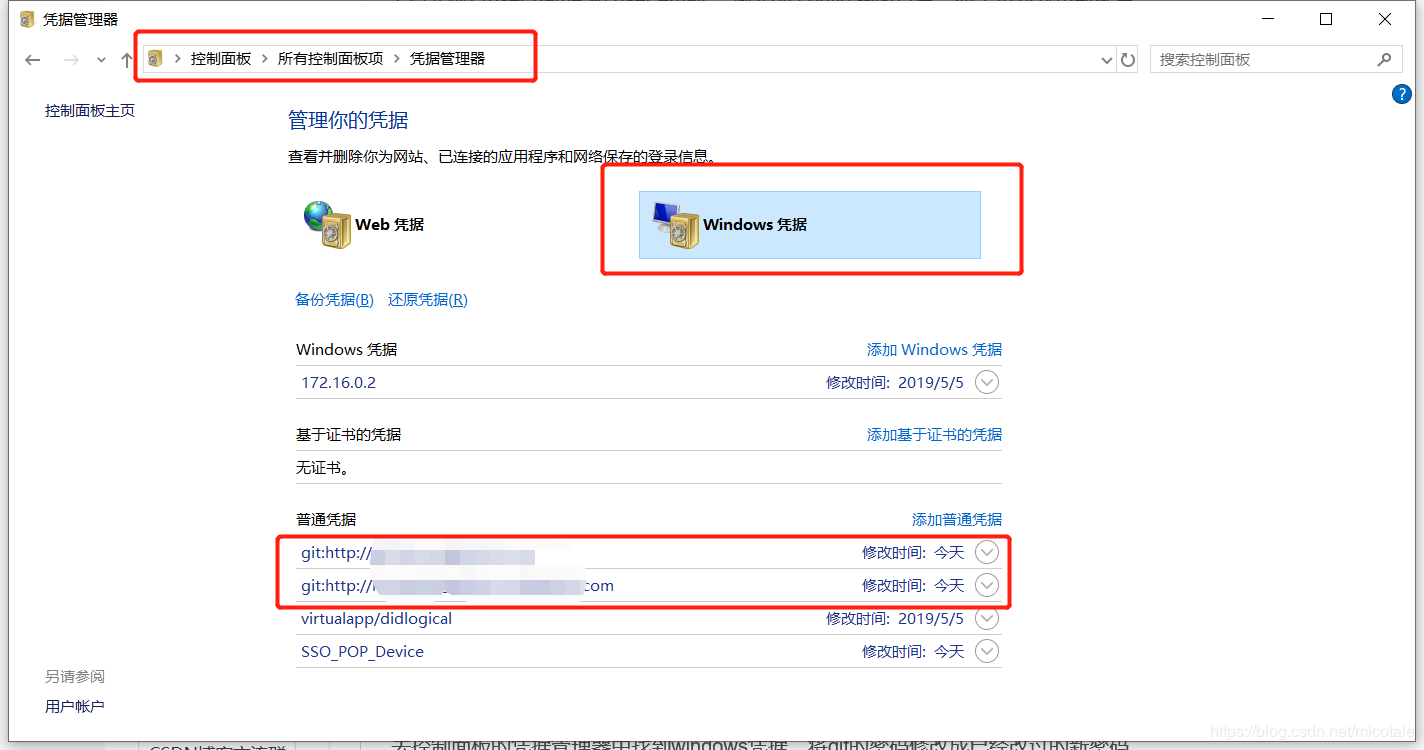
修改储密码:
1.首先检查user name 和 user email ,输入git config --list查看,如果不对就重新配置
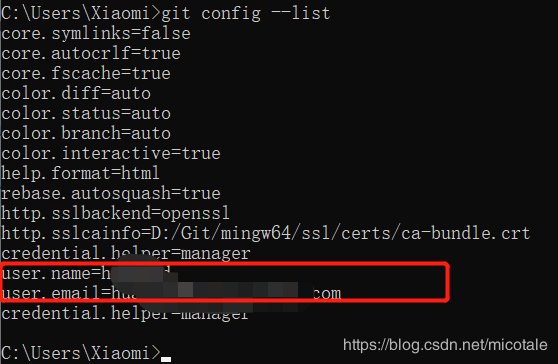
git config --global user.name [username] 如:git config --global user.name huangdd
git config --global user.email [email] 如:it config --global user.email huangdd@yunjiglobal.com