-
打开vscode,选择文件--首选项--用户代码片段
或者:快捷键 Contrl + Shift + P
-
输入
configure user snippets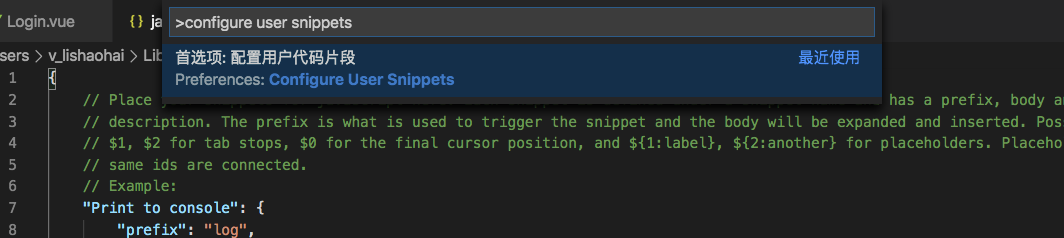
-
选中上图的第一个
-
然后继续输入
javascript.json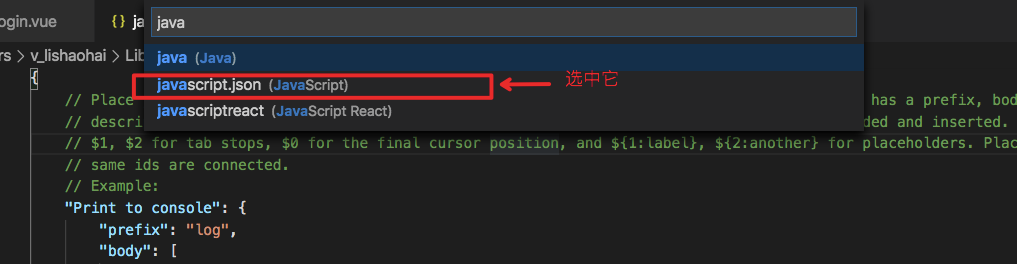
-
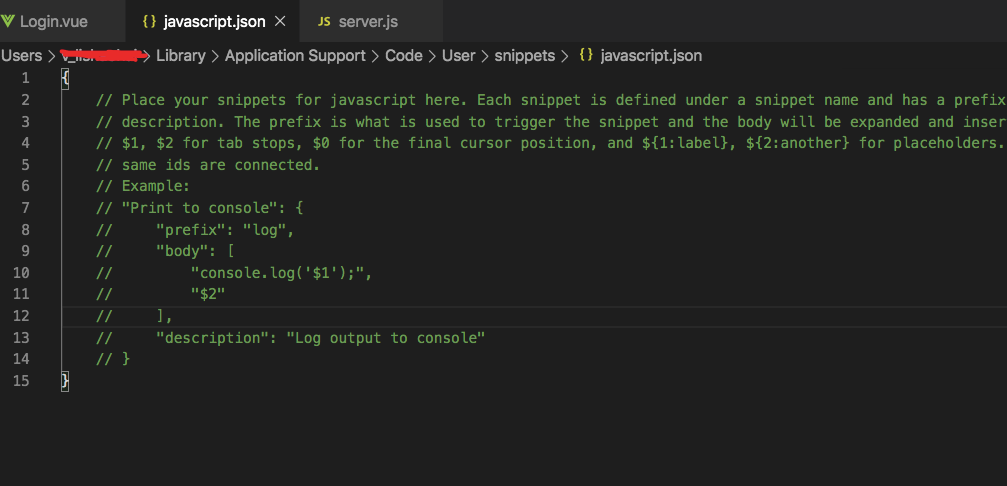
然后会看到一下内容
{
    // Place your snippets for javascript here. Each snippet is defined under a snippet name and has a prefix, body and
    // description. The prefix is what is used to trigger the snippet and the body will be expanded and inserted. Possible variables are:
    // $1, $2 for tab stops, $0 for the final cursor position, and ${1:label}, ${2:another} for placeholders. Placeholders with the
    // same ids are connected.
    // Example:
    // "Print to console": {
    //     "prefix": "log",
    //     "body": [
    //         "console.log('$1');",
    //         "$2"
    //     ],
    //     "description": "Log output to console"
    // }
}
{
    // Place your snippets for javascript here. Each snippet is defined under a snippet name and has a prefix, body and
    // description. The prefix is what is used to trigger the snippet and the body will be expanded and inserted. Possible variables are:
    // $1, $2 for tab stops, $0 for the final cursor position, and ${1:label}, ${2:another} for placeholders. Placeholders with the
    // same ids are connected.
    // Example:
    "Print to console": {
        "prefix": "log",
        "body": [
            "console.log('$1');",
            "$2"
        ],
        "description": "Log output to console"
    },
    "Print to console clo": {
        "prefix": "clo",  <== 快捷键
        "body": [
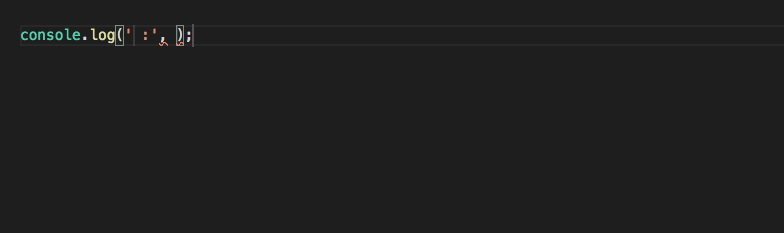
            "console.log('$1 :', $1);",  <== 代码片段 `$1`为光标显示的位置
        ],
        "description": "Log output to console"
    }
}
-
在js文件中输入
clo快捷键,就可以快速生成我们要生成的代码片段了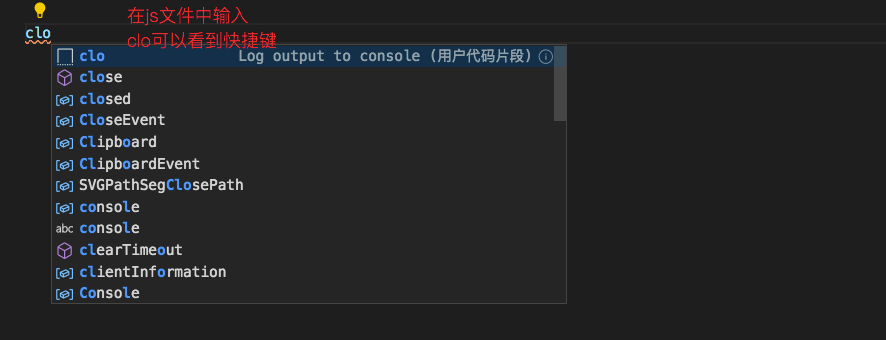
-
完,觉得对你有帮助,点个赞吧!