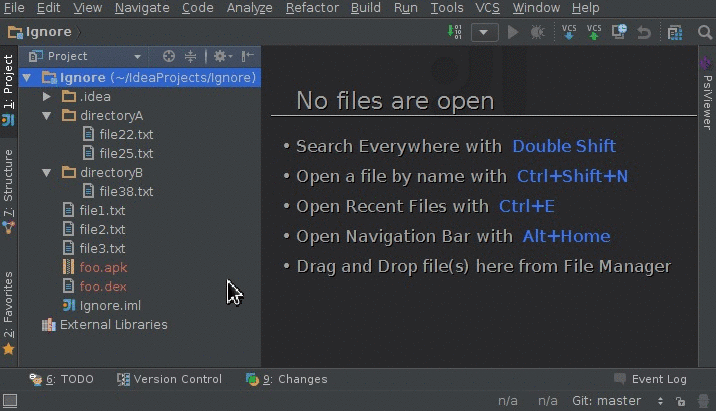
项目源码地址:https://github.com/JetBrains/idea-gitignore
插件介绍地址:https://plugins.jetbrains.com/plugin/7495--ignore/
在线安装
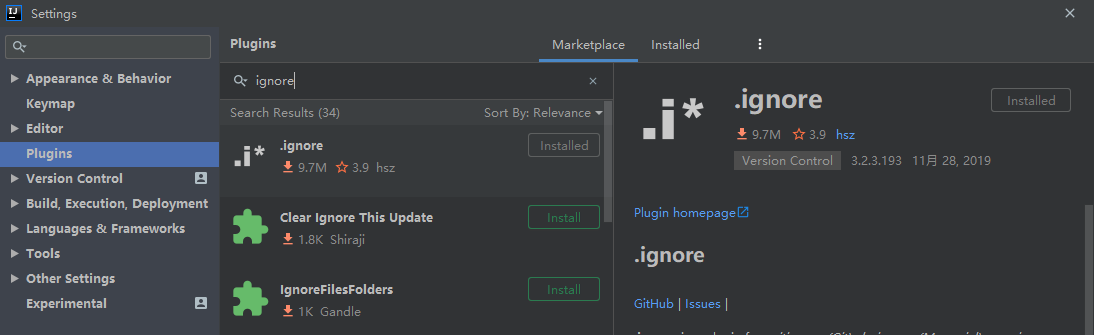
通过 Settings -> Plugins -> Marketplace 进入插件市场选择并下载安装,完成后重启就生效了。
离线安装
如果 读者网络因不可抗力存在异常,可以通过关注公众号【极客收藏夹】回复消息【34】 获取安装包,
通过 Settings > Plugins > Install Plugin from 离线安装(如果安装时提示不兼容,请先更新IDE到最新版后再试)

使用
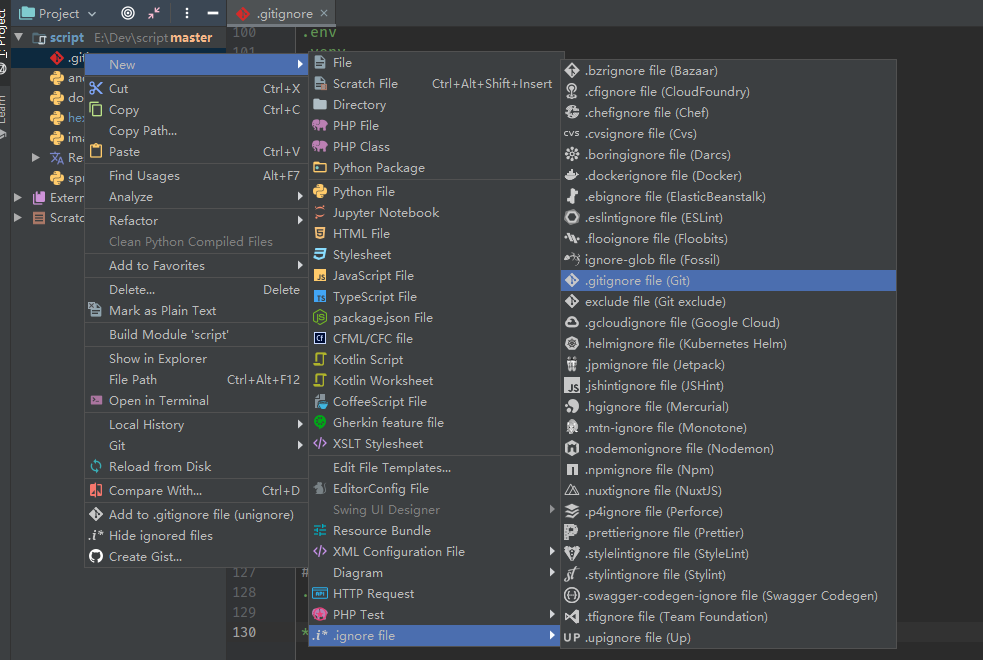
在项目除 右键新建,依次选择 New > .Ignore file > .gitignore file(Git) 进入语言选择页
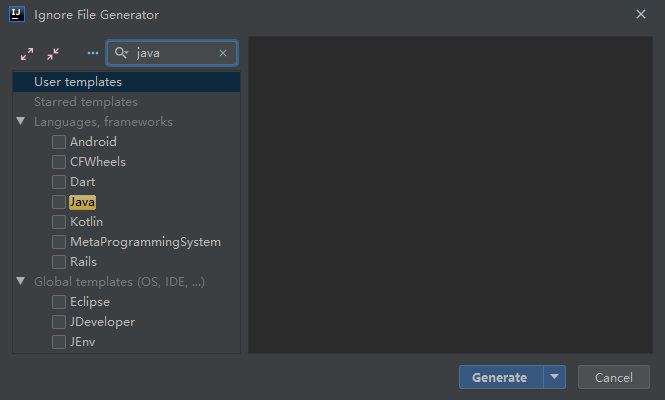
在语言选择页选择想要的语言或框架过滤项后点击 Generate 生成,就会将过滤项添加到 .gitignore 文件底部了
兼容编辑器
IntelliJ IDEA, PhpStorm, WebStorm, PyCharm, RubyMine, AppCode, CLion, Goland, Datalore, DataGrip, Rider, Android Studio
更多
更多优秀内容,可以通过关注微信公众号【极客收藏夹】获取