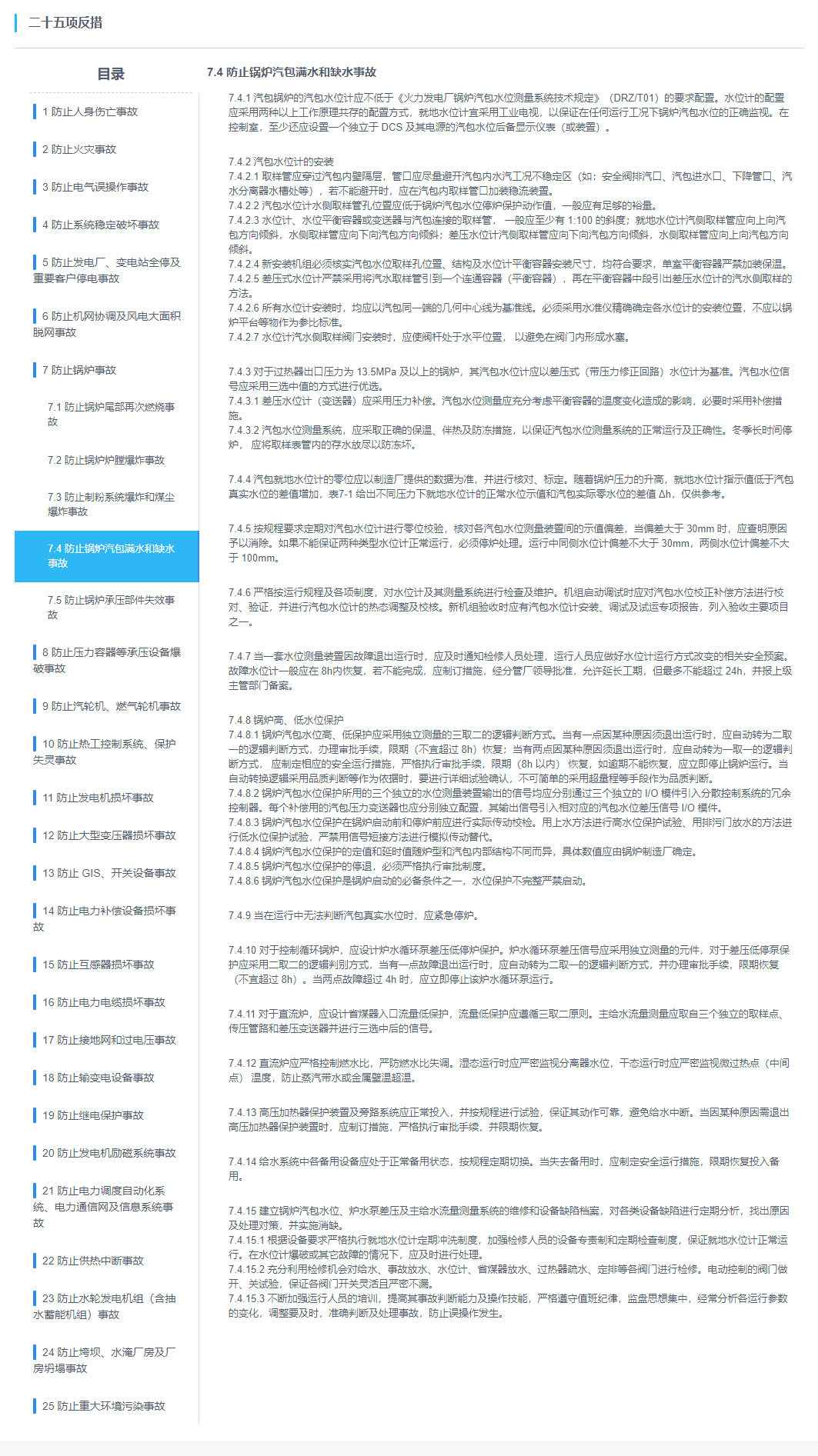
在项目开发过程中,使用iview 3.5 UI 导航菜单时,发现动态生成导航栏后,动态绑定的active-name和open-names均不生效。问题如下,先看代码:
/**
页面代码
*/
<div style="width:250px">
        <h3 style="text-align:center;font-size:18px;color:#515A6E;">目录</h3>
        <div style="margin-top: 10px;margin-left:20px;border-bottom: 1px dashed #ccc;width: 210px;"></div>
        <Menu ref="steps" theme="light" @on-select="clickTitle" accordion :active-name="activeName" :open-names="[openName]">
            <div v-for="(item,index) in testdata" :key="index">
                <Submenu :name="item.Guid" class="safeSteps">
                    <template slot="title">
                        <i class="line"></i>
                        {{item.NumName}}
                    </template>
                    <MenuItem v-for="(m,n) in item.ChildNodeSafeStepList" :key="n" :name="m.Guid">
                        <span style="font-size:13px;">{{m.NumName}}</span>
                    </MenuItem>
                </Submenu>
            </div>
        </Menu>
    </div>
/**
js代码
*/
data() {
    return {
        activeName: "",
        openName: "",
    }
},
mounted() {
    this.activeName = "069a0d93-83da-4841-bf9b-cc3c1e71495a" //激活
    this.openName = "6ca875d3-260d-46b2-ab4c-8cdaca5e2b06" //展开
    this.loadData()
}
methods: {
    loadData() {
        let params = {
            guid: this.activeName,
            parentGuid: this.openName
        }
        this.$kPost('/safeStep/safeStepTreeList',params)
        .then(res => {
            this.itemTitle = "7.4 防止锅炉汽包满水和缺水事故"
            this.testdata = res.data.SafeStepNodeModel
            this.contentData = res.data.SafeStepItemModel
        })
    }
 }
结果发现没生效
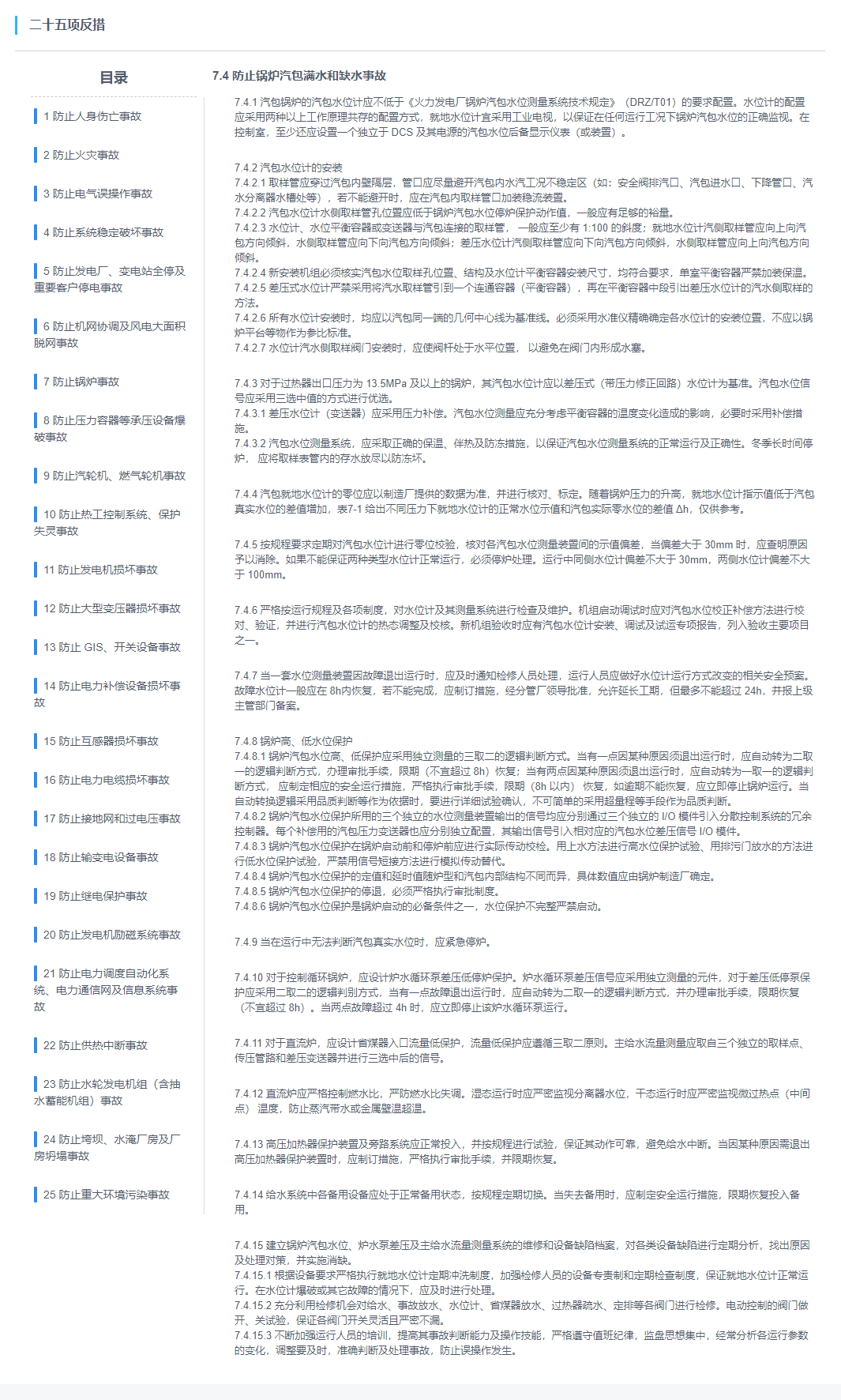
然后把数据写死,发现也是不行,遂百度,根据网友提出的建议方案,使用this.$nextTick()
代码如下:
mounted() {
    this.activeName = "069a0d93-83da-4841-bf9b-cc3c1e71495a"
    this.openName = "6ca875d3-260d-46b2-ab4c-8cdaca5e2b06"
    this.loadData()
    this.$nextTick(() => {
        this.$refs.steps.updateOpened()
        this.$refs.steps.updateActiveName()
    })
}
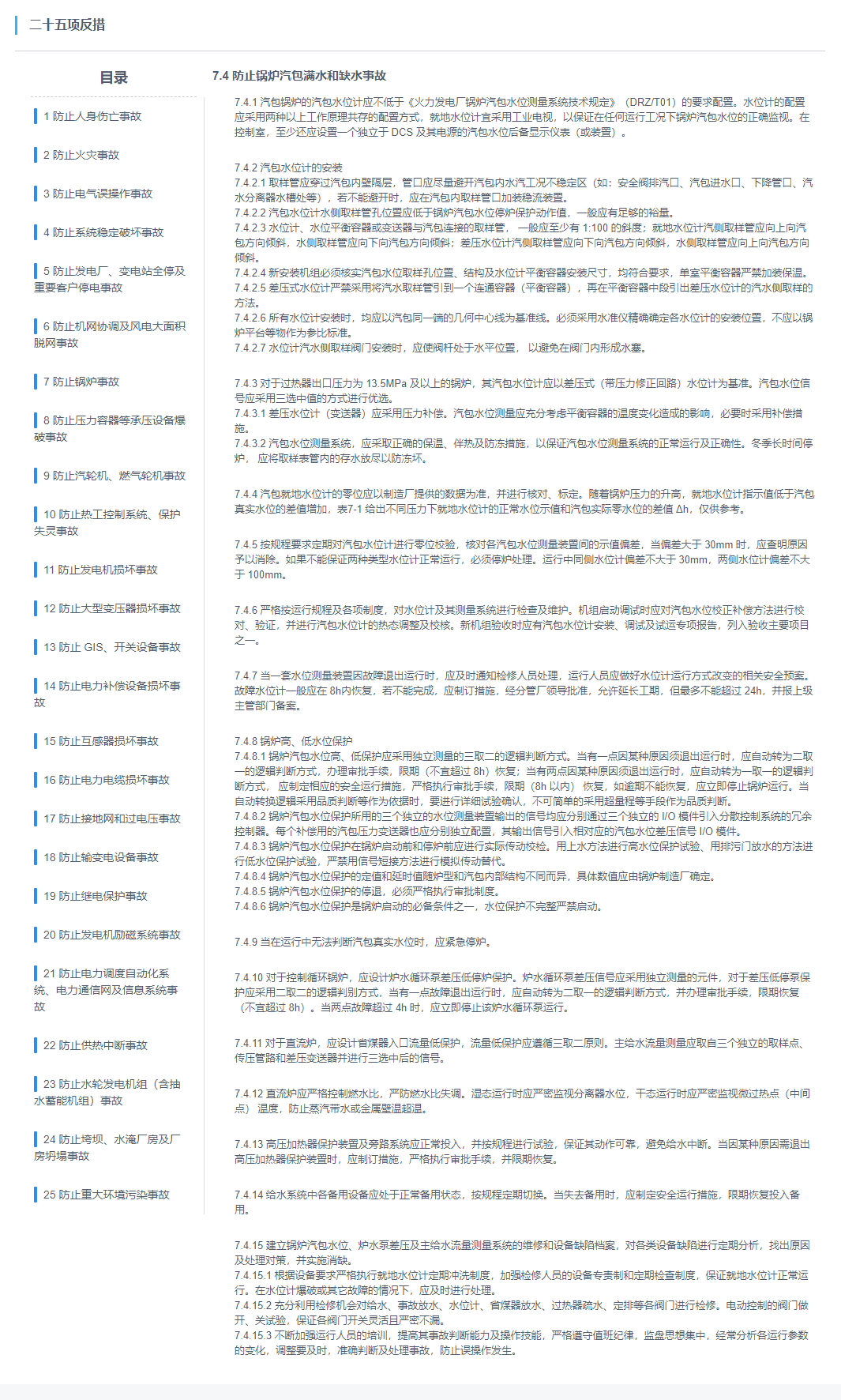
发现还是不生效,多次尝试之后,发现通过套一个定时器就解决了问题。
mounted() {
    this.activeName = "069a0d93-83da-4841-bf9b-cc3c1e71495a"
    this.loadData()
    setTimeout(() => {
        this.$nextTick(() => {
            this.$refs.steps.updateOpened()
            this.$refs.steps.updateActiveName()
        })
    }, 500);
},