场景
SpringCloud-使用熔断器防止服务雪崩-Ribbon和Feign方式(附代码下载):
在上面已经实现使用Ribbon和Feign的方式使用熔断器,但是如果服务一直在被熔断需要怎么解决。
所以这里使用熔断仪表盘监控熔断。
这里使用feign的方式使用监控。
注:
实现
在pom.xml中加入依赖
<dependency> <groupId>org.springframework.cloud</groupId> <artifactId>spring-cloud-starter-netflix-hystrix-dashboard</artifactId></dependency>
然后在Application中添加注解@EnableHystrixDashboard
[url=] [/url]
[/url]package com.badao.hello.spring.cloud.web.feign;import org.springframework.boot.SpringApplication;import org.springframework.boot.autoconfigure.SpringBootApplication;import org.springframework.cloud.client.discovery.EnableDiscoveryClient;import org.springframework.cloud.netflix.hystrix.dashboard.EnableHystrixDashboard;import org.springframework.cloud.openfeign.EnableFeignClients;@SpringBootApplication@EnableDiscoveryClient@EnableFeignClients@EnableHystrixDashboard
public
class
WebAdminFeignApplication { public
static
void
main(String[] args) { SpringApplication.run(WebAdminFeignApplication.class
, args); }}[url=][/url]
[/url]创建hystrix.stream的Servlet配置
在包下新建config包,在config包下新建config配置类
[url=][/url]
[/url]package com.badao.hello.spring.cloud.web.feign.config;import com.netflix.hystrix.contrib.metrics.eventstream.HystrixMetricsStreamServlet;import org.springframework.boot.web.servlet.ServletRegistrationBean;import org.springframework.context.annotation.Bean;import org.springframework.context.annotation.Configuration;@Configuration
public
class
HystrixDashboardConfiguration { @Bean public
ServletRegistrationBean getServlet() { HystrixMetricsStreamServlet streamServlet = new
HystrixMetricsStreamServlet(); ServletRegistrationBean registrationBean = new
ServletRegistrationBean(streamServlet); registrationBean.setLoadOnStartup(1
); registrationBean.addUrlMappings("
/hystrix.stream
"
); registrationBean.setName("
HystrixMetricsStreamServlet
"
); return
registrationBean; }}[url=][/url]
[/url]
效果
打开浏览器,输入:
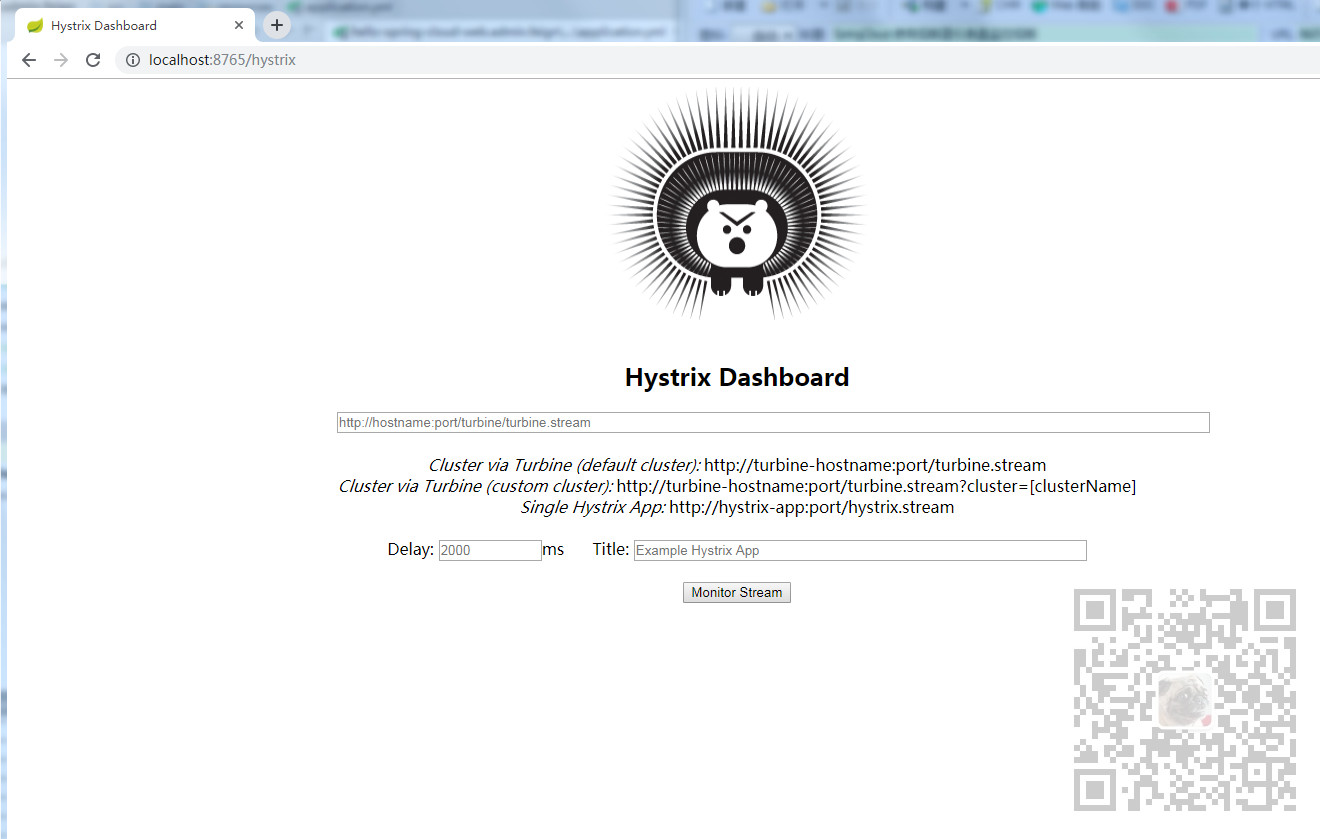
然后在url这里,输入上面在配置类中配置的url。
Delay表示监控的间隔,默认是2秒钟。
Title可以自己随意起。
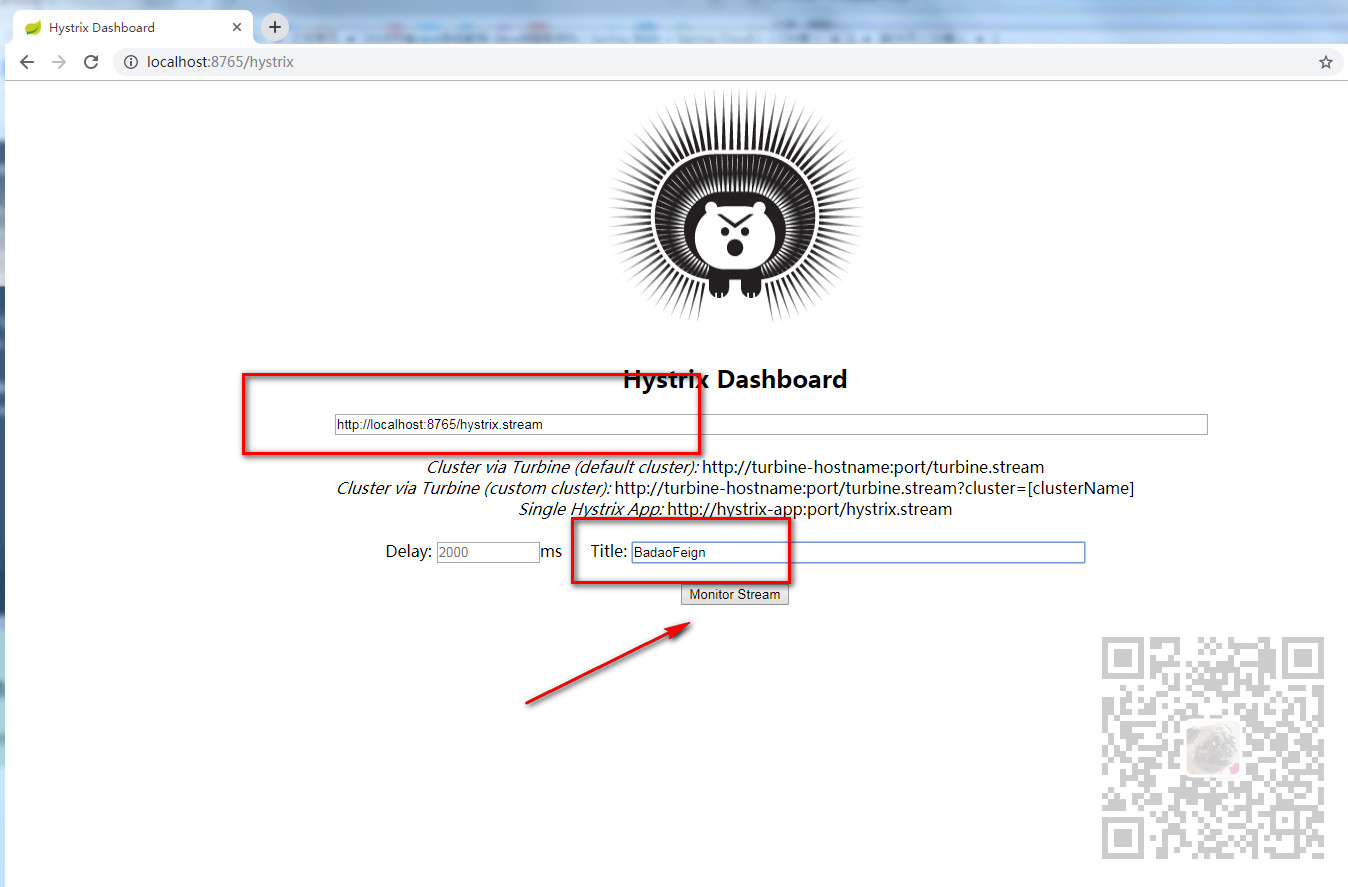
然后点击Monitor Stream按钮。
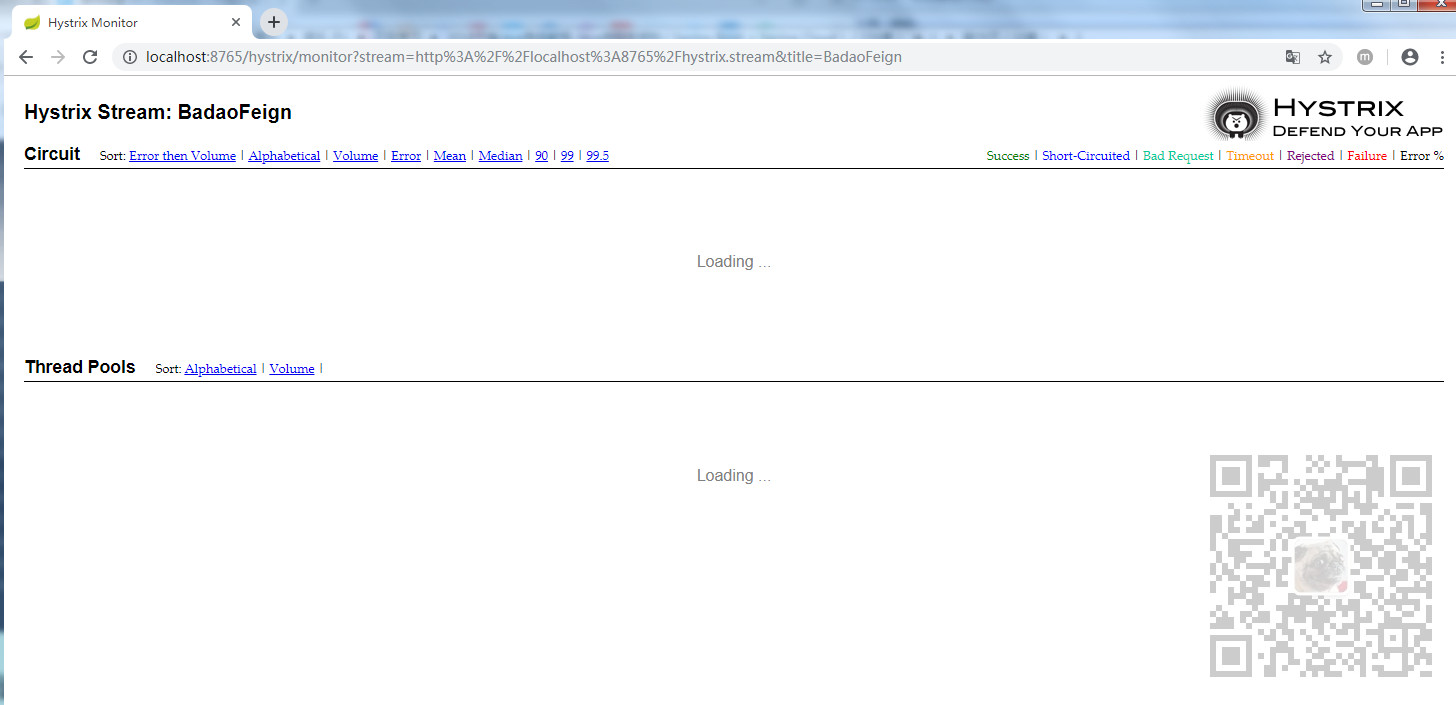
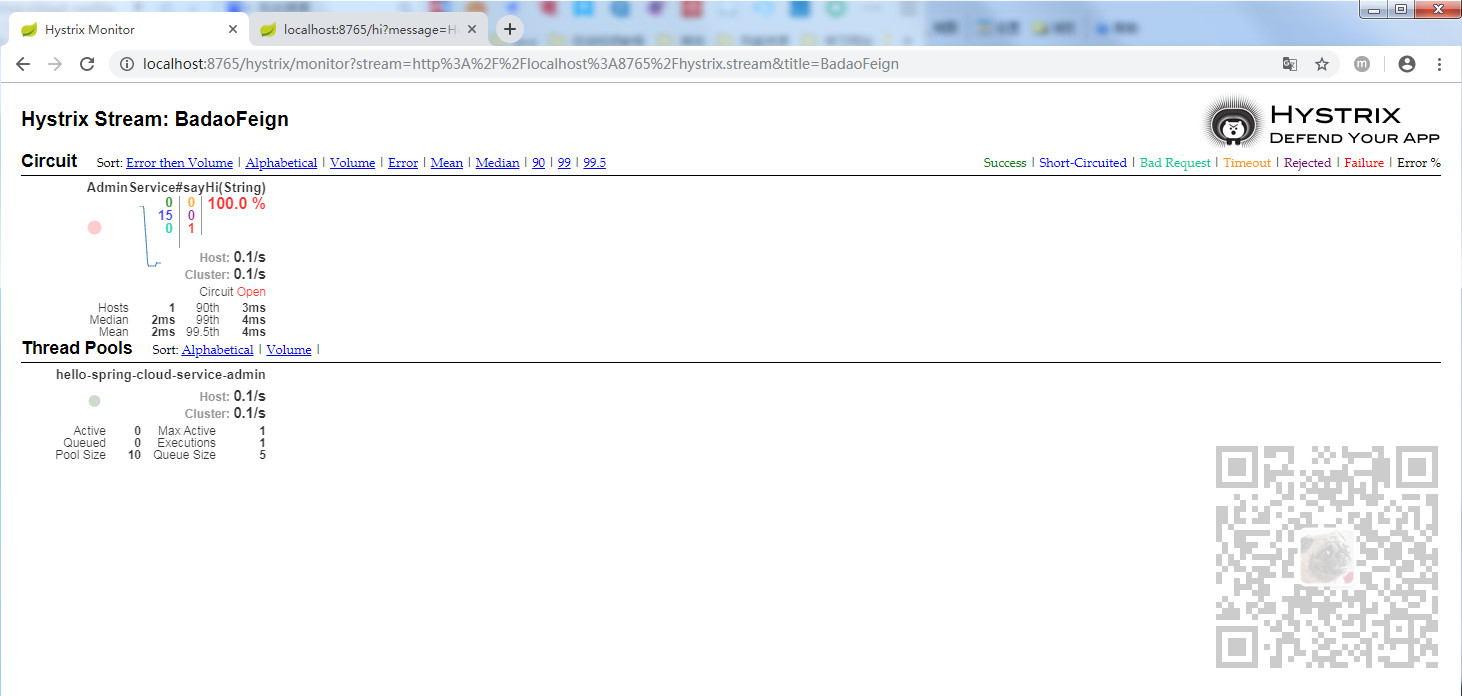
此时我们多次触发熔断器,这里不启动服务提供者,使用服务消费者Feign的方式去请求服务,使其触发熔断,打开浏览器输入:
然后再回到熔断仪表盘这里