步骤
1.登录https://circleci.com官网,给相关权限 2.
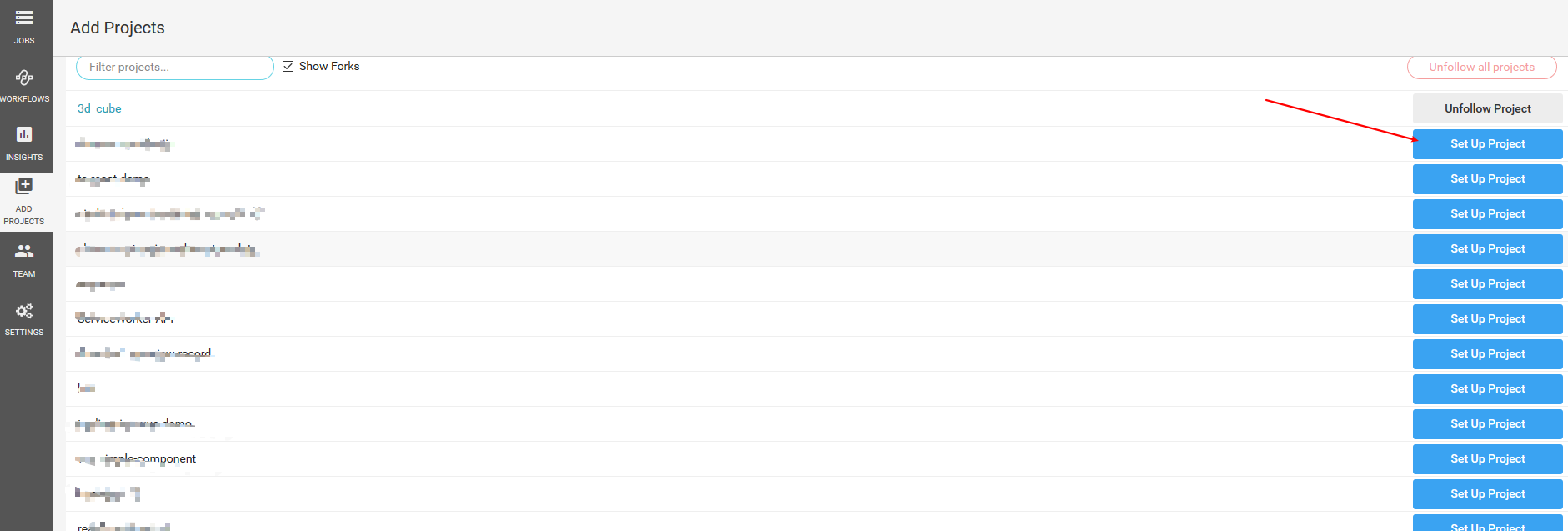
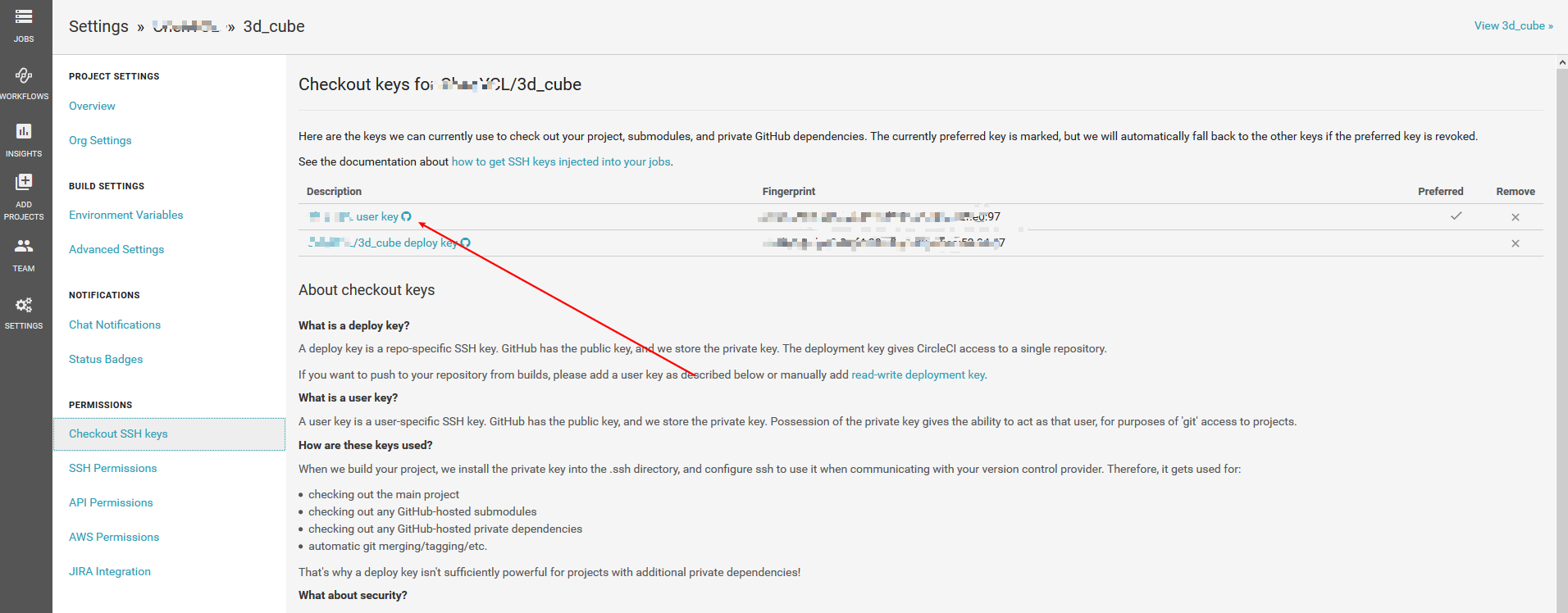
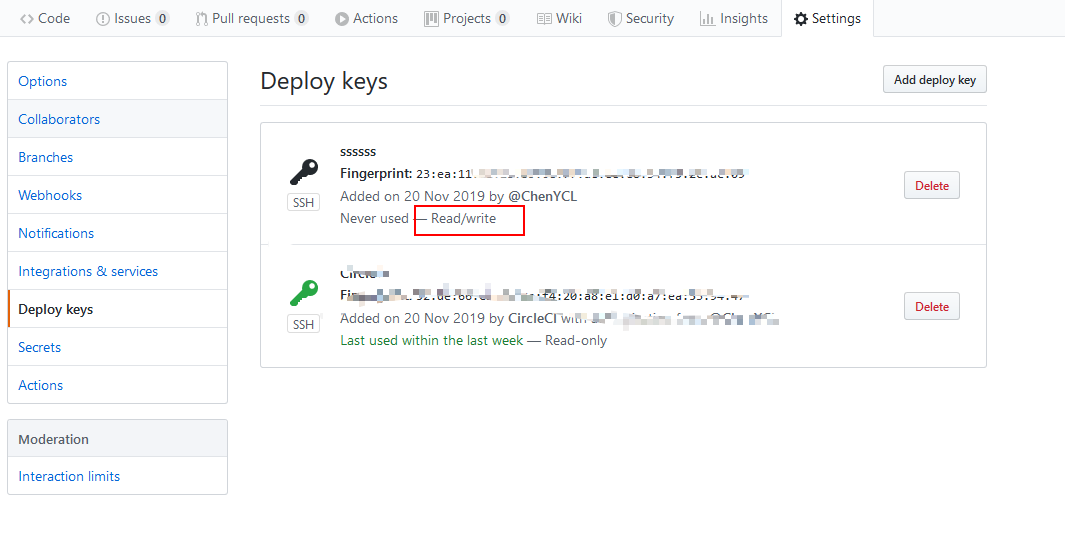
- 项目
- 相关webpack,npm run build指令,包括一些单元测试指令等
- (这里不涉及数据等其他镜像,唯一用的就node环境)
- 项目根目录创建.circleci/config.yml 文件夹/文件
综合我80次踩坑提交,都会遇到gh-pages分支报config找不到,测试了使用了网上常见的git提交方式无果,2.1版本yml等结局如下
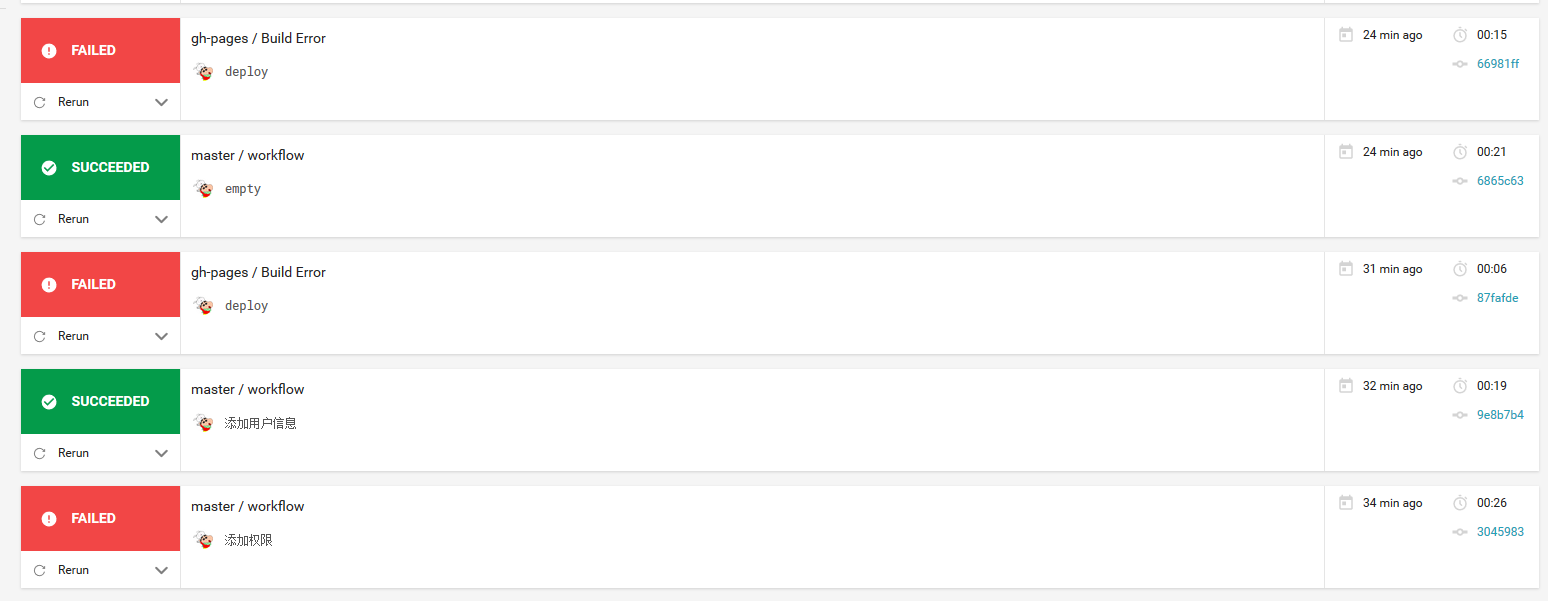
错误详情
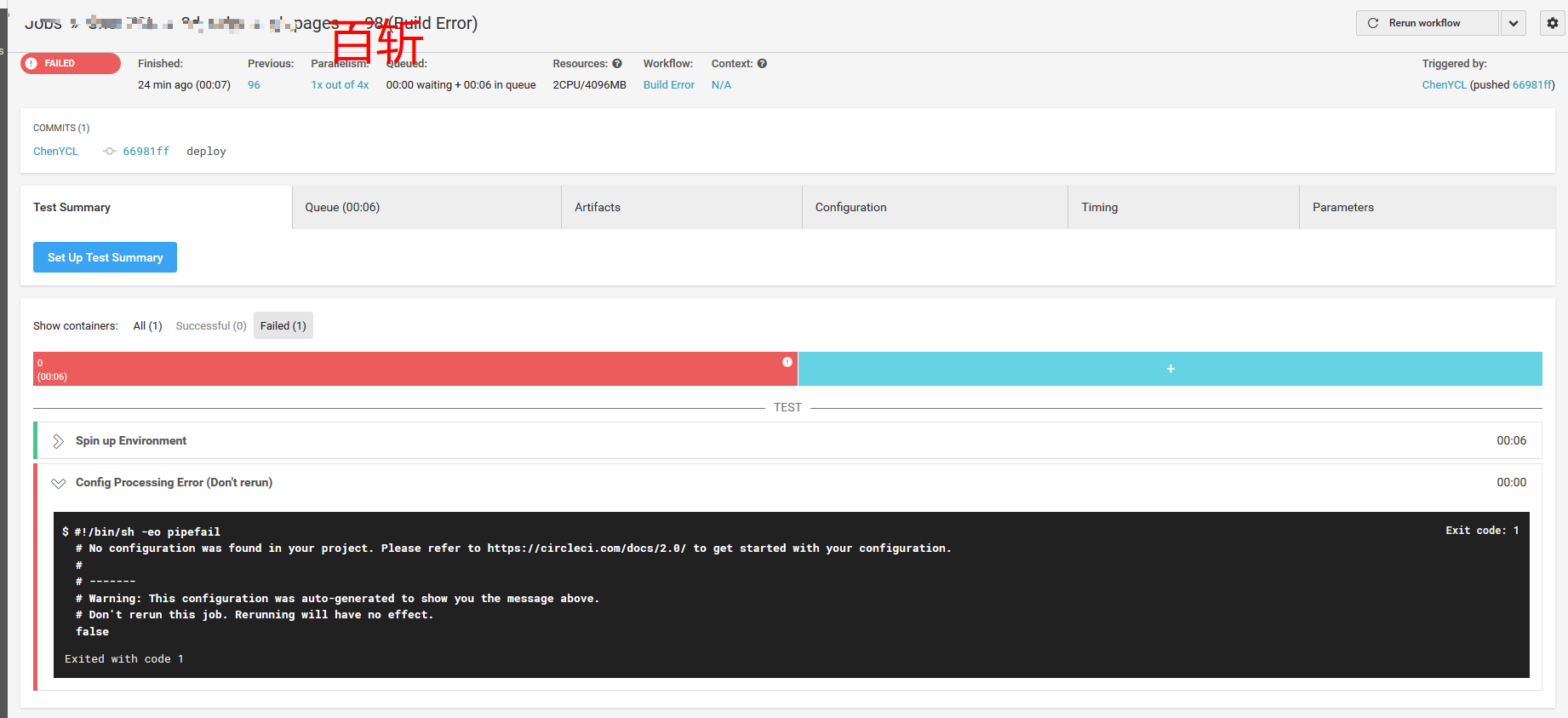
#!/bin/sh -eo pipefail
# No configuration was found in your project. Please refer to https://circleci.com/docs/2.0/ to get started with your configuration.
#
# -------
# Warning: This configuration was auto-generated to show you the message above.
# Don't rerun this job. Rerunning will have no effect.
false

Exited with code 1
谷歌连续搜索了一天半
我确认配置文件是有,gh-pages又不需要再次build,所以配置是不用的,最后在几百个帖子中,二次相遇

commit提交信息包含[ ci skip ]关键字即可 跳过
相关配置文件
config.yml
# config.yml
version: 2
jobs:
  build:
    branches:
      only:
        - master
    docker:
      # specify the version you desire here
      - image: circleci/node:latest

    working_directory: ~/repo
    environment:
      - SOURCE_BRANCH: src
      - TARGET_BRANCH: master
    steps:
      - add_ssh_keys:
          fingerprints:
            - "c9:ab:d4:fd:64:da:b5:3c:d8:8c:c8:9f:a1:2f:e0:97"
      - checkout

      - restore_cache:
          keys:
            - v1-dependencies-{{ checksum "package.json" }}
            # fallback to using the latest cache if no exact match is found
            - v1-dependencies-

      - run:
          name: Install dependencies
          command: npm install

      - save_cache:
          paths:
            - node_modules
          key: v1-dependencies-{{ checksum "package.json" }}
      - run:
          name: chmod
          command: sudo chmod 777 ./deploy.sh
      - deploy:
          name: Deploy
          command: sh ./deploy.sh
deploy.sh
# deploy.sh
#!/usr/bin/env sh

# abort on errors
set -e

# build
npm run build

# navigate into the build output directory
cd dist

# if you are deploying to a custom domain
# echo 'www.example.com' > CNAME

git init
git config --global user.email "xxxx@126.com"
git config --global user.name "用户名"
git add -A
git commit -m 'deploy [ci skip]'

# if you are deploying to https://<USERNAME>.github.io
# git push -f git@github.com:<USERNAME>/<USERNAME>.github.io.git master

# if you are deploying to https://<USERNAME>.github.io/<REPO>
git push -f git@github.com:<用户名>/<项目名>.git master:gh-pages

rm -rf dist
cd -